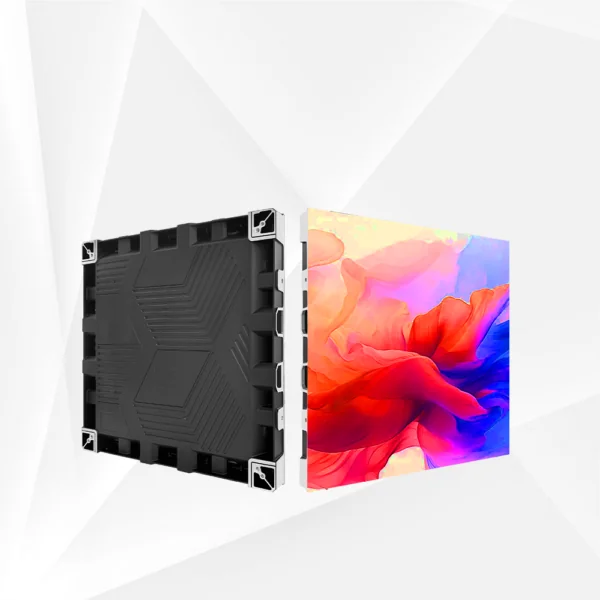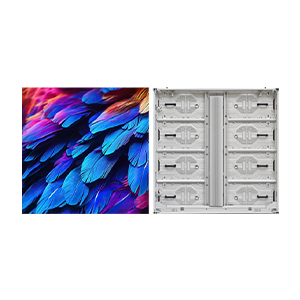
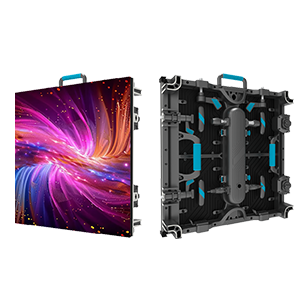
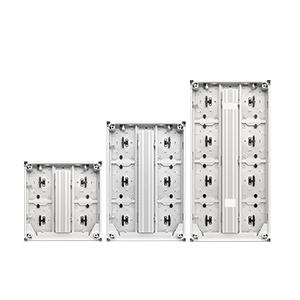

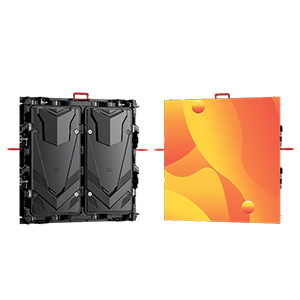
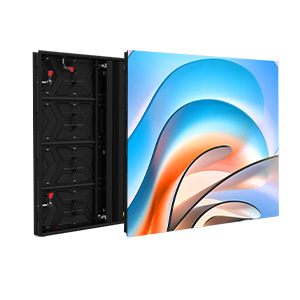

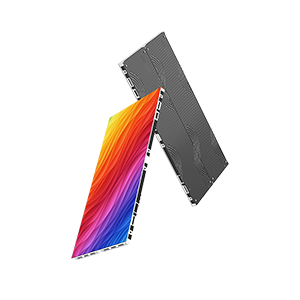

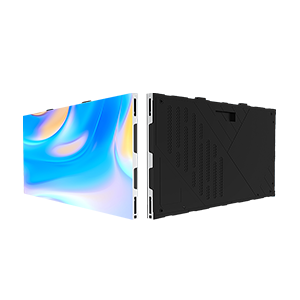






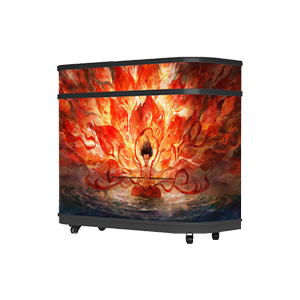









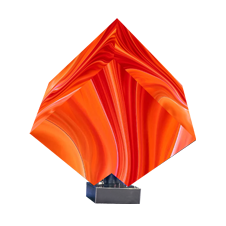
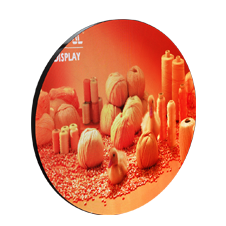



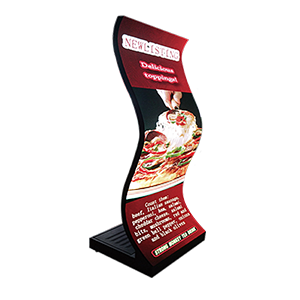


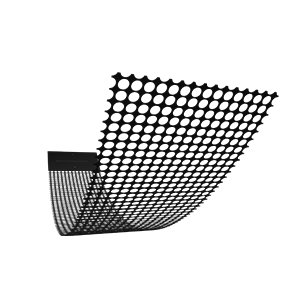
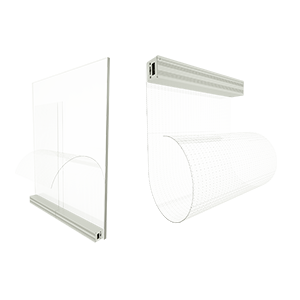
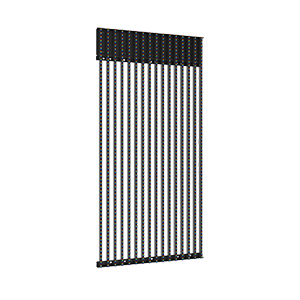






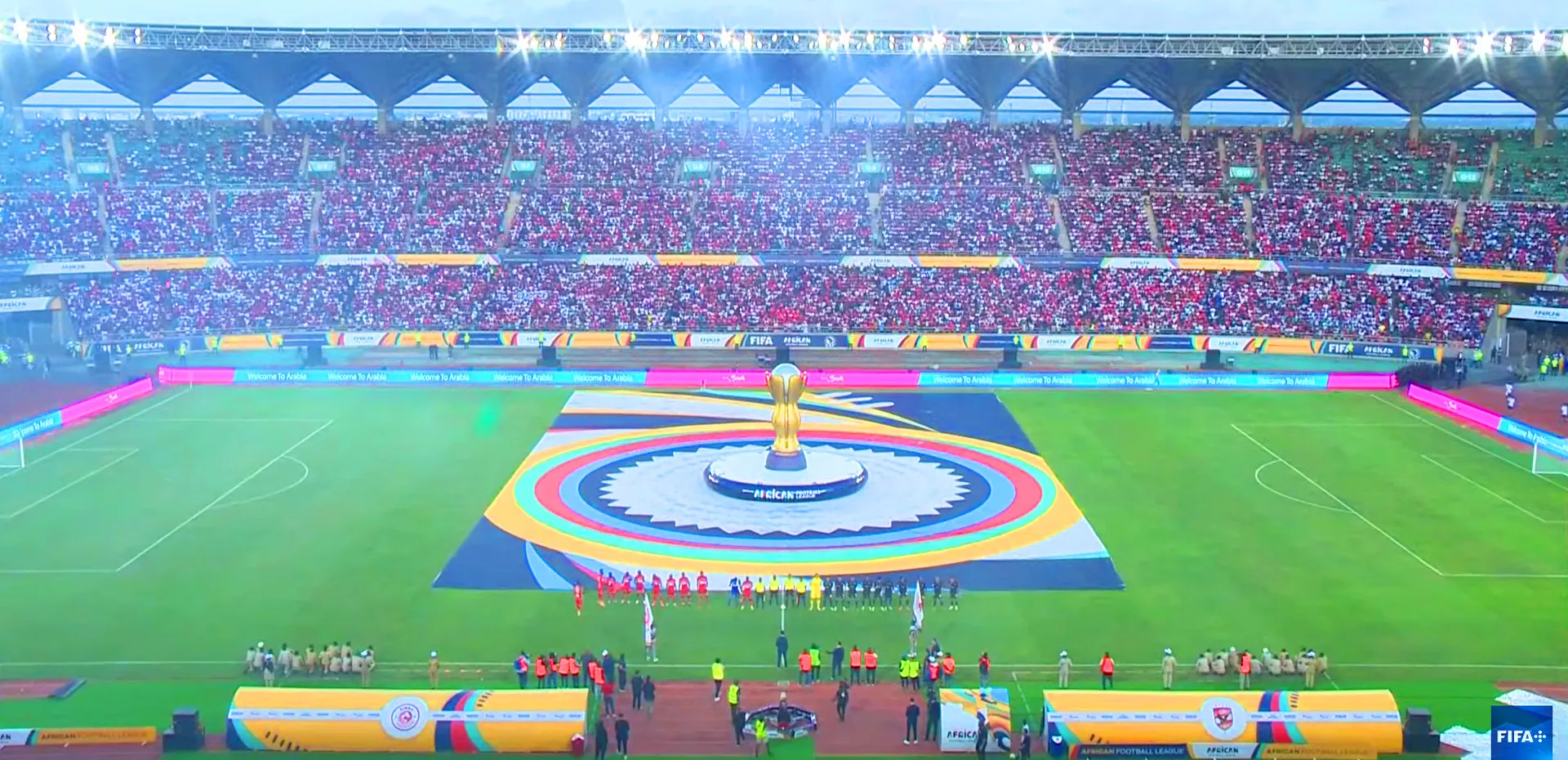

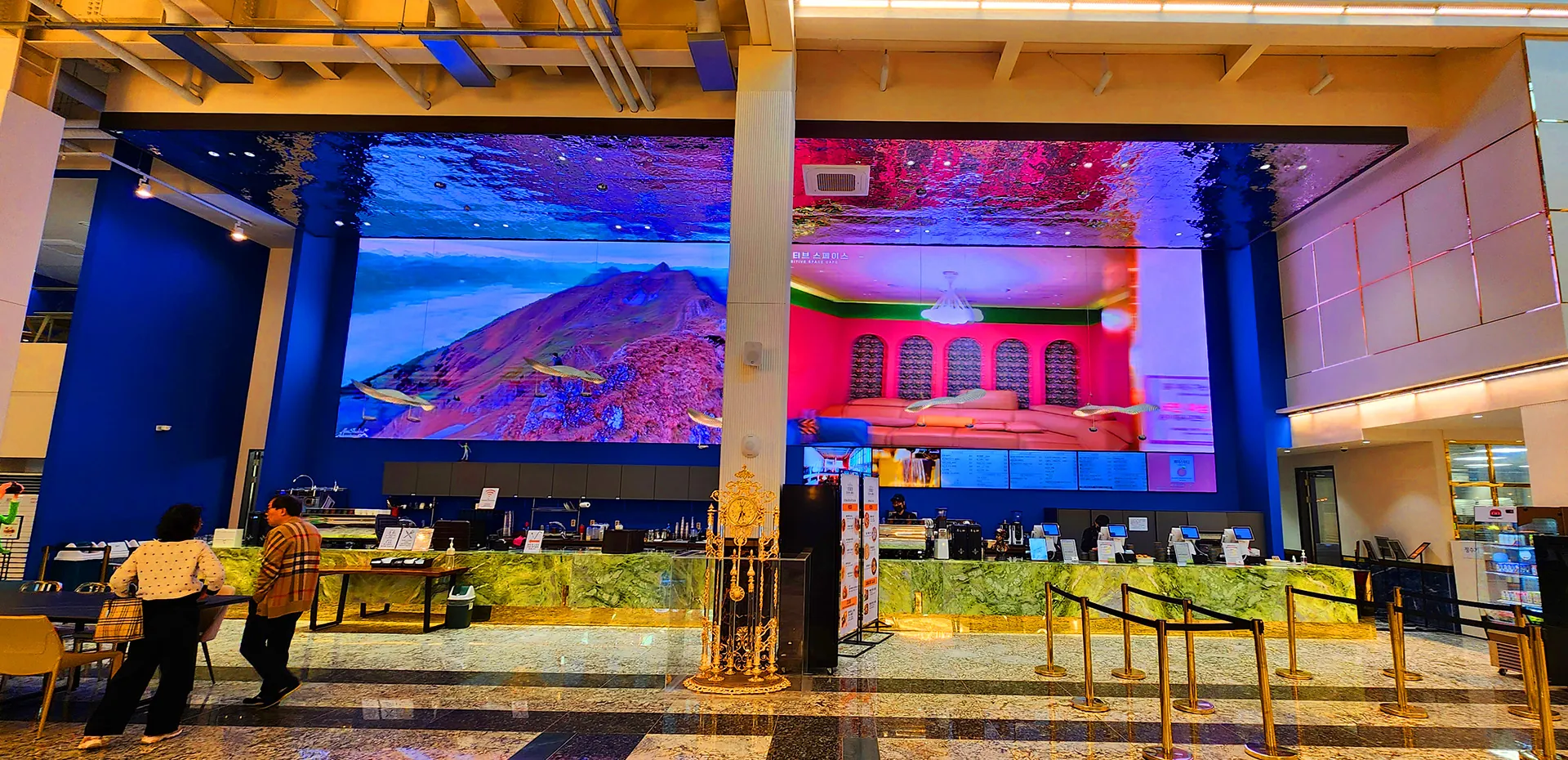
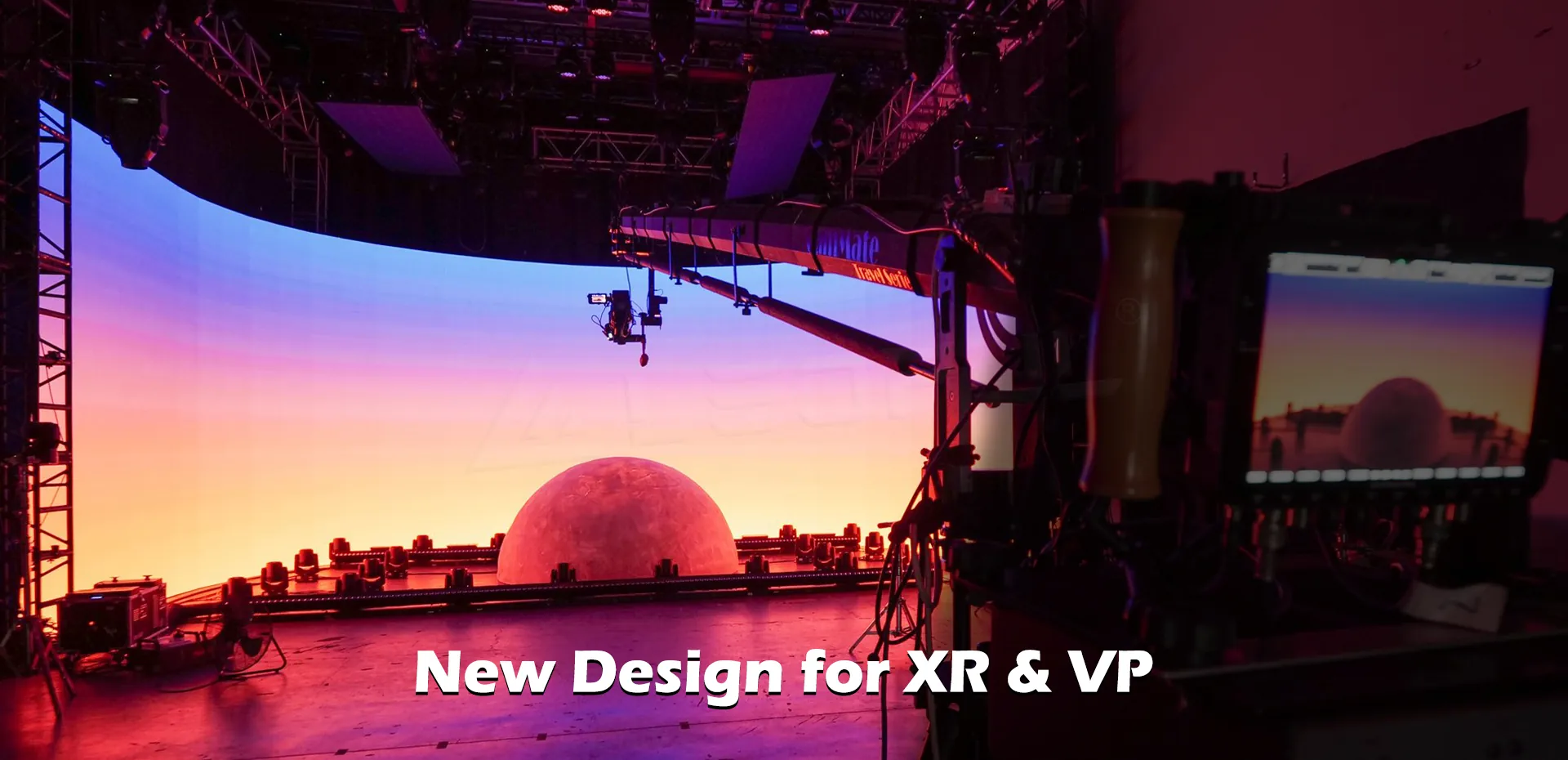
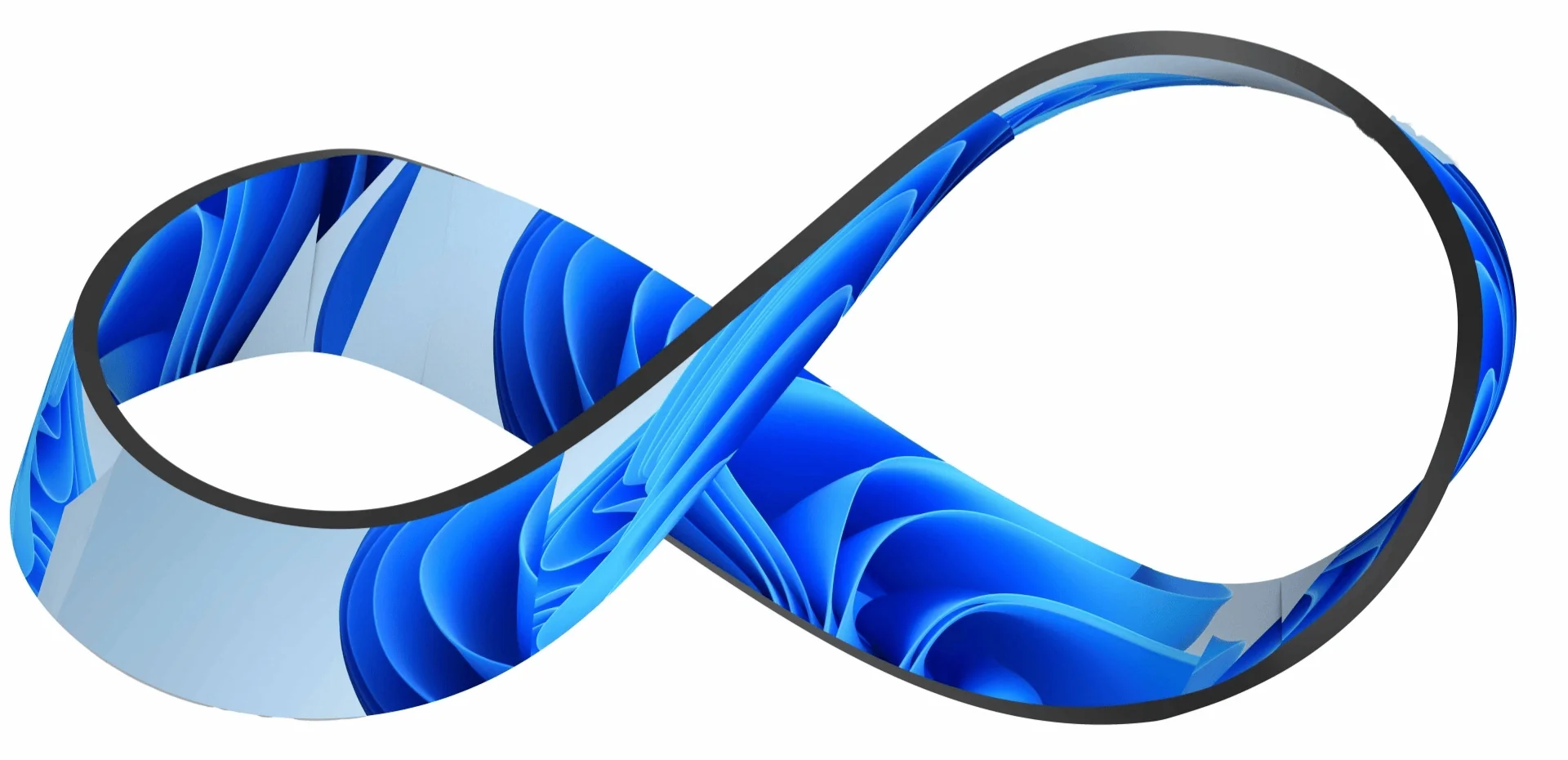








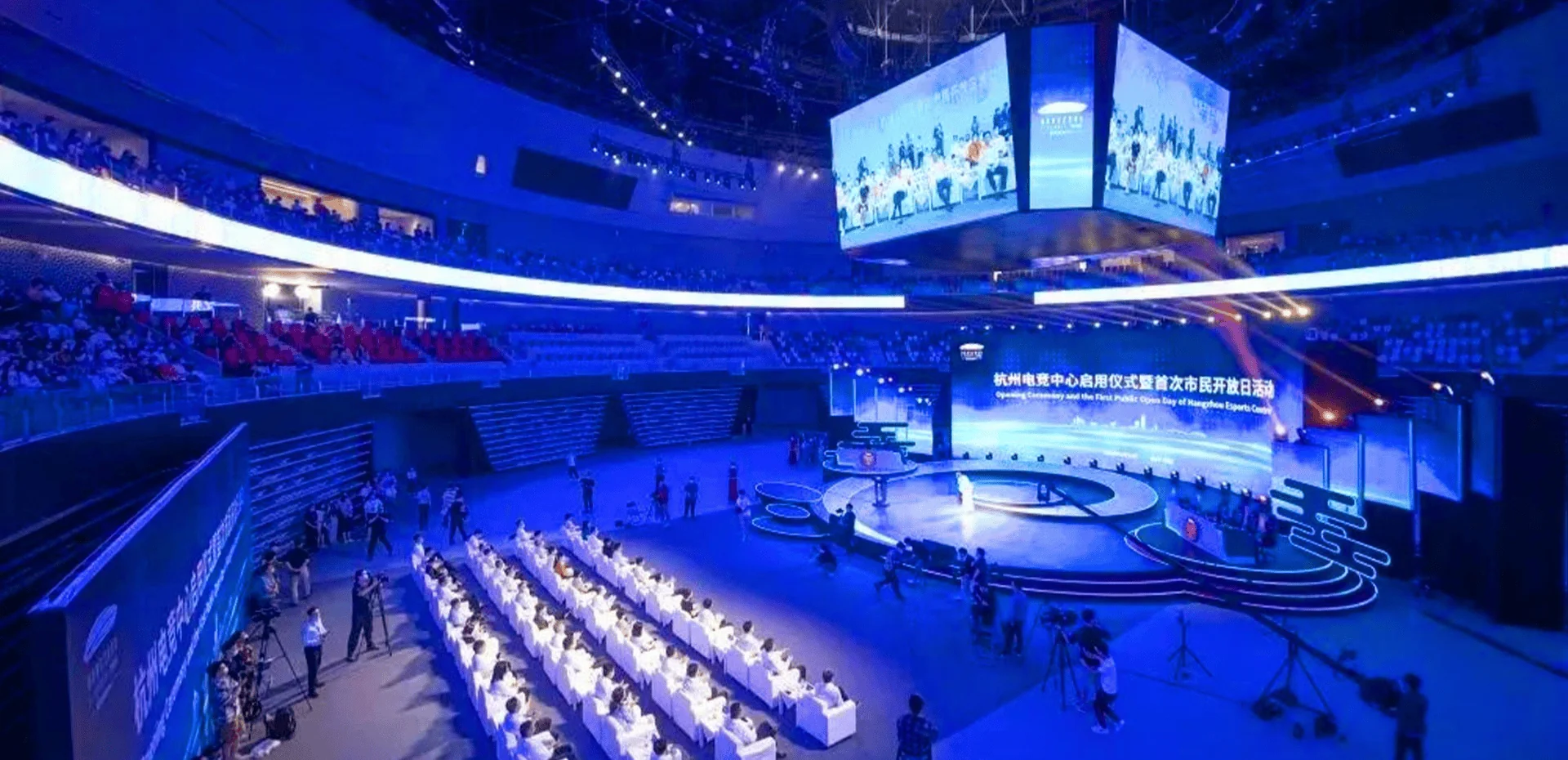

Multiple displays can create a much stronger visual experience, yet synchronization problems quickly become visible when screens show different frames, colors, or timing. Understanding signal flow, processor configuration, playback sources, and network communication gives beginners a practical foundation for managing an indoor advertising LED display screen. At LEDFUL, we approach synchronization as a system-level task in which hardware, software, content, and installation conditions all need to work together.
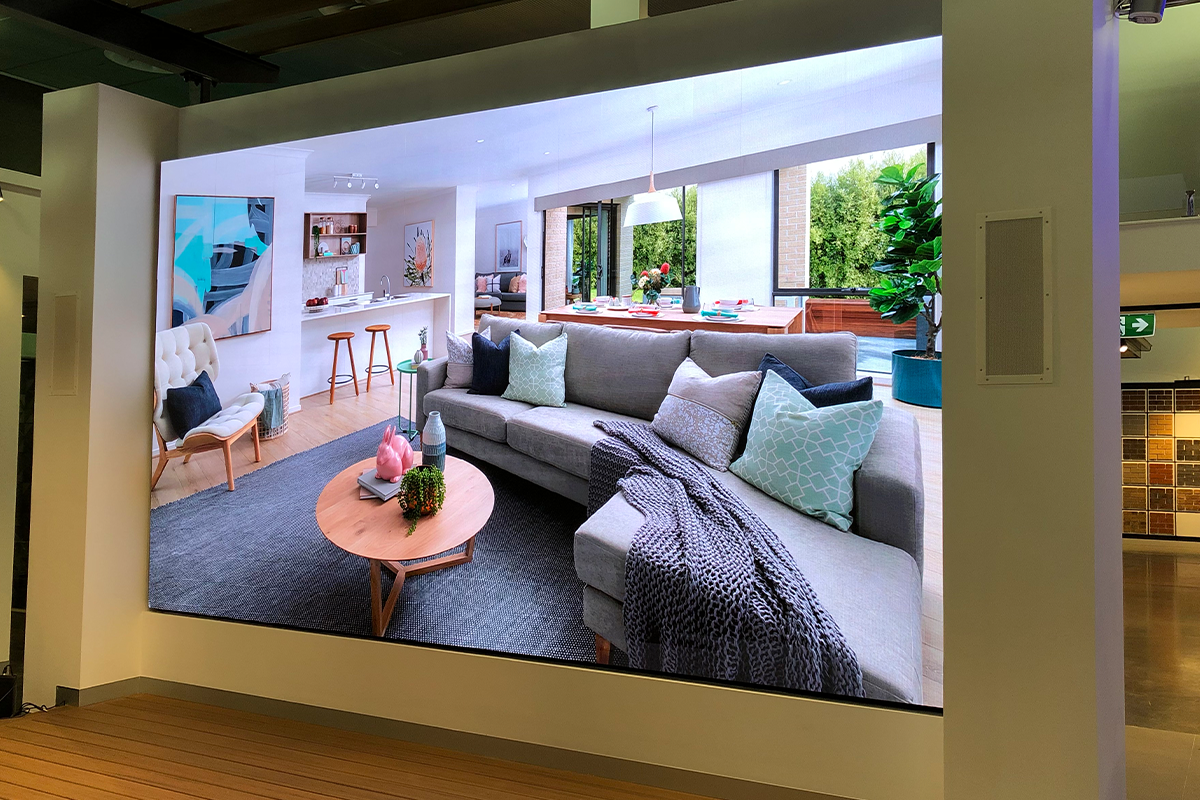
Understanding How Display Synchronization Works
Synchronization refers to keeping multiple LED cabinets or screens aligned in timing and image output. Each display receives digital information through a control chain that may include a media player, sending device, video processor, receiving cards, and data cables. If one part of this chain introduces a timing difference, viewers may notice seams, delayed images, or inconsistent playback.
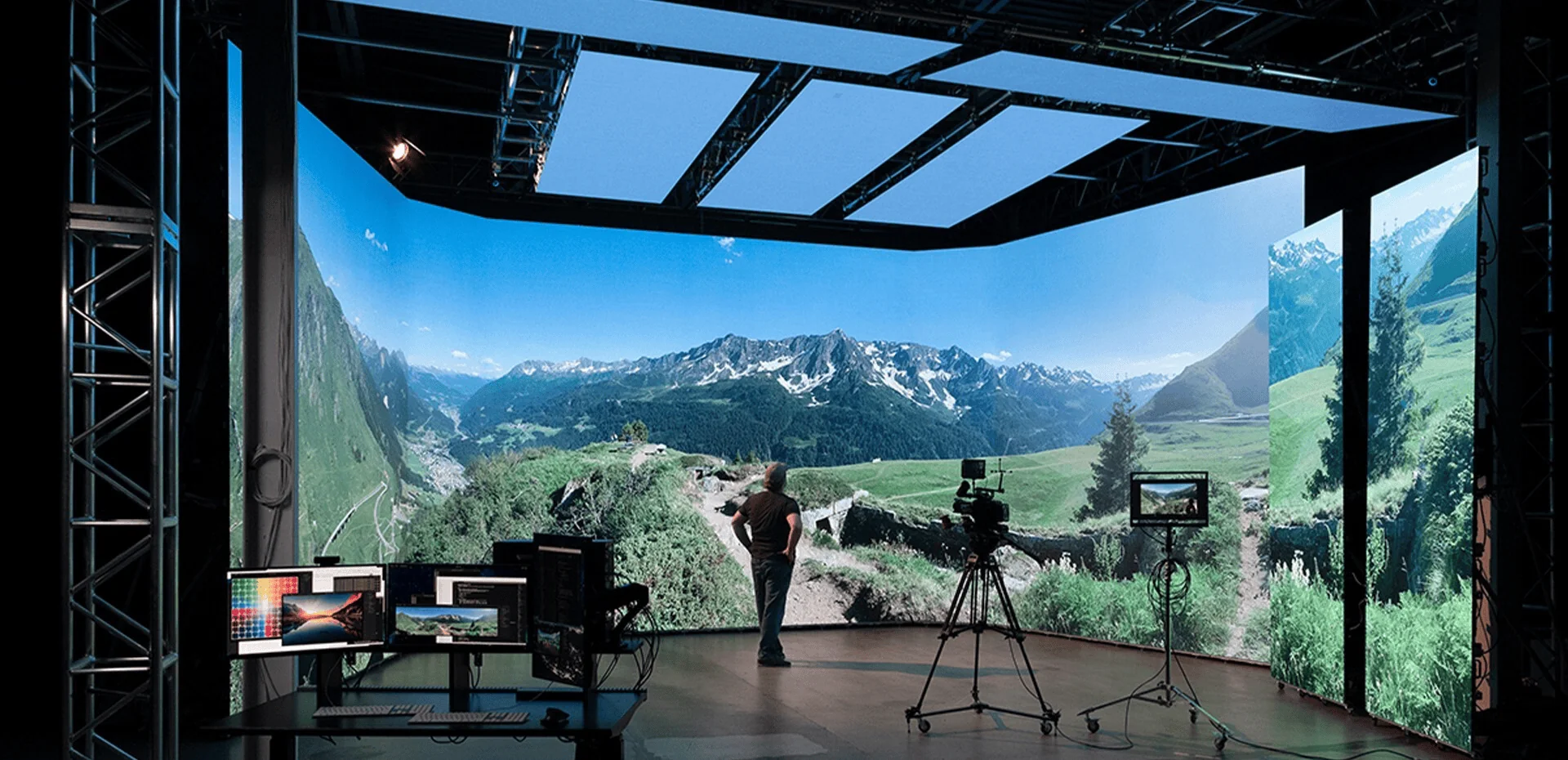
The content source also matters. Multiple screens can display identical material, separate sections of one large canvas, or different content triggered by the same schedule. Before configuration begins, operators should determine which of these modes the installation requires. That decision affects the processor setup and how the playback system distributes visual information.
For indoor LED displays, resolution should be matched carefully between the content canvas and the physical screen. A mismatch can produce scaling artifacts, cropped areas, or unexpected black borders. Mapping the actual pixel dimensions first gives technicians a reliable reference for subsequent configuration.
Preparing The Signal Chain
Signal distribution works best when its path is documented before devices are connected. Operators can identify the source, processor, sending equipment, receiving cards, and cabinet groups in sequence. Clear labeling becomes especially useful in larger installations because troubleshooting becomes much harder when cables and ports have no identifiable relationship to the screen layout.
Network-based control introduces another consideration: communication stability. IP configuration, network topology, device addresses, and transmission distance can influence system behavior. Dedicated display networks are often preferable to heavily shared office networks because they make traffic easier to manage and faults easier to isolate.
An indoor advertising LED display screen may also use different processors or controllers depending on the application. Regardless of the equipment selected, technicians should verify input resolution, output mapping, refresh configuration, and cabinet addressing before starting a full-scale playback test.
Configuring Cabinets And Content
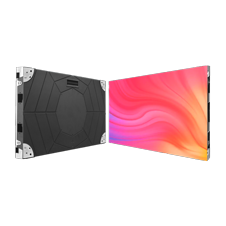
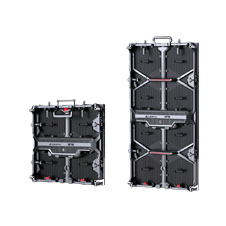
Physical cabinet arrangement needs to correspond with the logical screen map. If the software assumes one cabinet order while the installation follows another, the resulting image may appear scrambled even though every individual module is functioning correctly. Creating a cabinet map based on the actual installation provides a useful reference during commissioning.
Content should be prepared with the final display dimensions in mind. Large-format visuals can be divided across multiple output areas, but each region must retain its intended position and aspect ratio. Text and fine graphics deserve additional attention because small alignment errors are more noticeable around letters, lines, and geometric patterns.
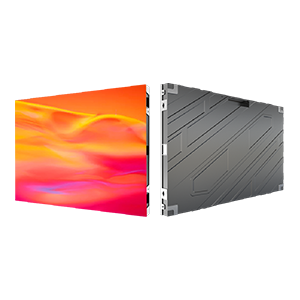
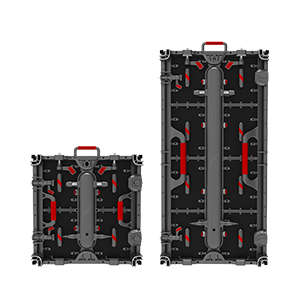
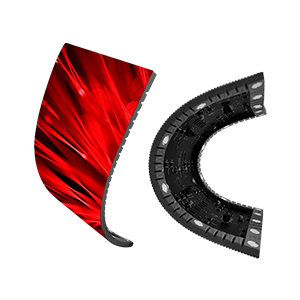
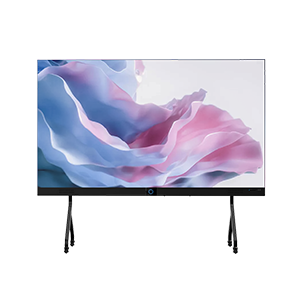
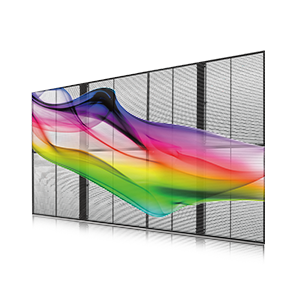
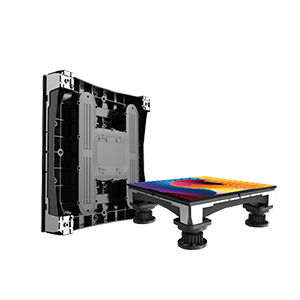
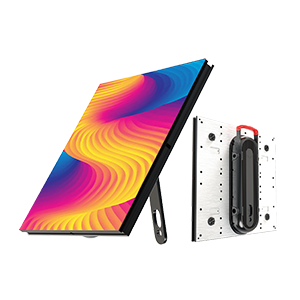
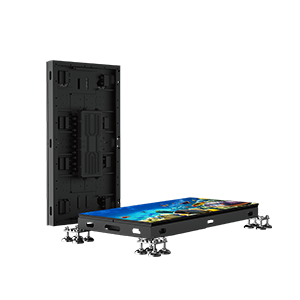
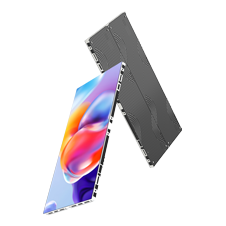
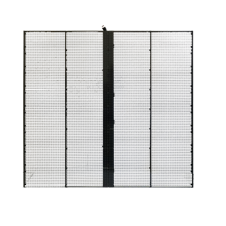
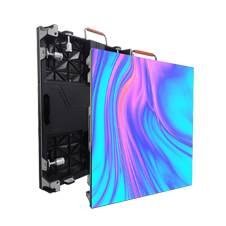
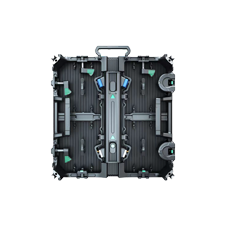
The WALL PRO Series from our indoor range uses an ultra-slim, ultra-light structure with cable-free design and supports both hanging and wall-mounted installation. Its configuration illustrates why physical deployment should be considered alongside signal mapping: the mounting method and screen arrangement can affect how technicians organize the final display layout.
Testing Timing And Image Consistency
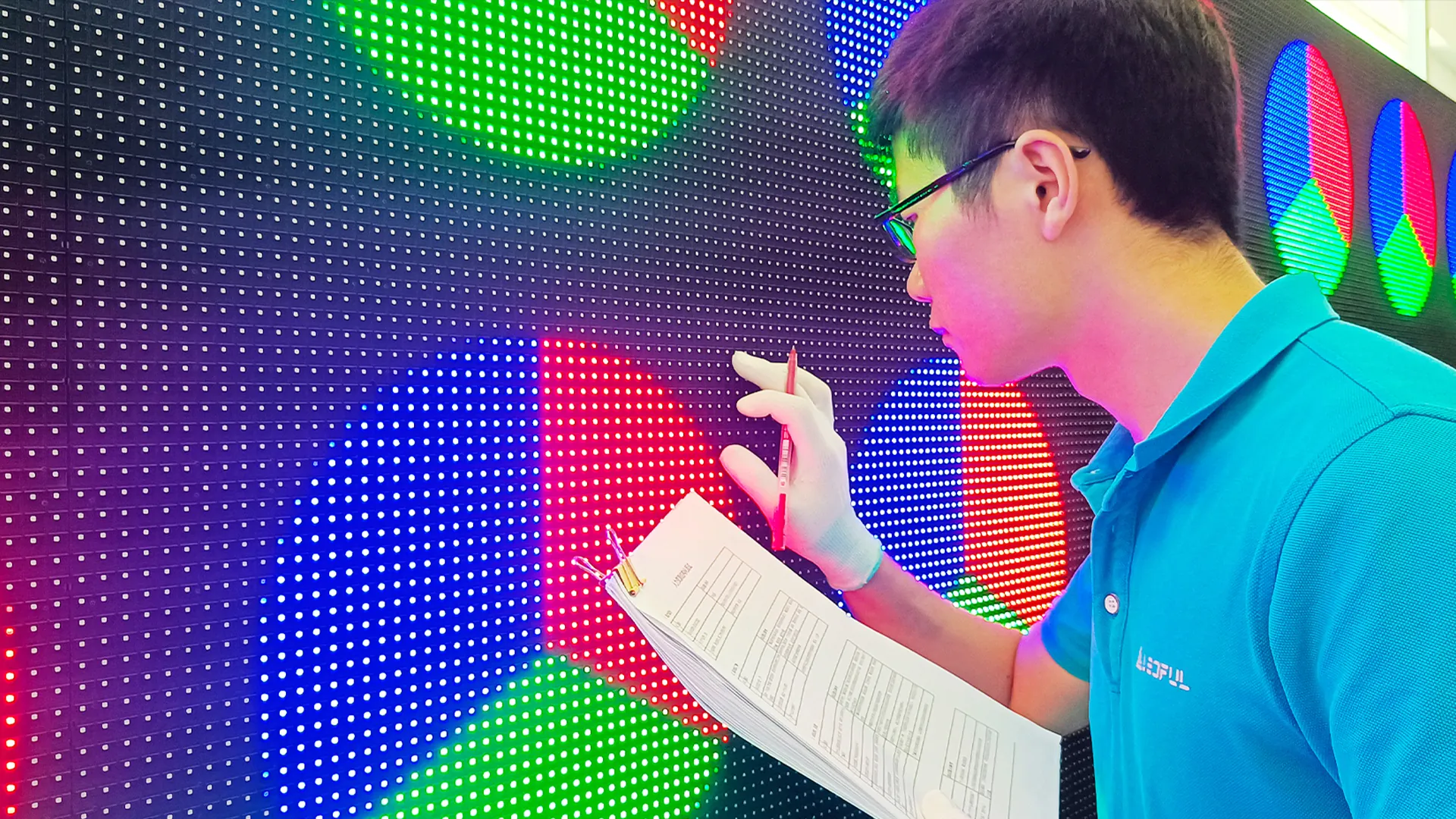
A proper synchronization test should cover more than whether all screens turn on. Technicians can use moving graphics, frame transitions, fine lines, gradients, and high-contrast content to reveal timing or mapping abnormalities. Static images may look correct even when a system has subtle synchronization issues during motion.
Color consistency should also be checked across the entire installation. Differences in brightness, white balance, grayscale behavior, or calibration can make adjacent screens appear disconnected. Testing under normal viewing conditions provides more useful information than inspecting the display from an unusual angle or with unrelated content.
If a problem appears, change one variable at a time. Checking the source first, followed by processor settings, data paths, receiving-card configuration, and cabinet mapping, creates a logical troubleshooting sequence. This method avoids making several simultaneous changes that could obscure the original cause.
Maintaining Reliable Synchronization
Long-term stability depends partly on keeping configuration records. Screen dimensions, cabinet maps, processor settings, receiving-card parameters, cable routes, and software versions should be documented after commissioning. Such records can save considerable time if a controller is replaced or the display is expanded later.
Routine checks can focus on signal interruptions, abnormal image behavior, network communication, loose connections, and unexpected configuration changes. Software updates should also be handled carefully, with existing settings backed up before modifications are introduced. A stable operating procedure helps distinguish genuine hardware faults from configuration errors.
Conclusion
Synchronization becomes much easier to understand once the display is viewed as a connected chain rather than a single piece of equipment. Our team at LEDFUL considers source management, signal routing, cabinet mapping, content preparation, testing, and documentation together when supporting display projects. With these fundamentals in place, indoor LED displays can maintain consistent visual timing across larger installations, while operators gain a clearer method for diagnosing problems with an indoor advertising LED display screen before they disrupt normal content playback.