

























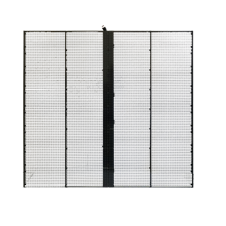
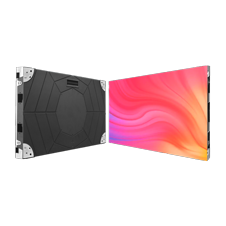
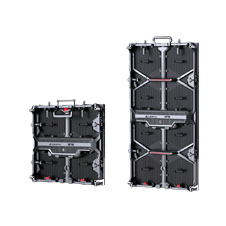

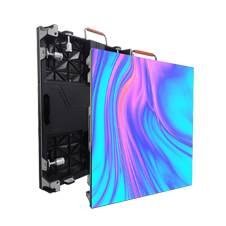




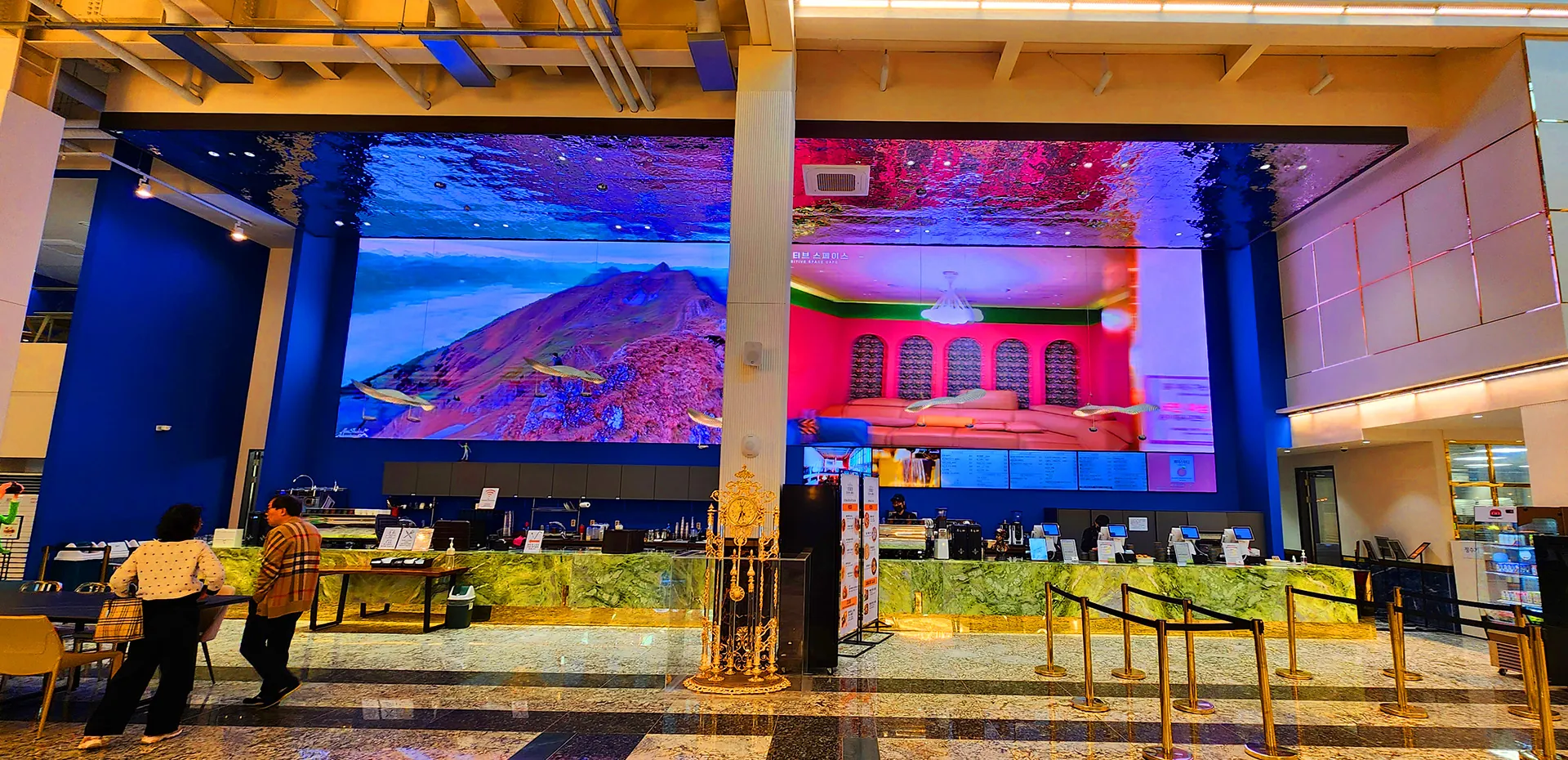
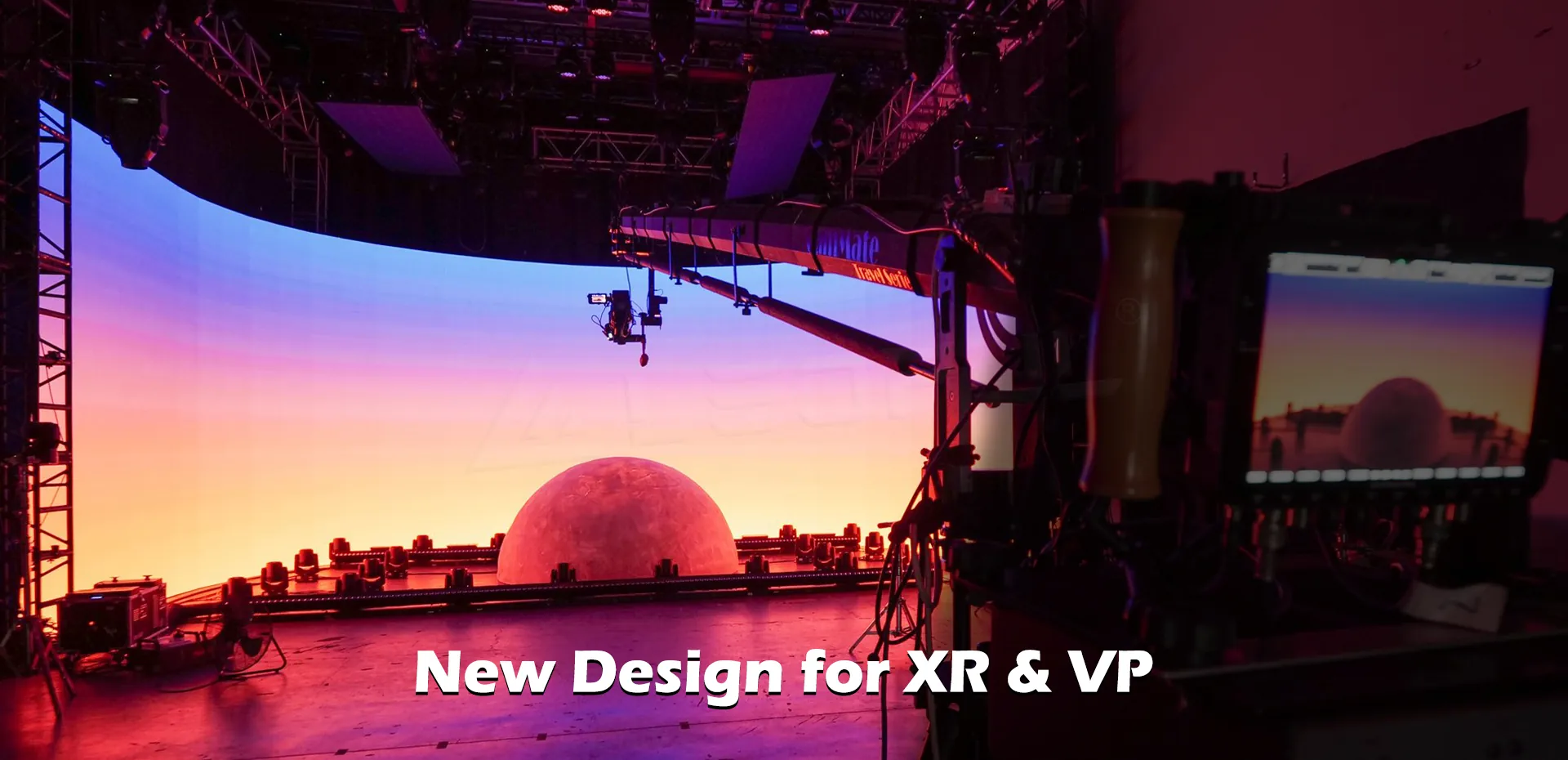



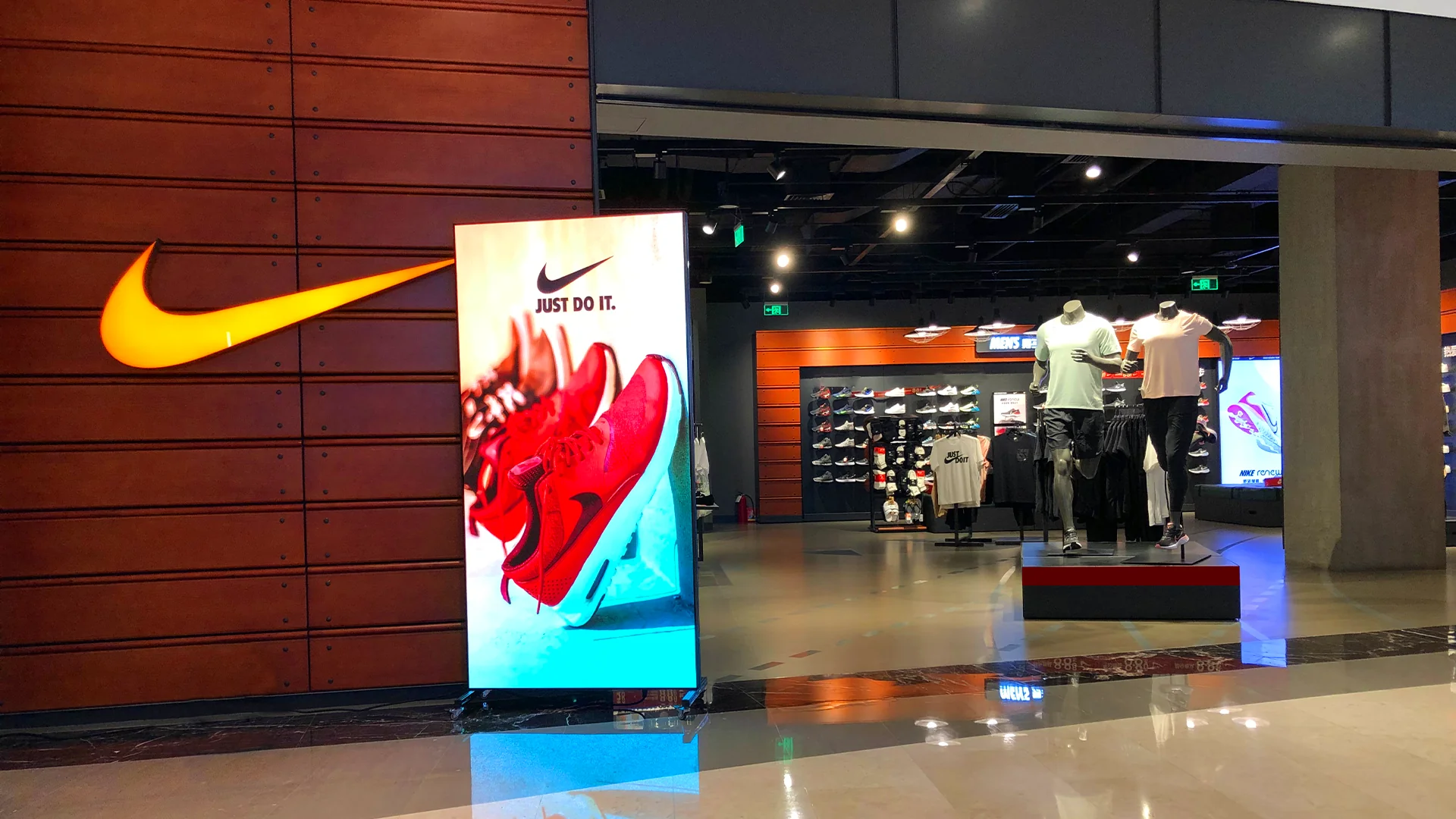








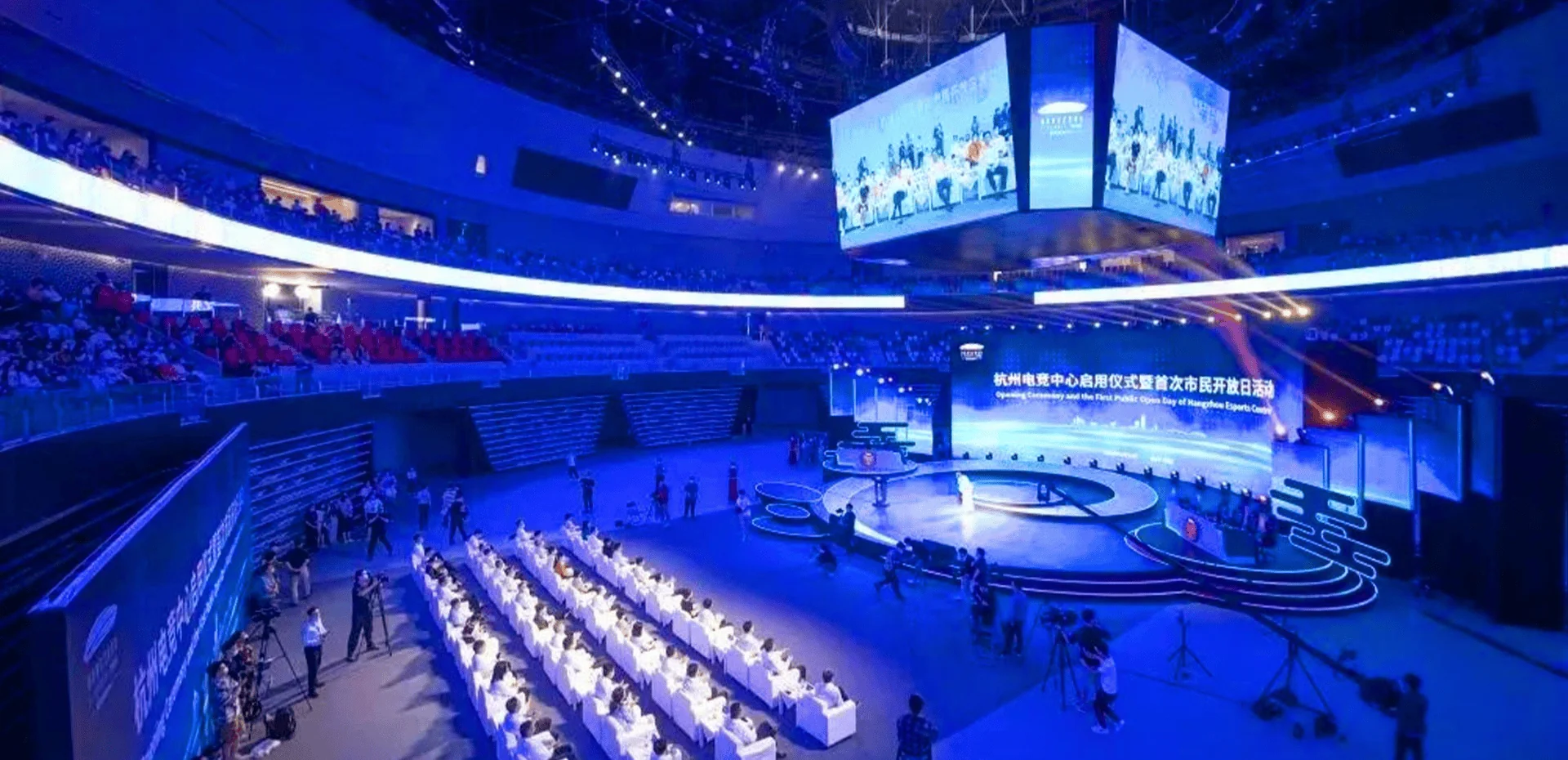

Even the best indoor LED displays can encounter performance hiccups—dead pixels, flickering, color inconsistency, or partial blackouts. Over years of supporting integrators and facility managers, we have learned that most issues do not require a full service call. Quick, methodical troubleshooting restores your indoor LED display screen to full functionality with minimal downtime. Below we address three frequent problems and their proven fixes, drawn directly from our field experience.
Dead or Stuck Pixels: Isolate and Replace
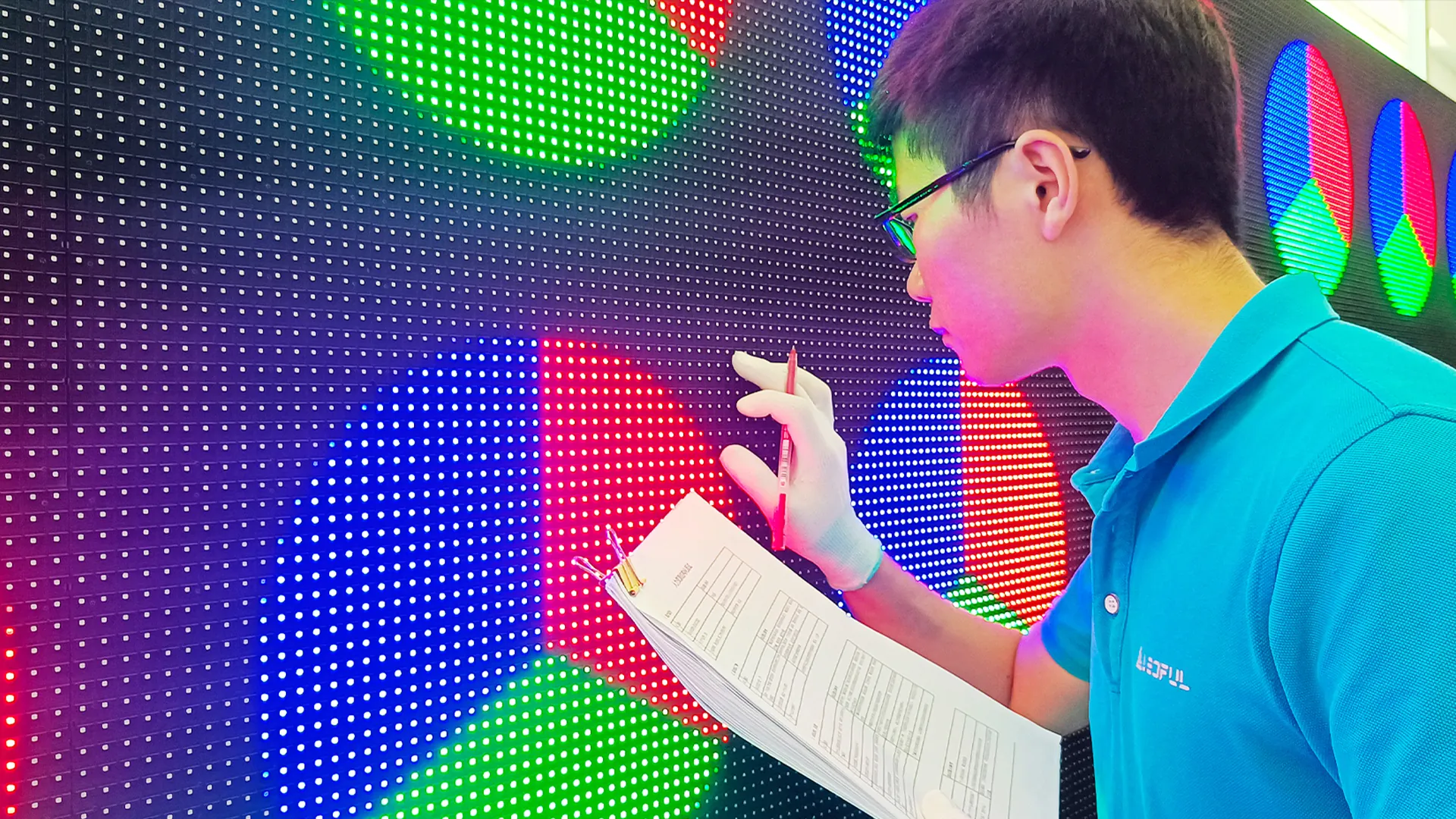
Nothing distracts an audience faster than a cluster of bright or dark spots on an indoor LED display screen. First, determine whether the issue is a single pixel (one LED chip) or an entire module. For a single dead pixel on indoor LED displays, gently clean the surface—dust trapped between the mask and the LED can simulate failure. If cleaning fails, the pixel itself is likely burned out. However, modern modular designs make repair straightforward. Locate the affected module (typically a 128×128 or 256×128 pixel block), power down the indoor LED display, unclip the faulty module, and snap in a spare. We always recommend keeping 2–3 spare modules per installation. For entire rows or columns malfunctioning, inspect the ribbon cable between the module and receiving card; reseating it solves 70% of such cases.
Flickering or Flashing Screen: Signal and Power Checks
A flickering indoor LED display screen usually points to unstable signal or inadequate power. Start with the obvious: check that all data cables (Ethernet or fiber) are securely locked at both the sending card and the indoor LED displays’ receiving cards. Loose connections cause intermittent sync loss. Next, measure voltage at the display’s power distribution box—most indoor LED displays require a stable 4.5V–5V DC. Droops below 4.2V trigger flickering. If voltage is low, calculate total load against your power supply rating; under-specification is a common shortcut during installation. Finally, review your refresh rate settings in the control software. A setting below 1920 Hz often introduces visible flicker under camera or smartphone video.
Color Inconsistency Across Panels: Calibration First
When one area of your indoor LED display screen looks warmer or cooler than adjacent panels, the issue is rarely hardware failure. First, confirm that all modules share the same brightness level (typically 800–1200 nits for indoor use). Mismatched brightness settings create visible seams. Then, perform a quick white-balance test using your sending card software (NovaStar or ColorLight). If patches remain uneven, run a full calibration routine. Many indoor LED displays store per-module correction data; if this data was erased during a firmware update, reload the original calibration file. For persistent color shift, examine the LED driver ICs on the problematic module—burnt ICs cause entire color channels to drop.
Partner with LEDFUL for Reliable Indoor Solutions
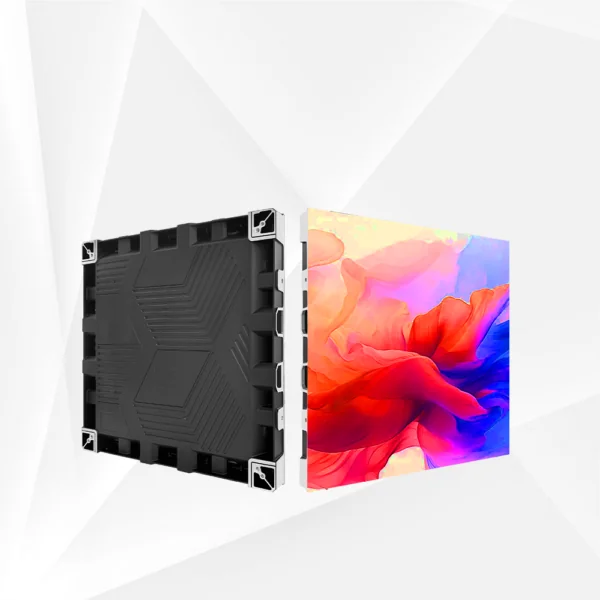
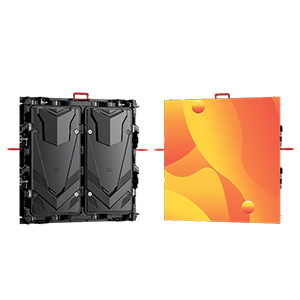
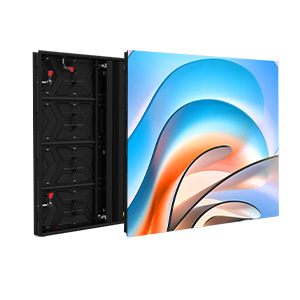
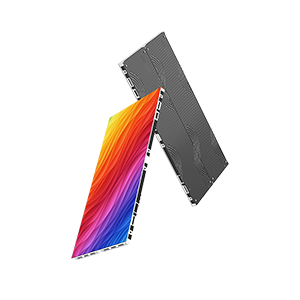
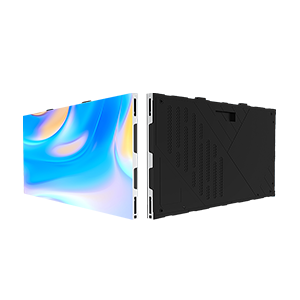
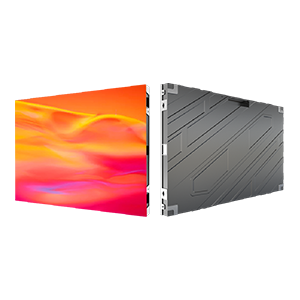
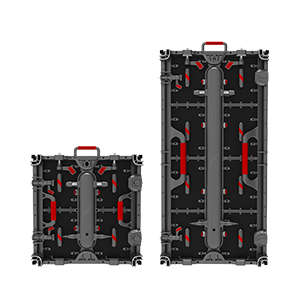
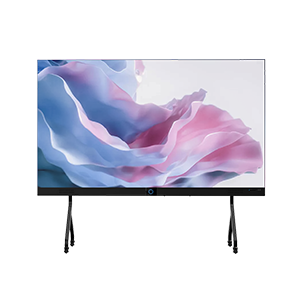
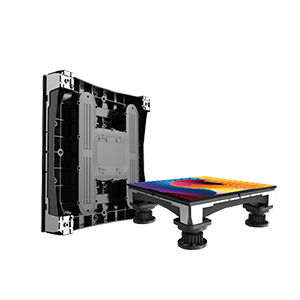
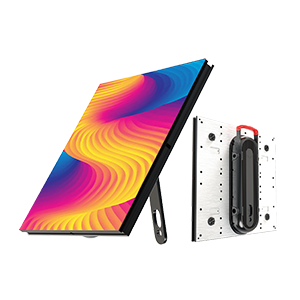
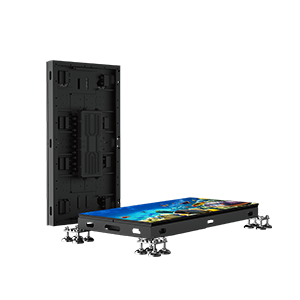
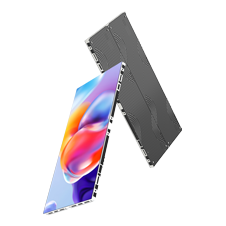
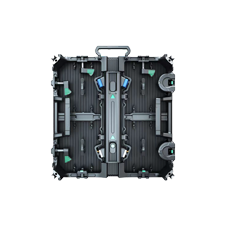
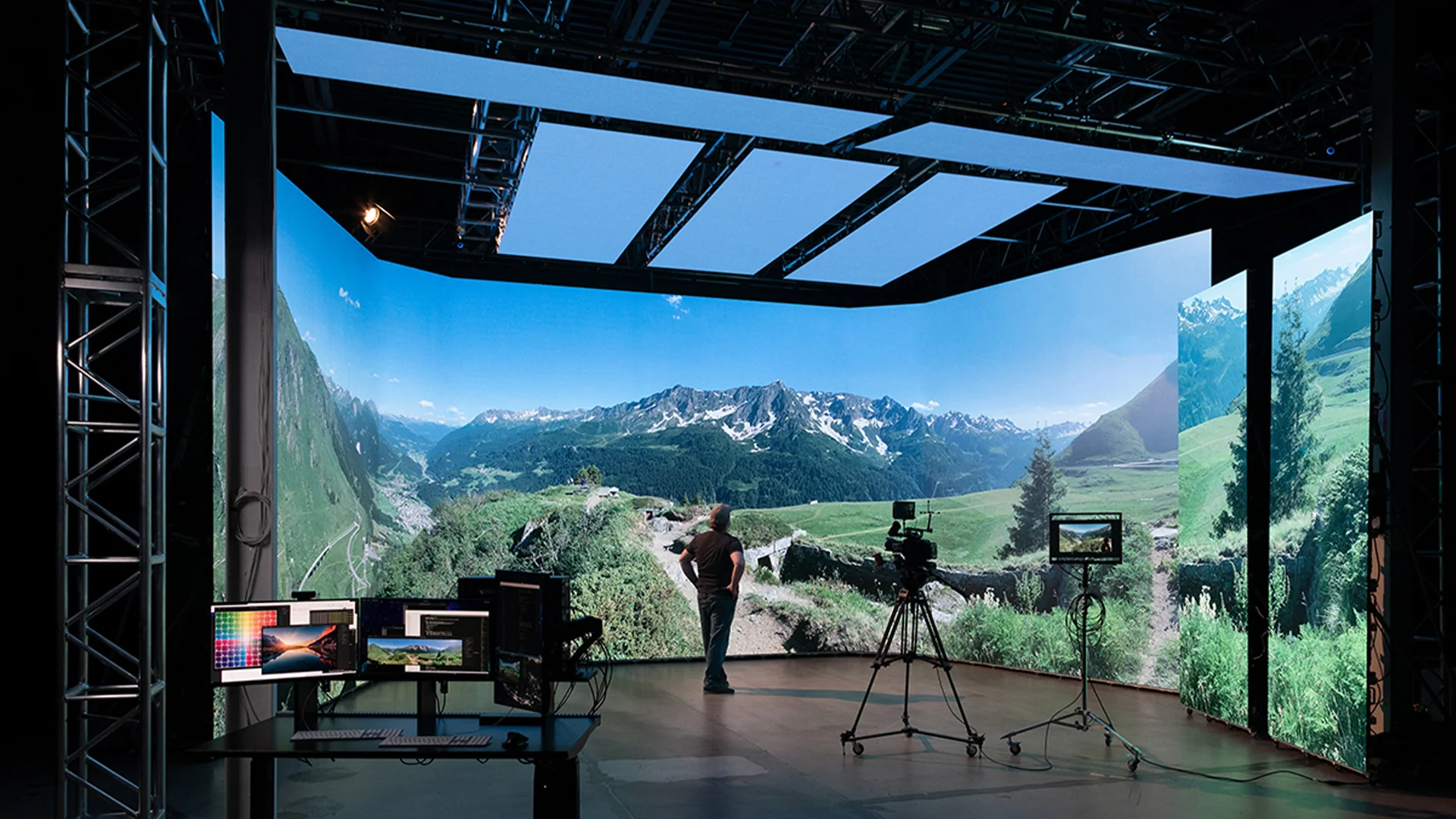
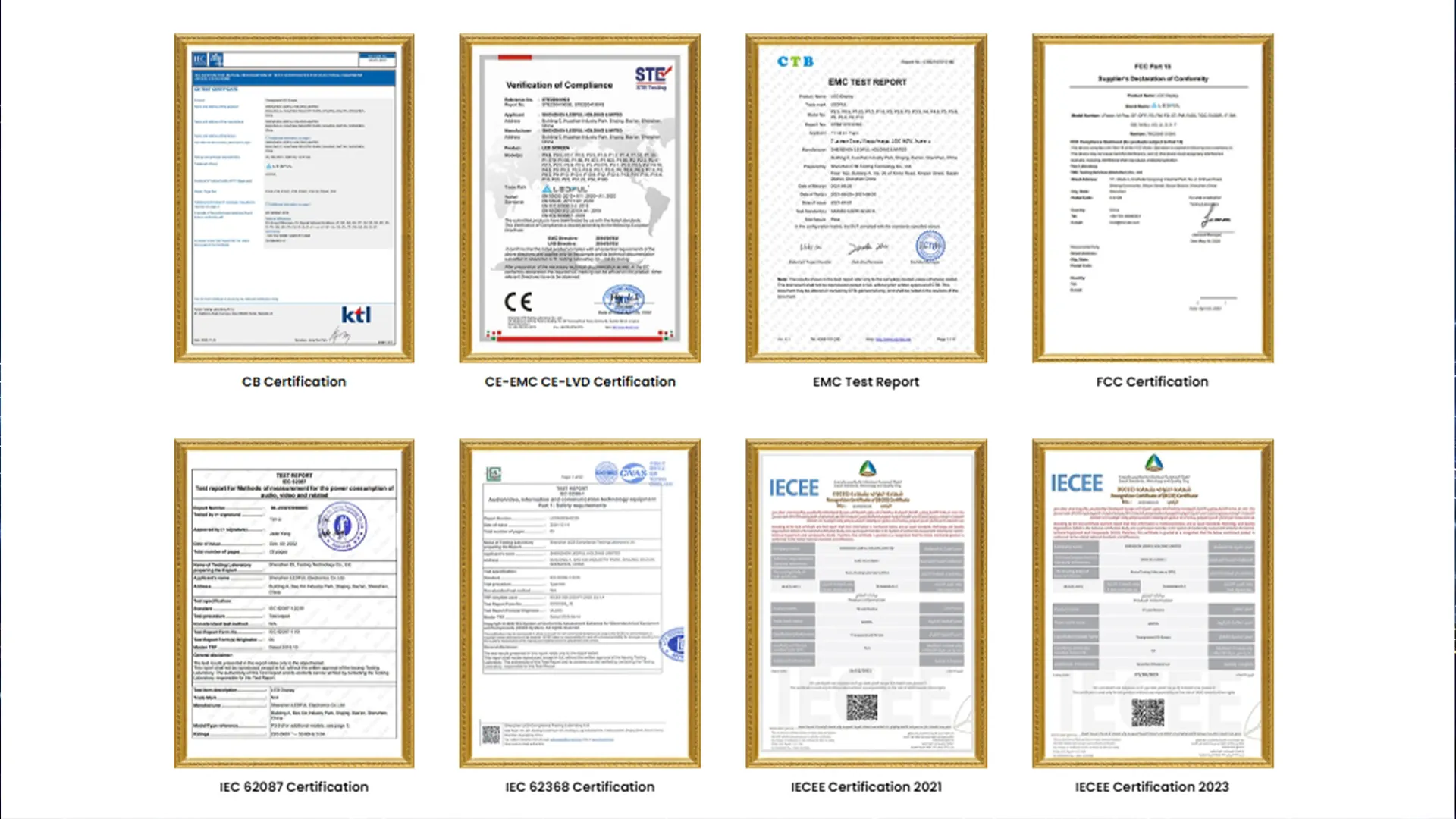
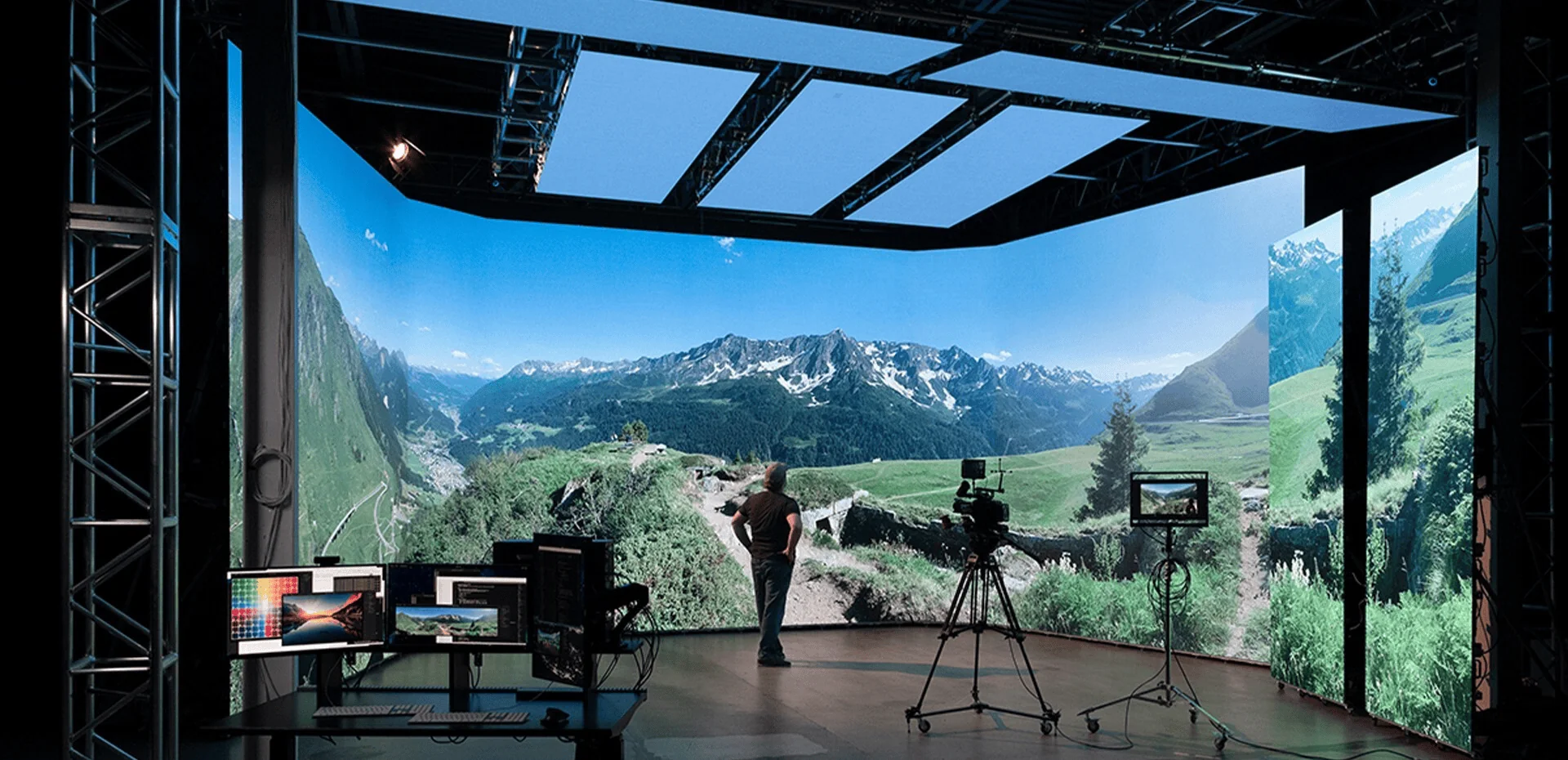
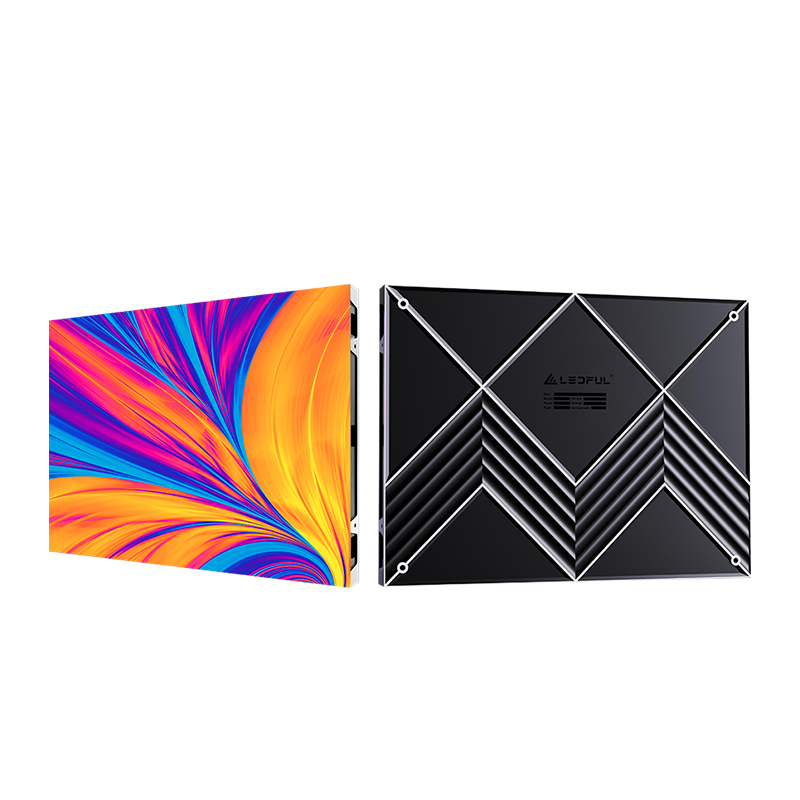
At LEDFUL, we engineer our indoor LED displays to minimize these very disruptions. Take our BM PRO Series: an indoor high-definition LED display screen featuring a lightweight cabinet for easy installation and a cable-free HUB design that simplifies maintenance. Swapping a module takes under 60 seconds without unplugging tangled wires. When you choose LEDFUL, you are not just buying indoor LED displays—you are gaining a partner who provides spare modules, calibration tools, and 24/7 troubleshooting support. From conference rooms to broadcast studios, we keep your visuals flawless.