


































Introduction
When selecting an LED display, many customers focus on screen size, brightness, or price, but one of the most important factors affecting image quality is often overlooked: pixel pitch and viewing distance.
Choosing the wrong pixel pitch can result in blurry images, unclear text, and poor visual experiences. A screen designed with too large a pixel pitch may look pixelated when viewed from a short distance, while choosing an unnecessarily small pixel pitch can increase project costs without improving the actual viewing experience.
Understanding the relationship between LED screen pixel pitch and viewing distance helps businesses select the right display solution for conference rooms, retail stores, control centers, advertising spaces, and outdoor applications.
This guide explains what pixel pitch means, how viewing distance affects LED image quality, and how to choose the right LED display for your project.
What Is Pixel Pitch in LED Displays?
Understanding LED Pixel Pitch
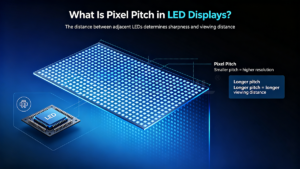
Pixel pitch refers to the distance between the centers of two adjacent LED pixels, usually measured in millimeters (mm).
For example:
- 2 means the distance between pixels is 1.2mm
- 5 means the distance between pixels is 2.5mm
- P5 means the distance between pixels is 5mm
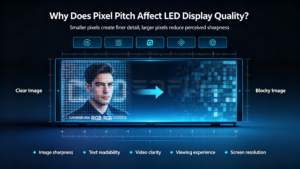
The smaller the pixel pitch, the closer the LED pixels are positioned together, creating higher pixel density and better image detail.
A smaller pixel pitch LED display is typically designed for close viewing environments, while larger pixel pitch screens are suitable for applications viewed from farther distances.
Why Does Pixel Pitch Affect LED Display Quality?
Pixel pitch directly influences:
- Image sharpness
- Text readability
- Video clarity
- Viewing experience
- Screen resolution
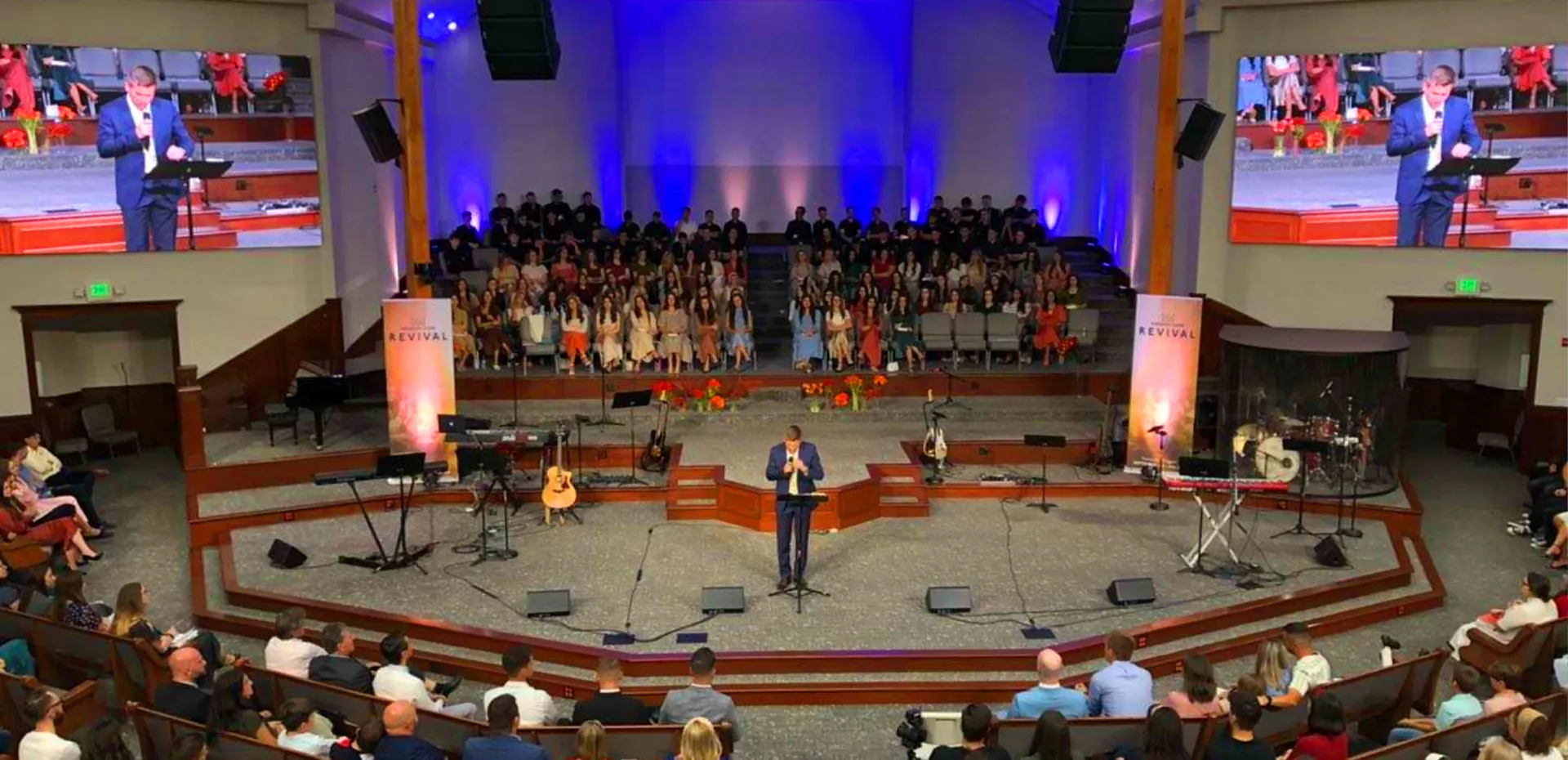
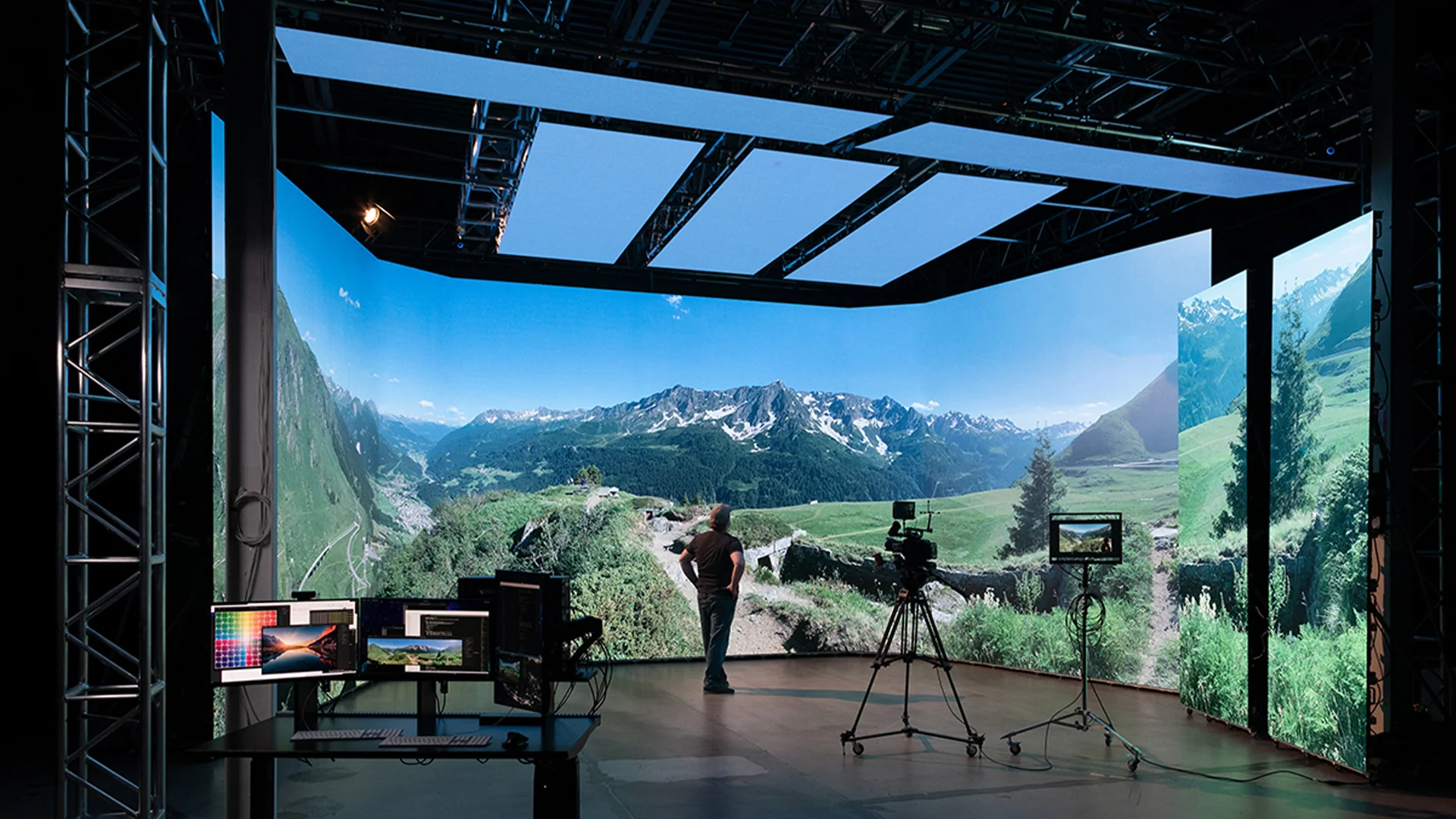
For applications where viewers stand close to the screen, such as meeting rooms or broadcast studios, a fine pitch LED display is required to ensure smooth images and detailed content.
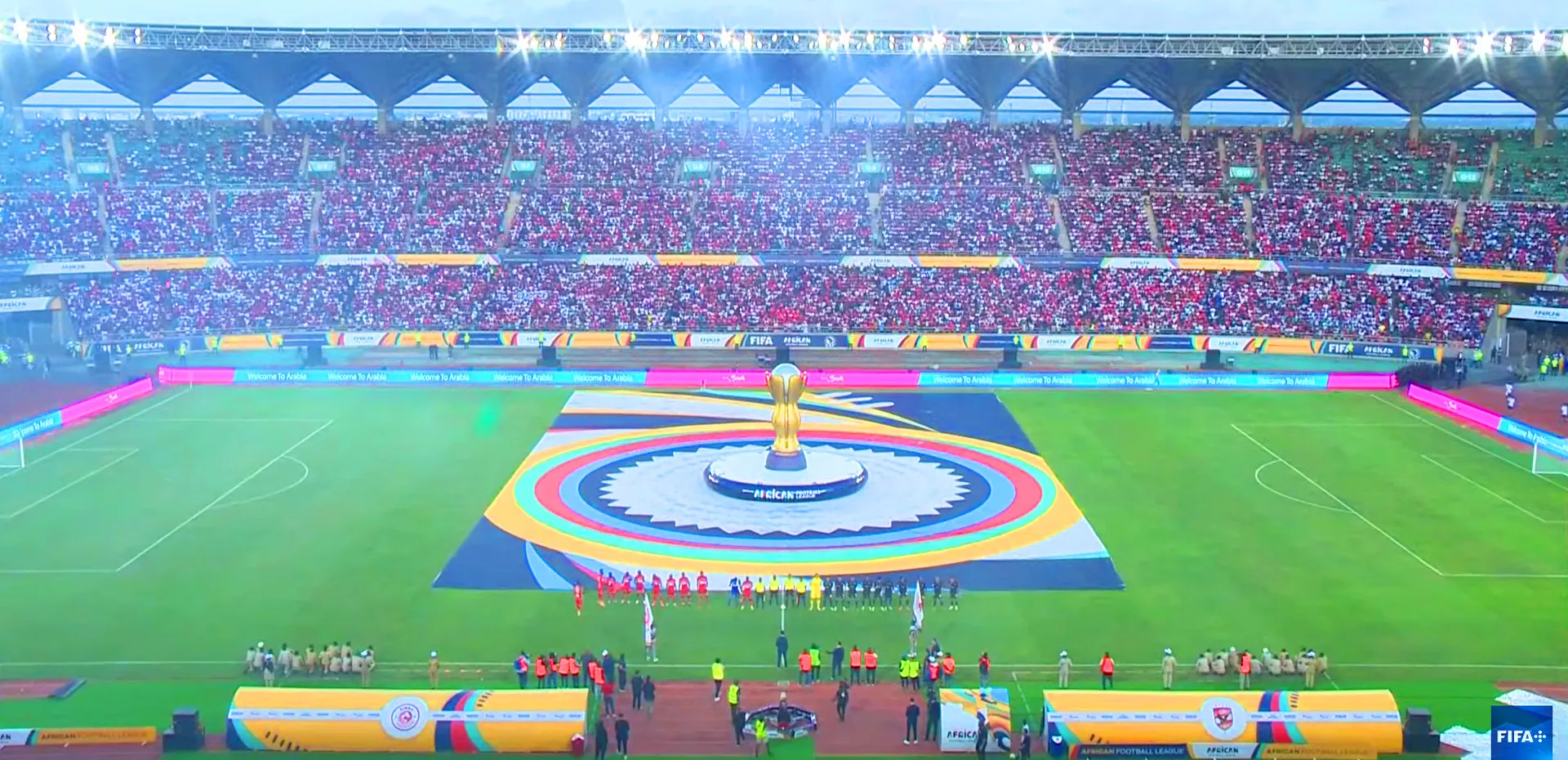
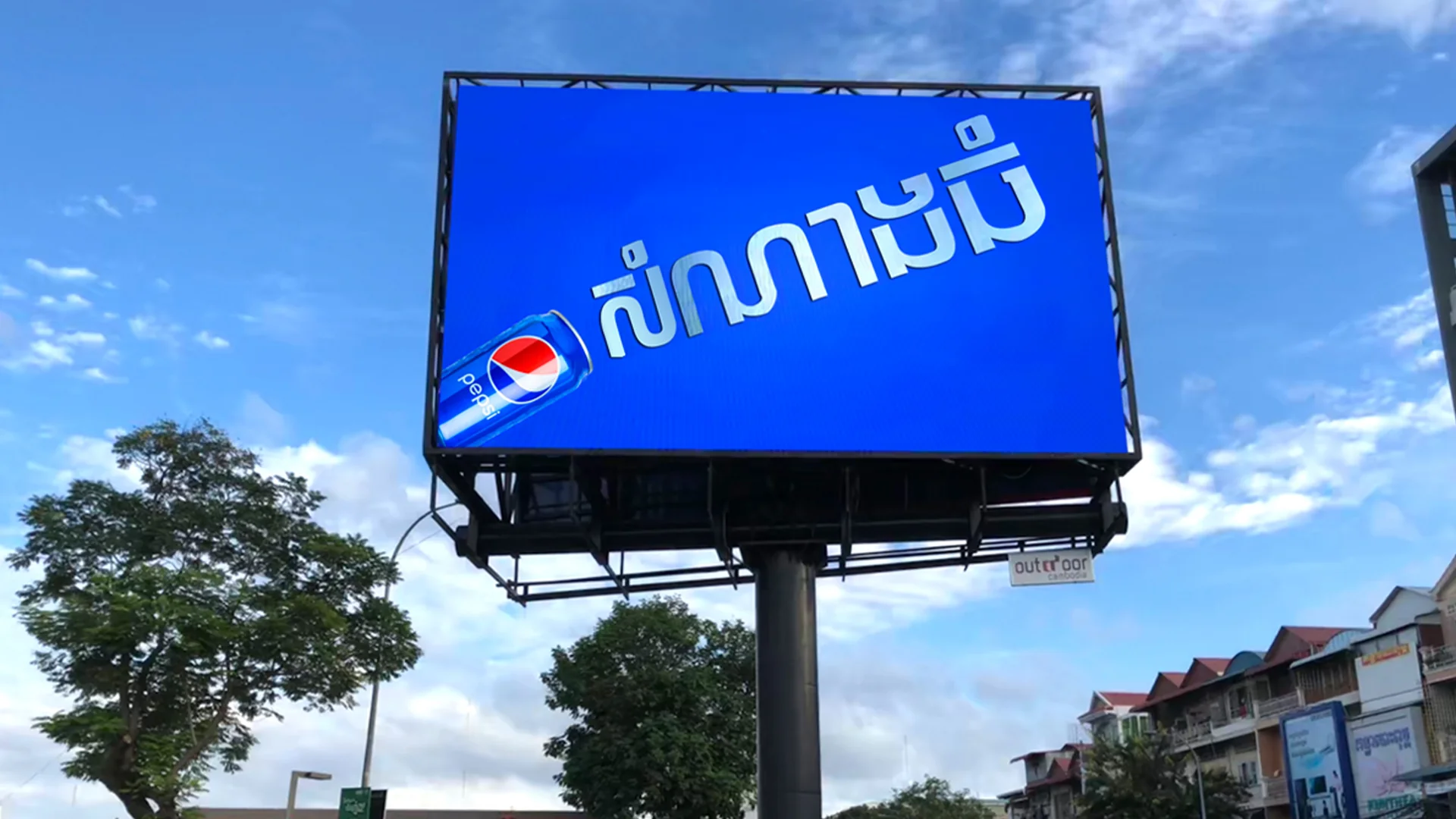
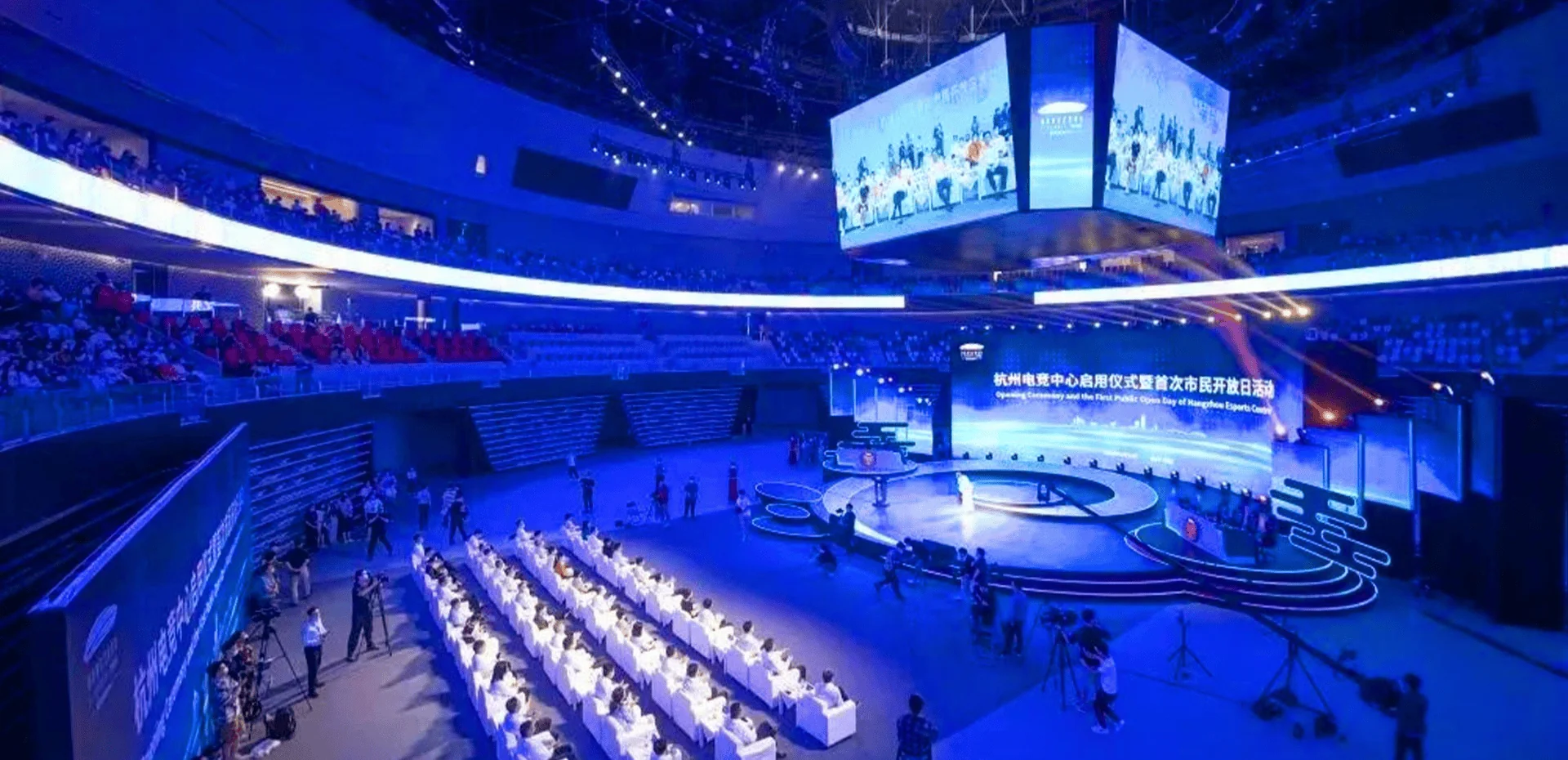
For large outdoor LED billboards viewed from dozens of meters away, a larger pixel pitch can provide sufficient visual performance while reducing investment costs.
LED Pixel Pitch and Viewing Distance Relationship
Choosing the correct pixel pitch depends mainly on how far viewers are from the LED screen.
A simple industry guideline:
Minimum Viewing Distance ≈ Pixel Pitch × 1000
Example:
For a P2.5 LED display:
2.5 × 1000 = approximately 2.5 meters
This means viewers should ideally stay around 2.5 meters or farther away to experience a smooth image.
However, actual selection should also consider:
- Content type
- Screen size
- Resolution requirements
- Application environment
LED Pixel Pitch Selection Guide
The following table provides common pixel pitch recommendations:
| Pixel Pitch | Recommended Viewing Distance | Typical Applications |
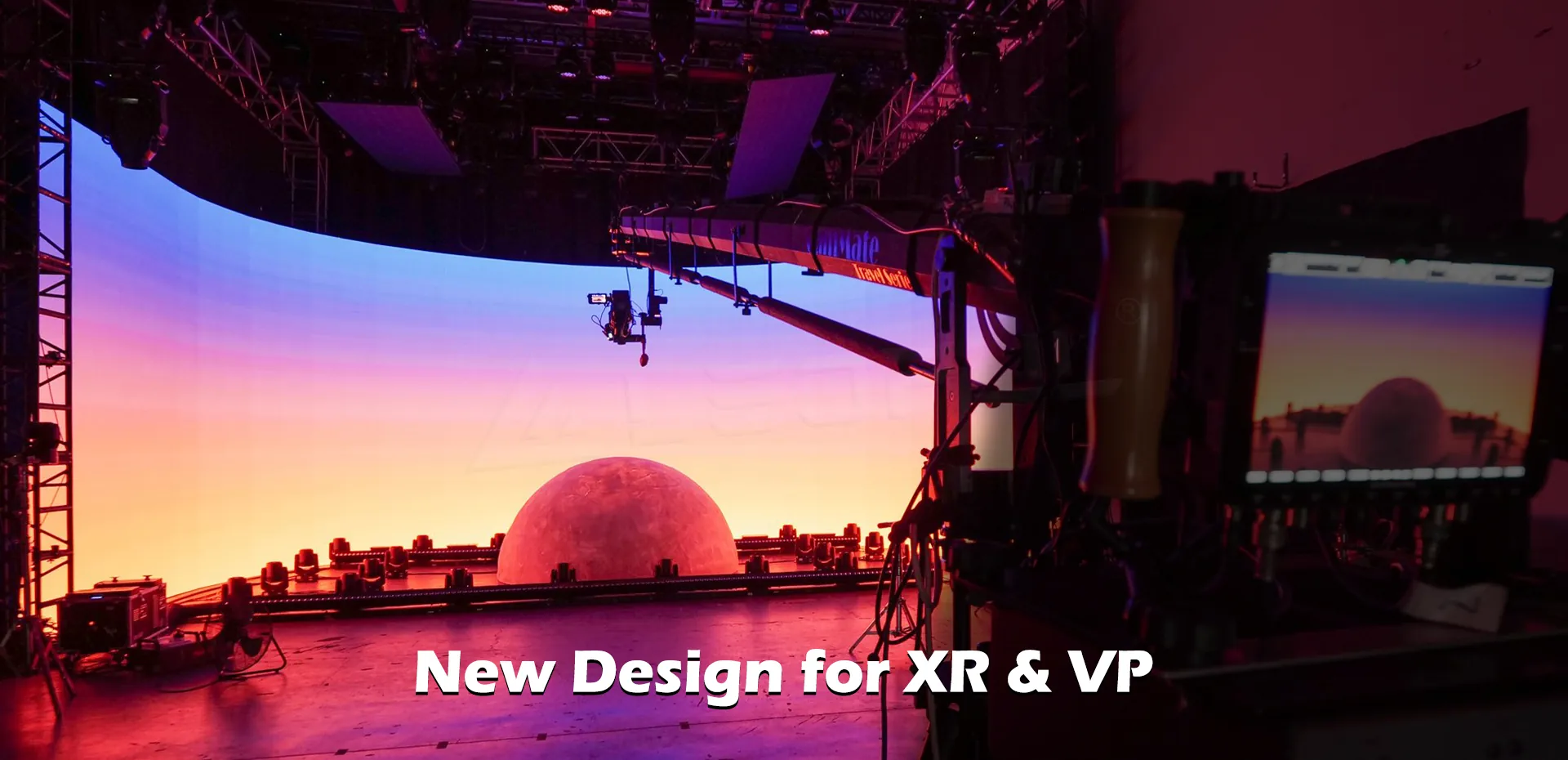
| P0.7-P1.2 | 0.7-3 meters | XR studio, control room, premium conference room |
| P1.5-P1.8 | 1.5-5 meters | Meeting room, video conferencing, corporate display |
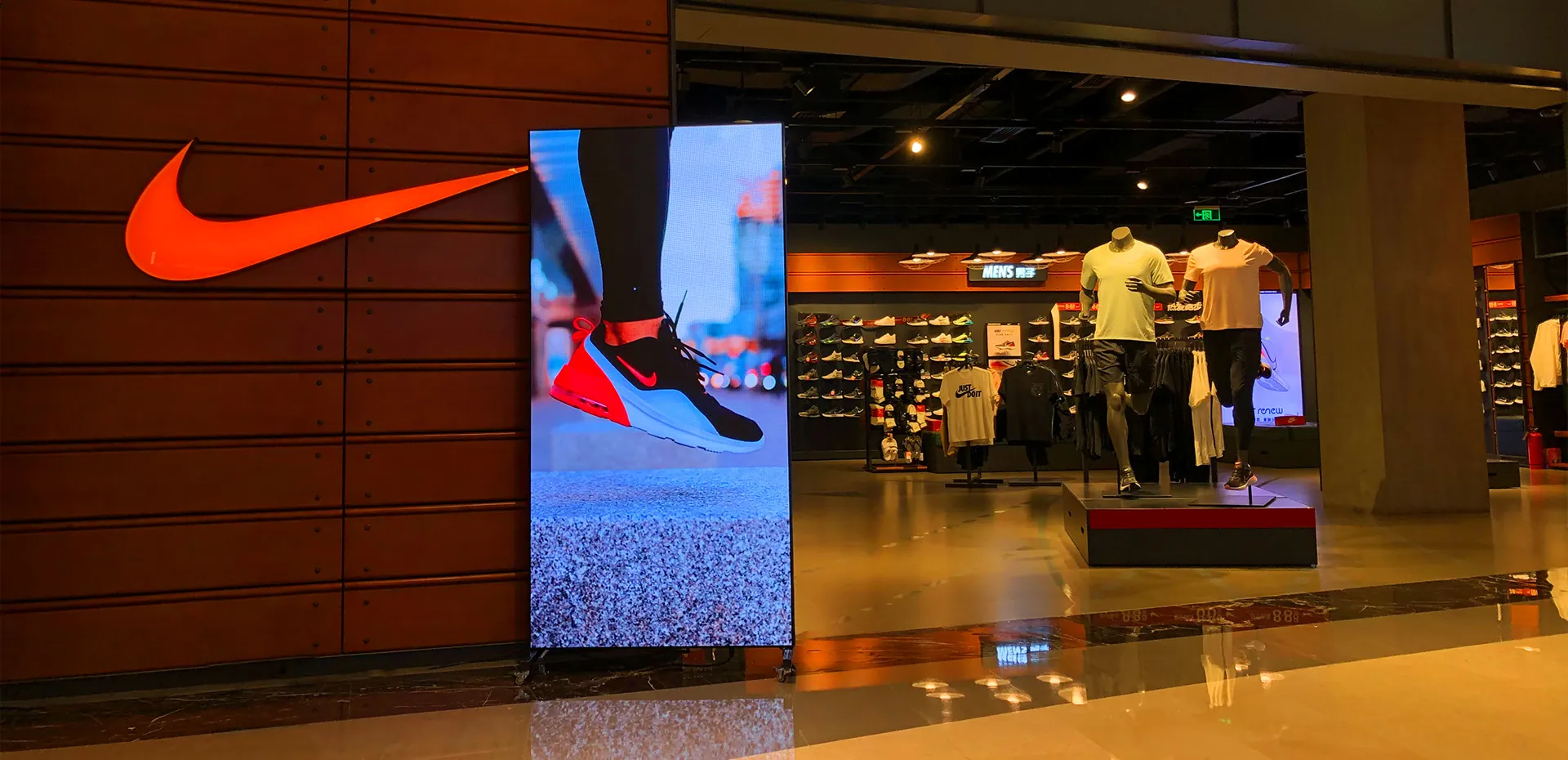
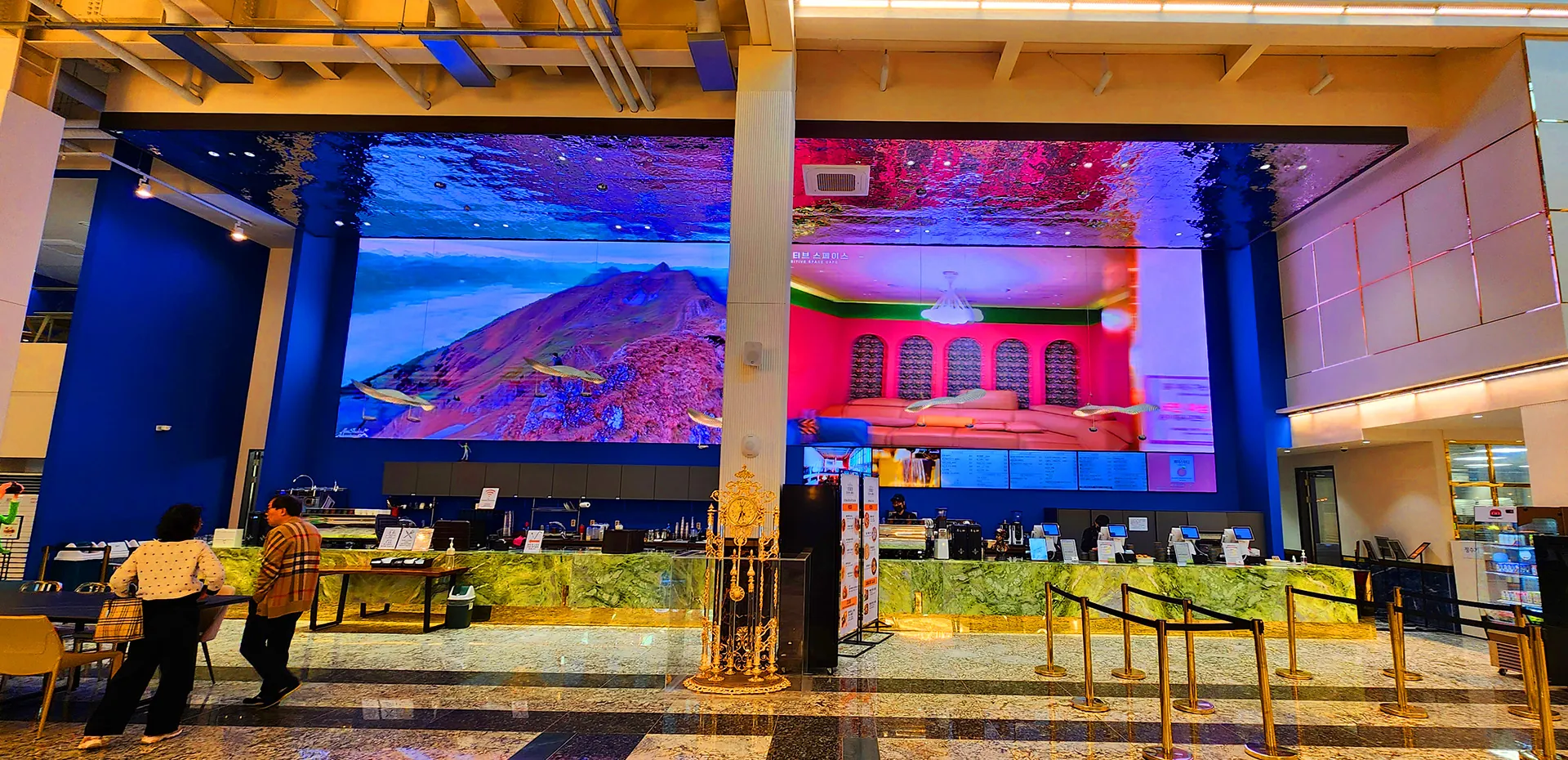
| P2-P3 | 2-8 meters | Retail stores, commercial displays, indoor advertising |
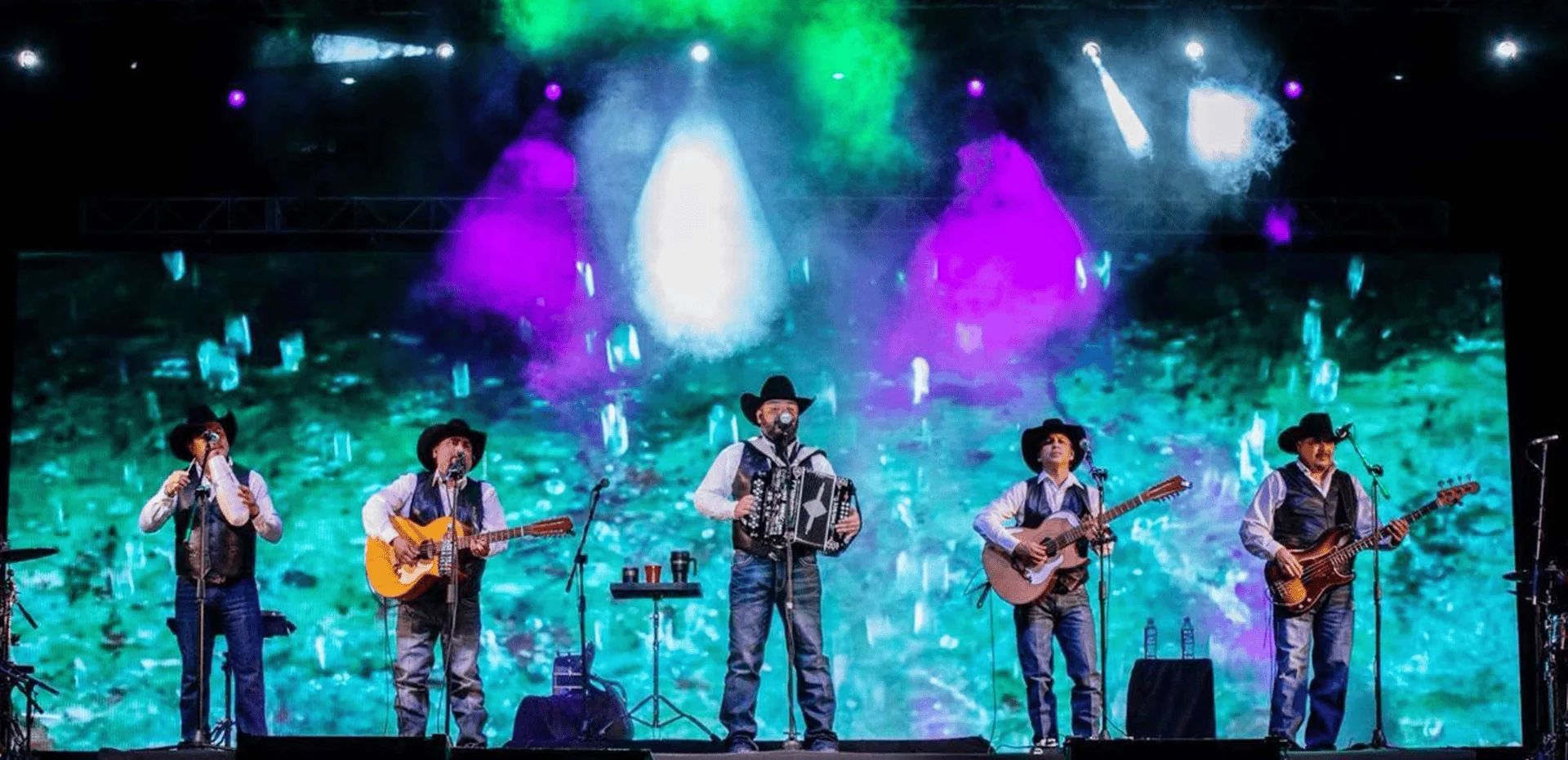
| P4-P6 | 5-15 meters | Stage rental LED, shopping malls, events |
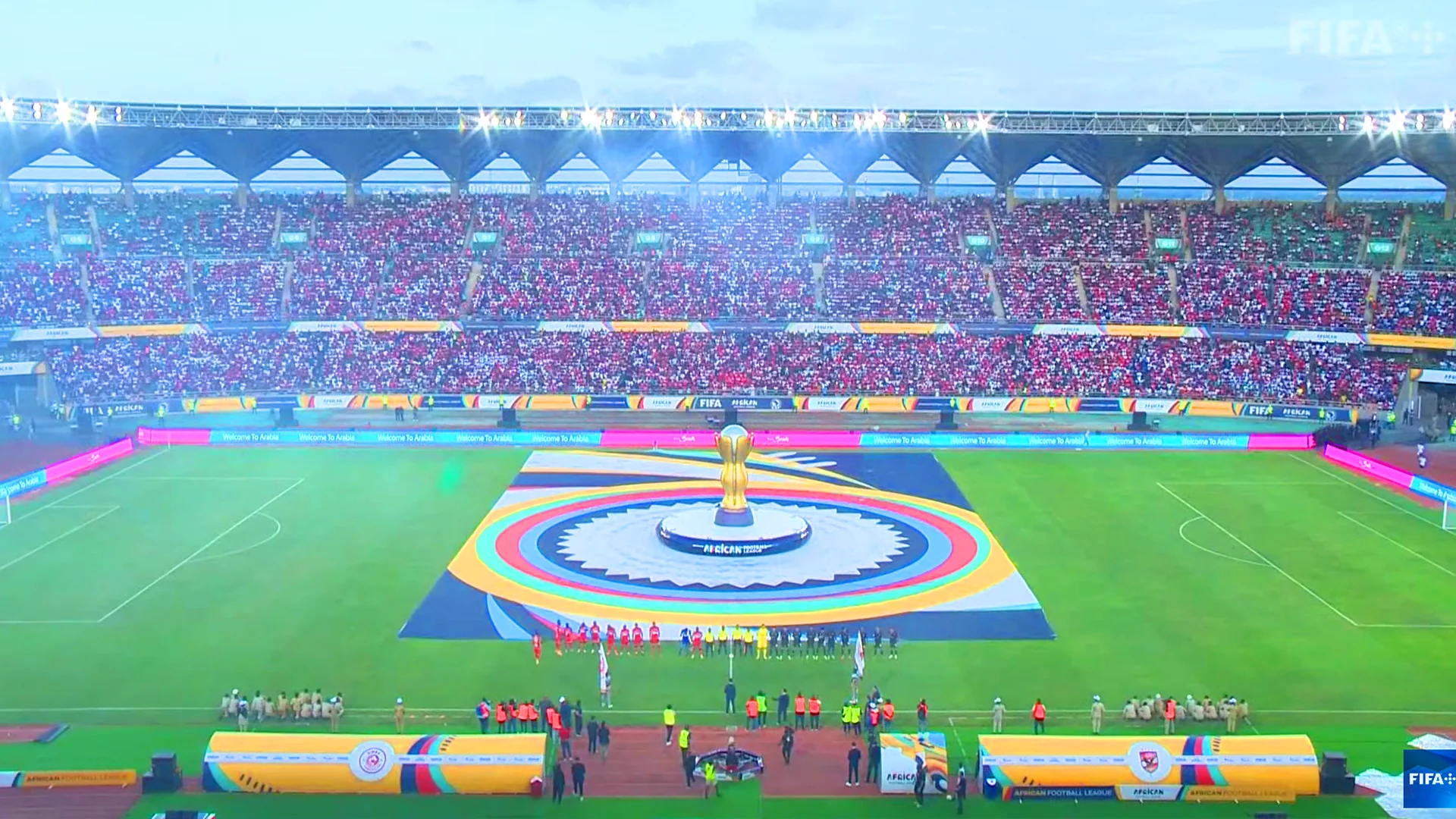
| P8-P10 | 10 meters+ | Outdoor advertising, stadium displays |
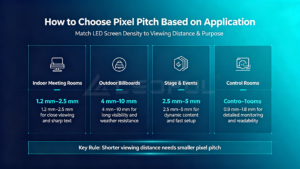
How to Choose Pixel Pitch Based on Application
Fine Pitch LED Display for Close Viewing
Fine pitch LED displays typically refer to LED screens with pixel pitches below P2.5.
They are ideal for:
- Conference rooms
- Command centers
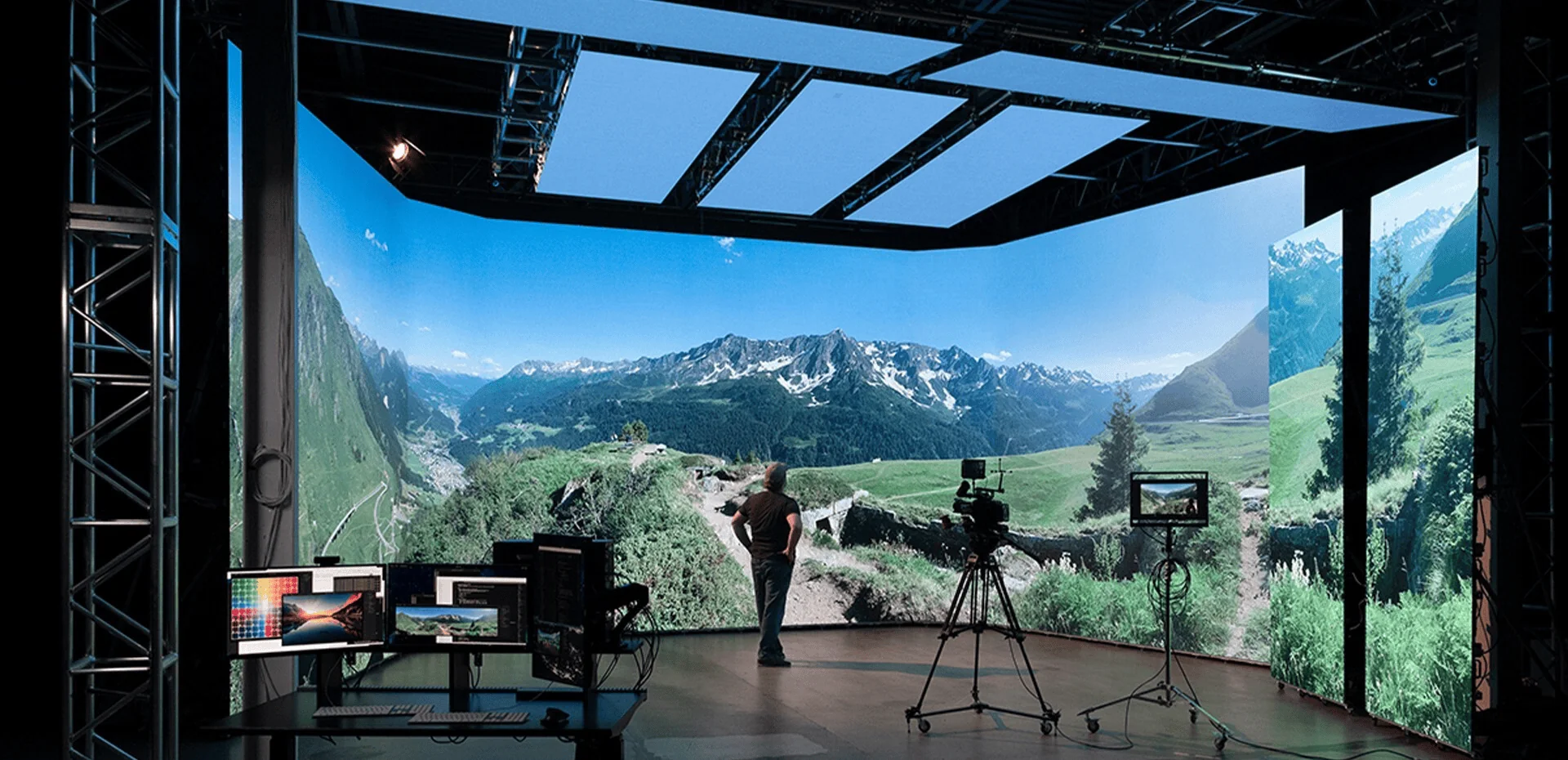
- Broadcasting studios
- XR virtual production
- High-end retail environments
Advantages include:
- Higher resolution
- Better text clarity
- Smoother images
- Improved close-range viewing experience
For example, a P1.2 or P1.5 LED display can provide excellent performance when viewers are only a few meters away.
Medium Pixel Pitch LED Display for Commercial Applications
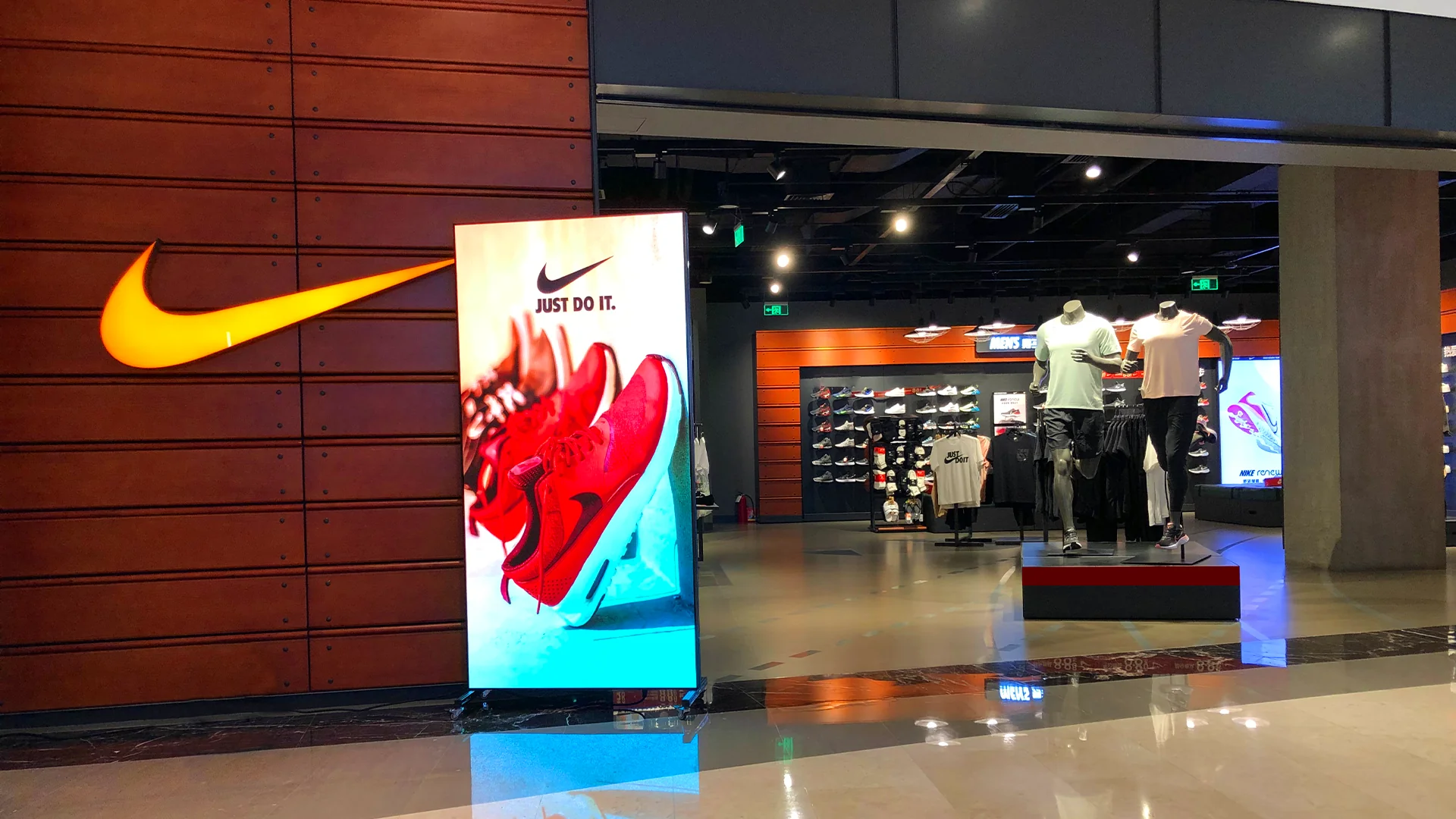
Medium pixel pitch displays are widely used in:
- Shopping malls
- Corporate halls
- Exhibition booths
- Entertainment venues
Common choices:
- P2
- 5
- P3
These solutions balance image quality and project budget.
Large Pixel Pitch LED Display for Long-Distance Viewing
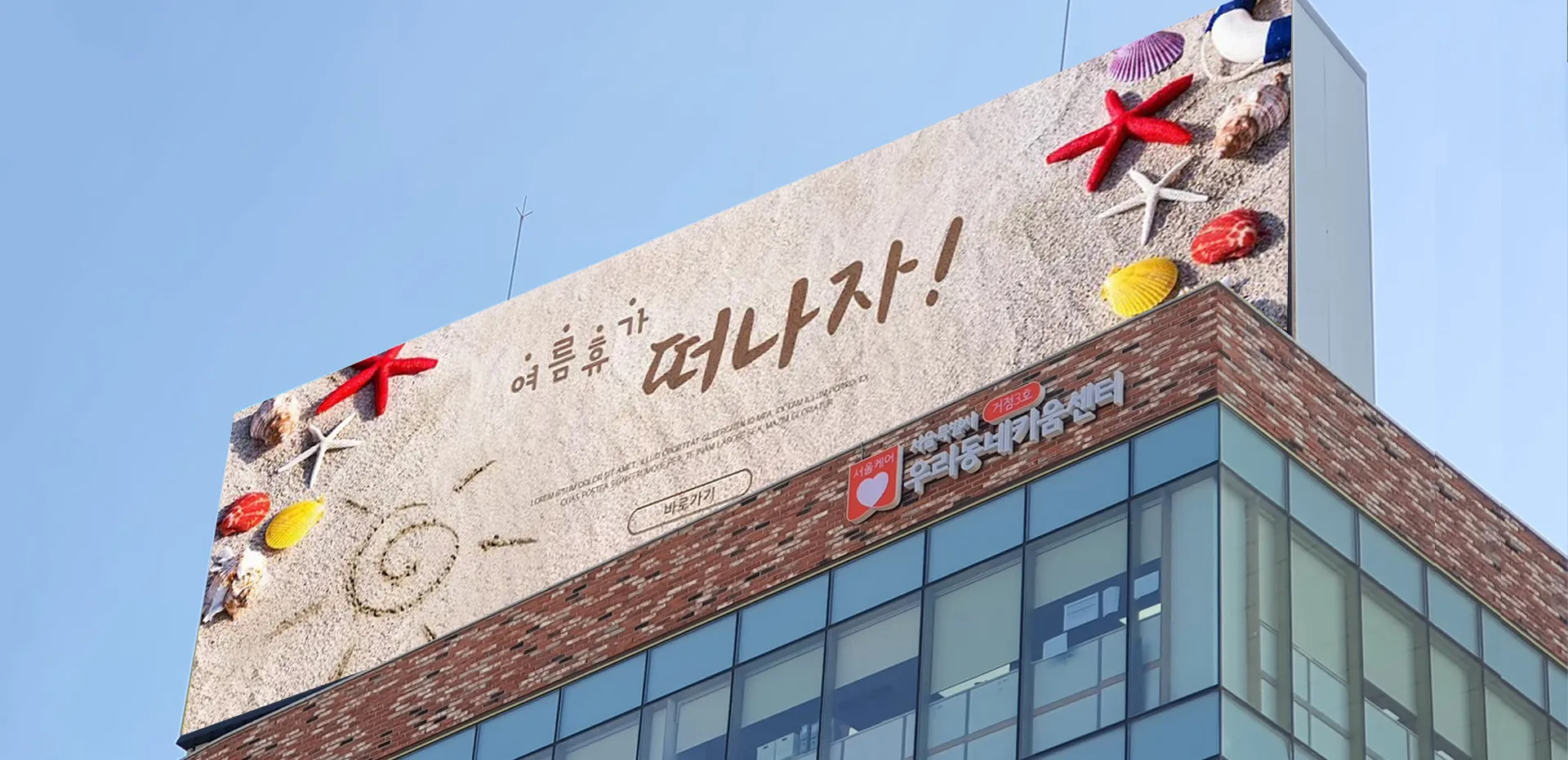
Outdoor LED displays generally use larger pixel pitches because audiences are farther away.
Typical applications:
- Digital billboards
- Stadium displays
- Building advertising screens
- Transportation signage
Common options:
- P6
- P8
- P10
These displays provide excellent visibility while maintaining cost efficiency.
Pixel Pitch vs Viewing Distance Comparison
| Viewing Distance | Recommended Pixel Pitch | Suitable Applications |
| Less than 2m | P0.7-P1.5 | Control rooms, conference rooms |
| 2-5m | P1.5-P2.5 | Corporate displays, retail |
| 5-10m | P2.5-P5 | Events, commercial spaces |
| 10-20m | P5-P8 | Outdoor advertising |
| 20m+ | P8-P10 | Large outdoor LED screens |
Why Does an LED Screen Look Blurry?
If an LED display appears unclear, several factors may be responsible. https://www.ledful.com/product-category/indoor
1. Pixel Pitch Is Too Large
The most common reason is selecting a pixel pitch that is not suitable for the viewing distance.
Example:
A P6 LED screen installed in a small meeting room may appear pixelated because viewers are too close.
2. Low Content Resolution
Even with a high-quality LED display, low-resolution videos or images may appear blurry.
Recommended:
- Use high-resolution images
- Match content resolution with screen resolution
- Optimize video formats
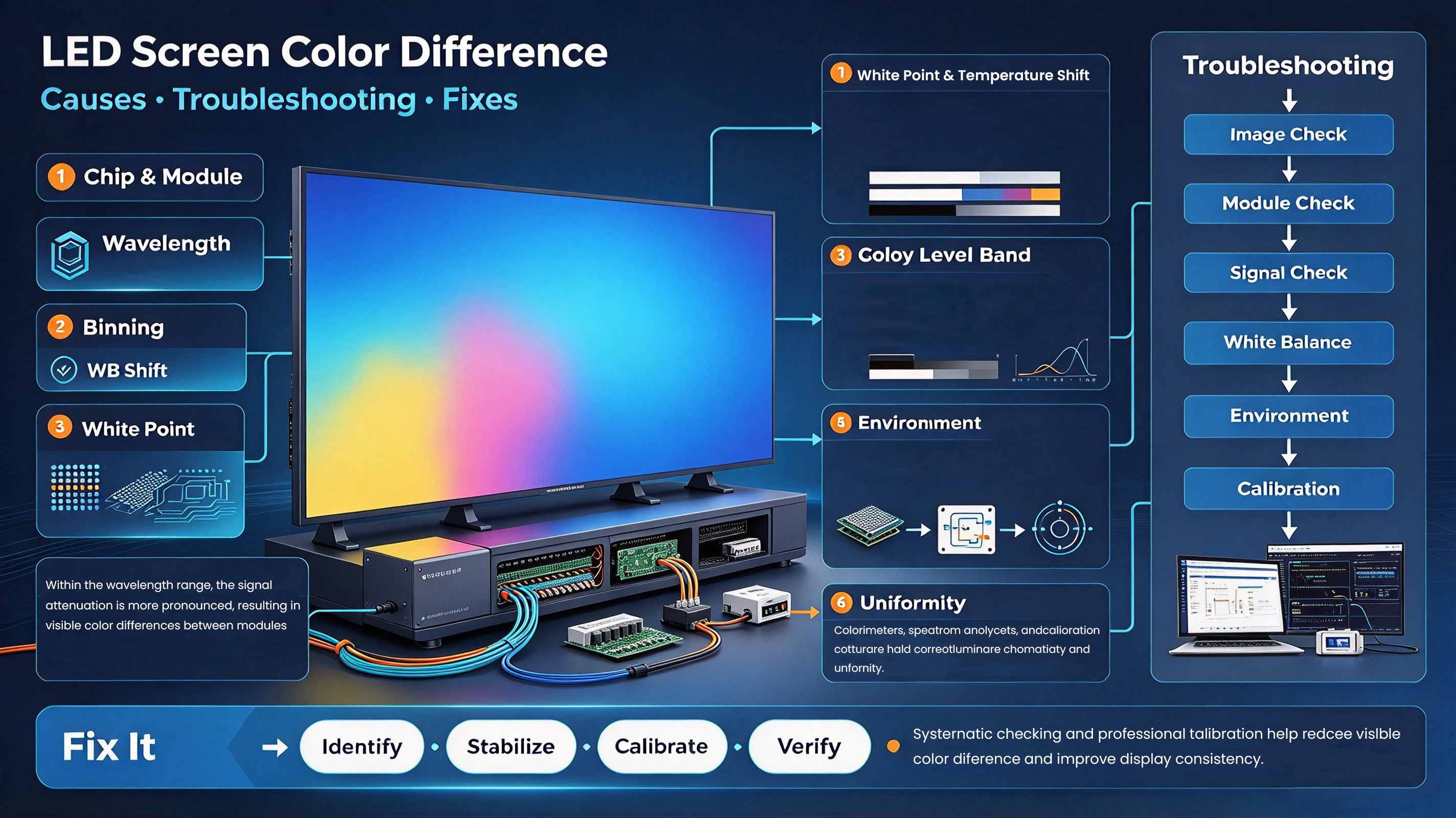
3. Incorrect Screen Configuration
Poor calibration or incorrect receiving card settings may affect:
- Brightness uniformity
- Color accuracy
- Image sharpness
Professional LED display configuration helps maintain optimal performance.
4. Insufficient LED Calibration
High-quality LED screens require calibration to ensure:
- Pixel consistency
- Color uniformity
- Smooth grayscale performance
How LEDFUL Helps Customers Select the Right Pixel Pitch
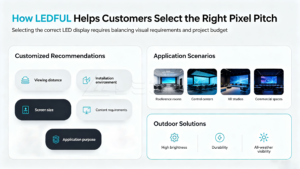
Selecting the correct LED display requires balancing visual requirements and project budget.
LEDFUL provides customized recommendations based on:
- Viewing distance
- Installation environment
- Screen size
- Content requirements
- Application purpose
LEDFUL fine pitch LED display solutions are designed for applications requiring exceptional image quality, including:
- Conference rooms
- Control centers
- XR studios
- Commercial spaces
For outdoor applications, LEDFUL outdoor LED displays provide high brightness, durability, and reliable visibility under different weather conditions.
Common Mistakes When Choosing LED Pixel Pitch
Choosing the Smallest Pixel Pitch Without Considering Distance
A smaller pixel pitch does not always mean better performance.
If viewers are far away, the visual improvement may be difficult to notice while increasing project costs.
Ignoring Content Requirements
Different applications require different display performance.
For example:
- Text-heavy presentations require higher resolution
- Advertising videos require smooth image performance
- Outdoor advertisements prioritize brightness and visibility
Focusing Only on Price
The cheapest LED display may not provide the best long-term value.
A professional solution considers:
- Image quality
- Reliability
- Maintenance
- Operating environment
LED Pixel Pitch Selection Checklist
Before purchasing an LED display, consider:
✓ What is the average viewing distance?
✓ Will viewers read text or mainly watch videos?
✓ Is the installation indoor or outdoor?
✓ What screen resolution is required?
✓ What is the project budget?
✓ How important is close-up image quality?
Frequently Asked Questions (FAQ)
1. What is pixel pitch in an LED display?
Pixel pitch is the distance between two adjacent LED pixels. A smaller pixel pitch provides higher pixel density and better image detail.
2. How do I calculate LED screen viewing distance?
A common guideline is:
Minimum viewing distance ≈ Pixel pitch × 1000.
For example, a P2 LED display has a recommended minimum viewing distance of around 2 meters.
3. Is smaller pixel pitch always better?
No. Smaller pixel pitch provides higher resolution, but the best choice depends on viewing distance, application, and budget.
4. What pixel pitch is best for conference rooms?
For most conference rooms, P0.9 to P1.8 fine pitch LED displays are commonly recommended because viewers are usually close to the screen.
5. Why does my LED screen look blurry?
Possible reasons include:
- Incorrect pixel pitch selection
- Low-resolution content
- Poor calibration
- Incorrect system configuration
6. What is the best LED display for close viewing?
Fine pitch LED displays such as P0.9, P1.2, and P1.5 are suitable for close viewing environments.
7. Does pixel pitch affect LED screen price?
Yes. Smaller pixel pitch usually requires more LED components and higher manufacturing precision, which increases cost.
8. What pixel pitch is suitable for outdoor LED screens?
Outdoor LED screens commonly use P6, P8, or P10 because viewers usually watch from longer distances.
Conclusion
Choosing the correct pixel pitch based on viewing distance is one of the most important decisions when purchasing an LED display.
The ideal LED screen is not simply the one with the smallest pixel pitch, but the one that provides the best balance between image quality, viewing experience, application requirements, and investment value.
By understanding the relationship between LED screen pixel pitch and viewing distance, businesses can avoid blurry images, improve visual performance, and select the right LED solution for their projects.
With professional LED display expertise and customized solutions, LEDFUL helps global customers choose the right LED screens for conference rooms, commercial applications, rental events, and outdoor environments.