
























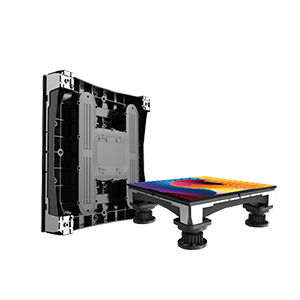
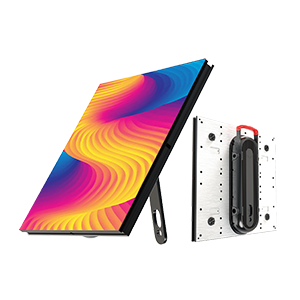
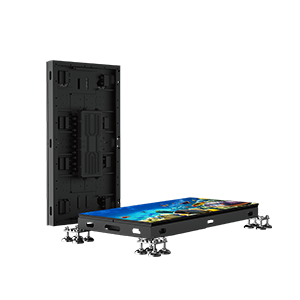

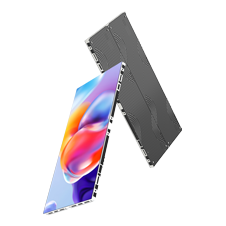
















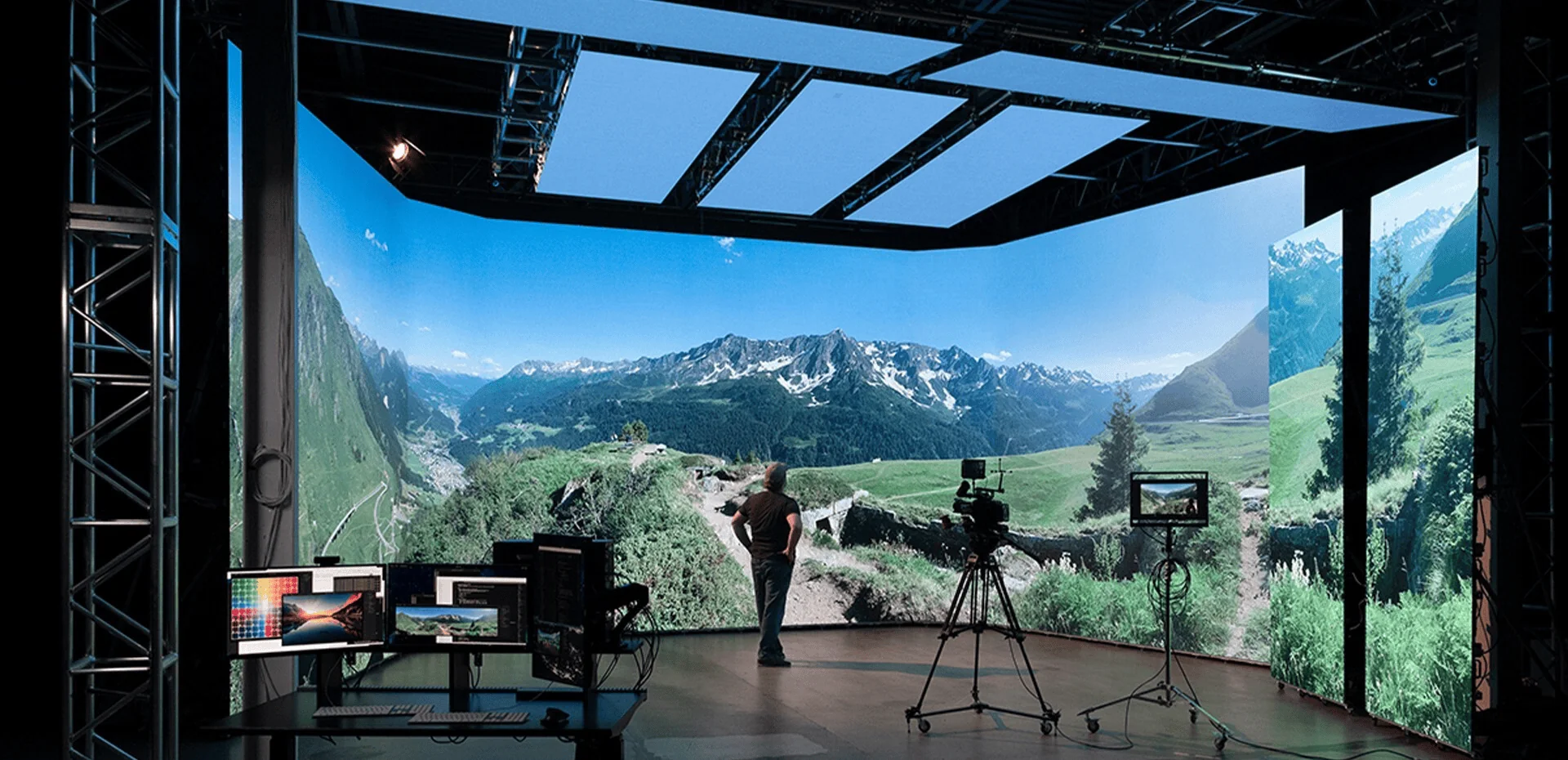
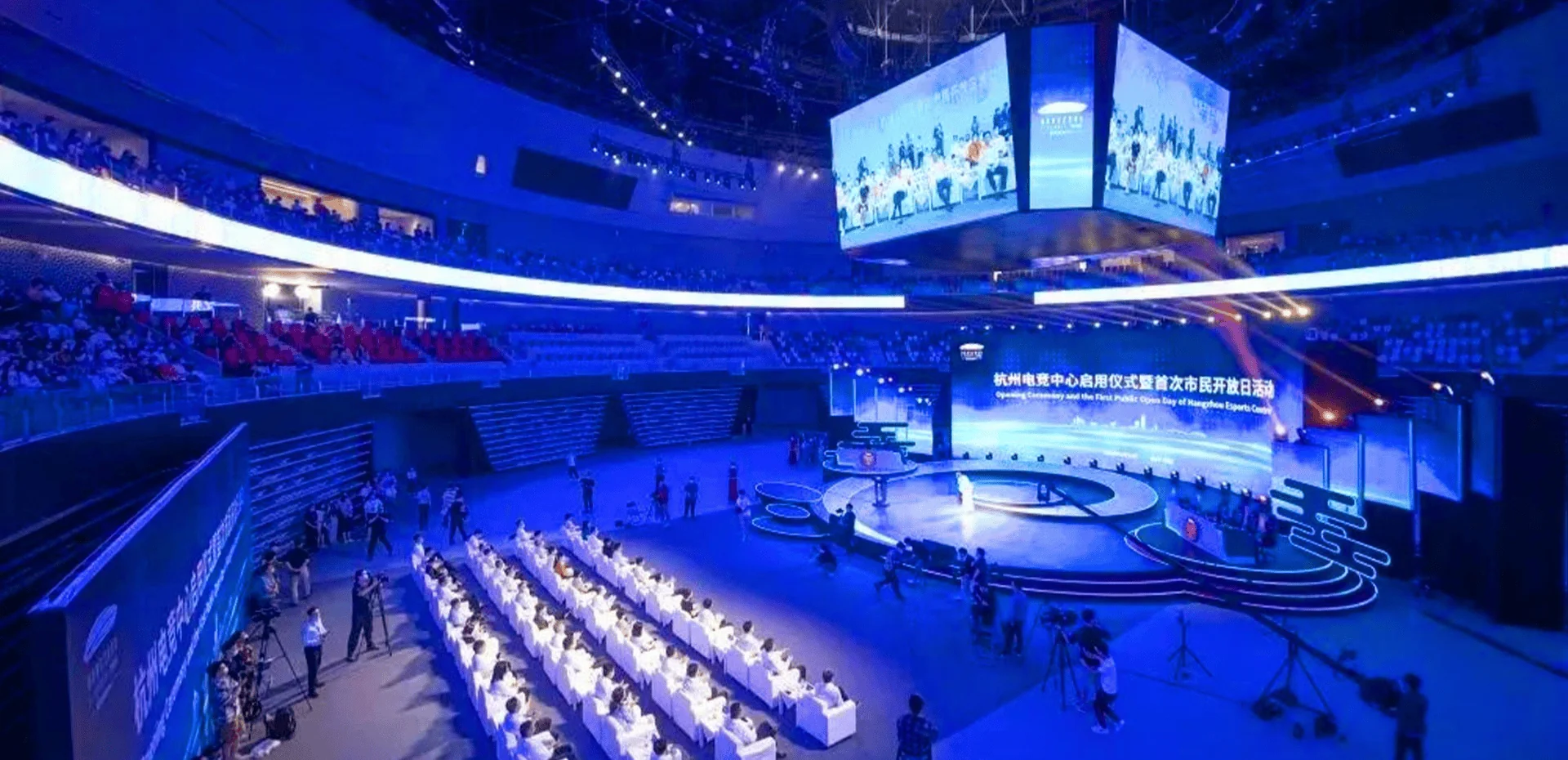

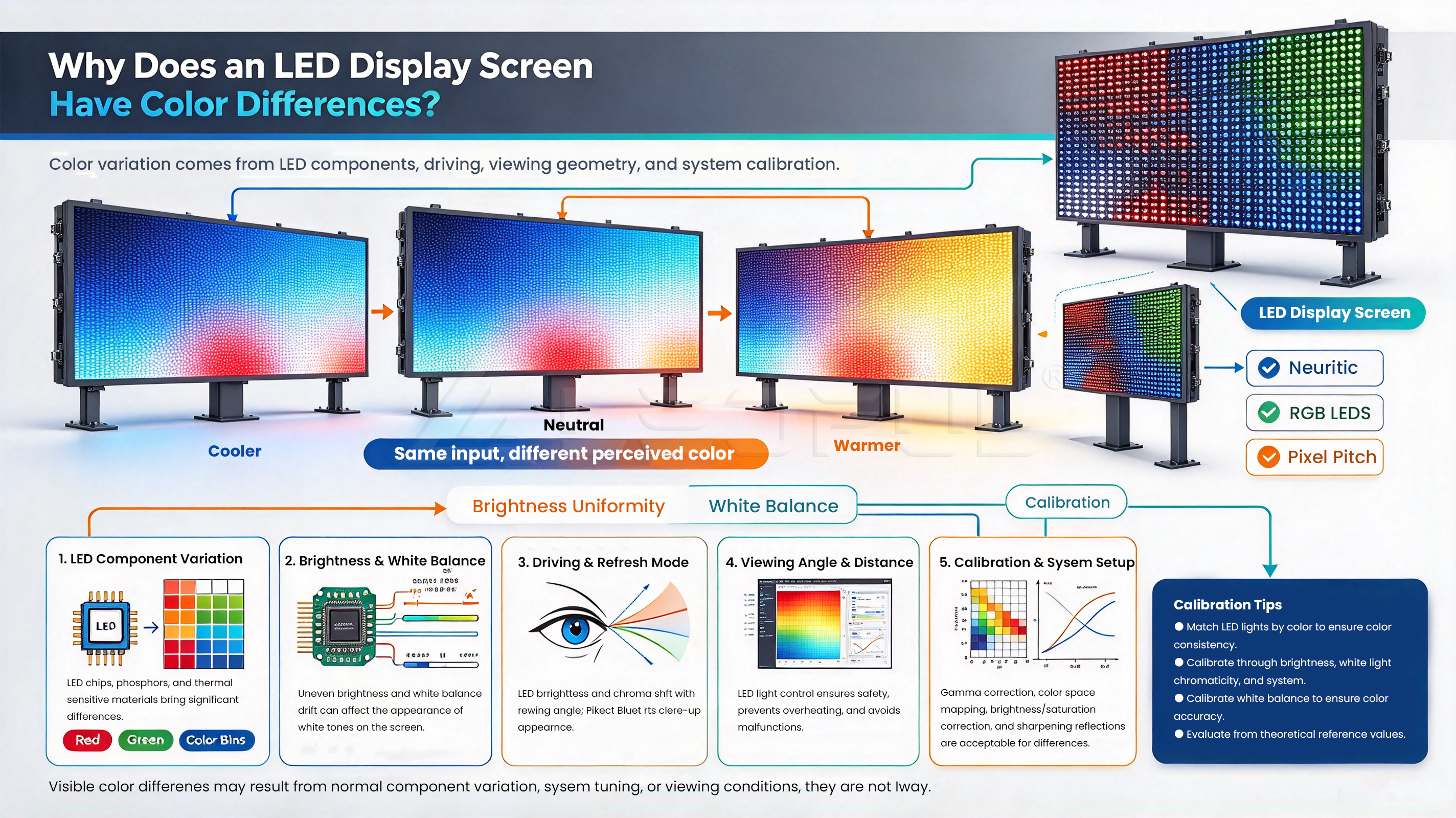
An LED screen is designed to deliver bright, clear, and consistent images. However, when different areas of the display show different colors, brightness levels, or white balance, the visual experience can quickly deteriorate.
You may notice one LED cabinet looking darker than the others, a green or red tint appearing on a section of the screen, or replacement modules displaying slightly different colors from the original panels. These issues are particularly noticeable on large LED video walls, rental displays, commercial advertising screens, and fine-pitch LED displays.
So, why does an LED screen have color differences, and how can you fix them?
The problem may come from LED lamp variations, inconsistent calibration, aging components, driver IC faults, incorrect display settings, or unstable power and signal connections. Identifying the actual cause is essential because not every color difference requires replacing LED modules.
This guide explains the most common causes of LED screen color differences, how to troubleshoot them step by step, and what buyers should check to maintain consistent display quality over time.
What Is LED Screen Color Difference?
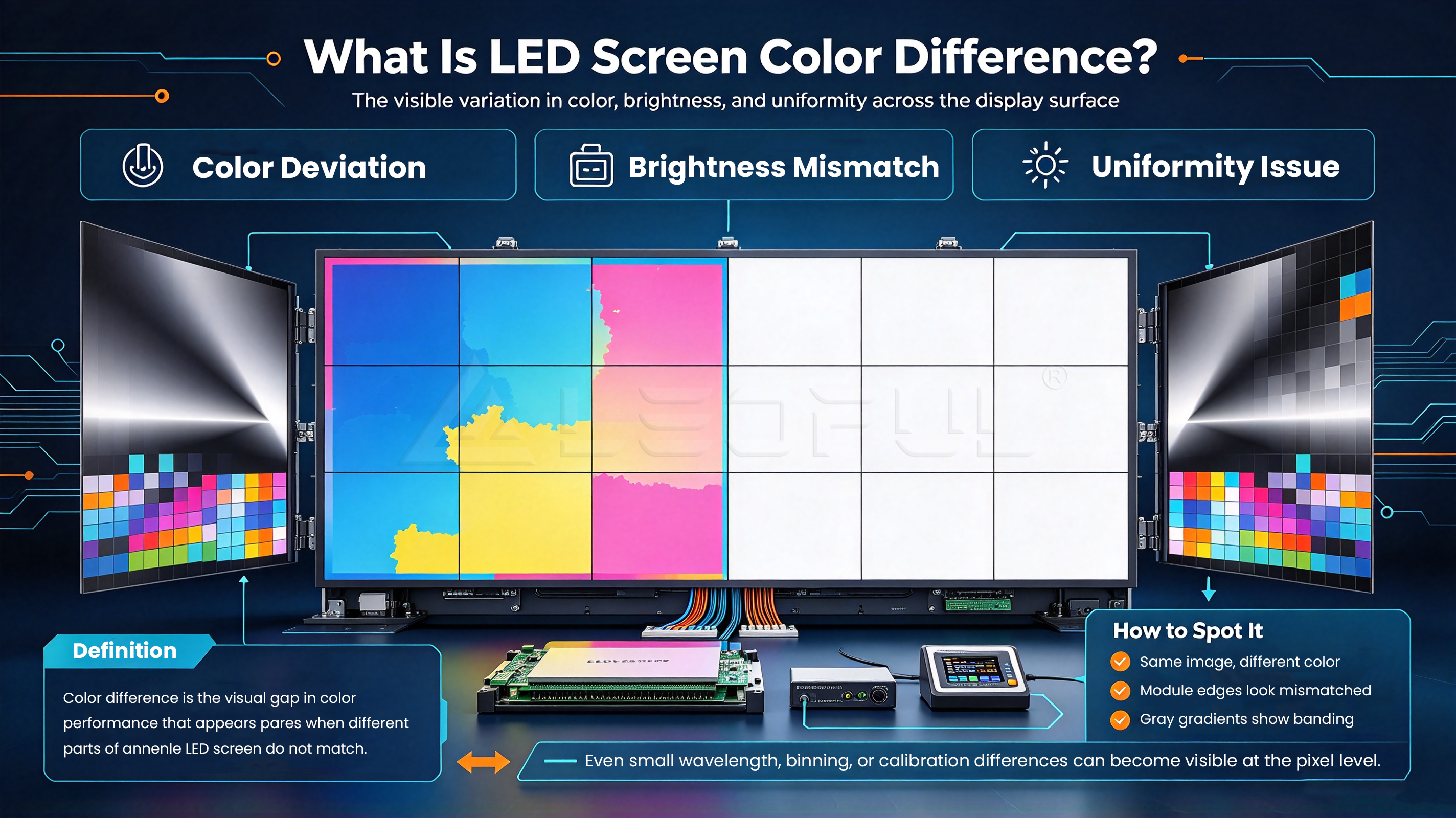
LED screen color difference refers to visible inconsistencies in color output, brightness, or white balance across an LED display. The problem may affect a single pixel, an individual module, an entire cabinet, or multiple sections of a large video wall.
Although color difference and brightness inconsistency are technically different issues, they can occur together and make the screen look uneven.
1. Color Differences Between LED Modules
Adjacent LED modules may display slightly different shades of white, red, green, or blue, even when receiving the same image signal.
This may result from variations in LED lamp characteristics, module calibration data, component aging, or incorrect configuration.
2. Color Differences Between LED Cabinets
When multiple LED cabinets are assembled into one large display, visible boundaries may appear between panels.
One cabinet may look warmer, cooler, brighter, or darker than the surrounding cabinets. This problem can be especially noticeable when the screen displays a uniform white or gray image.
Potential causes include inconsistent calibration, different component batches, replacement modules, or variations in operating conditions.
3. Green, Red, or Blue Color Cast
An LED screen may develop an unwanted green, red, or blue tint.
For example, a white background may appear slightly green in one area while remaining neutral white elsewhere.
Possible causes include incorrect RGB settings, white balance problems, a defective color channel, driver IC faults, or signal configuration issues.
4. Uneven Brightness Across the Screen
Some areas may appear darker or brighter than others, even when displaying identical content.
This can be related to LED aging, calibration differences, electrical issues, or inconsistent component performance.
Understanding the specific symptom helps technicians narrow down the cause before attempting repairs.
Why Does an LED Screen Have Color Differences?
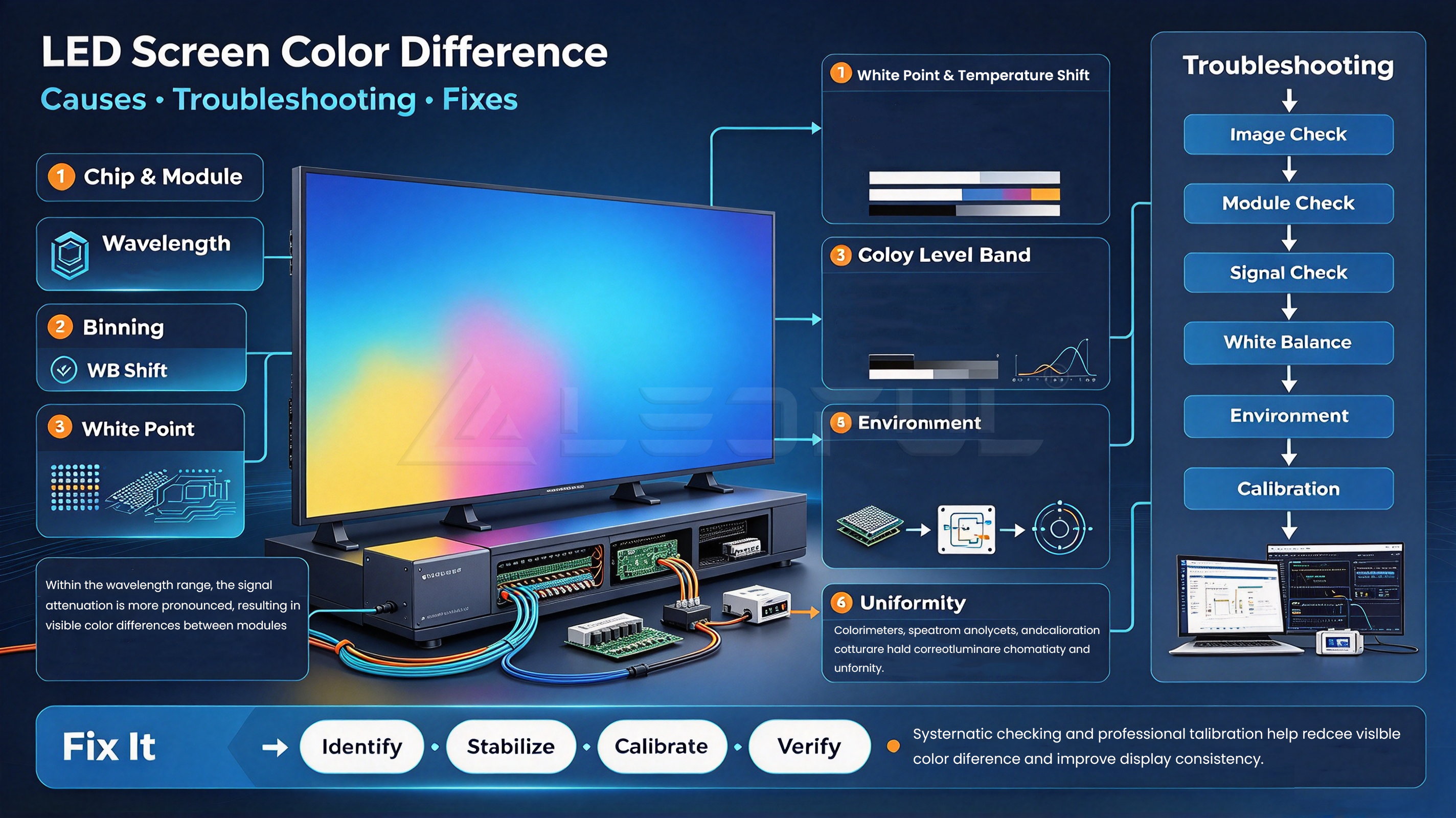
Several technical factors can affect LED display color consistency. The following causes are among the most important to investigate.
1. LED Lamp Quality and Batch Variations
LED lamps are manufactured with variations in optical characteristics, including brightness and emitted wavelength.
Manufacturers use component selection and binning processes to group LED lamps with similar characteristics. When components with noticeably different optical properties are mixed without adequate control, visible color differences may occur.
This issue can become more apparent when:
- LED modules come from different production batches.
- Replacement modules use different LED lamp batches.
- Component matching is inconsistent.
- A large display shows uniform white or primary-color content.
How to fix it: Check the production and replacement history of the affected modules. If component variation is responsible, compatible replacement modules, appropriate matching, and calibration may help improve consistency.
For new projects, buyers should ask how LED components are selected and how color uniformity is evaluated before delivery.
2. Inconsistent Calibration Between Modules or Cabinets
Color calibration helps align the brightness and color output of different modules and cabinets.
If calibration data is missing, incorrect, incompatible, or applied inconsistently, the display may show visible color boundaries even when the physical components are functioning normally.
This can happen after installation, module replacement, cabinet replacement, or changes to the control system.
How to fix it: Verify the receiving-card configuration, display parameters, calibration files, and controller settings. If the hardware supports correction, professional brightness and color calibration may improve uniformity.
Calibration data should be backed up before major maintenance or configuration changes.
3. LED Aging and Brightness Degradation
LED lamps gradually change their optical performance during operation. The rate of change depends on component quality, operating temperature, current, usage patterns, and environmental conditions.
Because individual LEDs and modules may age at different rates, older sections of a display can look different from newly installed sections.
This is particularly relevant to commercial displays that operate for long hours, as well as rental screens that are repeatedly installed and used in different environments.
How to fix it: Inspect the affected modules and compare their operating history. If the difference is within the correction capability of the system, recalibration may help. Severely degraded or defective components may require replacement.
4. Driver IC, Power Supply, or Signal Problems
Not all color differences originate from the LED lamps.
Driver IC faults, unstable power delivery, loose signal connections, damaged cables, or receiving-card problems can affect brightness and color output.
Typical warning signs include:
- A section of the screen suddenly changes color.
- Certain color channels appear unusually weak.
- The problem occurs intermittently.
- Brightness or color changes under different operating conditions.
- A previously normal area develops abnormal display behavior.
How to fix it: Inspect the relevant power supplies, signal cables, connectors, receiving cards, and driver electronics. Compare the affected section with a known-good section where possible.
Electrical inspection should be performed by qualified technicians following the manufacturer’s safety procedures.
5. Incorrect Color Settings and White Balance
The LED controller, video processor, or playback source may use incorrect color settings.
For example, inappropriate RGB gain, white balance, grayscale, or color profile settings can make the display appear too warm, too cool, or unnaturally tinted.
A mismatch between the input source and the display configuration can also affect the final image.
How to fix it: Verify the input signal, processor settings, RGB parameters, white balance, and color profile. Use standardized test patterns to evaluate the results rather than relying only on ordinary video content.
6. Environmental and Temperature Differences
Operating conditions can influence LED display performance and long-term reliability.
Outdoor LED displays may experience greater temperature fluctuations, humidity, dust, pollution, and moisture exposure than indoor screens.
If color inconsistency develops after heavy rain, overheating, or a significant temperature change, environmental or hardware-related problems should be investigated.
How to fix it: Check ventilation, thermal management, cabinet sealing, and electrical connections. For outdoor LED displays, inspect the relevant waterproofing and environmental protection measures according to the manufacturer’s maintenance instructions.
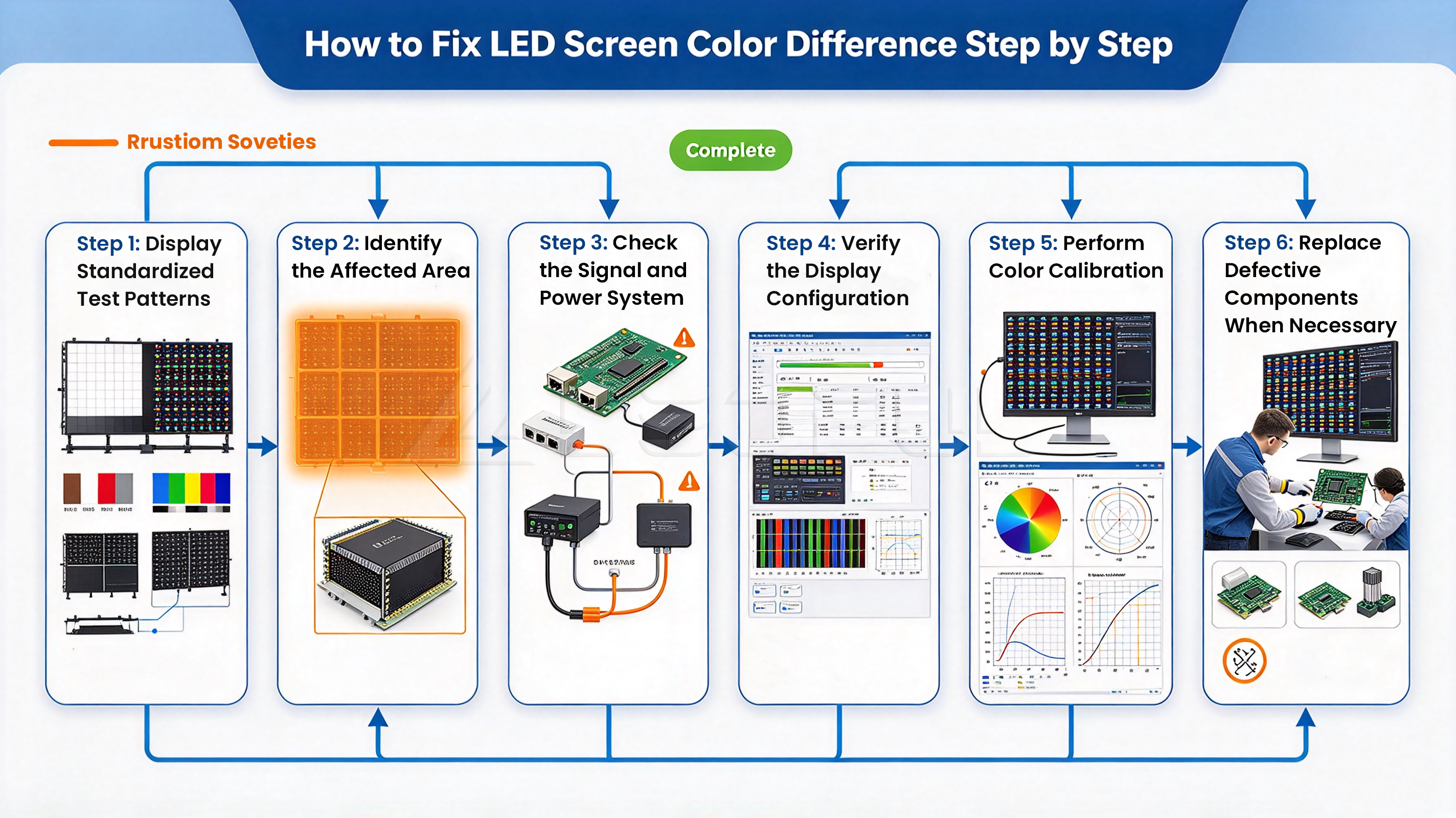
How to Fix LED Screen Color Difference Step by Step
Before replacing LED modules or changing advanced parameters, identify where the problem occurs and whether it is related to configuration, calibration, or hardware.
Step 1: Display Standardized Test Patterns
Start by displaying uniform white, gray, red, green, and blue test patterns.
These patterns make it easier to identify differences in:
- White balance
- Brightness uniformity
- Individual color channels
- Module and cabinet consistency
- The overall display output
White and gray patterns are particularly useful for identifying subtle differences between adjacent cabinets.
Avoid diagnosing color problems using complex video content alone because different images naturally contain different colors and brightness levels.
Step 2: Identify the Affected Area
Determine whether the issue affects one pixel, one module, one cabinet, a group of cabinets, or the entire screen.
| Observed Symptom | Possible Causes | Recommended Check |
| One pixel displays an abnormal color | LED package or driver channel fault | Inspect the affected pixel and module |
| One module looks darker | Aging, calibration, or hardware problems | Compare module settings and condition |
| One cabinet looks different | Calibration mismatch or component variation | Verify cabinet configuration and calibration |
| The whole screen has a color cast | Source settings, white balance, or controller configuration | Check the input signal and display settings |
| Color changes intermittently | Power, signal, or hardware fault | Inspect relevant electrical and signal components |
| Replacement modules look different | Component variation, aging, or calibration mismatch | Check matching and calibration data |
These are diagnostic starting points, not definitive fault identifications. The same symptom can have several possible causes.
Step 3: Check the Signal and Power System
Inspect the relevant signal cables, connectors, receiving cards, power supplies, and controller configuration.
Look for loose connections, visible damage, abnormal temperatures, or inconsistent power delivery.
If only one section is affected, compare its configuration with that of a known-good section where possible.
Do not open energized equipment or perform electrical repairs without appropriate training and safety procedures.
Step 4: Verify the Display Configuration
Check whether the display uses the correct configuration files and compatible settings for its installed modules and receiving cards.
After maintenance or component replacement, confirm that the replacement part has been configured correctly.
Avoid copying calibration or configuration data from another screen without checking compatibility. Incorrect settings can introduce additional inconsistencies.
Step 5: Perform Color Calibration
If the hardware is functioning normally but visible differences remain, professional calibration may help.
Depending on the system, calibration may involve brightness, white balance, grayscale, RGB output, or pixel-level correction data.
After calibration, display uniform test patterns again and compare the results across the full screen.
Step 6: Replace Defective Components When Necessary
Calibration cannot repair a physically damaged LED lamp, defective driver IC, failing power supply, or broken connection.
If inspection confirms a hardware fault, replace the defective component using compatible parts and follow the manufacturer’s procedures.
After replacement, verify the configuration and calibration so the repaired section matches the surrounding display as closely as the system allows.
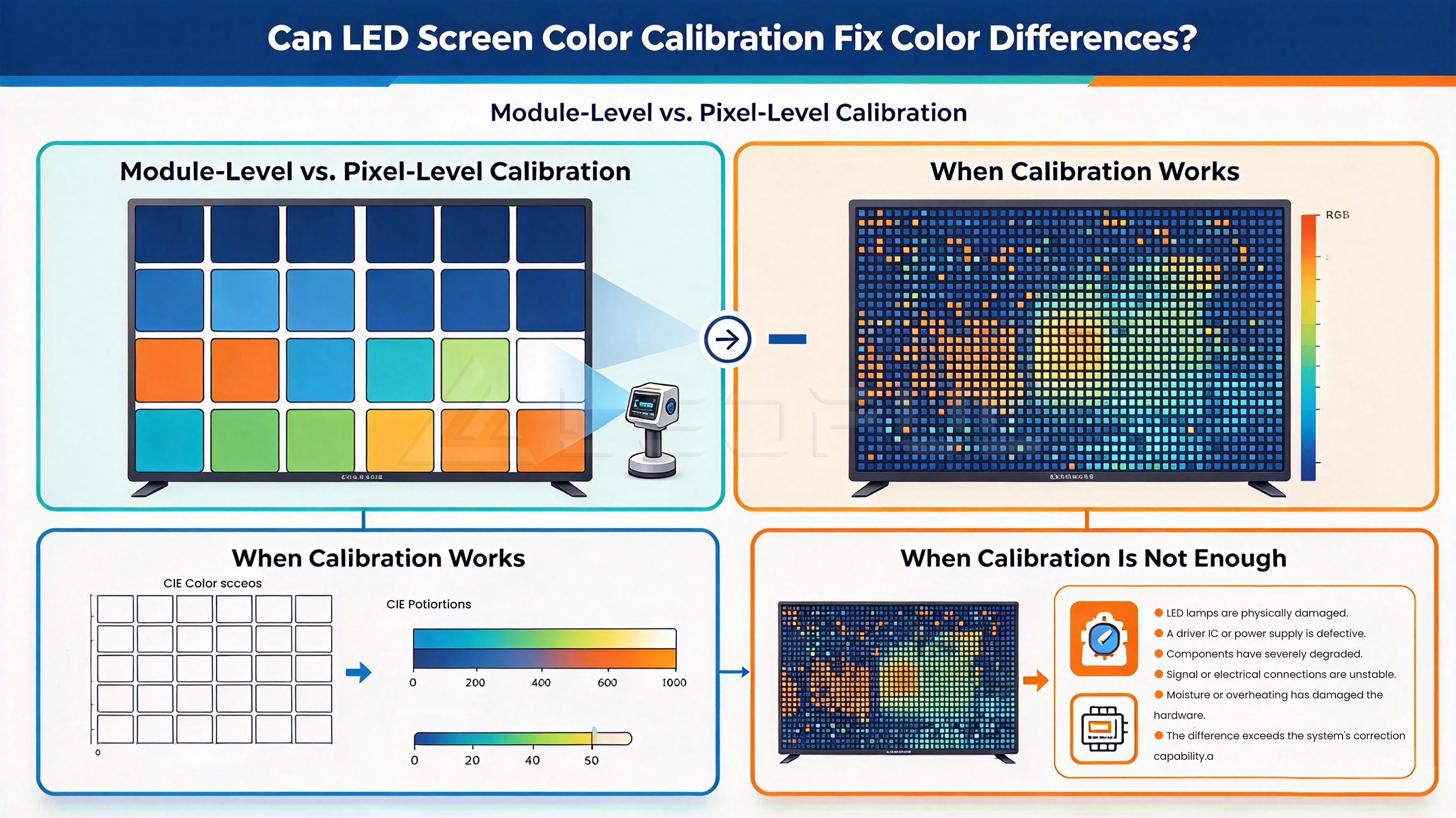
Can LED Screen Color Calibration Fix Color Differences?
LED display color calibration adjusts display output to improve consistency between pixels, modules, or cabinets.
It can be effective, but the result depends on the cause and severity of the problem.
Module-Level vs. Pixel-Level Calibration
Module-level calibration adjusts the output of a module or larger display section.
Pixel-level calibration allows more detailed correction of individual pixels when the display system supports this function.
The appropriate method depends on the display hardware, control system, calibration equipment, and available correction data.
When Calibration Works
Calibration may help when:
- Modules have small, correctable brightness differences.
- Cabinets use inconsistent calibration settings.
- Replacement modules are functional but need matching.
- White balance or grayscale output is inconsistent.
- Display configuration settings have been restored incorrectly.
When Calibration Is Not Enough
Calibration may not solve the problem when:
- LED lamps are physically damaged.
- A driver IC or power supply is defective.
- Components have severely degraded.
- Signal or electrical connections are unstable.
- Moisture or overheating has damaged the hardware.
- The difference exceeds the system’s correction capability.
A reliable repair process follows a simple principle: diagnose first, calibrate where appropriate, and replace components when necessary.
How to Prevent Color Differences Between LED Panels
Preventive quality control is generally more efficient than repeatedly correcting color differences after installation.
1. Maintain Consistent LED Component Batches
For new installations and future expansions, ask the supplier how LED lamp batches are managed and whether replacement modules can be matched to the original display.
This is particularly important for large video walls and long-term commercial installations.
2. Preserve Calibration Data
Keep records of calibration files, module configurations, receiving-card settings, and maintenance history.
These records can help technicians restore the original configuration after repairs or component replacement.
3. Inspect Color Uniformity Before Delivery
A proper quality-control process should evaluate the display’s visual consistency before shipment.
Where applicable, check uniform white, gray, and primary-color patterns, as well as brightness consistency and abnormal pixels.
Testing should follow documented procedures and appropriate operating conditions.
4. Verify Consistency After Installation
Even a display that passes factory testing should be checked after installation.
Confirm that cabinets are configured correctly, the control system is operating as intended, and the screen maintains acceptable color uniformity under normal operating conditions.
5. Establish a Preventive Maintenance Schedule
Regular inspection can help identify developing issues before they become more serious.
Maintenance records should include visible color changes, brightness abnormalities, replaced modules, configuration changes, and corrective actions.
For outdoor displays, also inspect waterproofing, ventilation, and environmental protection.
How to Evaluate LED Display Color Uniformity Before Buying
Color consistency should be evaluated before purchase, especially for projects that require a large, continuous display surface.
| Evaluation Item | Questions to Ask the Supplier |
| LED lamp selection | How are component variations managed? |
| Module consistency | How is brightness and color consistency checked? |
| Calibration | What calibration methods and correction data are supported? |
| Factory testing | Are uniform-color patterns and visual inspections included? |
| Module replacement | How are replacement modules matched to existing cabinets? |
| Configuration backup | Can calibration and configuration data be preserved? |
| Technical support | Is calibration and troubleshooting assistance available? |
| Warranty and spare parts | What support is available if color differences develop? |
Do not evaluate a supplier solely by the LED lamp brand, pixel pitch, or advertised brightness.
The final display result also depends on component matching, module design, driver electronics, calibration, thermal management, manufacturing consistency, and maintenance support.
How LEDFUL Supports LED Display Quality Control
For commercial LED display projects, consistent image quality starts with component selection and continues through manufacturing, testing, installation, and maintenance.
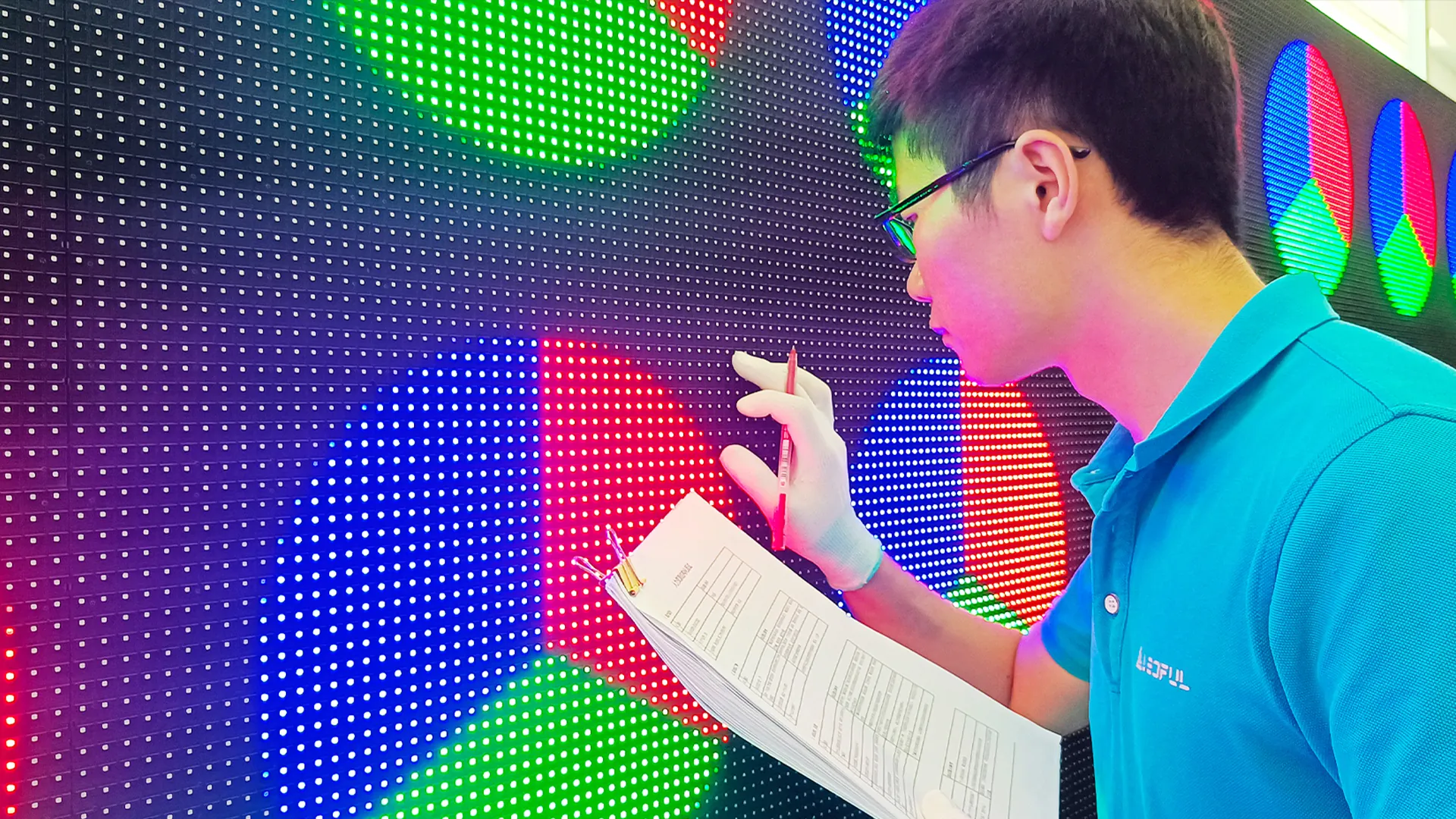
LEDFUL’s quality-control processes include 72-hour aging tests, 16 standard operating procedures, 23 QA checks, and approximately 1,500 test items across its testing processes.
These measures support manufacturing quality and reliability. However, no individual test or procedure guarantees that every display will remain completely free from color differences throughout its service life.
For buyers, the key is to evaluate the complete quality-control process and confirm how the supplier handles calibration, module replacement, technical support, and long-term maintenance.
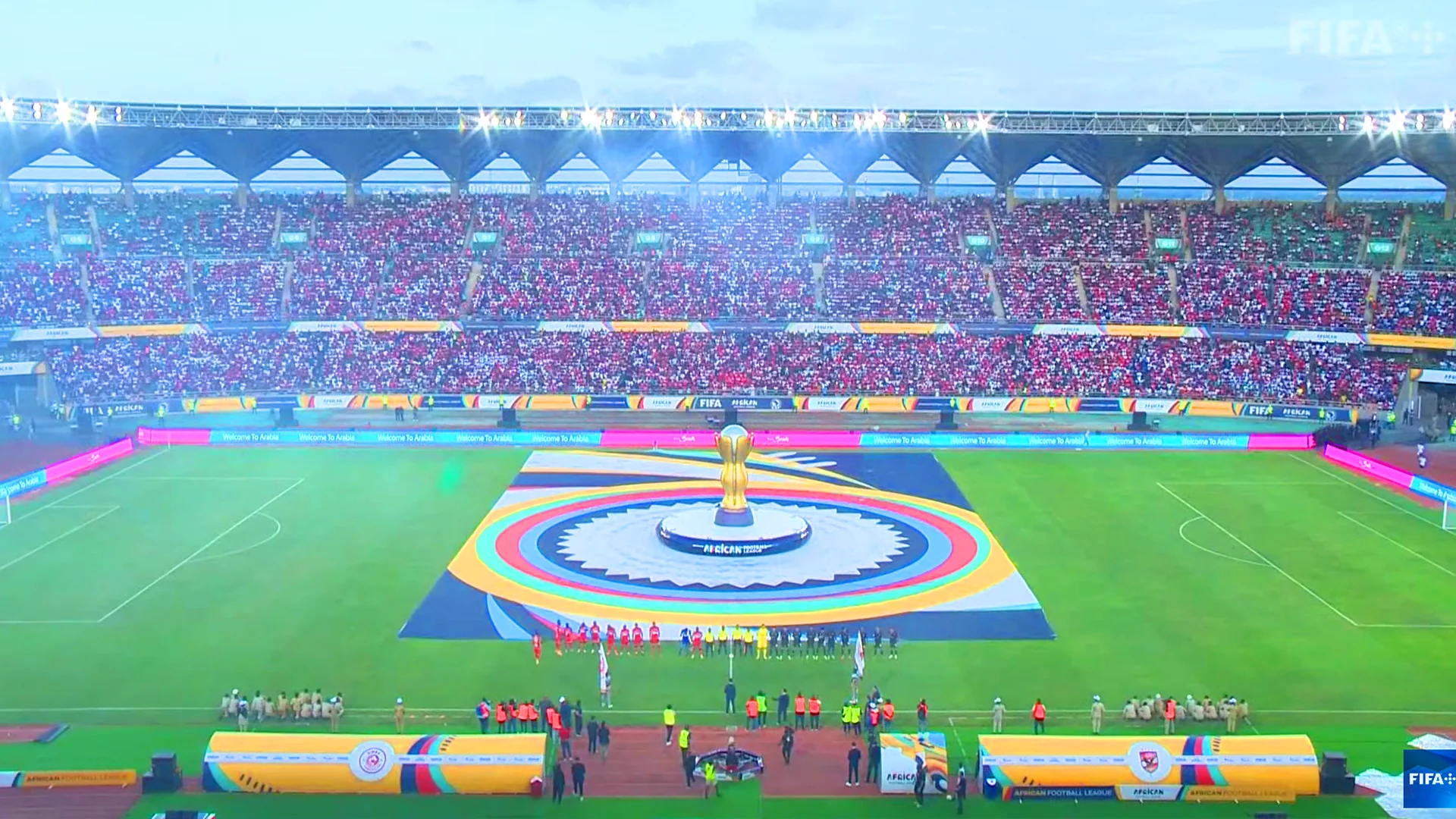
Whether the application is an indoor fine-pitch LED video wall, outdoor advertising display, rental LED screen, stadium display, or conference display, the appropriate configuration should match the project’s visual requirements and operating environment.
FAQ About LED Screen Color Difference
1. Why does my LED screen have different colors?
Common causes include LED lamp variations, inconsistent calibration, module aging, incorrect display settings, driver IC faults, and power or signal problems. Identify whether the difference affects one pixel, a module, a cabinet, or the entire screen before selecting a solution.
2. How do you fix color differences between LED panels?
Start with uniform test patterns, identify the affected panels, check configuration and signal connections, and verify calibration data. If the hardware is functioning normally, recalibration may help. Defective components may need replacement.
3. Why does one LED module look darker than the others?
Possible causes include LED aging, brightness calibration differences, faulty driver components, or power supply issues. Compare the module with surrounding panels and inspect its configuration and hardware condition.
4. Can LED screen calibration fix uneven colors?
Yes, calibration can improve correctable differences in brightness, white balance, and color output. However, it cannot repair physically damaged LEDs or defective electrical components.
5. Why do replacement LED modules look different?
New modules may have different optical characteristics from older modules because of component batch variation, aging, or calibration differences. Compatible parts, appropriate matching, and calibration can help improve consistency.
6. What causes a green or red tint on an LED display?
A green or red tint may result from incorrect RGB settings, white balance errors, a faulty color channel, driver problems, or configuration issues. Use test patterns to determine whether the problem affects one section or the entire screen.
7. Can a faulty power supply cause LED screen color problems?
Yes. Abnormal power delivery or a failing power supply may cause irregular brightness or color output. Electrical components should be checked by qualified technicians using the manufacturer’s safety procedures.
8. How often should an LED video wall be recalibrated?
There is no universal interval. Calibration needs depend on display technology, operating hours, environmental conditions, component aging, and maintenance history. Inspect the display regularly and recalibrate when measurements or visible differences indicate a need.
9. How can I improve LED display color uniformity?
Use consistent components, maintain correct configuration files, perform appropriate calibration, inspect the display before delivery, and preserve maintenance records. A systematic quality-control process helps reduce the risk of visible differences.
10. What should I check before buying an LED display to avoid color differences?
Ask about LED component selection, color and brightness uniformity testing, calibration support, replacement-module matching, configuration backups, spare parts, warranty, and technical support.
Need Help with LED Display Color Consistency?
Color differences can have several causes, and the correct solution depends on the display’s hardware, configuration, operating history, and installation environment.
If you are planning a new LED display project, upgrading an existing video wall, replacing modules, or troubleshooting color inconsistency, provide your project requirements and the symptoms you have observed.
LEDFUL can help evaluate suitable LED display configurations and discuss relevant quality-control, calibration, maintenance, and technical support requirements for your application.
Whether your project involves indoor fine-pitch displays, outdoor LED screens, rental displays, stadium screens, or conference solutions, evaluate color consistency as part of the complete display system—not as an isolated specification.