



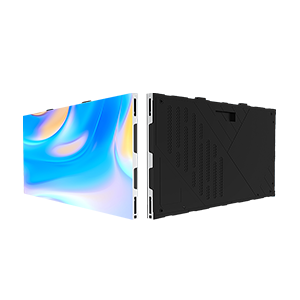
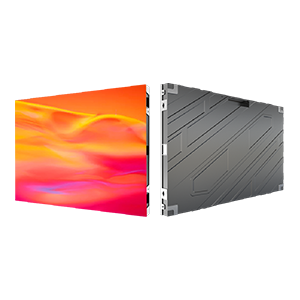





















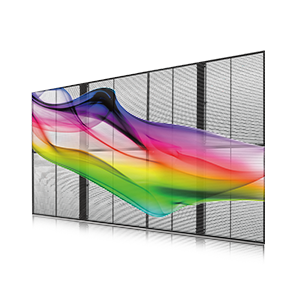
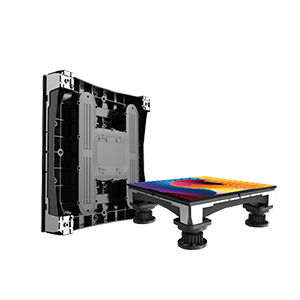
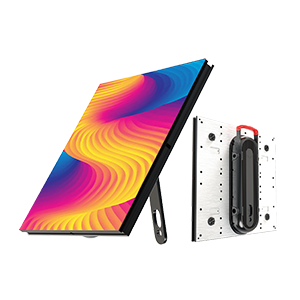
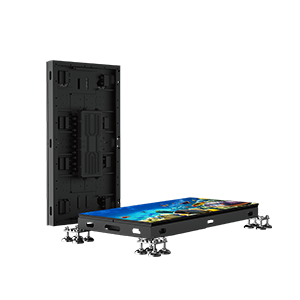

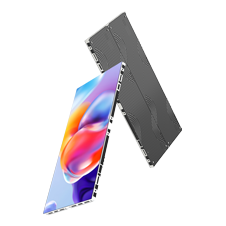

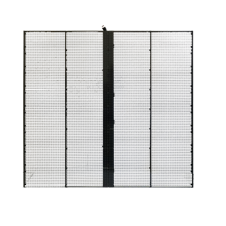
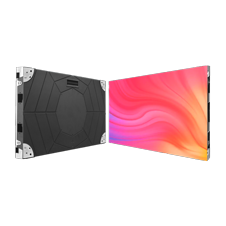
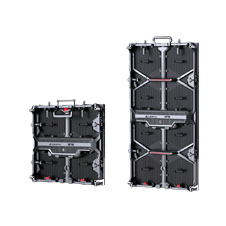













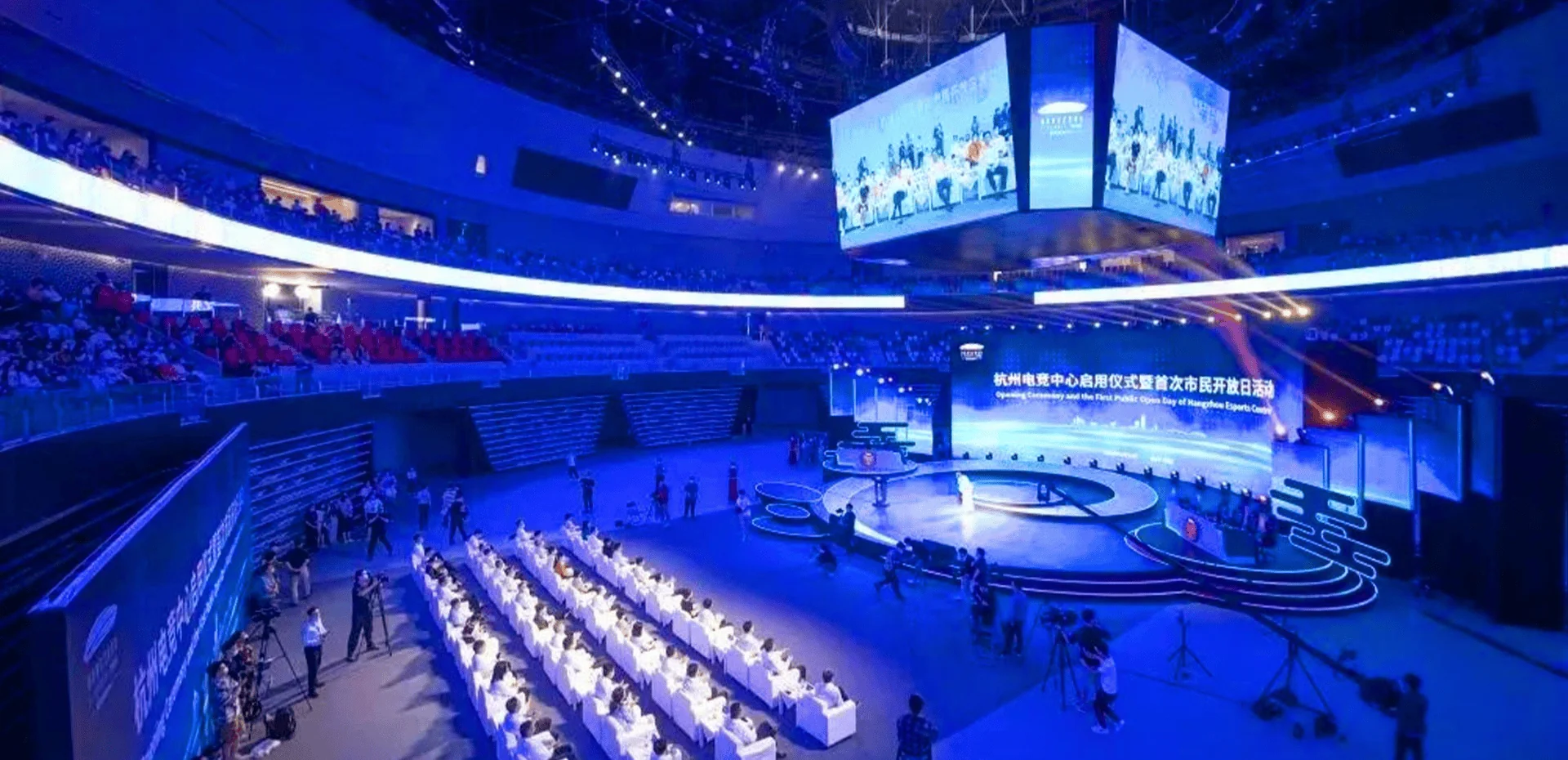

An LED display may continue working normally while dust, fingerprints, pollution and other contaminants gradually build up on its surface.
Over time, this buildup can affect the visual appearance of the screen and make the display look less clean, less uniform or less bright.
However, cleaning an LED display is not the same as cleaning ordinary glass or a television screen.
Using too much water, excessive pressure, abrasive materials or an unsuitable cleaning chemical may damage LED modules, masks, protective coatings or electronic components.
So, how do you clean an LED display safely?
Whether you operate an indoor LED video wall, outdoor LED billboard, stadium LED screen, rental LED display or fine-pitch LED display, the basic principle is the same:
Remove dust and contaminants without damaging the LED modules or allowing moisture to enter sensitive components.
This guide explains:
- How to clean an LED display safely
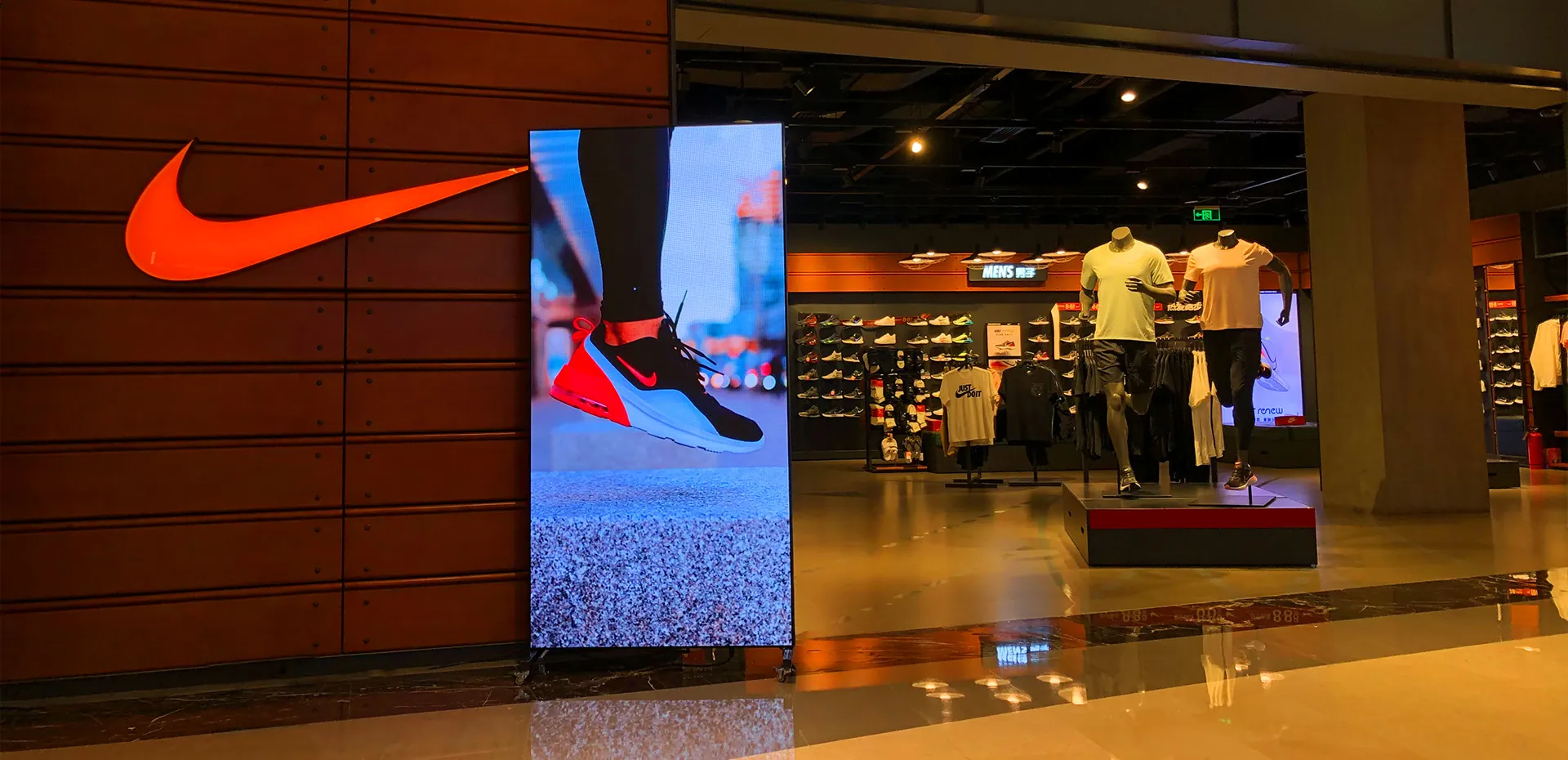
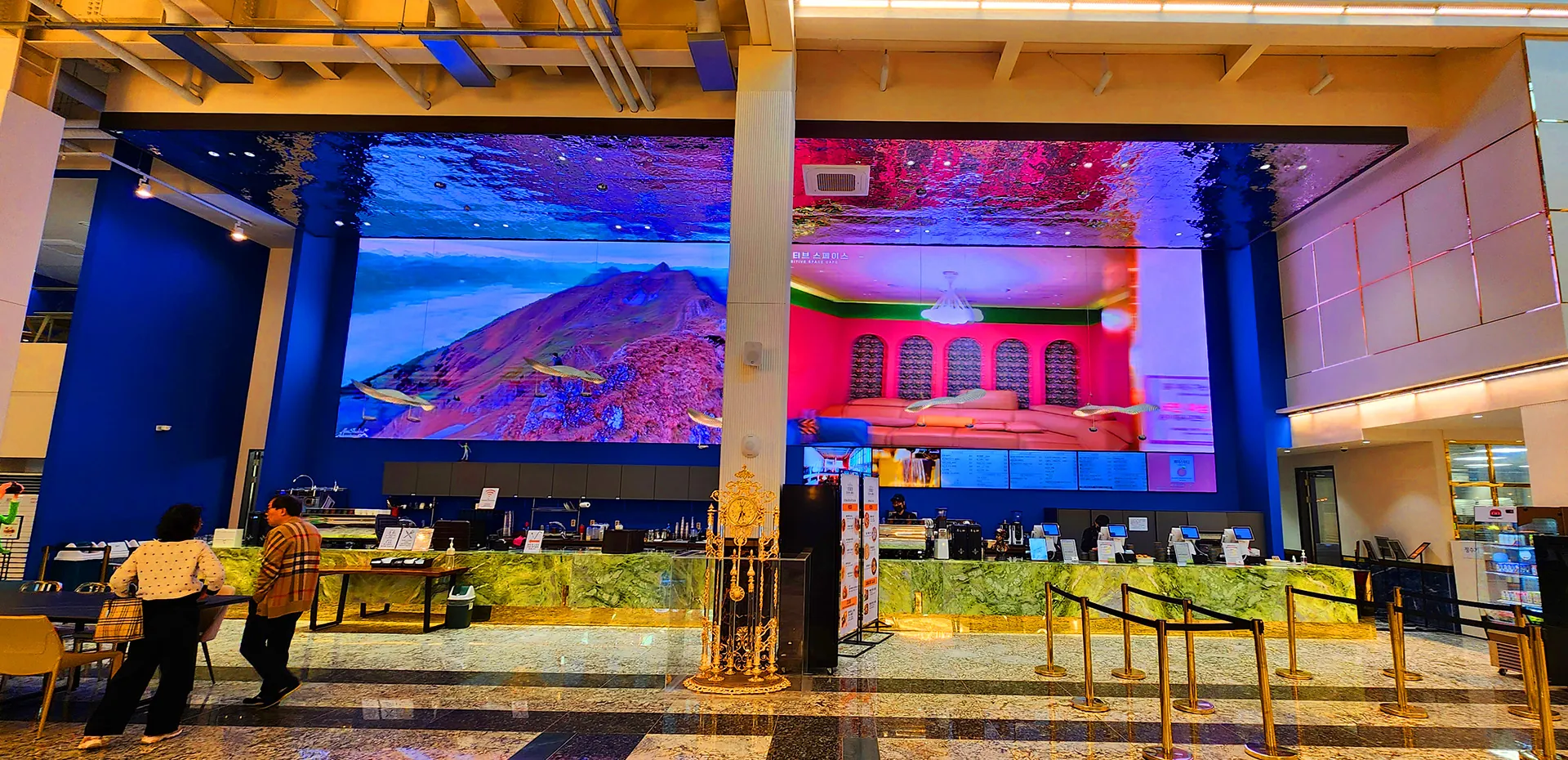
- How to clean indoor LED displays
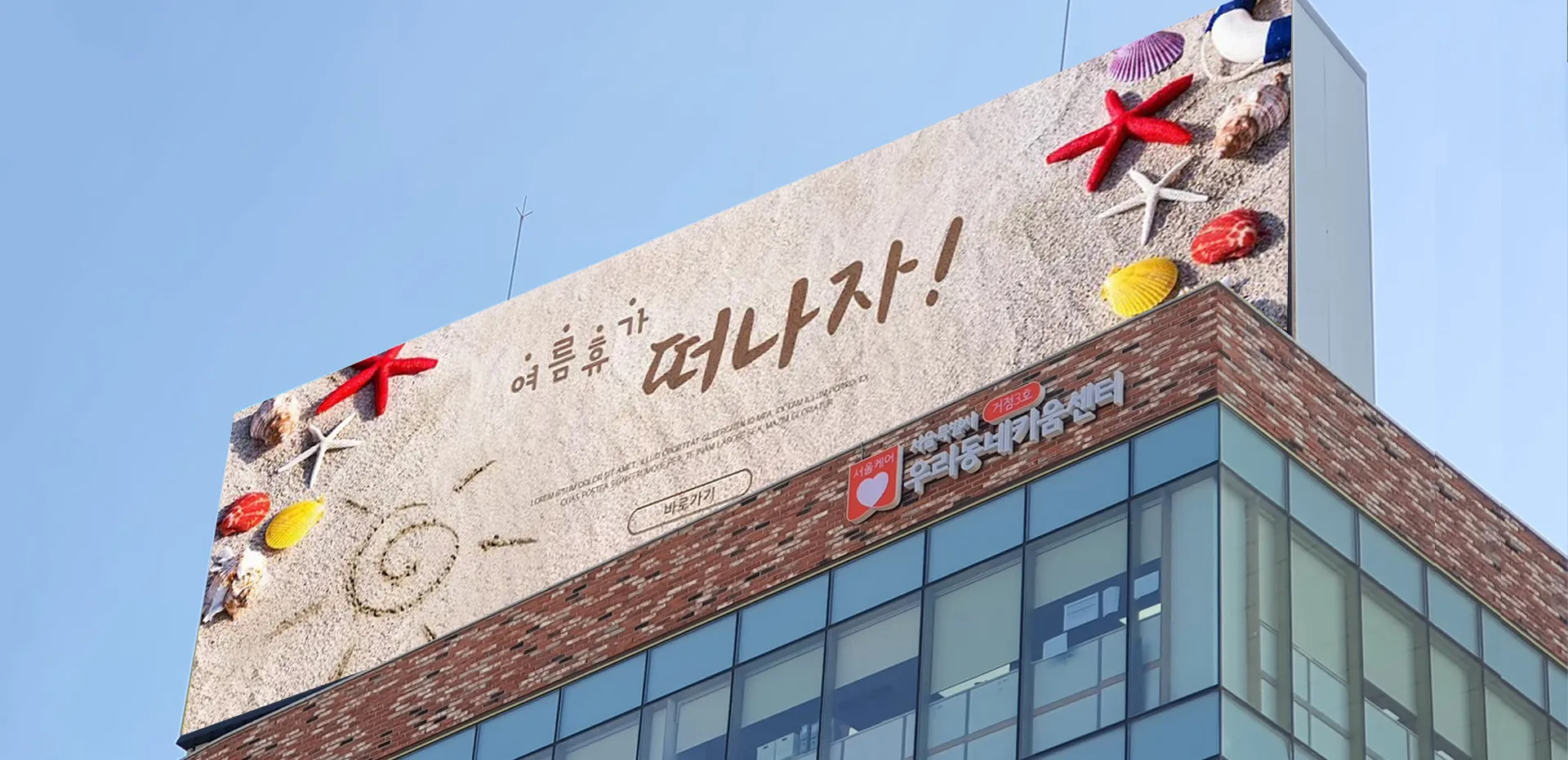
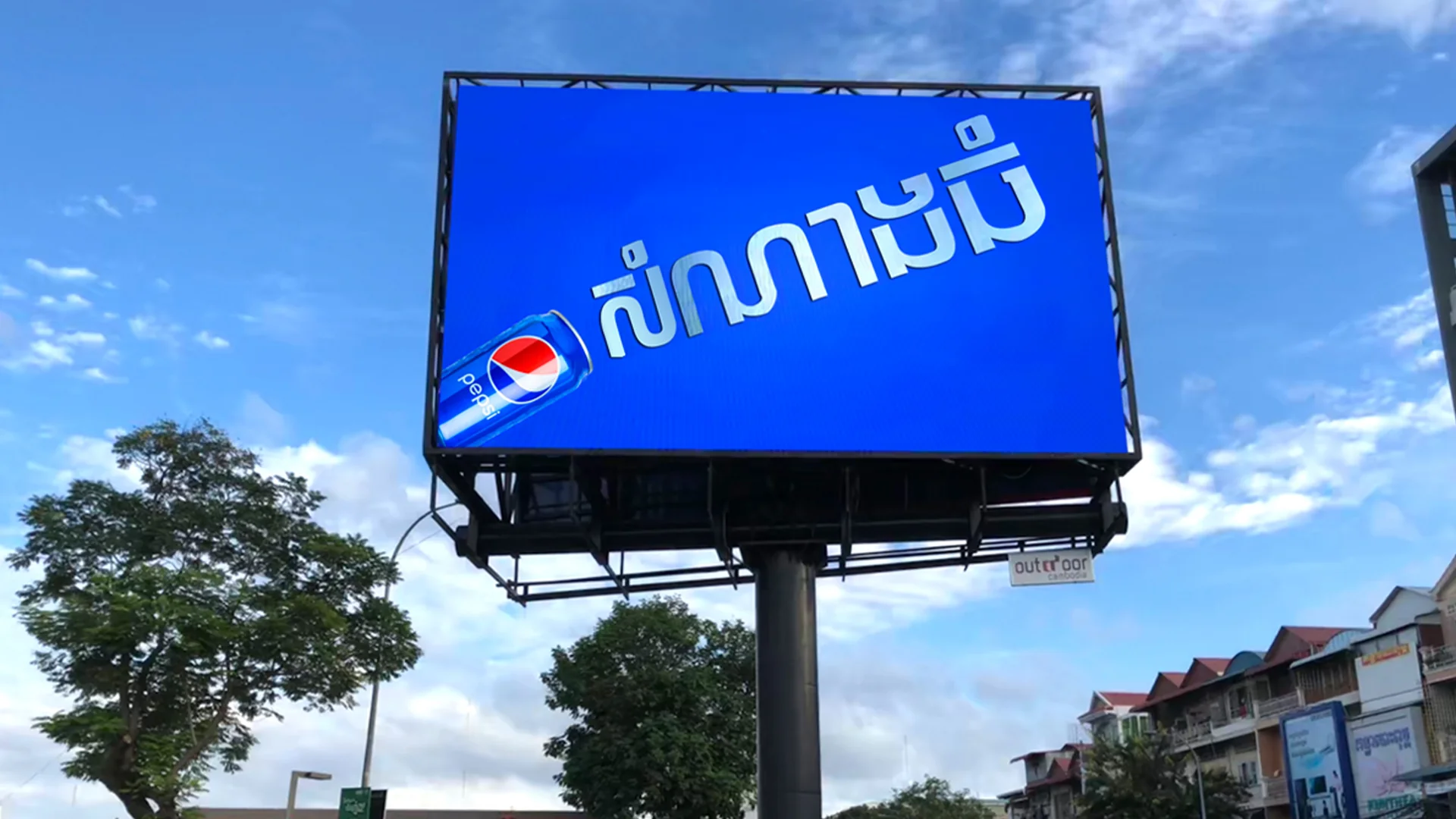
- How to clean outdoor LED displays
- What tools should be used
- How often an LED screen should be cleaned
- Whether water or cleaning solutions can be used
- What should never be used on an LED display
- How cleaning fits into long-term LED display maintenance
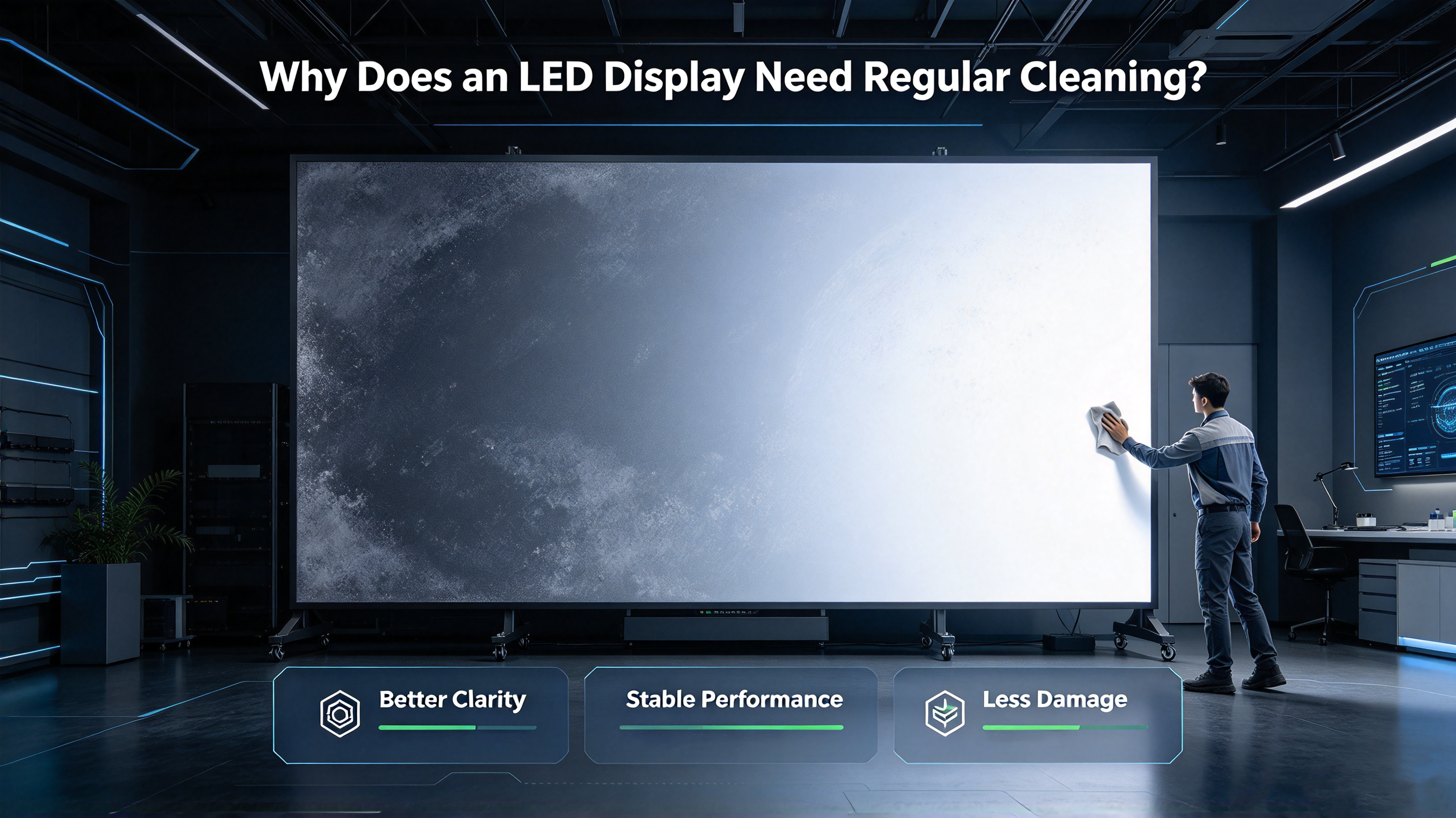
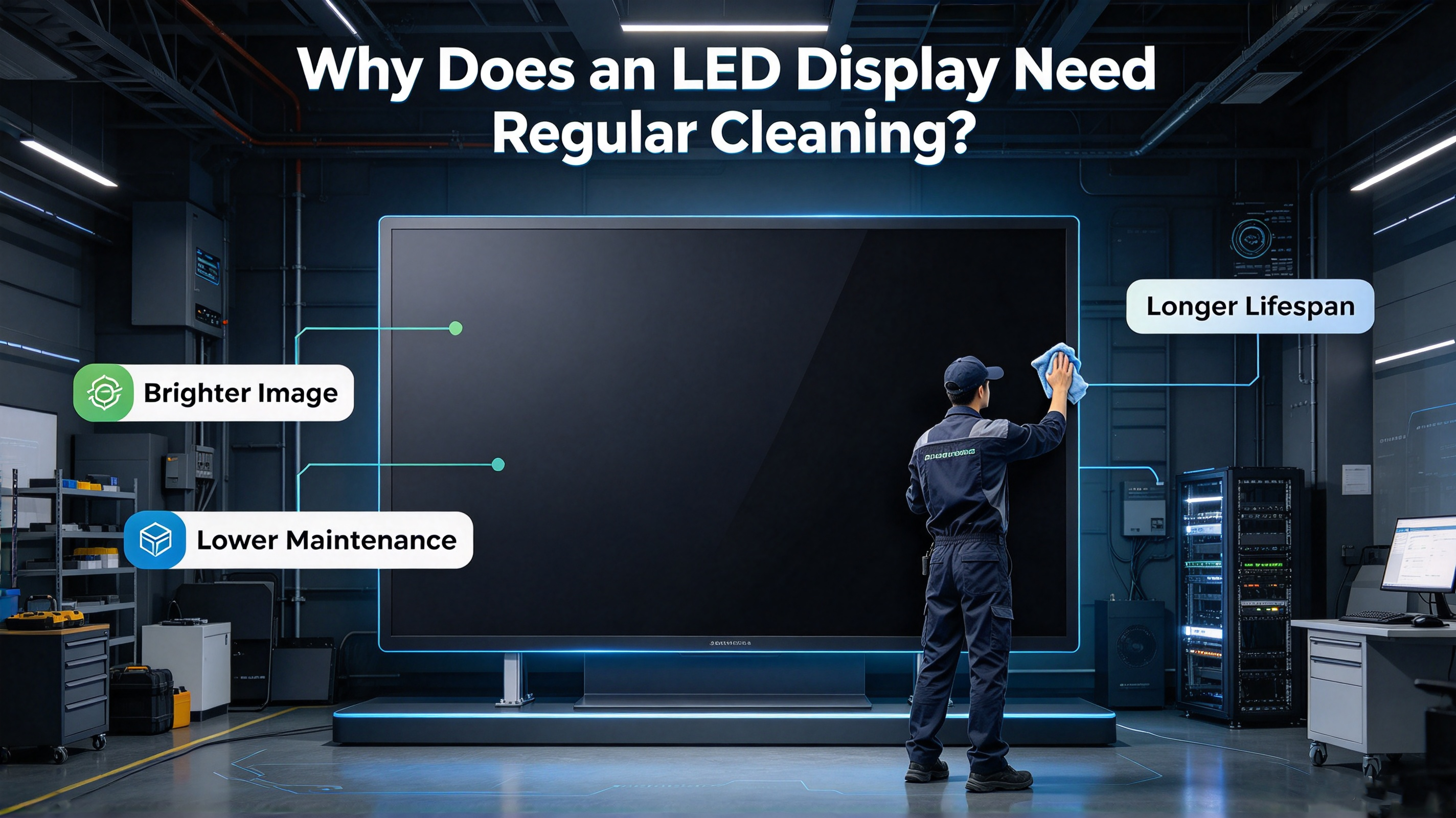
Why Does an LED Display Need Regular Cleaning?
Regular LED display cleaning is more than an aesthetic task.
LED displays are exposed to different types of contaminants depending on where they are installed.
Indoor displays may collect:
- Dust
- Fingerprints
- Smoke
- Fine particles
- Airborne contaminants
Outdoor LED displays can face additional exposure to:
- Dust
- Rain residue
- Pollution
- Pollen
- Insects
- Bird contamination
- Road particles
- Industrial particles
- Coastal salt and moisture
When contaminants accumulate, they can affect the appearance and optical performance of the display.
Dust Can Affect LED Screen Appearance
Dust can accumulate on LED modules, masks, cabinet surfaces and surrounding structures.
A heavily contaminated screen may appear less clean and can make differences between modules more noticeable.
Dirt Can Affect Brightness and Image Clarity
A dirty surface can reduce the amount of light reaching the viewer.
This does not necessarily mean that the LEDs themselves have become weaker.
Sometimes, the first step is simply to remove surface contamination before diagnosing a brightness problem.
Outdoor LED Displays Require More Environmental Maintenance
Outdoor LED screens are exposed to much more demanding conditions than indoor displays.
Therefore, outdoor LED display cleaning should be considered part of a broader maintenance program that also includes inspection of:
- Waterproofing
- Cabinet seals
- Module connections
- Power systems
- Cables
- Ventilation
- Structural components
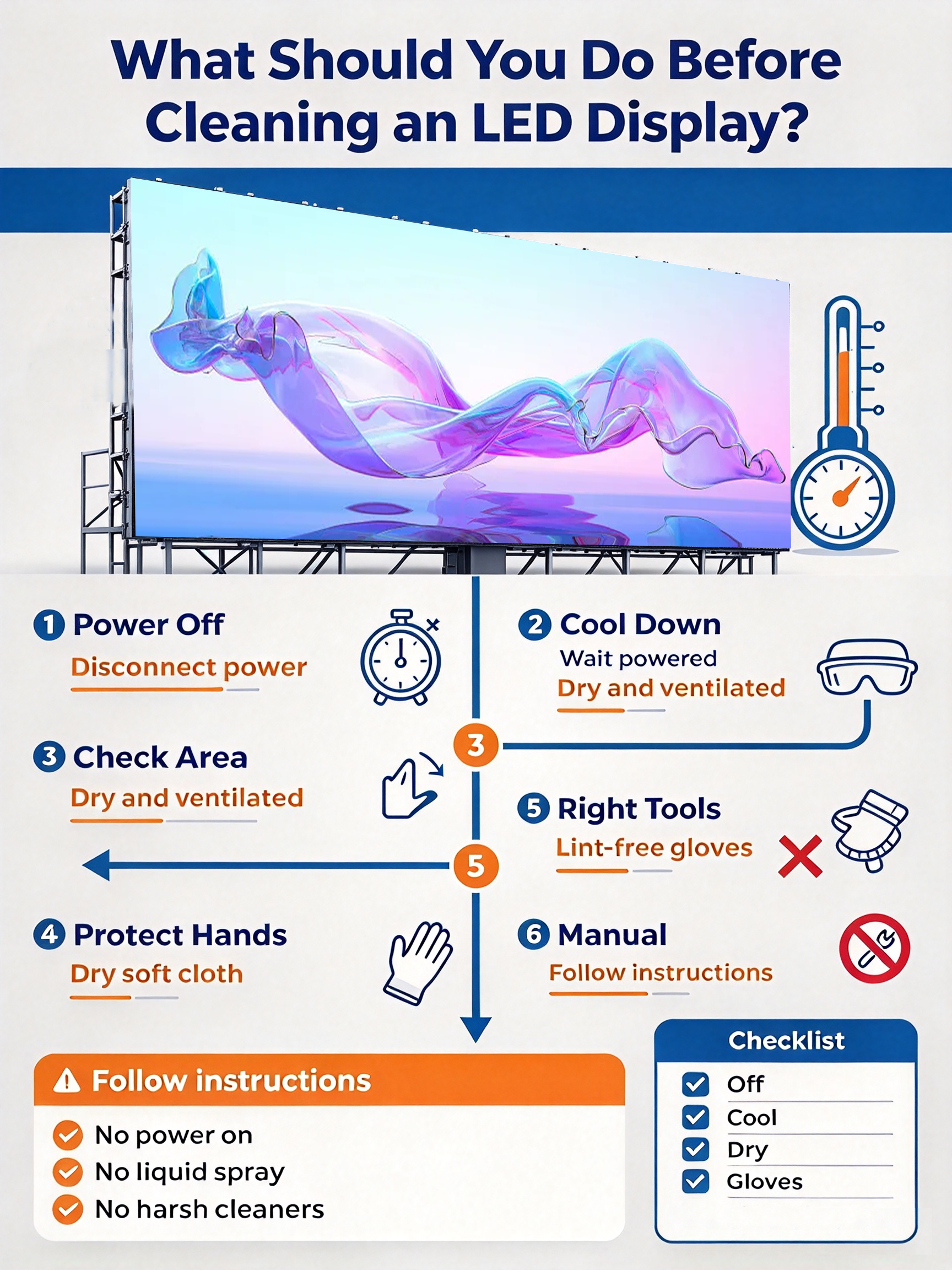
What Should You Do Before Cleaning an LED Display?
Before starting any LED screen cleaning, do not immediately pick up a cloth and cleaning solution.
First, identify the display and its operating condition.
Turn Off the LED Display
The display should be powered off before cleaning.
This reduces electrical risk and prevents the display from generating unnecessary heat while maintenance is being performed.
For large installations, follow the site’s electrical safety procedures and manufacturer’s maintenance instructions.
Allow the Display to Cool
If the screen has been operating for a long period, allow it to cool before cleaning.
A cooler surface can make cleaning easier and reduces the risk associated with applying liquids to a warm operating display.
Identify the LED Display Type
Different LED displays may use different module structures and surface protection.
Before cleaning, identify whether the display is:
- SMD LED
- COB LED
- GOB LED
- Fine-pitch LED
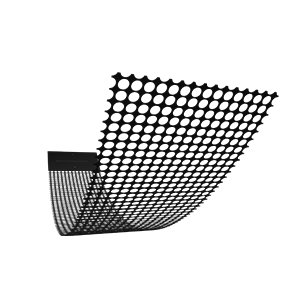
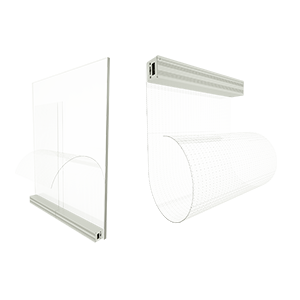
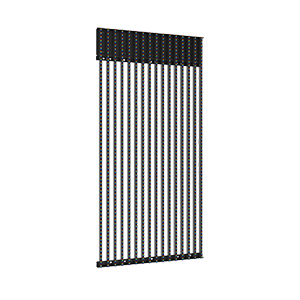
- Transparent LED
- Rental LED
- Indoor LED
- Outdoor LED
The cleaning method should always follow the manufacturer’s recommendations for the specific product.
Check the IP Rating of Outdoor LED Displays
An outdoor LED display may have an IP65, IP66 or other protection rating.
However:
Water resistance does not automatically mean that high-pressure water or direct spraying is suitable for cleaning.
The IP rating describes protection against specified conditions under standardized testing. It should not be interpreted as permission to use any cleaning method.
What Tools Do You Need to Clean an LED Display?
Using the correct tools is an important part of safe LED display cleaning.
| Cleaning Tool | Recommended Use | Important Consideration |
| Soft microfiber cloth | Surface cleaning | Avoid abrasive materials |
| Soft brush | Removing loose dust | Do not apply excessive pressure |
| Low-pressure air | Dust removal | Avoid excessive air pressure |
| Manufacturer-approved cleaner | Stubborn contamination | Follow product instructions |
| Controlled amount of clean water | Suitable surfaces | Never flood the display |
| Protective gloves | Maintenance work | Avoid touching sensitive components |
The exact cleaning materials should be confirmed with the LED display manufacturer.
For example, different display manufacturers may specify different procedures depending on the surface, module design and environmental protection.
Therefore, when cleaning a commercial LED display, the manufacturer’s maintenance instructions should take priority over generic cleaning advice.
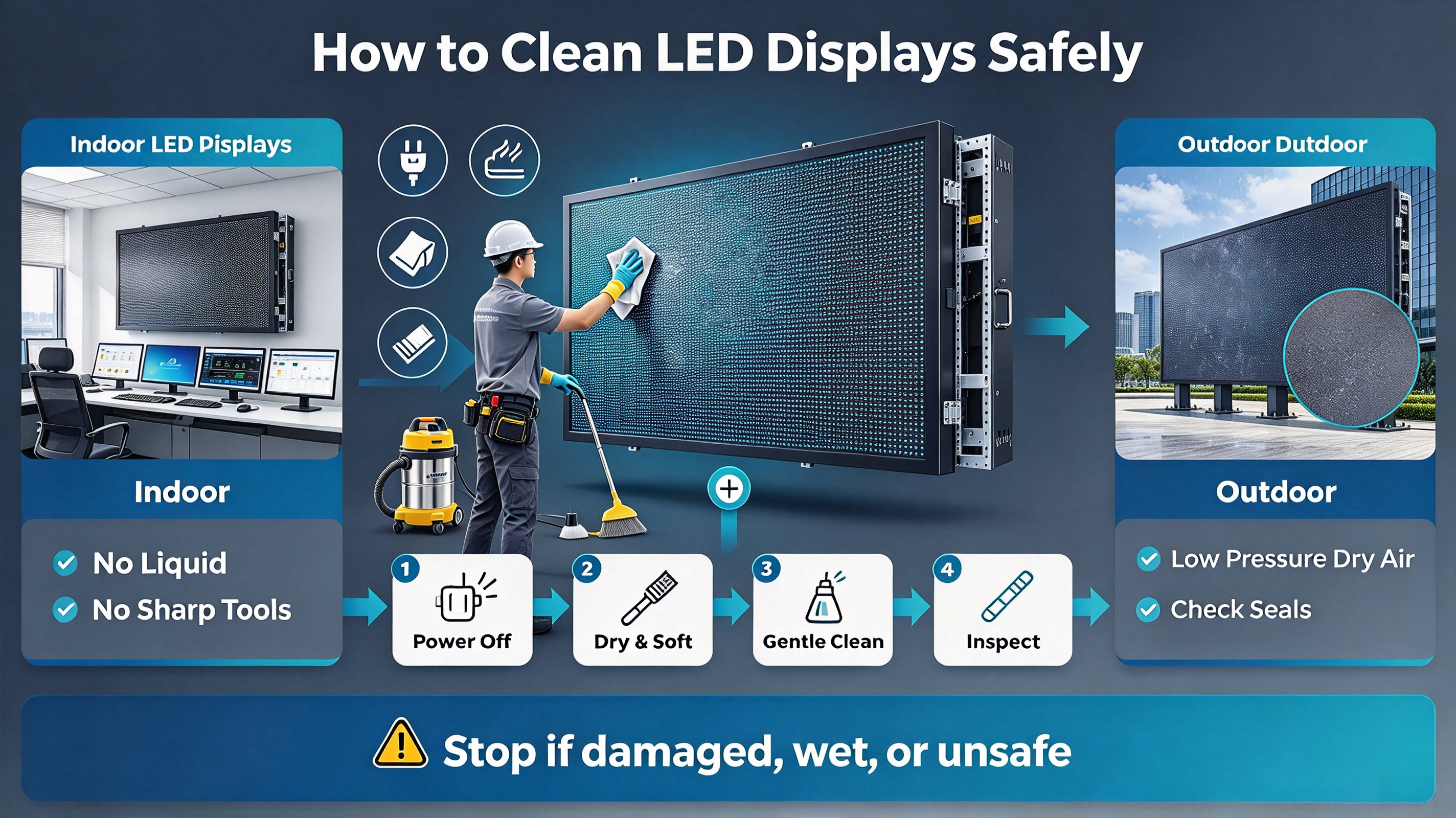
How to Clean an Indoor LED Display Step by Step
Indoor LED displays generally face less severe environmental contamination than outdoor displays, but fine dust and fingerprints can still accumulate over time. https://www.ledful.com/services
Here is a practical indoor LED display cleaning process.
Step 1: Power Off the Display
Turn off the display and follow the required electrical safety procedures.
Do not clean an operating LED display simply because the screen looks dusty.
Step 2: Remove Loose Dust
Use a soft brush or suitable low-pressure air to remove loose particles.
The goal is to remove dust without pushing it deeper into module gaps.
Step 3: Gently Wipe the Surface
Use a clean, soft microfiber cloth.
Avoid excessive pressure.
This is particularly important for fine-pitch LED displays because their pixel structures are designed for close viewing and may require more careful handling.
Step 4: Clean the Module Edges Carefully
Dust may accumulate around:
- Module edges
- Cabinet joints
- Mask structures
- Seams
- Ventilation areas
Clean these areas carefully rather than forcing a cloth into the gaps.
Step 5: Remove Remaining Moisture
If a manufacturer-approved wet-cleaning method is used, ensure that the surface is properly dried before returning the display to operation.
Step 6: Inspect the Screen
After cleaning, check for:
- Remaining dust
- Stains
- Uneven brightness
- Color differences
- Dead pixels
- Damaged modules
- Loose components
Cleaning can also be a useful opportunity for a basic visual inspection.
How to Clean an Outdoor LED Display Safely
Outdoor LED displays require more careful maintenance because they are exposed to dust, pollution, moisture and changing weather conditions.
The key principle is:
Outdoor LED display cleaning should remove contaminants without compromising the display’s protection system.
Step 1: Check Weather Conditions
Do not begin outdoor maintenance during unsuitable weather.
Avoid cleaning when:
- Heavy rain is occurring
- Strong wind is blowing dust
- The surface is extremely hot
- Electrical safety conditions cannot be controlled
Step 2: Remove Loose Dust and Debris
Remove loose contaminants before using any wet-cleaning method.
This helps prevent particles from being rubbed across the display surface.
Step 3: Use the Manufacturer-Approved Cleaning Method
The appropriate method depends on the LED display’s structure, protection level and manufacturer specifications.
Do not assume that all outdoor LED displays can be cleaned in exactly the same way.
Step 4: Avoid Forcing Water Into Seams
Even a waterproof outdoor LED display contains electrical and mechanical interfaces.
Avoid directing water aggressively toward:
- Module seams
- Cabinet joints
- Connectors
- Cable entries
- Power components
- Ventilation openings
Step 5: Allow the Display to Dry
Before restoring normal operation, make sure the cleaning process is complete and the display is appropriately dry according to the manufacturer’s instructions.
Step 6: Inspect the Outdoor LED Screen
After cleaning, inspect:
- Modules
- Cabinet seams
- Power connections
- Signal connections
- Waterproofing components
- Structural parts
- Brightness uniformity
This makes LED screen maintenance more than simply removing dirt.
Indoor vs Outdoor LED Display Cleaning
| Factor | Indoor LED Display | Outdoor LED Display |
| Dust | Moderate | Often higher |
| Pollution | Usually lower | Can be significant |
| Rain exposure | Normally none | Possible |
| Moisture | Controlled environment | Environmental exposure |
| Cleaning frequency | Environment dependent | Environment dependent |
| Main concern | Dust and fingerprints | Dust, pollution and moisture |
| Water handling | Limited | Product-specific |
| Maintenance access | Usually easier | May require equipment |
| IP protection | Often less important | Important |
| Inspection scope | Screen and modules | Screen + waterproofing + structure |
The correct approach is therefore not:
Indoor = clean once a month
Outdoor = clean once a week
Instead:
Cleaning frequency should be determined by the installation environment and the manufacturer’s maintenance recommendations.
A practical maintenance program can combine:
Regular visual inspection + scheduled cleaning + preventive maintenance.
How Often Should You Clean an LED Display?
There is no universal cleaning frequency that applies to every LED display.
A better approach is to evaluate the environment. https://www.ledful.com/product-category/outdoor
Low-Dust Indoor Environment
An LED video wall installed in a clean conference room may require relatively infrequent cleaning.
High-Traffic Indoor Environment
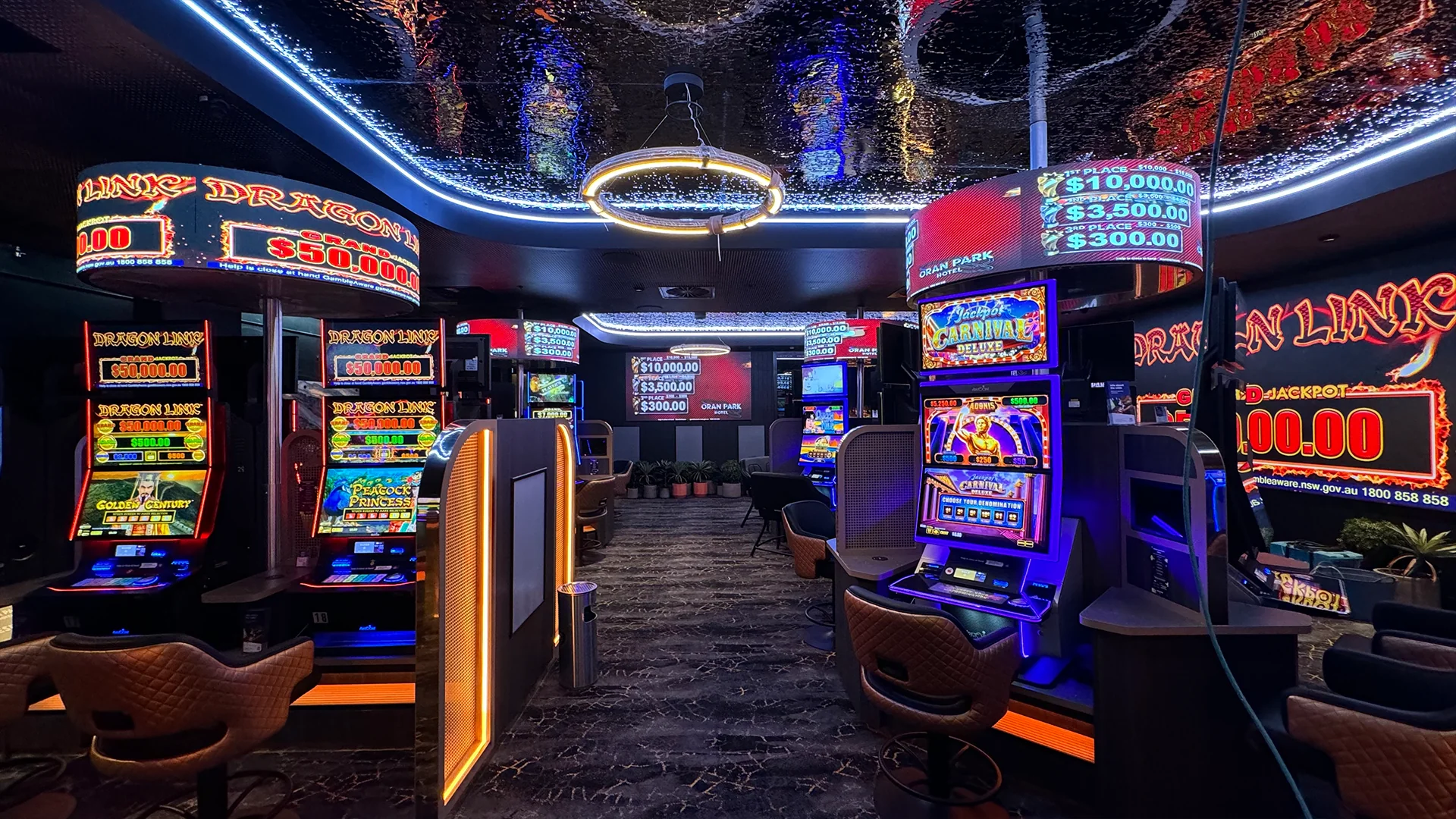
Retail stores, airports, exhibition centers and public spaces may require more frequent cleaning because of:
- More people
- More fingerprints
- More airborne particles
- Longer operating hours
Outdoor Environment
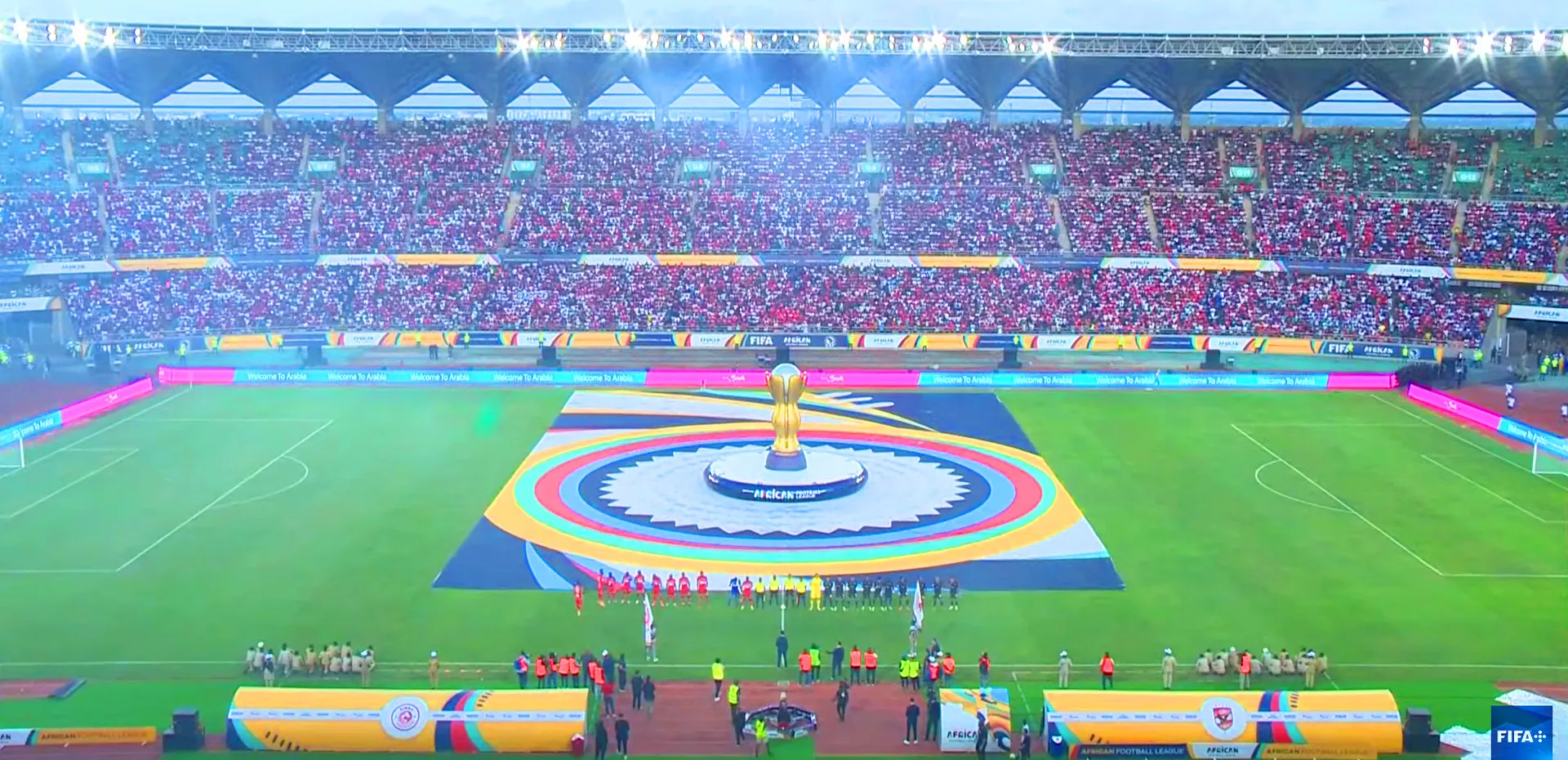
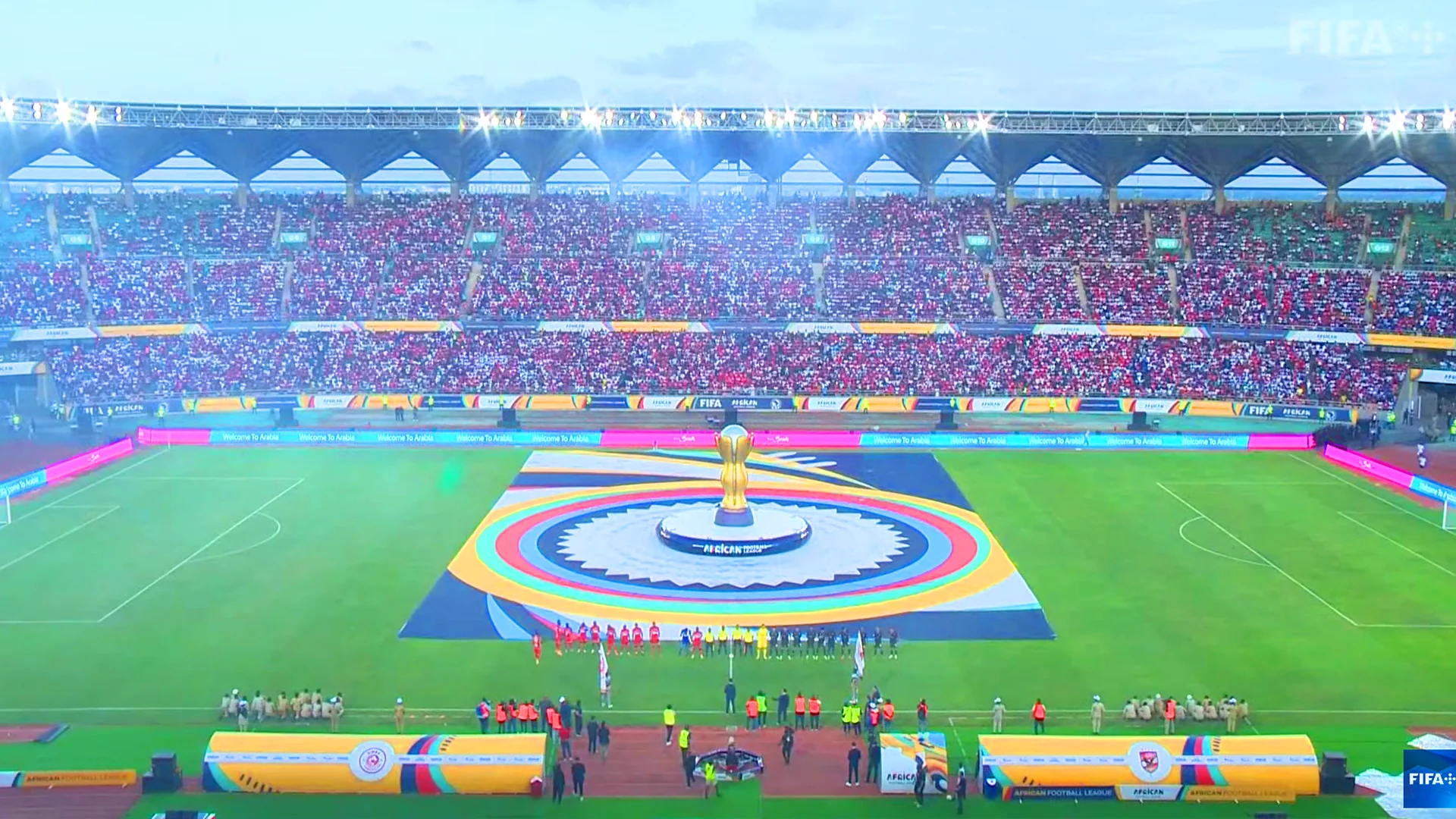
Outdoor LED billboards, stadium displays and DOOH screens may require more frequent inspection because of:
- Dust
- Pollution
- Weather
- Traffic
- Pollen
- Insects
- Moisture
High-Pollution Environment
Industrial areas, major roads and coastal locations may require a more frequent maintenance schedule.
Therefore, instead of asking:
“How often should every LED display be cleaned?”
A better question is:
“How frequently should this specific LED display be inspected and cleaned based on its environment?”
A practical maintenance program can combine:
Regular visual inspection + scheduled cleaning + preventive maintenance.
What Should You NEVER Use to Clean an LED Display?
Knowing what not to do is just as important as knowing how to clean an LED screen.
Do Not Use Abrasive Materials
Avoid rough cloths, abrasive pads or hard brushes that may scratch or damage the display surface.
Do Not Spray Liquid Directly Onto the Screen
Do not assume that spraying the screen directly is safe simply because the display is designed for commercial use.
A controlled cleaning method is safer than flooding the surface.
Do Not Use Strong Chemicals Without Approval
Avoid using aggressive solvents or household chemicals unless the display manufacturer specifically approves them.
Different LED packages, coatings and surface materials may react differently to chemicals.
Do Not Apply Excessive Pressure
LED modules contain electronic components and delicate structures.
Cleaning should remove contamination—not physically press the module.
Do Not Automatically Use a Pressure Washer
A high-pressure washer can create a completely different mechanical and water-load condition from ordinary environmental exposure.
Therefore:
Never assume that an outdoor LED display can be pressure-washed simply because it has an IP rating.
Follow the manufacturer’s approved cleaning procedure.
Do Not Clean While the Display Is Operating
For routine maintenance, power down the display and follow the required safety procedures.
How to Clean Different Types of LED Displays
Different LED technologies can require different maintenance considerations.
How to Clean SMD LED Displays
SMD LED displays contain surface-mounted LED packages.
Cleaning should focus on removing dust and contamination without damaging the LED package or mask.
How to Clean COB LED Displays
COB LED displays have a different LED packaging structure and surface characteristics.
Because COB displays can have a more integrated protective surface, the cleaning method should follow the manufacturer’s recommendations for that specific COB product.
How to Clean GOB LED Displays
GOB technology adds protective treatment to the LED module surface.
However, protective treatment does not mean the display should be cleaned with excessive force or unsuitable chemicals.
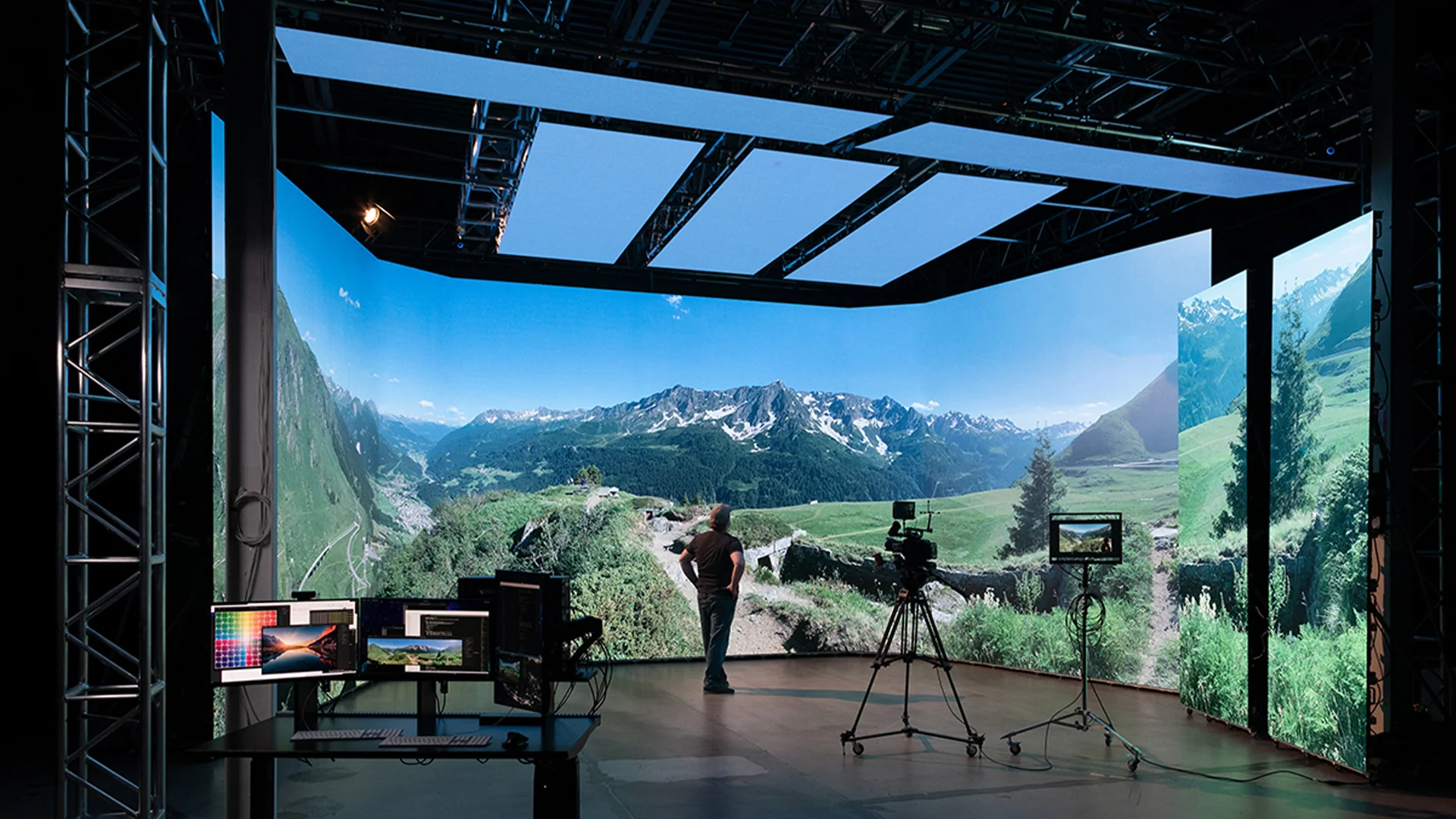
How to Clean Fine-Pitch LED Displays
Fine-pitch LED displays are often installed in applications where viewers are close to the screen.
Because visual uniformity is highly noticeable, cleaning should be gentle and controlled.
Examples include:
- Corporate conference rooms
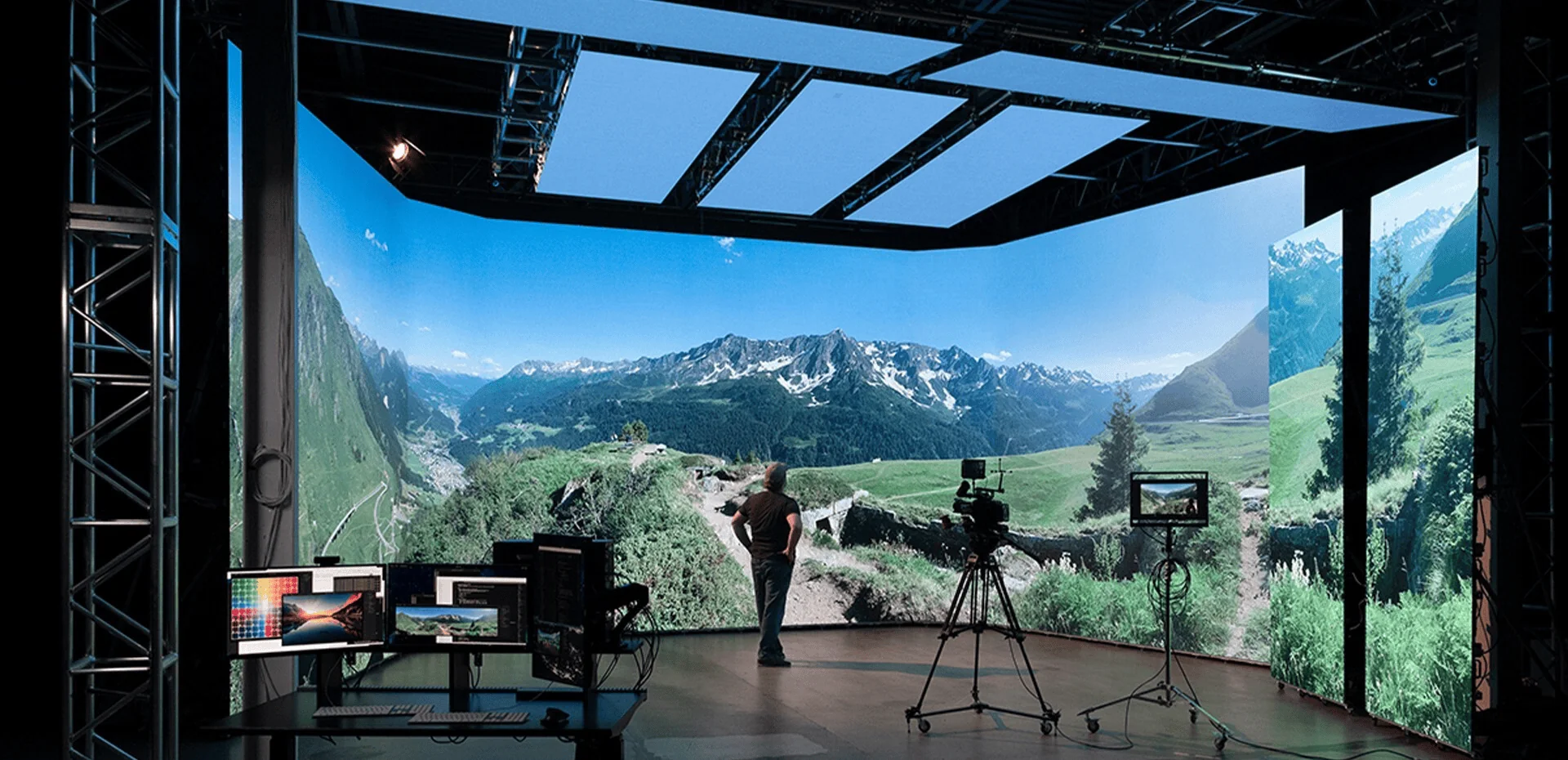
- Control rooms
- Broadcast studios
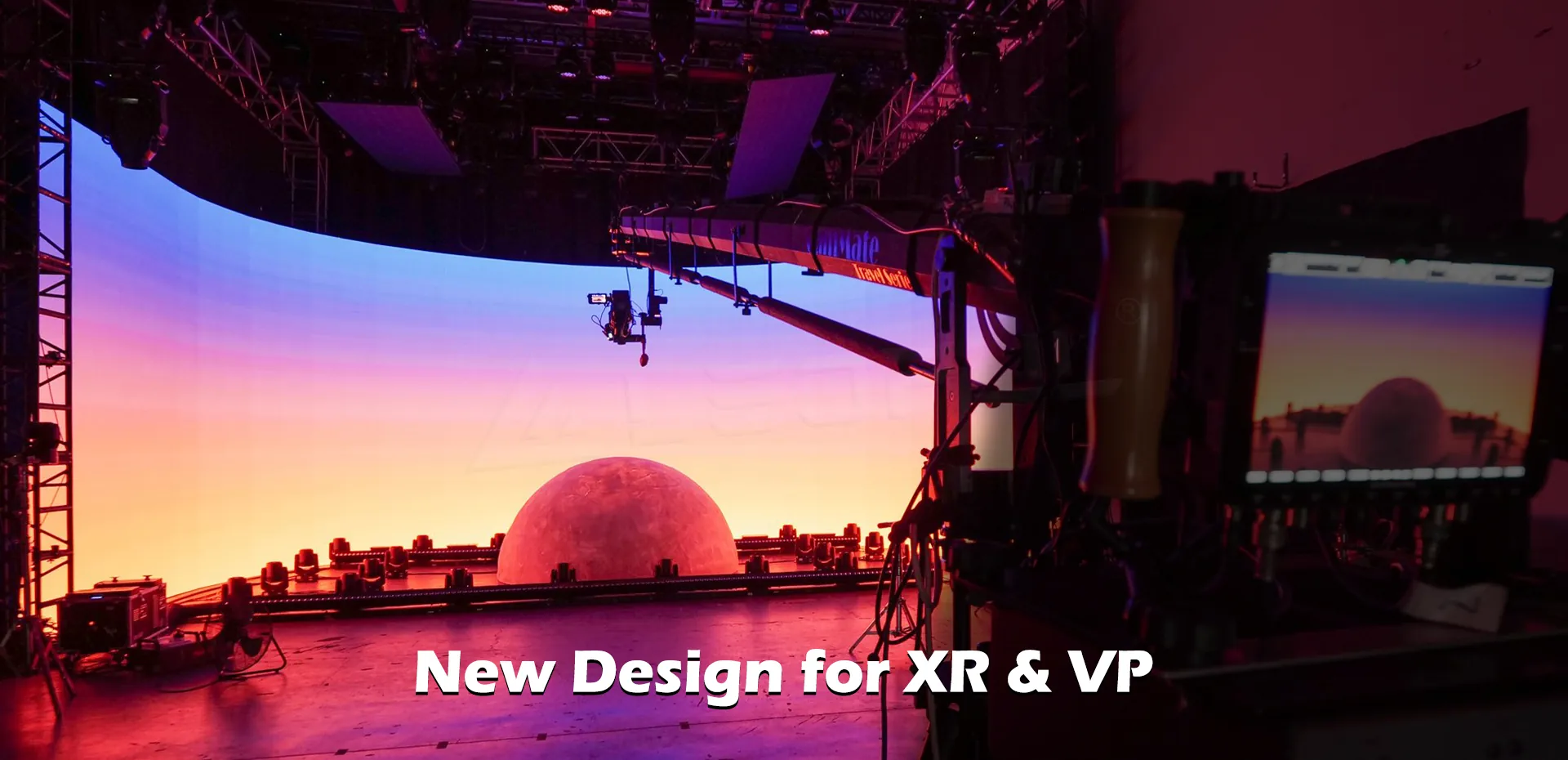
- Virtual production
- Premium retail
- Command centers
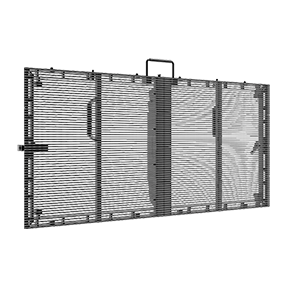
How to Clean Transparent LED Displays
Transparent LED displays have different physical structures from conventional LED walls.
Cleaning should consider the open structure and installation environment.
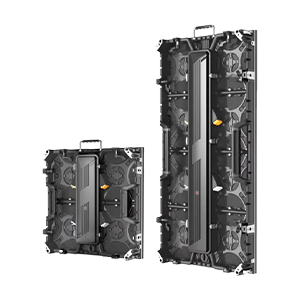
How to Clean Rental LED Displays
Rental LED displays are repeatedly assembled, transported and installed.
Therefore, maintenance should include both:
- Surface cleaning
- Physical inspection
Check for damaged modules, connectors, cabinet locks and other components after repeated transportation.
What If Your LED Display Still Looks Dark After Cleaning?
This is an important distinction.
If an LED display looks dark, cleaning may help—but it may not solve the actual problem.
Check for Remaining Contamination
First determine whether dust or dirt is still affecting the surface.
Check Brightness Settings
The display may be operating at a lower brightness setting.
This can be particularly relevant for indoor displays or screens using automatic brightness control.
Check Brightness Uniformity
If only certain modules appear darker, the problem may not be surface contamination.
Check Calibration
Brightness and color calibration can affect the visual uniformity of an LED display.
Check for Hardware Problems
If cleaning does not solve the problem, inspect:
- LED modules
- Driver ICs
- Power supplies
- Receiving cards
- Signal connections
- Calibration data
The key principle is:
Cleaning removes contamination. It does not repair a hardware failure or calibration problem.
LED Display Cleaning Is Only One Part of Maintenance
A professional LED display maintenance program should go beyond cleaning.
A complete maintenance checklist may include:
| Maintenance Item | Purpose |
| Surface cleaning | Remove dust and contaminants |
| Module inspection | Identify damaged modules |
| Dead-pixel inspection | Detect pixel failures |
| Brightness inspection | Identify abnormal areas |
| Color inspection | Check visual consistency |
| Power inspection | Identify electrical issues |
| Cable inspection | Check signal and power connections |
| Thermal inspection | Identify overheating risks |
| Waterproofing inspection | Important for outdoor displays |
| Structural inspection | Check installation safety |
| Calibration | Maintain visual consistency |
For large B2B projects, preventive maintenance can reduce unexpected downtime and make long-term operation easier to manage.
LED Display Cleaning Checklist
Before starting an LED screen cleaning task, use this checklist:
Before Cleaning
- ☐ Power off the display
- ☐ Follow electrical safety procedures
- ☐ Allow the display to cool
- ☐ Check the manufacturer’s maintenance instructions
- ☐ Identify the LED display type
- ☐ Check the environmental conditions
During Cleaning
- ☐ Remove loose dust first
- ☐ Use a soft cleaning material
- ☐ Avoid excessive pressure
- ☐ Use only approved cleaning solutions
- ☐ Avoid direct liquid spraying
- ☐ Avoid forcing water into seams and connections
After Cleaning
- ☐ Remove remaining moisture
- ☐ Inspect the display surface
- ☐ Check brightness uniformity
- ☐ Check color consistency
- ☐ Check for dead pixels
- ☐ Inspect modules and connections
- ☐ Record the maintenance date
How Can Proper Cleaning Extend LED Display Service Life?
Cleaning does not directly “create” a longer LED lifespan.
However, regular maintenance can help protect the display’s operating condition and identify potential problems earlier.
A well-managed maintenance program can help operators:
- Keep the display visually clean
- Identify damaged modules earlier
- Detect abnormal brightness
- Identify dead pixels
- Check power and signal connections
- Monitor environmental conditions
- Reduce unexpected maintenance
- Maintain consistent visual performance
This is especially important for commercial LED displays that operate for many hours every day.
The objective is not simply:
Clean the screen.
It is:
Inspect → Clean → Test → Maintain → Monitor
How to Choose an LED Display That Is Easy to Maintain
Cleaning and maintenance should be considered before purchasing an LED display.
For B2B projects, buyers should evaluate more than pixel pitch and price.
Consider Front or Rear Maintenance
Depending on the installation location, front-service access may significantly simplify module replacement and maintenance.
Consider Module Replacement
Ask how easily a damaged module can be removed and replaced.
Consider Spare Modules
For long-term projects, maintaining compatible spare modules can help reduce downtime.
Consider Outdoor Protection
For outdoor LED displays, evaluate:
- IP protection
- Cabinet sealing
- Module protection
- Cable connections
- Drainage
- Environmental exposure
Consider Manufacturer Support
A reliable LED display supplier should be able to provide:
- Installation guidance
- Maintenance instructions
- Spare parts
- Technical support
- Warranty
- Troubleshooting assistance
Maintenance is therefore not just an operational issue.
It is also a product-selection issue.
How LEDFUL Supports Long-Term LED Display Quality
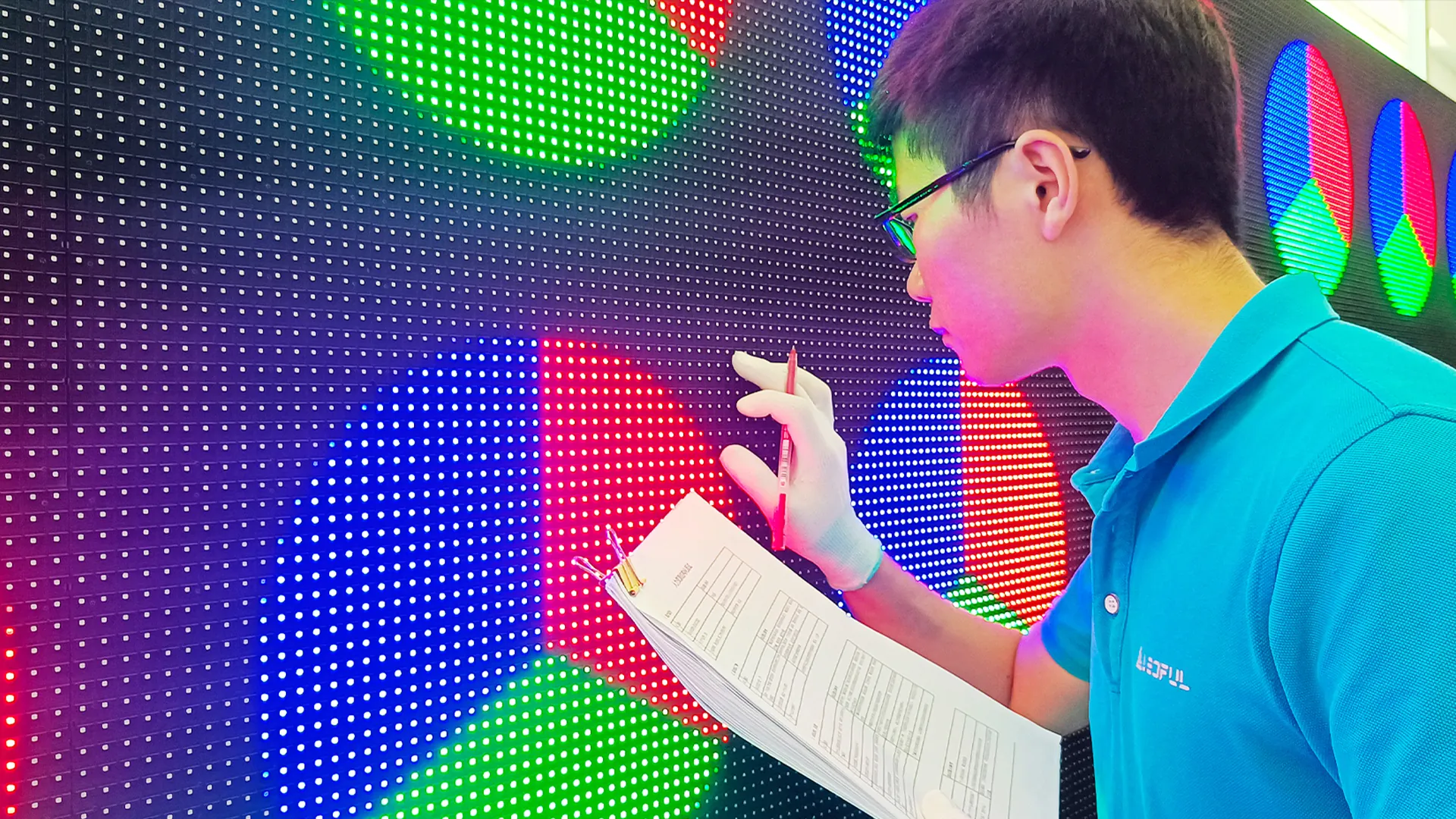
LEDFUL approaches LED display quality as a complete manufacturing and quality-control process.
Before an LED display reaches the customer, multiple production and inspection stages are used to control consistency and reliability.
LEDFUL’s quality-control process includes:
- 72-hour aging test
- 16 standardized operating procedures
- 23 QA checks
- Approximately 1,500 test items
These procedures are designed to evaluate the display system across different stages rather than focusing only on the LED lamp or individual component.
For B2B projects, this system-level approach matters because long-term LED display performance depends on more than the screen surface.
It also depends on:
Components → Modules → Cabinet → Power → Signal → Thermal Management → Testing → Installation → Maintenance
FAQ: LED Display Cleaning
1. How do you clean an LED display safely?
Turn off the display, allow it to cool, remove loose dust with a suitable soft tool, and gently clean the surface using manufacturer-approved materials. Avoid excessive pressure, direct liquid spraying and unsuitable chemicals.
2. Can you use water to clean an LED screen?
Water may be appropriate for some LED displays when used according to the manufacturer’s cleaning instructions. However, do not assume that every LED display can be cleaned with water.
3. Can you spray water directly onto an outdoor LED display?
Direct spraying should not be assumed to be safe. Even outdoor LED displays with water-resistant protection contain seams, connectors and electronic components that require controlled maintenance.
4. What cleaner is safe for an LED display?
Use only a cleaning solution approved or recommended by the LED display manufacturer. Avoid strong chemicals or solvents unless their compatibility has been confirmed.
5. How often should an LED display be cleaned?
Cleaning frequency depends on the environment, operating hours, dust levels, pollution, traffic and installation conditions. A scheduled inspection can determine when cleaning is required.
6. How do you clean an outdoor LED display?
First power down the display and check weather and safety conditions. Remove loose dust, then use the manufacturer-approved cleaning method while avoiding excessive water pressure or water entering seams and electrical connections.
7. How do you clean an indoor LED video wall?
Power off the display, remove loose dust, gently wipe the surface with a suitable soft cloth and inspect the modules after cleaning. Fine-pitch LED displays should be handled particularly carefully.
8. Can I use alcohol to clean an LED display?
Do not assume that alcohol is safe for every LED display. Compatibility depends on the LED package, coating and surface material. Follow the manufacturer’s instructions before using alcohol-based products.
9. Can a pressure washer be used on an outdoor LED screen?
A pressure washer should not be used unless the display manufacturer specifically approves that cleaning method. An IP rating does not automatically mean that high-pressure cleaning is suitable.
10. Can dirty LED modules affect image brightness?
Surface contamination can affect the appearance of an LED display and make the screen look darker or less uniform. If the problem remains after cleaning, further inspection may be required.
11. How do you clean a fine-pitch LED display?
Use a gentle, manufacturer-approved cleaning method and avoid excessive pressure. Fine-pitch displays can make small surface or uniformity problems more visible.
12. What should you do if an LED display is still dark after cleaning?
Check brightness settings, calibration and module uniformity. If only certain areas remain dark, inspect the modules, driver system, power supply and signal connections.
Planning a New LED Display? Consider Maintenance Before Purchase
Cleaning is only one part of LED display ownership.
When evaluating an LED display supplier, also consider:
- Maintenance access
- Front-service or rear-service design
- Module replacement
- Spare parts
- IP protection
- Thermal management
- Calibration
- Aging testing
- Warranty
- Technical support
- Long-term service capability
A low-maintenance LED display is not necessarily the one with the lowest initial purchase price.
For a long-term B2B project, the better question is:
How easy will this display be to operate, maintain and service over its entire lifecycle?
If you are planning an indoor LED video wall, outdoor LED billboard, stadium display, retail LED screen, conference LED wall or another commercial LED display project, send LEDFUL your project requirements.
LEDFUL can help evaluate the appropriate display structure, pixel pitch, protection level, maintenance method and long-term service requirements for your application.