
































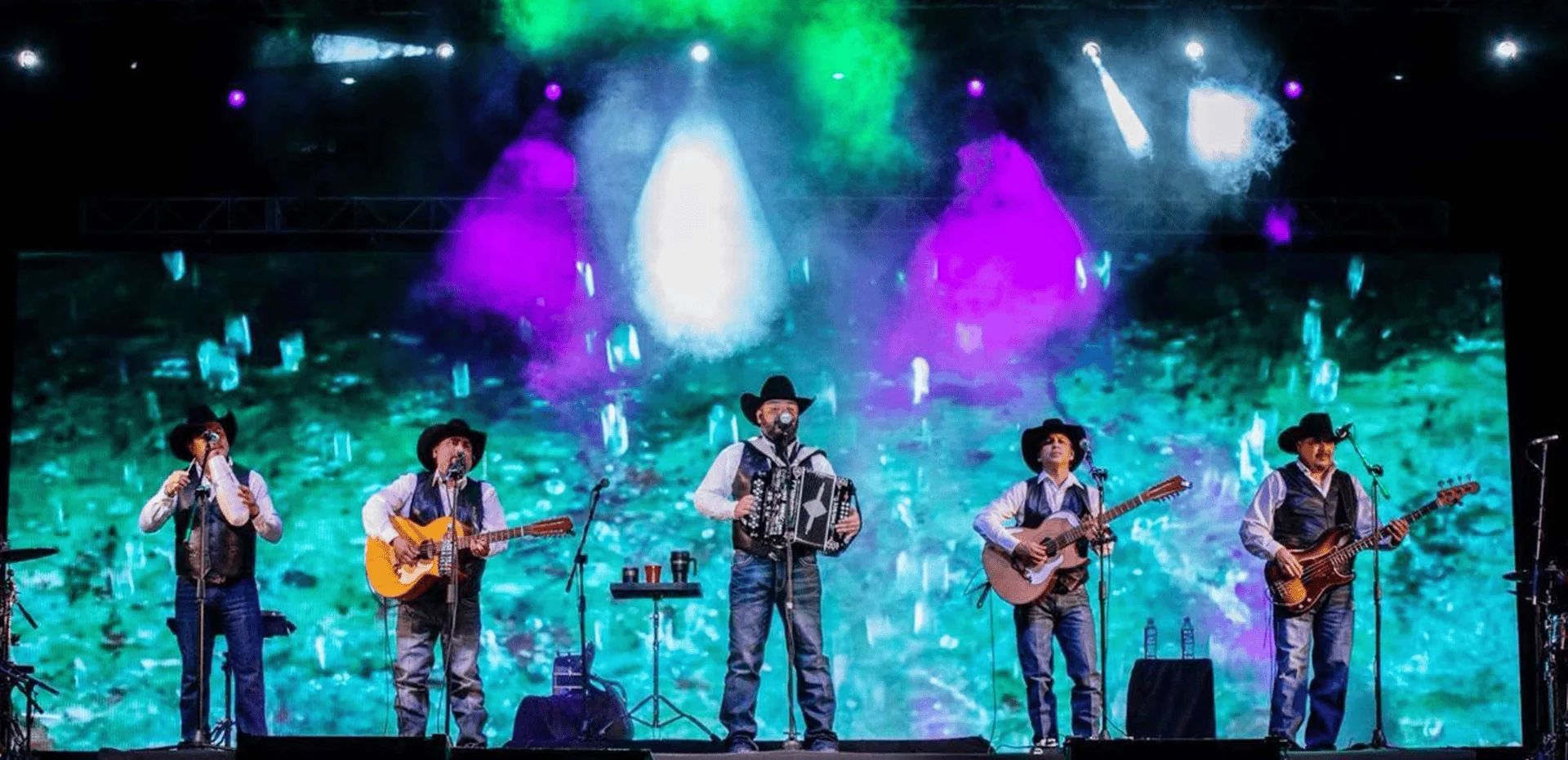
Have you ever filmed an LED screen that looked perfectly normal to the naked eye but showed flickering, dark horizontal bands, or rolling lines in the recorded video?
This is a common concern for event production companies, LED rental businesses, broadcasters, video creators, and virtual production studios. In many cases, the problem is related to the interaction between the LED display system and the camera—not simply the quality of the video content.
One important specification to consider is the LED display refresh rate.
But what is the difference between a high refresh rate and a low refresh rate? Is 3840Hz always better than 1920Hz? Does a 7680Hz LED display guarantee flicker-free video recording?
The answers depend on the application, the display’s driving technology, the control system, and the camera settings.
This guide explains how LED display refresh rate works, compares common refresh rate specifications, identifies the factors that affect camera performance, and helps you choose the right LED screen for video recording, live streaming, broadcasting, and virtual production.
What Is LED Display Refresh Rate?
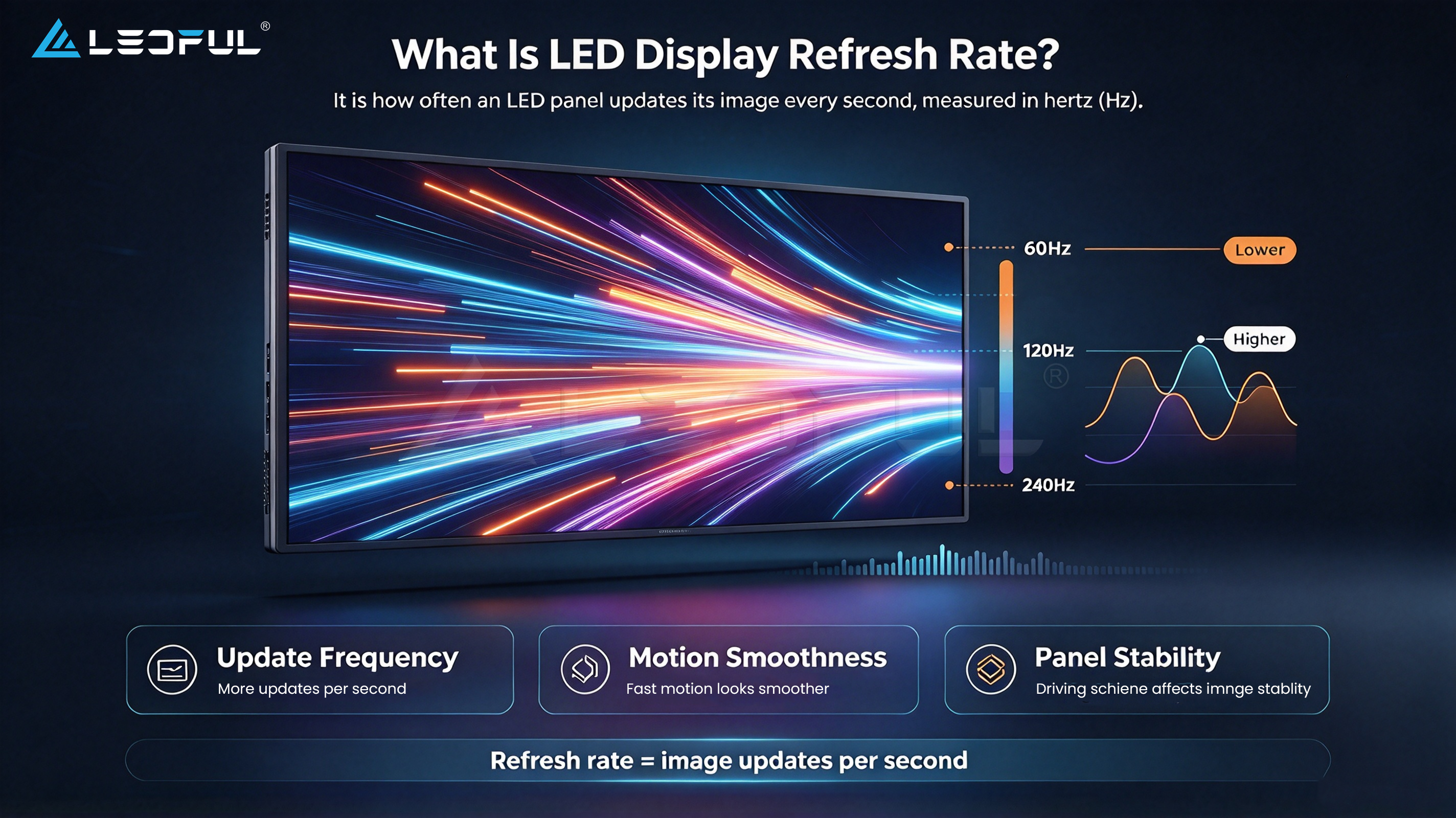
LED display refresh rate refers to how frequently the display updates its image within one second. It is measured in hertz (Hz).
For example, a display with a refresh rate of 3840Hz refreshes its image 3,840 times per second.
A higher refresh rate can help reduce certain visible artifacts and improve compatibility with camera recording, depending on the display system and shooting conditions.
However, refresh rate is only one part of overall display performance. Driver ICs, scanning and dimming methods, grayscale performance, video processors, and camera settings can also influence the final result.
Refresh Rate vs. Frame Rate (FPS)
Refresh rate and frame rate are related, but they are not the same.
| Specification | Meaning | Typical Measurement |
| LED display refresh rate | How frequently the display refreshes its image | Hz |
| Video frame rate | How many video frames are captured or played each second | FPS |
| Camera shutter speed | How long the camera sensor is exposed for each frame | Seconds or fractions of a second |
| LED pixel pitch | Distance between the centers of adjacent pixels | Millimeters |
| Grayscale performance | The display’s ability to reproduce different brightness levels | System-dependent |
A video recorded at 30 FPS does not require the LED display to refresh at only 30Hz. The display refresh process and video frame production serve different functions.
A high display refresh rate also does not automatically mean that motion content will look smoother. Motion smoothness depends on several factors, including the source frame rate, playback system, and display processing.
Refresh Rate vs. Grayscale Performance
Refresh rate and grayscale performance are also different specifications.
Refresh rate describes how frequently the display updates. Grayscale performance describes how effectively the display reproduces different brightness levels.
For applications such as film production, broadcasting, and professional video recording, both characteristics may matter.
A display with a high advertised refresh rate may still require evaluation for low-brightness grayscale performance, color consistency, dimming behavior, and camera compatibility.
High Refresh Rate vs. Low Refresh Rate: What Is the Difference?
A higher refresh rate can be beneficial when an LED display must be filmed or photographed, particularly under demanding shooting conditions.
However, the practical difference depends on the complete LED system.
| Comparison | Lower Refresh Rate | Higher Refresh Rate |
| General viewing | May be sufficient for some applications | May provide additional performance headroom |
| Camera recording | May be more susceptible to certain flicker or banding issues under some conditions | Can improve camera compatibility when the system is properly designed |
| High-speed shutter | Requires careful testing | May offer more flexibility, but still requires testing |
| Live streaming | Suitability depends on the complete system | Often worth evaluating for camera-oriented projects |
| Virtual production | May not meet demanding production requirements | Can be beneficial when combined with suitable driving and processing technology |
| Cost | Depends on product configuration | May involve a higher system cost |
| Selection principle | Match the actual application | Evaluate the complete system rather than the Hz value alone |
The most important distinction is not simply whether the refresh rate is high or low. It is whether the display performs reliably under the intended operating and recording conditions.

How Does Refresh Rate Affect LED Screen Video Quality?
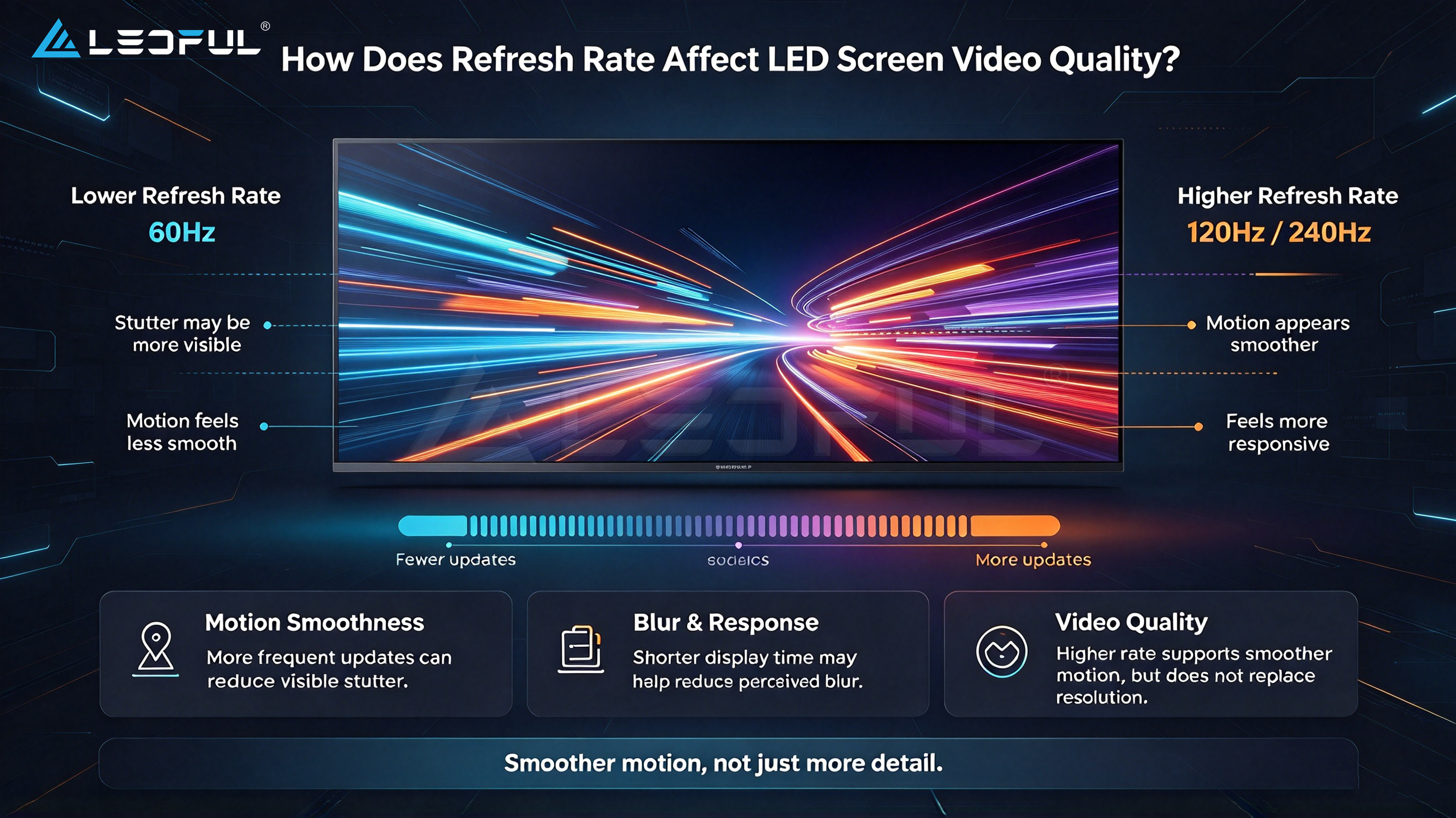
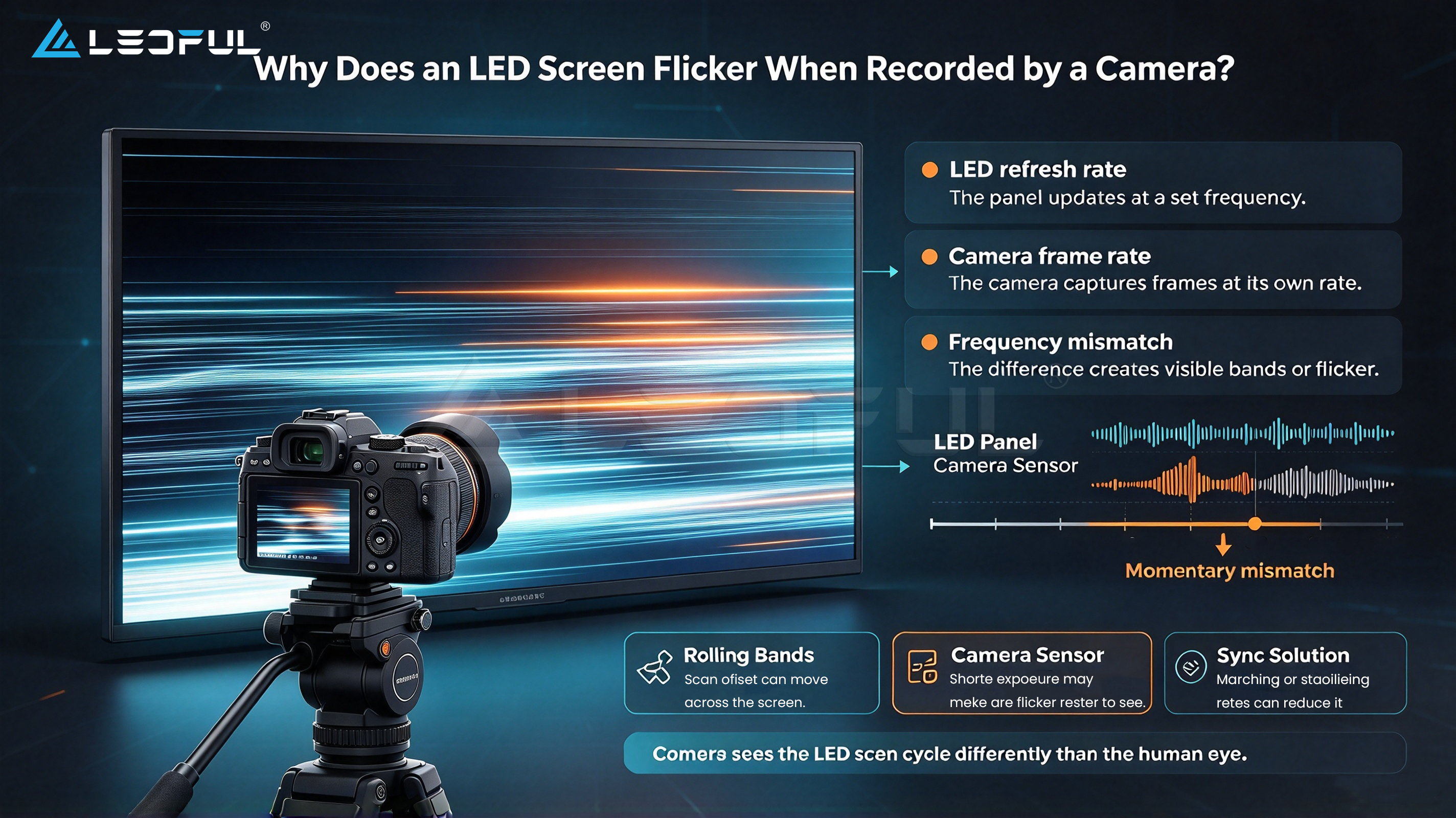
When an LED screen is recorded by a camera, the display’s image-refresh process interacts with the camera’s exposure and sensor readout.
If these processes do not work well together, the recorded image may contain artifacts that are not obvious during direct viewing.
1. Flickering During Camera Recording
An LED display may appear stable to the human eye but show flickering in photographs or video.
The cause can involve the display’s driving and dimming behavior, refresh timing, camera exposure, or the interaction between the display and camera system.
A higher refresh rate can reduce the likelihood of certain artifacts, but it does not guarantee that every camera will record the display without flicker.
2. Horizontal Bands and Rolling Lines
Dark horizontal bands or rolling lines may appear when recording an LED display.
These artifacts can be related to the camera’s rolling shutter, shutter speed, exposure timing, and the LED display’s refresh and scanning behavior.
Adjusting the camera shutter may improve the result in some cases. However, the appropriate settings depend on the camera, frame rate, display system, and shooting environment.
3. Live Streaming and Multi-Camera Production
Live events often use multiple cameras, switching systems, and different recording configurations.
An LED wall that works well with one camera may show artifacts with another camera using different shutter or exposure settings.
For this reason, LED screens used for live streaming and broadcasting should be tested with the actual camera equipment and production settings whenever possible.
4. Virtual Production and Film Recording
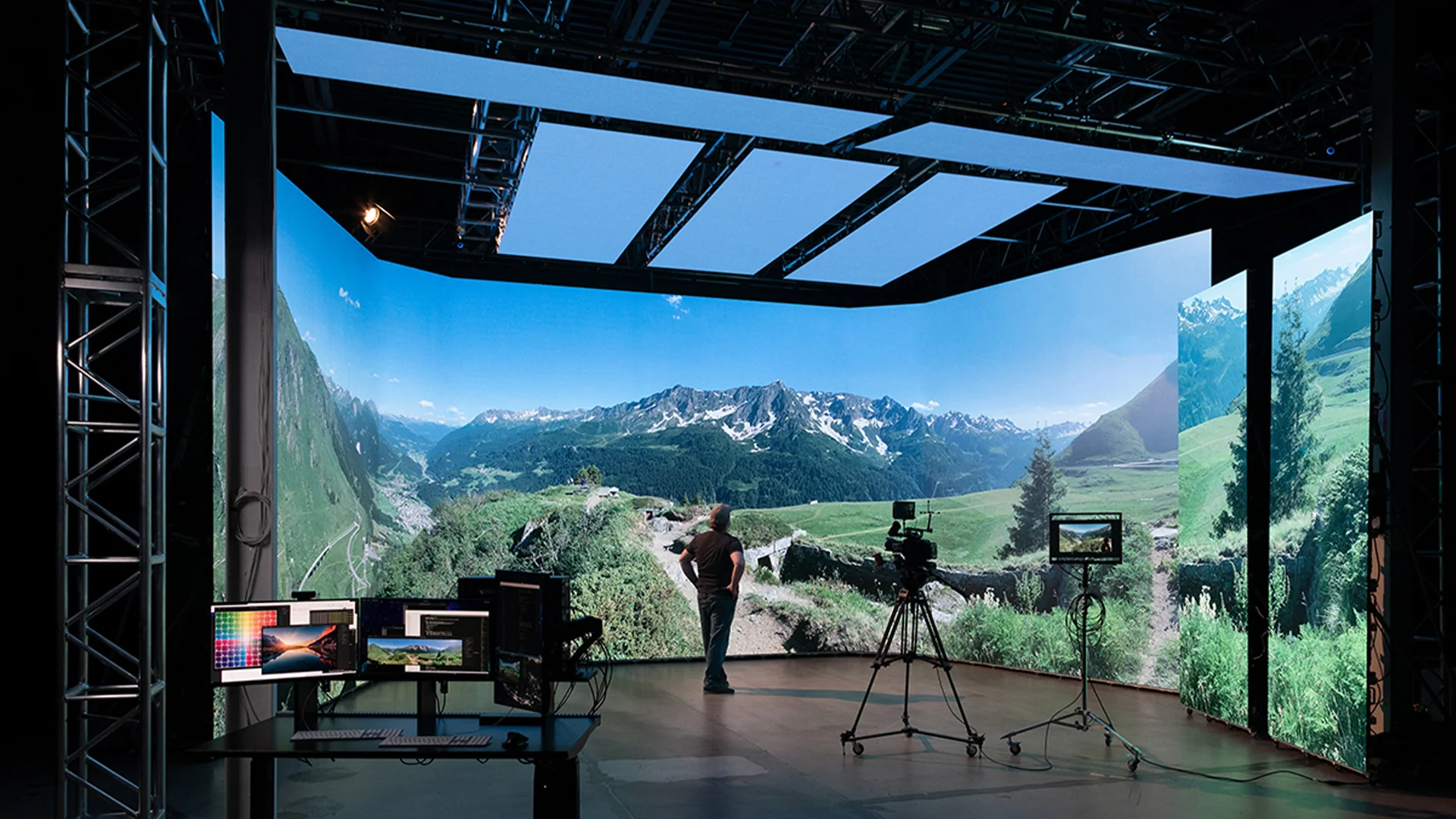
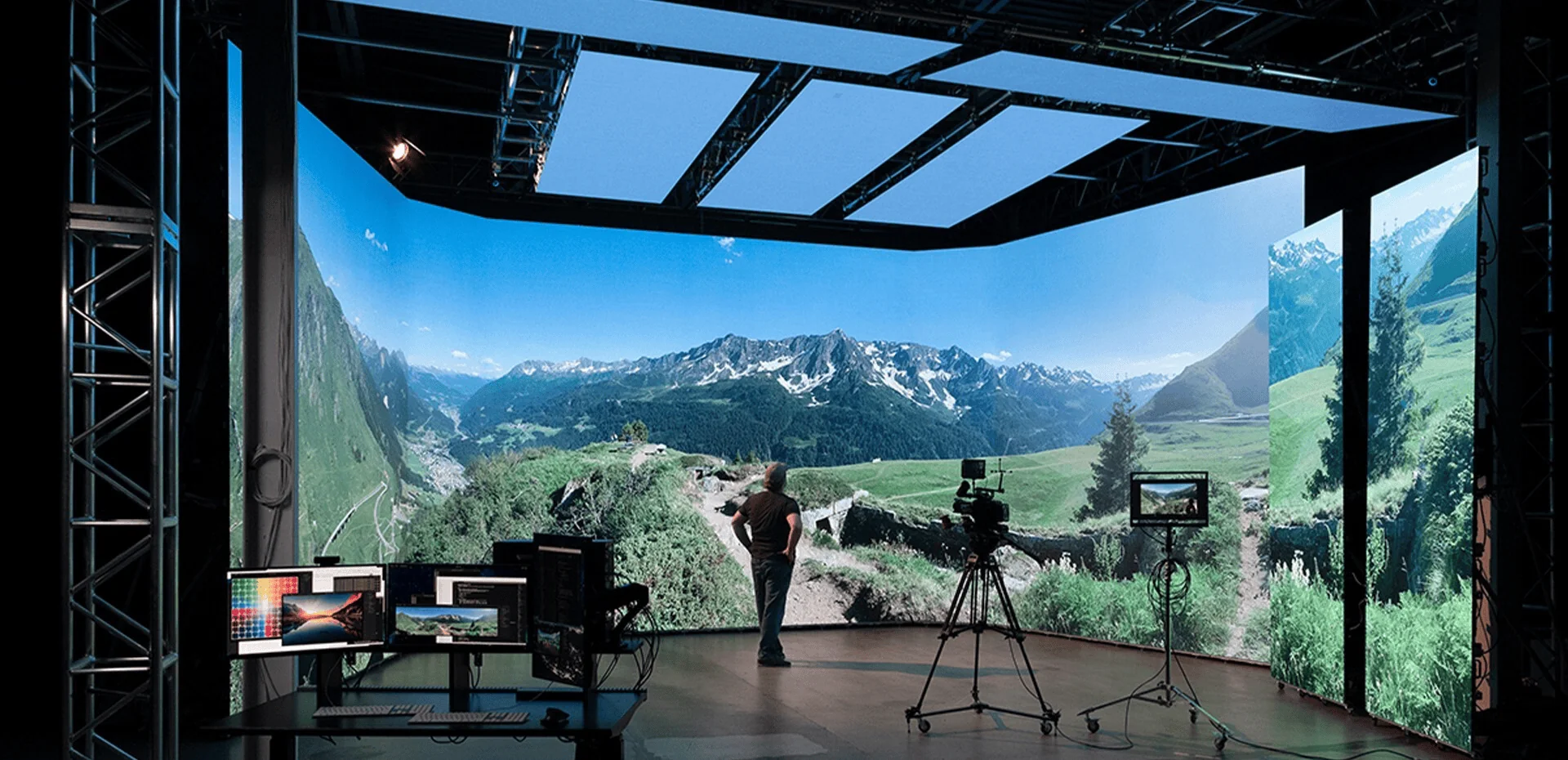
Virtual production places demanding requirements on LED displays because the screen may serve as both a visual background and a light source for the filmed scene.
In addition to refresh rate, important factors include:
- Pixel pitch and camera-to-screen distance.
- Moiré and aliasing behavior.
- Grayscale performance at low brightness.
- Color accuracy and color consistency.
- Brightness and exposure requirements.
- Driver IC and display processing performance.
- Camera frame rate, shutter, and sensor characteristics.
A high refresh rate is an important specification to evaluate, but it should never replace a complete camera compatibility test.
1920Hz vs. 3840Hz vs. 7680Hz: Which Is Better?
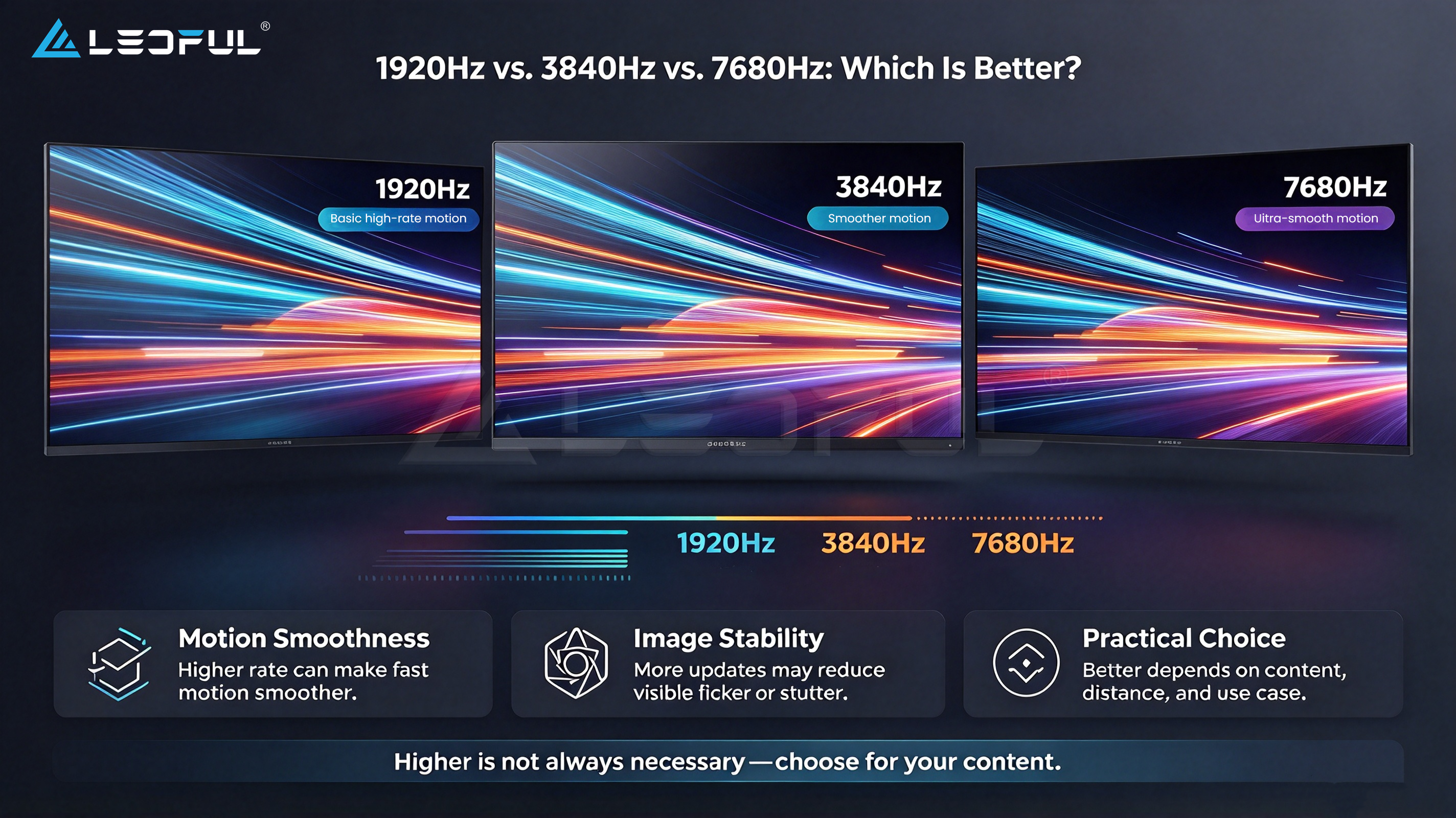
These figures are common examples of LED display refresh rate specifications. They can help buyers compare products, but the numbers alone do not determine whether a display is suitable for a project.
1920Hz: Is It Enough for General LED Display Applications?
A 1920Hz display may be suitable for applications where direct viewing is the main requirement and camera use is limited or less demanding.
Potential applications include some commercial signage, general display installations, and projects with less intensive recording requirements.
However, suitability depends on the complete product design and the intended camera conditions. A specification of 1920Hz should not automatically be treated as either sufficient or insufficient for every project.
3840Hz: A Common Specification to Consider for Camera-Oriented Projects
A 3840Hz refresh rate is commonly considered when evaluating LED displays for stage events, rental applications, live streaming, and video recording.
For these applications, buyers should also evaluate the driving system, dimming method, grayscale performance, and camera compatibility.
If the screen will appear in promotional videos, event recordings, or live broadcasts, request a demonstration using representative camera settings before making a final decision.
7680Hz: Is It Worth It for Professional Production?
A 7680Hz specification may be attractive for demanding camera-oriented applications, including certain virtual production and professional recording environments.
However, a higher advertised refresh rate does not automatically guarantee better image quality in every situation.
Buyers should confirm how the refresh rate is implemented, whether the complete system supports the stated specification, and how the display performs under the intended camera settings.
For professional production, evaluate refresh rate alongside grayscale performance, color accuracy, dimming behavior, processing capability, and actual camera test results.
Refresh Rate Comparison Table
| Refresh Rate | Possible Application Considerations | What to Verify |
| 1920Hz | General viewing and projects with less demanding camera requirements | Actual recording conditions and display performance |
| 3840Hz | Rental, event production, and camera-oriented installations | Camera compatibility, grayscale, and driving system |
| 7680Hz | Demanding recording or virtual production workflows | Full-system capability and test results under target camera settings |
Buying tip: Do not choose a display based on refresh rate alone. Ask the supplier for the complete technical specifications and test the screen under conditions similar to the final project.
Why Does an LED Screen Flicker When Recorded by a Camera?
Camera flicker can have several causes. Increasing the display refresh rate may help in some cases, but a systematic investigation is more effective than assuming one specification will solve every problem.
1. Refresh and Scanning Behavior
The display’s refresh and scanning architecture influences how image information is updated and how the screen behaves under different camera exposures.
Different LED products can behave differently even when their advertised refresh rates are similar.
What to check: Ask about the driving system, scanning method, dimming behavior, and compatibility with the intended recording conditions.
2. Camera Shutter Speed and Rolling Shutter
Many cameras use rolling shutters, reading different rows of the sensor at slightly different times. This can interact with the LED display’s image-refresh process and create visible horizontal bands or uneven exposure.
What to check: Test suitable shutter speeds and frame rates with the actual camera. Avoid assuming that one universal shutter setting works for every LED display.
3. Driver IC and Dimming Method
Driver ICs and dimming methods influence how the display controls LED output.
Two displays with the same advertised refresh rate may produce different results because their underlying hardware and driving methods differ.
What to check: Evaluate driver IC specifications, low-brightness behavior, grayscale performance, and camera test results.
4. Video Processor and System Configuration
The LED display operates as part of a larger system that includes video processors, sending cards, receiving cards, cables, and playback equipment.
Incorrect configuration or incompatible system settings can affect the final display result.
What to check: Confirm that the complete system is configured correctly and that all components support the intended operating requirements.
5. How to Test an LED Screen Before an Event
Before a live event, broadcast, or film production:
- Use the camera model intended for the project.
- Test the planned frame rates and shutter settings.
- Record uniform white, gray, and dark patterns.
- Check for flicker, rolling bands, moiré, and brightness variation.
- Test representative video content at the intended display brightness.
- Verify the results using the actual processor and system configuration.
Testing before the event helps identify compatibility issues while there is still time to adjust settings or reconsider the display configuration.
What Refresh Rate Do Different LED Applications Need?
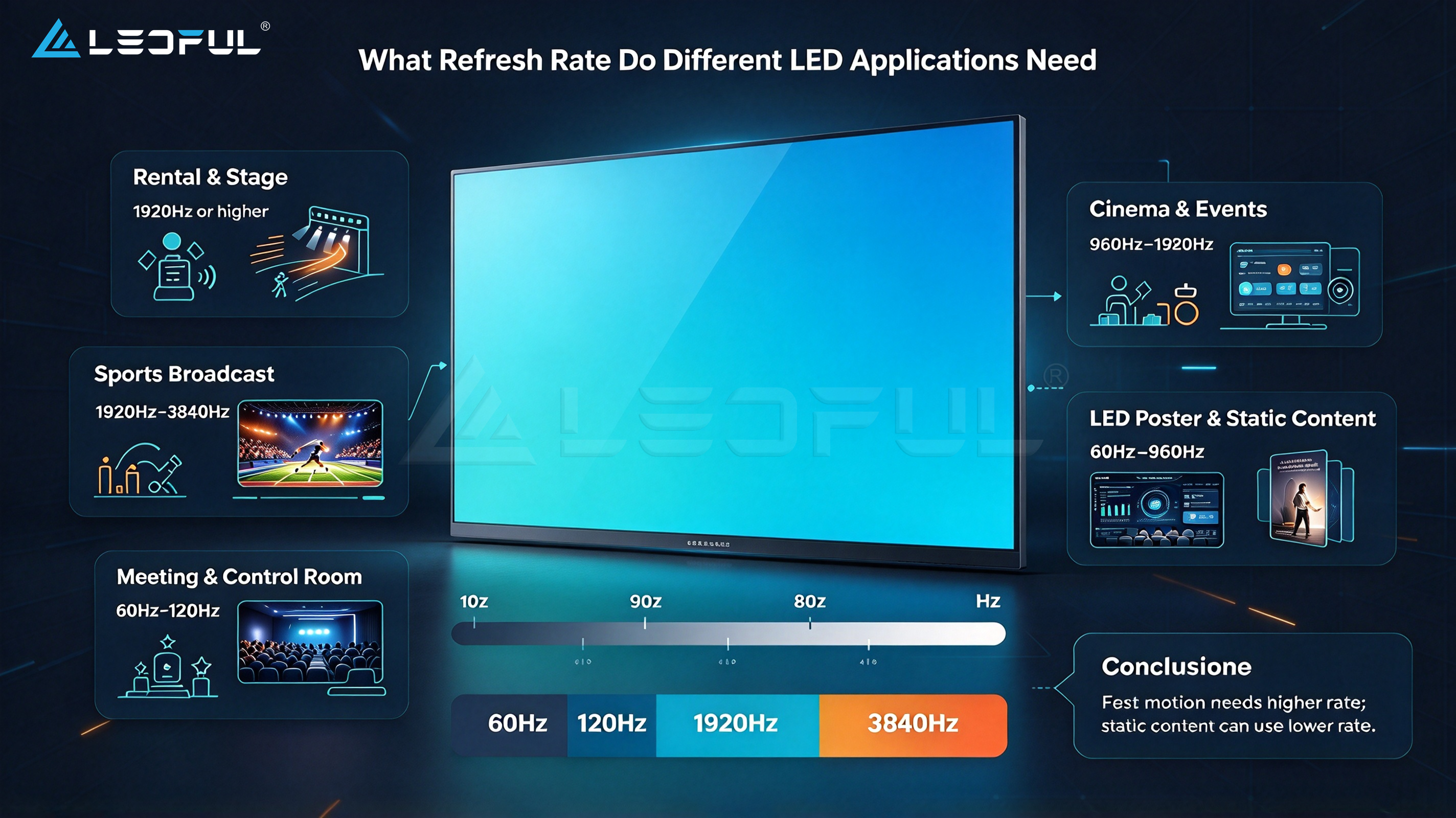
The appropriate refresh rate depends on how the display will be used, viewed, recorded, and operated.
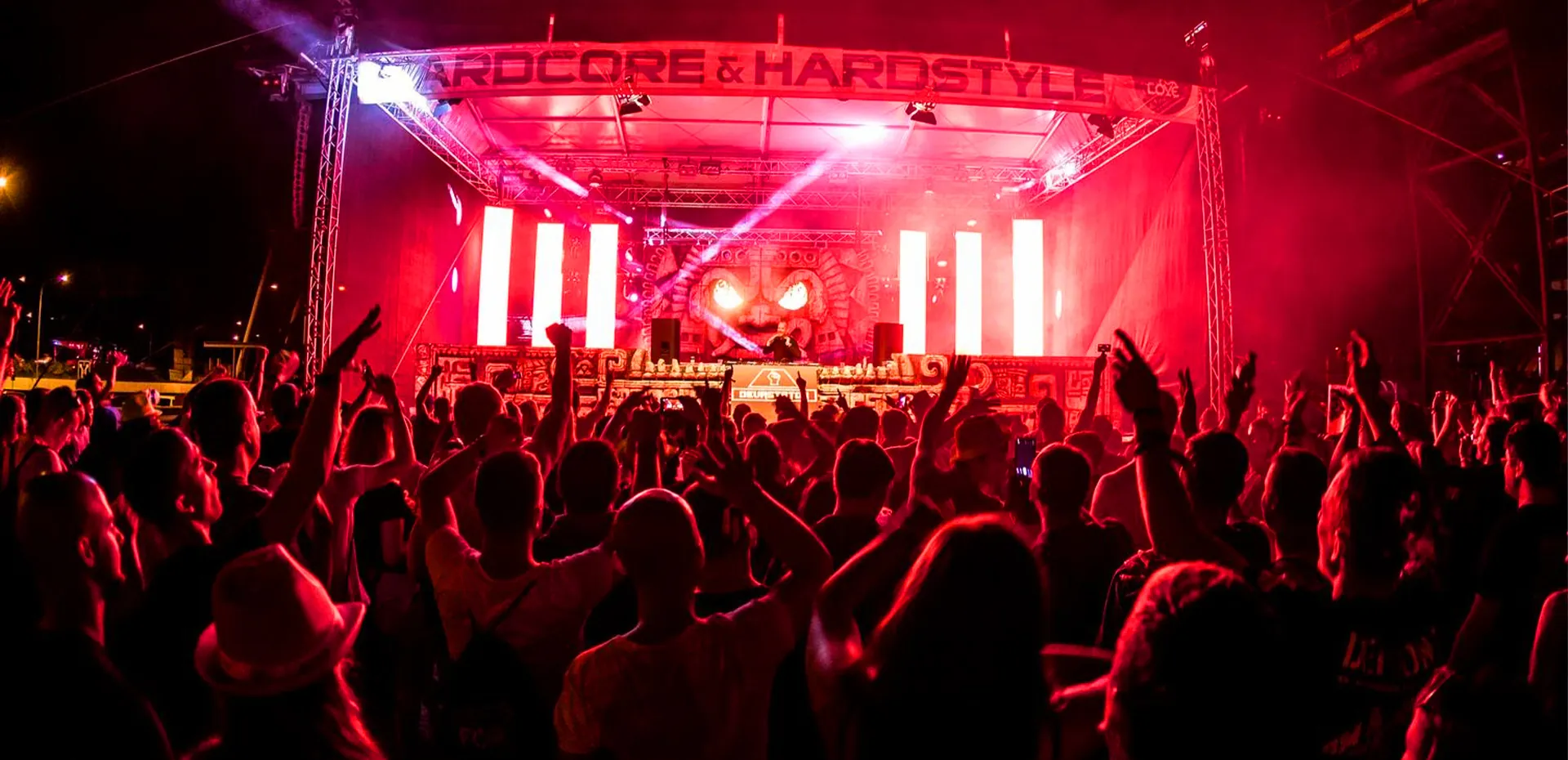
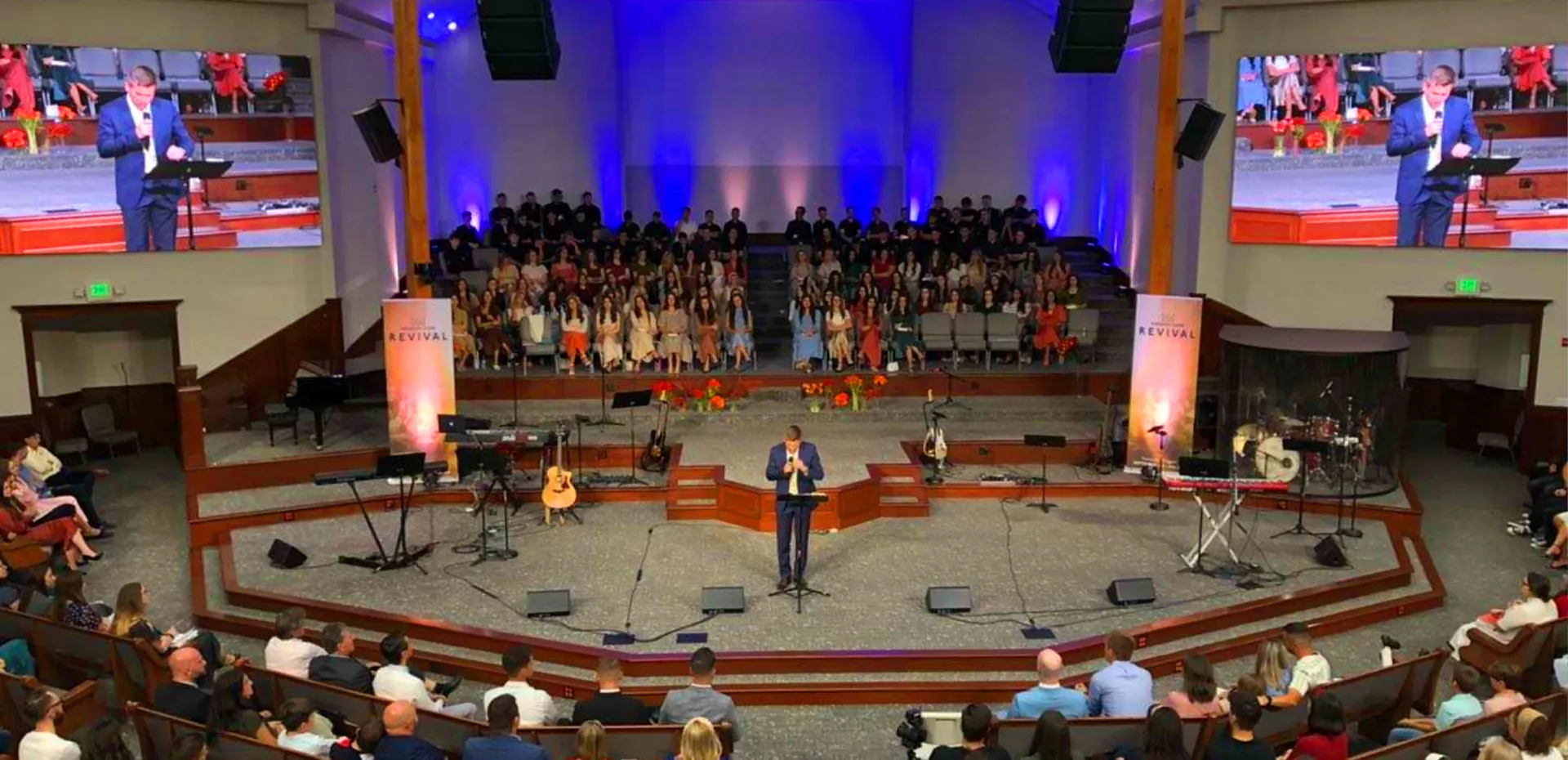
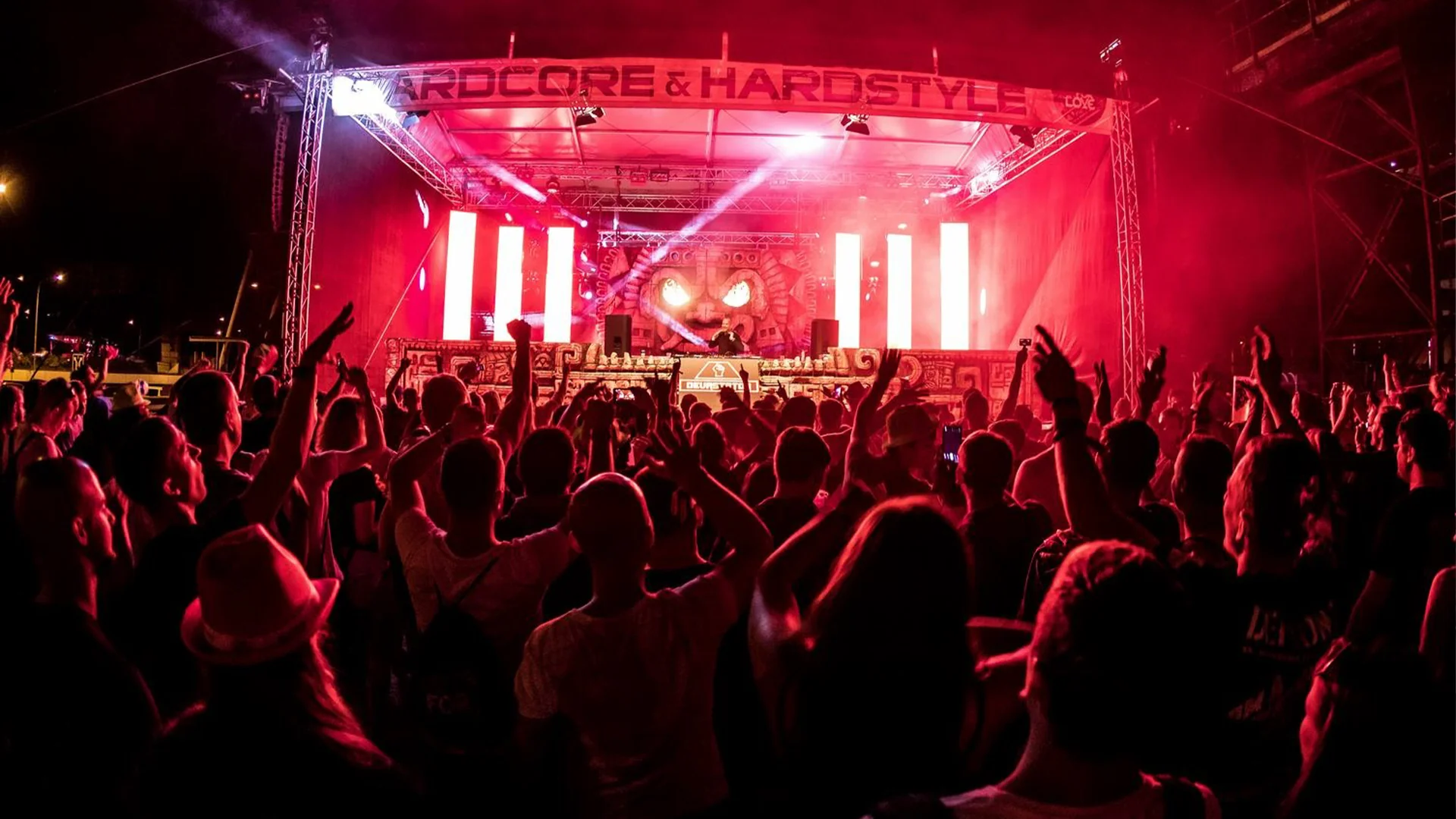
Rental LED Screens for Stage Events
Rental displays are frequently used for concerts, exhibitions, corporate events, product launches, and other live productions.
If the screen will appear in event photography, promotional videos, or live streams, camera compatibility should be included in the technical evaluation.
Besides refresh rate, rental buyers should consider cabinet reliability, fast installation, structural requirements, spare parts, and ease of maintenance.
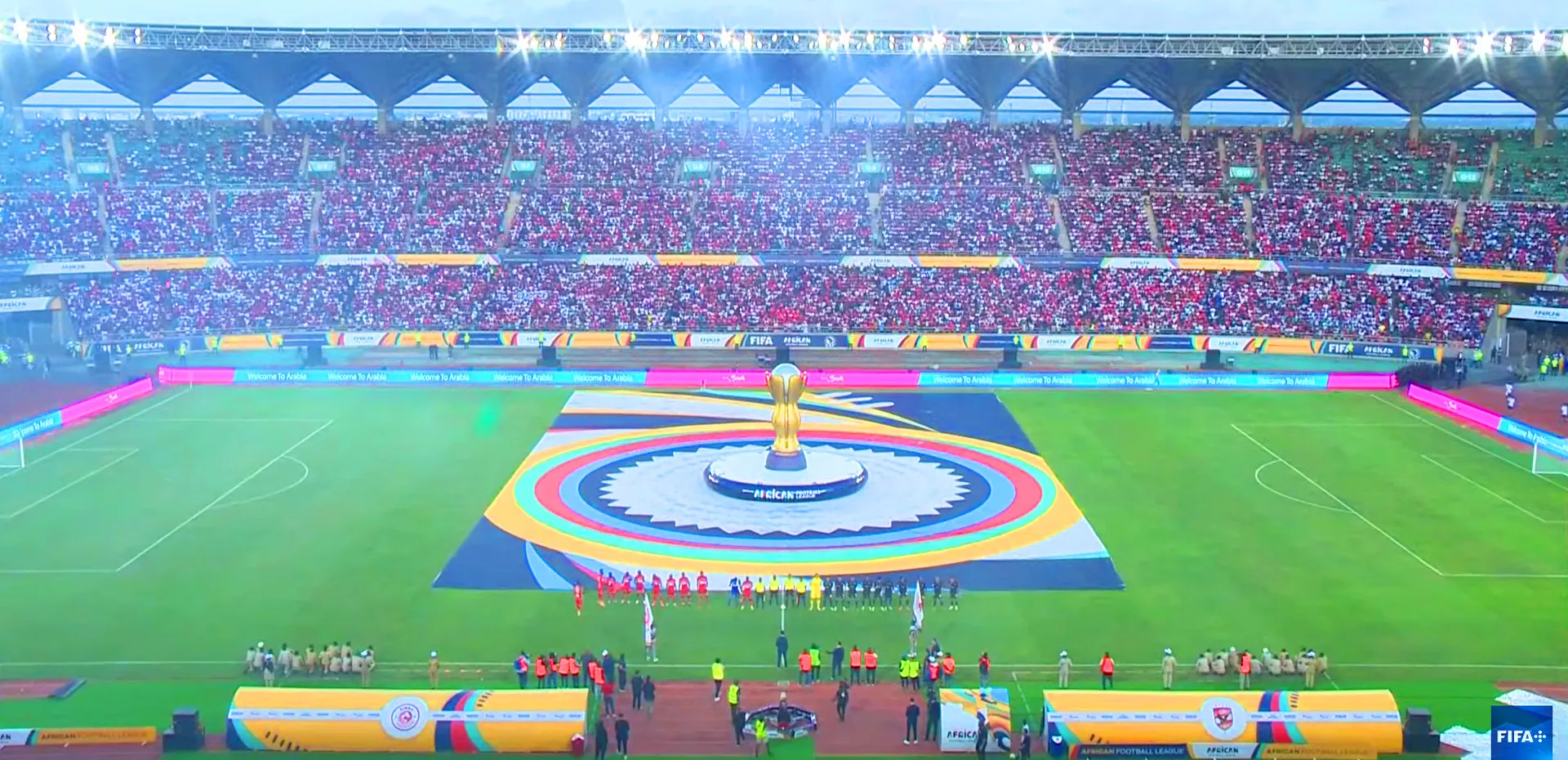
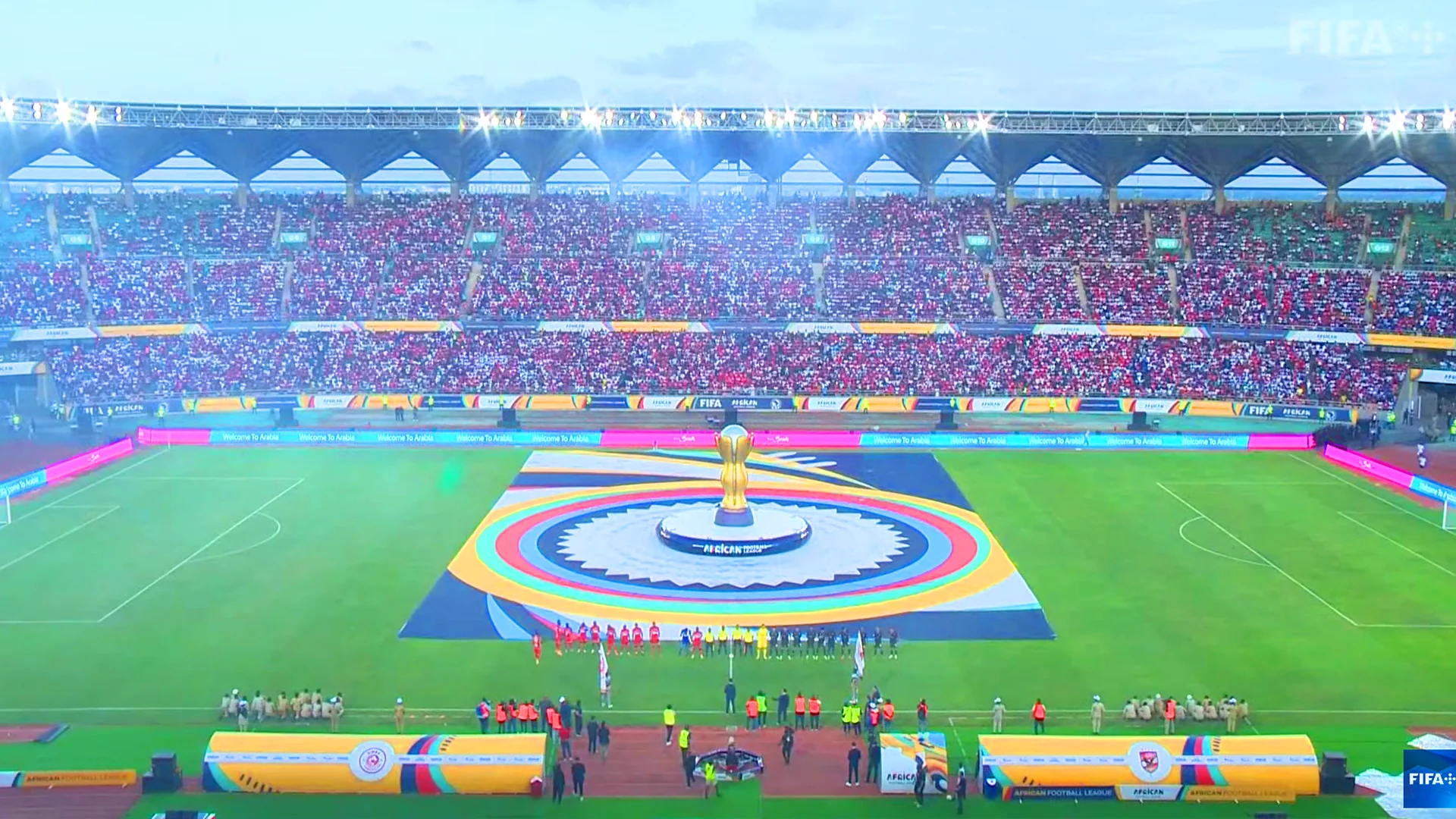
Broadcast and Live Streaming
Broadcast applications may use multiple cameras, different frame rates, and controlled exposure settings.
A suitable display should be evaluated under the broadcaster’s actual recording conditions. Higher refresh rate may be valuable, but the complete system must also deliver consistent color, brightness, and stable operation.
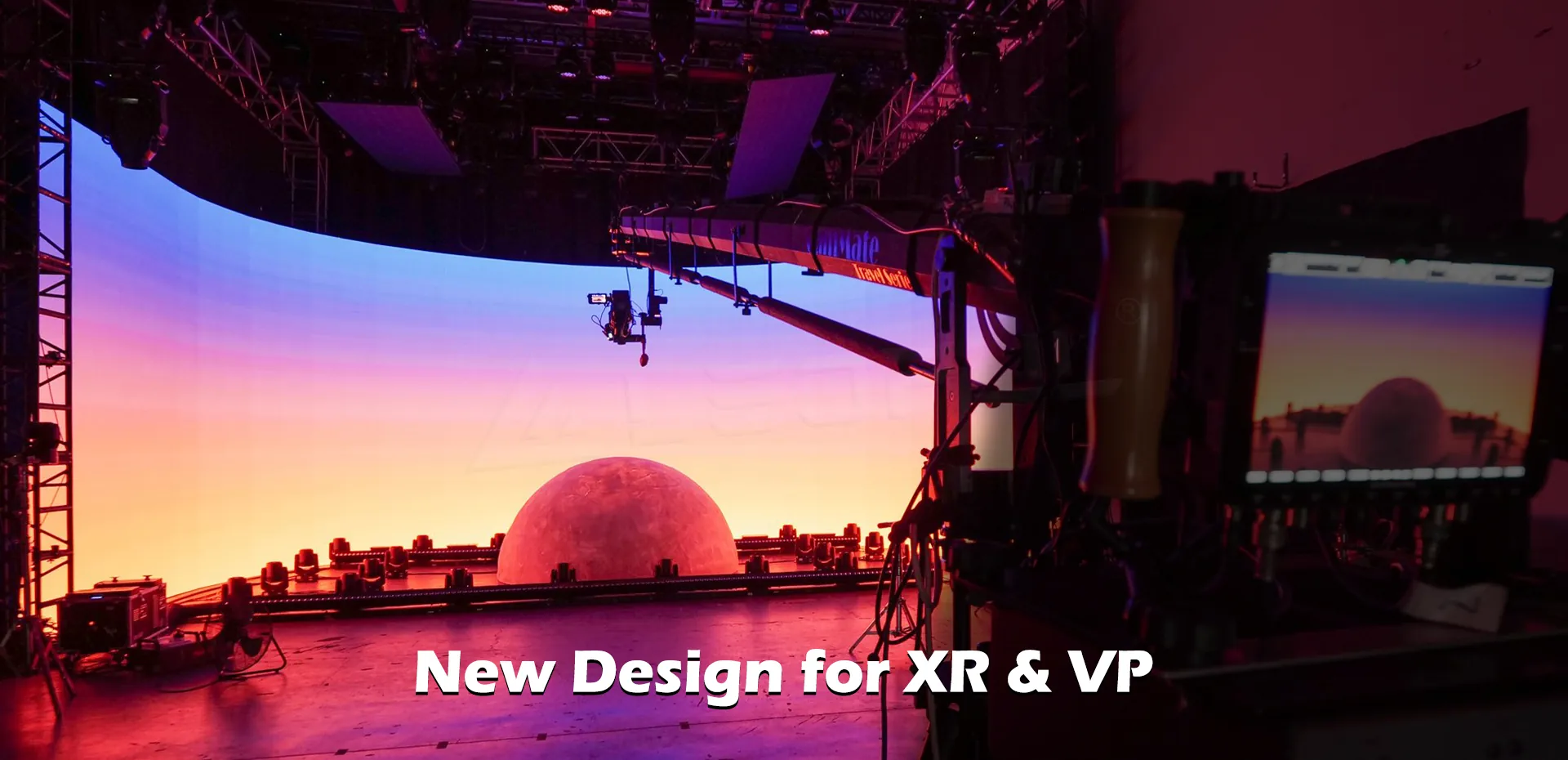
Virtual Production and Film Studios
Virtual production projects may demand precise color reproduction, suitable pixel pitch, high brightness, controlled reflections, and camera-compatible display performance.
Refresh rate should be considered together with driver technology, grayscale, processing, color management, and camera-to-screen geometry.
For demanding film workflows, a technical demonstration is more useful than relying on a specification sheet alone.
Conference Rooms and Corporate Videos
Conference room LED displays may primarily serve presentations, meetings, and collaboration.
If the screen will also be recorded for corporate videos, remote presentations, or internal broadcasts, camera performance becomes an additional selection criterion.
Buyers should balance refresh rate with viewing distance, pixel pitch, brightness, maintenance, and budget.
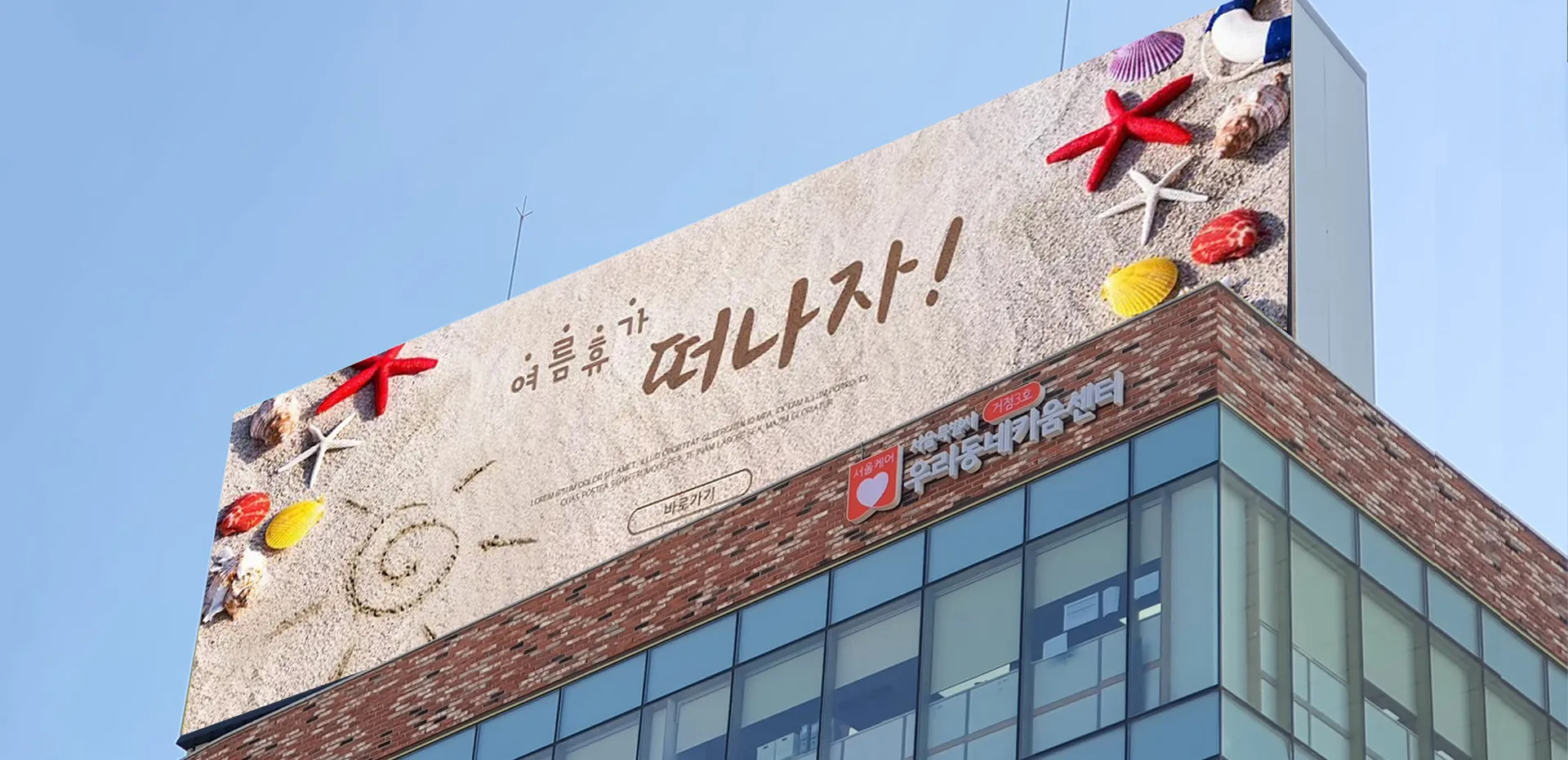
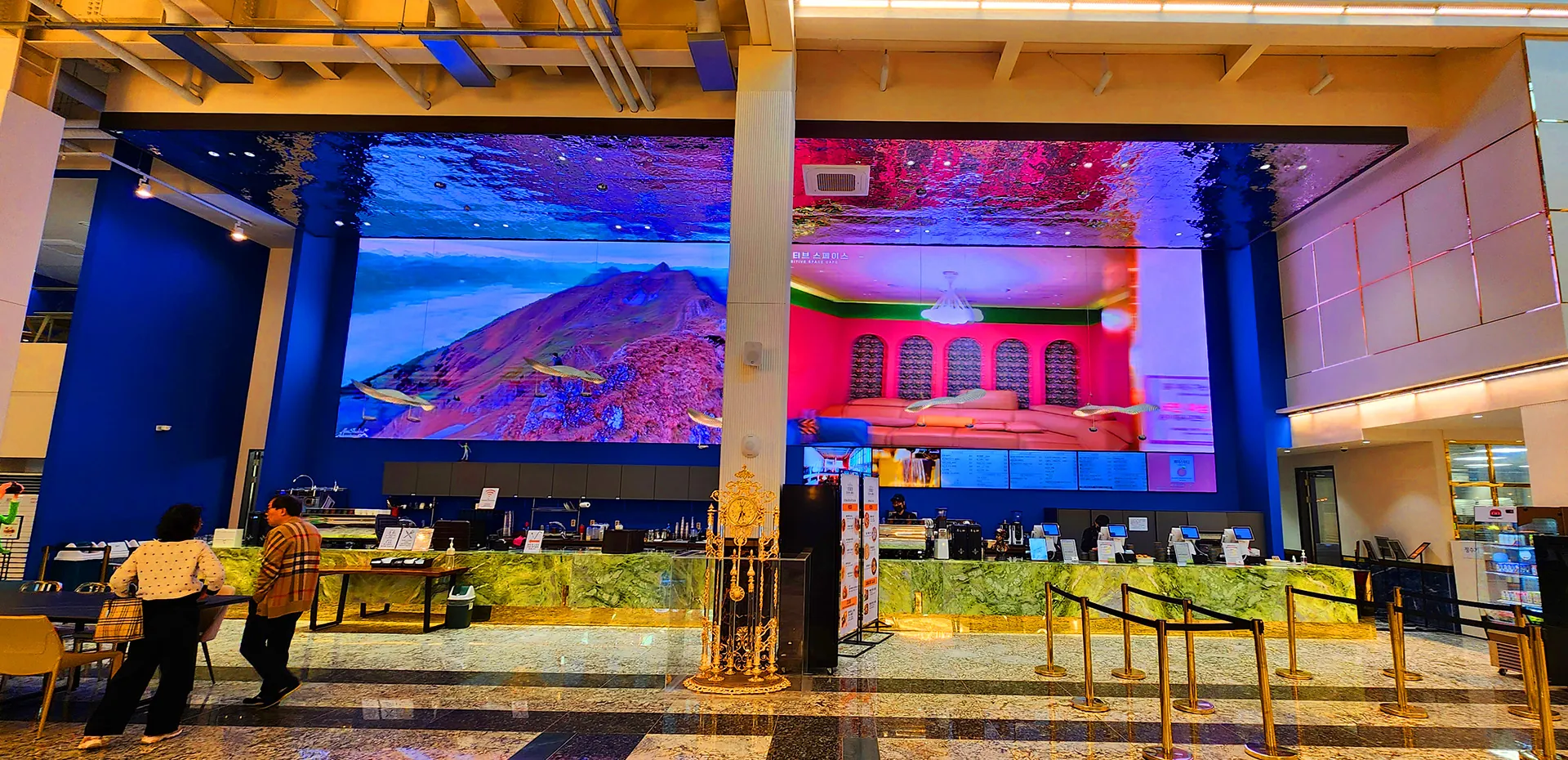
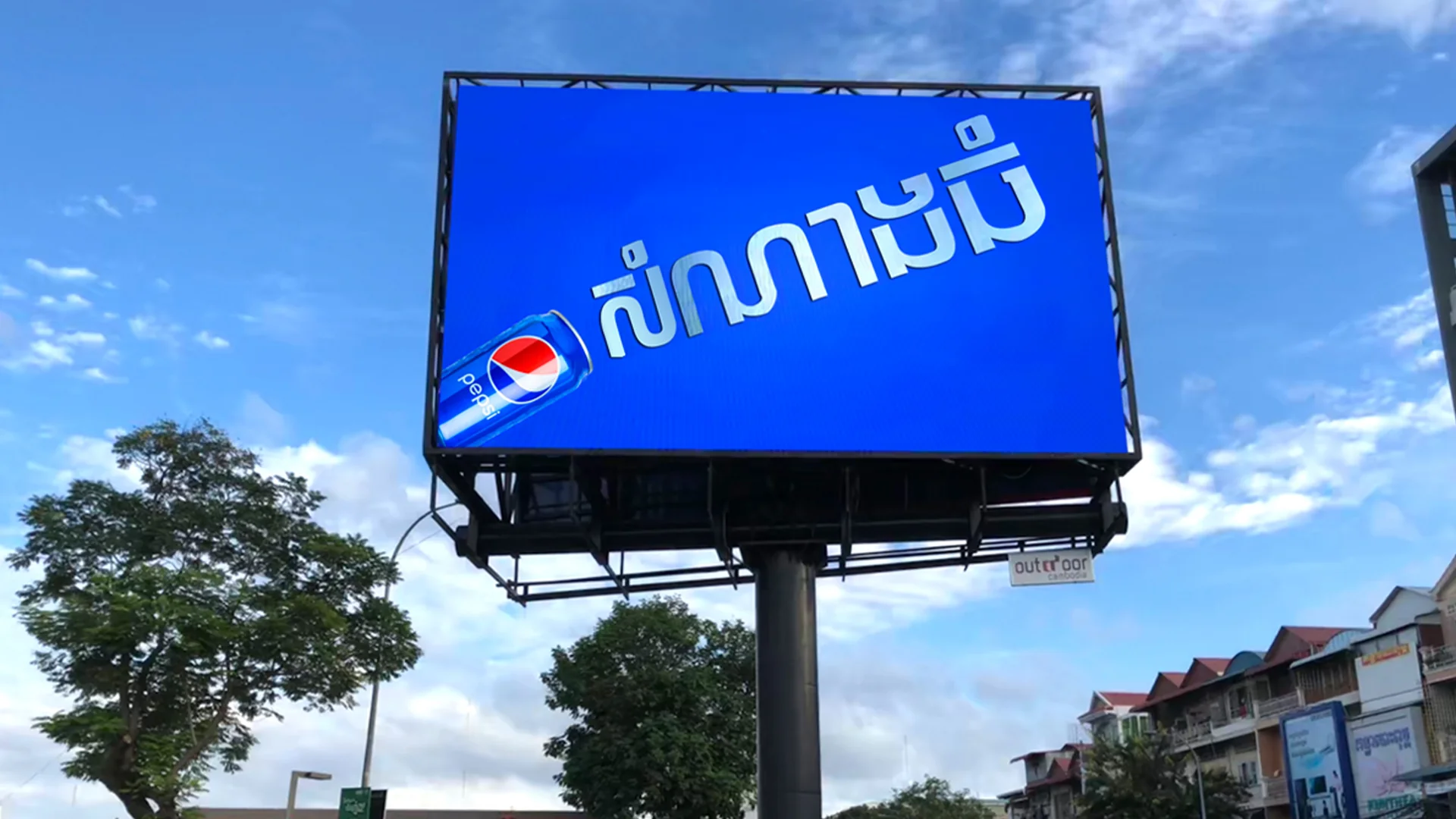
Outdoor Advertising and DOOH
Outdoor advertising screens are primarily designed for visibility, environmental protection, and reliable operation.
Refresh rate may become more important when the display is frequently photographed or filmed, such as in advertising campaigns or broadcast locations.
For outdoor projects, buyers should also consider brightness, IP protection, thermal management, energy consumption, and maintenance access.
How to Choose an LED Display Refresh Rate Before Buying
A reliable purchasing decision should consider the complete display system rather than one headline specification.
1. Define the Application
Clarify whether the screen is intended for general viewing, live events, broadcast, video recording, or virtual production.
The more demanding the camera requirements, the more important it becomes to verify actual performance.
2. Confirm the Required Refresh Rate
Ask the supplier to specify the supported refresh rate and explain the conditions under which it is achieved.
Confirm that the stated value applies to the proposed display configuration rather than an unrelated model or optional system.
3. Evaluate Driver IC and Dimming Performance
Refresh rate should be evaluated alongside driver IC capability, scanning architecture, dimming behavior, and grayscale performance.
These factors can influence the visual result, especially at low brightness or during camera recording.
4. Check the Complete Control System
Verify compatibility among the LED cabinets, receiving cards, sending cards, video processor, and playback source.
A suitable screen requires a properly configured system, not simply a high refresh rate on a specification sheet.
5. Request a Camera Demonstration
For camera-oriented projects, provide the supplier with the intended camera model, frame rate, shutter settings, and operating conditions.
Ask for a demonstration or test recording that reflects the expected production workflow.
LED Display Refresh Rate Buying Checklist
| Item | What to Confirm |
| Refresh rate | Actual supported specification |
| Driver IC | Model and relevant performance characteristics |
| Scanning and dimming | Suitability for the intended application |
| Grayscale | Performance at the required brightness levels |
| Color performance | Color accuracy and consistency |
| Processor | Compatibility with the complete display system |
| Camera testing | Results under representative recording settings |
| Project requirements | Pixel pitch, brightness, size, and viewing distance |
| Maintenance | Spare parts and technical support |
| Documentation | Datasheet and configuration details |
How LEDFUL Supports Camera-Oriented LED Display Projects
LEDFUL provides LED display solutions for applications including rental events, commercial installations, and XR virtual production.
For projects where the screen will be filmed or recorded, refresh rate should be evaluated alongside pixel pitch, brightness, grayscale performance, driver ICs, processing, and the camera’s operating requirements.
LEDFUL’s XR virtual production product specifications include a 7680Hz refresh rate. Buyers should confirm the exact model configuration and test its performance with their intended camera system before finalizing a production setup.
For rental, broadcast, and other professional display projects, the appropriate configuration depends on the actual application—not just the highest available refresh rate.
By defining the application, recording conditions, and visual requirements in advance, buyers can make a more informed decision and reduce the risk of selecting a display that does not meet the project’s needs.
FAQ About LED Display Refresh Rate
1. What is the difference between high and low LED refresh rates?
A higher refresh rate means the display refreshes its image more frequently. This can improve compatibility with certain camera recording conditions, but the actual result depends on the display system and camera settings.
2. Does LED screen refresh rate affect video quality?
Yes, refresh rate can affect camera-recorded footage, particularly when the display and camera interact in ways that create flicker or banding. However, video quality also depends on grayscale, color performance, dimming behavior, processing, and camera configuration.
3. Why does an LED screen flicker on camera?
Possible causes include the interaction between the display’s refresh and scanning behavior, camera shutter speed, rolling shutter, dimming methods, and system configuration. Testing the actual camera and display together is the most reliable way to identify the issue.
4. Is 3840Hz better than 1920Hz for LED displays?
A 3840Hz specification may be preferable for some camera-oriented applications, but the number alone does not guarantee better performance. Compare the complete display specifications and test the system under the intended recording conditions.
5. Is a 7680Hz refresh rate worth the extra cost?
It may be worthwhile for demanding recording or production environments if the complete system demonstrates a meaningful performance benefit. For general viewing applications, the additional cost may not be justified. The decision should be based on project requirements and test results.
6. What refresh rate is best for LED video recording?
There is no single refresh rate that is best for every camera. The right specification depends on the display hardware, camera model, frame rate, shutter settings, brightness, and recording conditions.
7. Does a higher refresh rate eliminate camera flicker?
No. A higher refresh rate may reduce certain artifacts, but it cannot guarantee flicker-free results under every camera and exposure setting. Test the complete system before production.
8. What is the difference between refresh rate and frame rate?
Refresh rate measures how frequently the display updates its image, in hertz. Frame rate measures how many video frames are captured or played each second, in FPS. They describe different parts of the imaging system.
9. What refresh rate is suitable for virtual production?
The appropriate specification depends on the production workflow, camera settings, driver technology, grayscale performance, and other display characteristics. Buyers should evaluate the complete system and request camera testing rather than choosing based on refresh rate alone.
10. What should I check besides refresh rate when buying an LED screen?
Evaluate pixel pitch, brightness, grayscale performance, color consistency, driver ICs, scanning and dimming methods, video processor compatibility, camera test results, maintenance access, warranty, and technical support.
Need an LED Display for Video, Broadcast, or Virtual Production?
Choosing the right LED display refresh rate starts with understanding how the screen will be used.
If you are planning a rental LED screen, live-streaming background, broadcast display, corporate video wall, or XR virtual production project, share your application, screen dimensions, pixel pitch requirements, camera model, and recording conditions with LEDFUL.
LEDFUL can help evaluate the appropriate display configuration and the technical factors that matter for your project.
Choose your LED display based on real project requirements, verified specifications, and practical testing—not just the highest number on the datasheet.