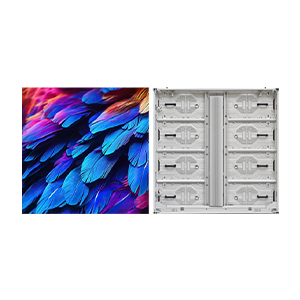
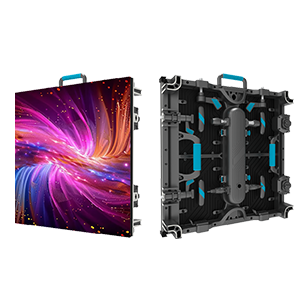
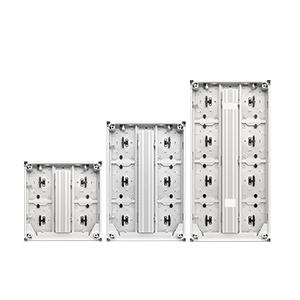

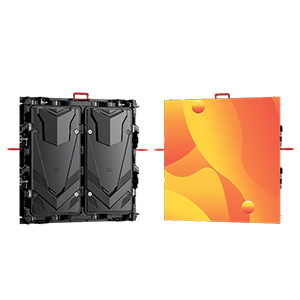
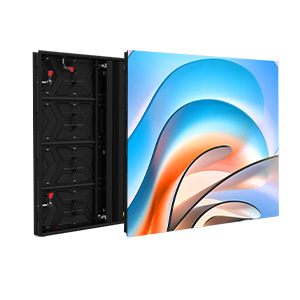

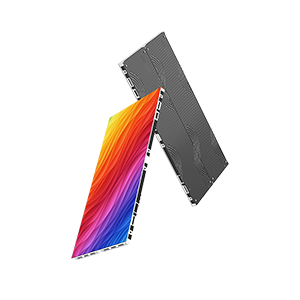

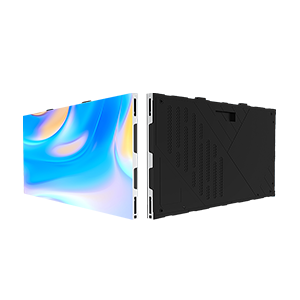
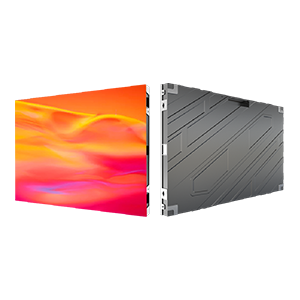

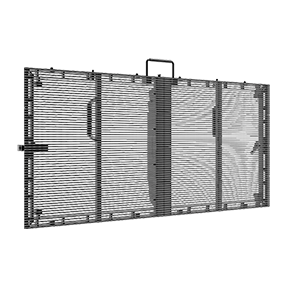
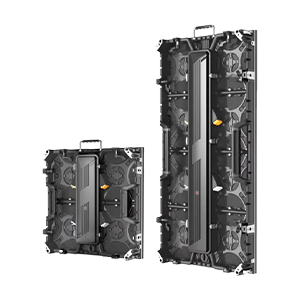
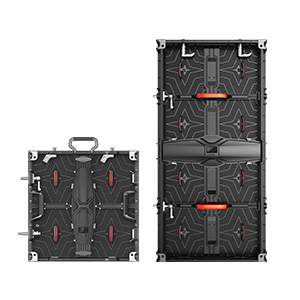

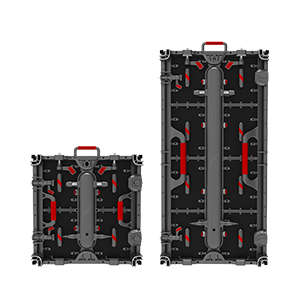











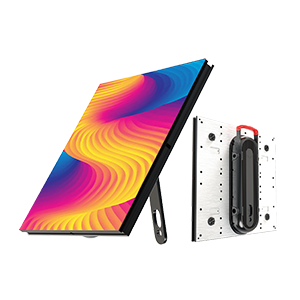
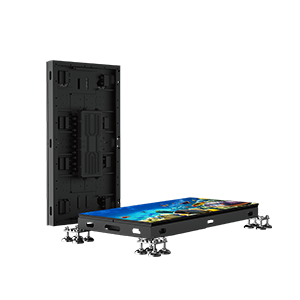

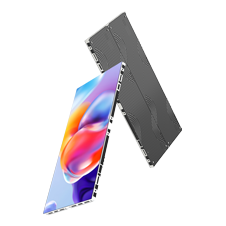

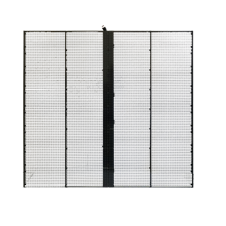



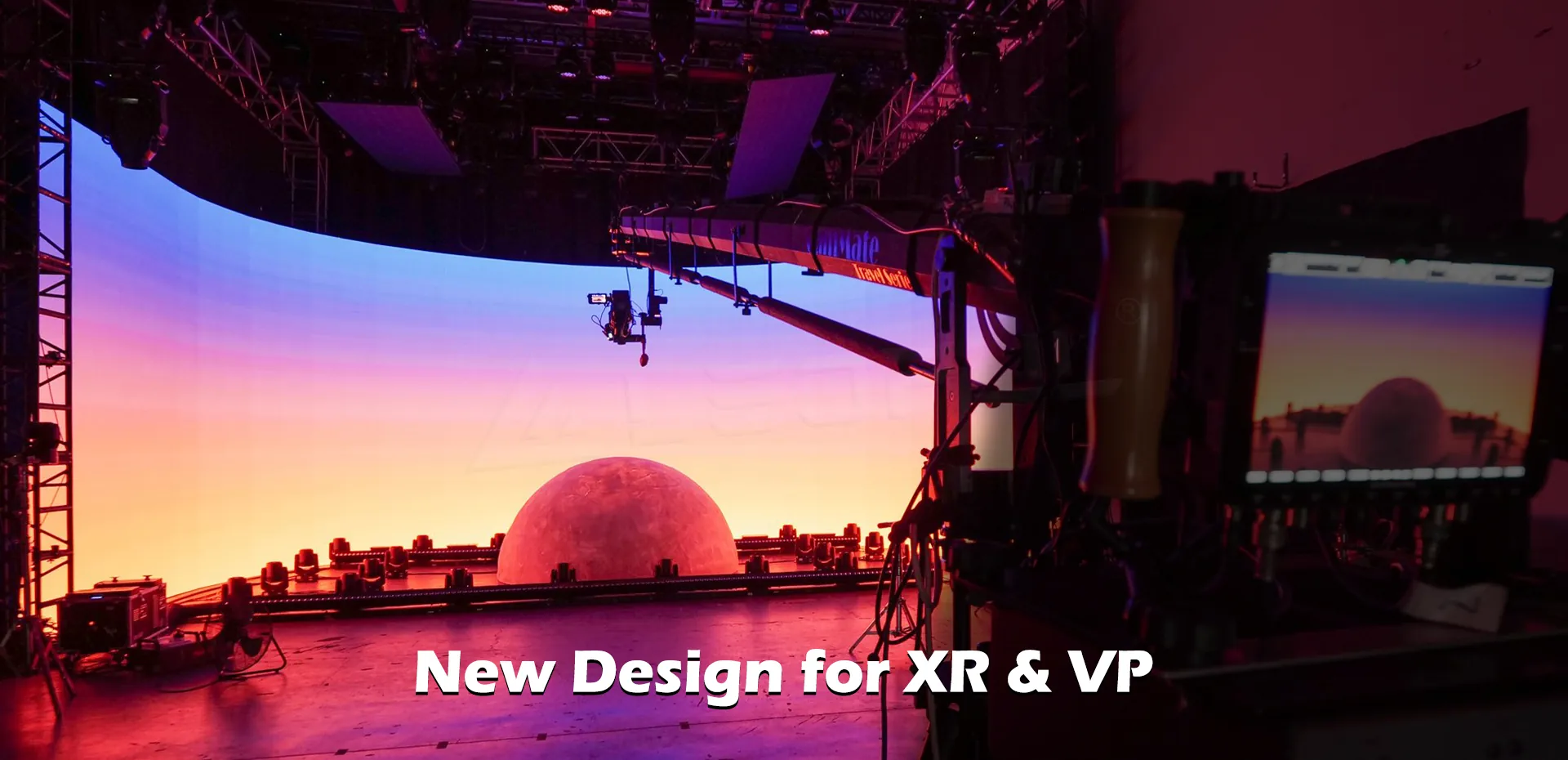
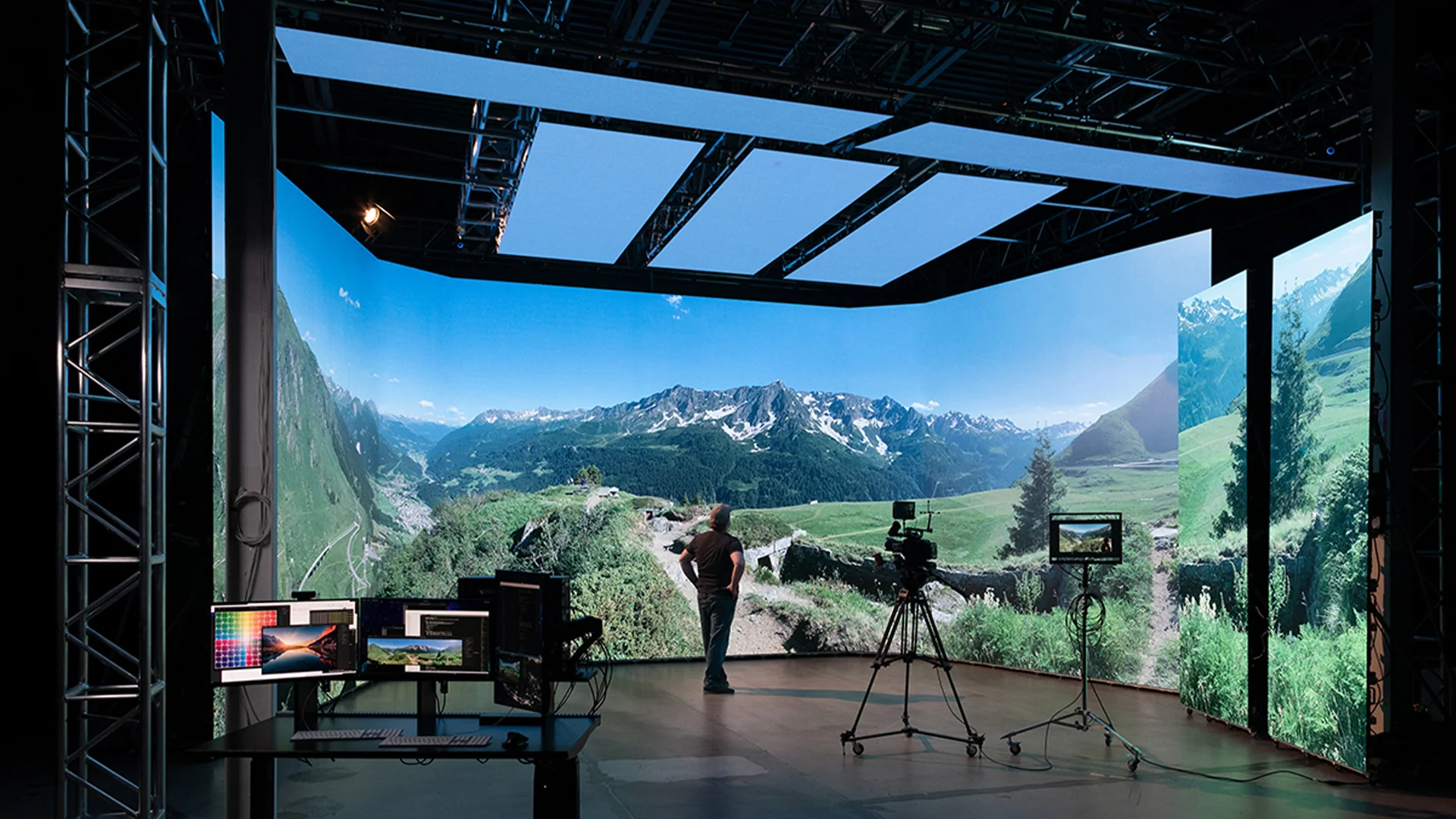





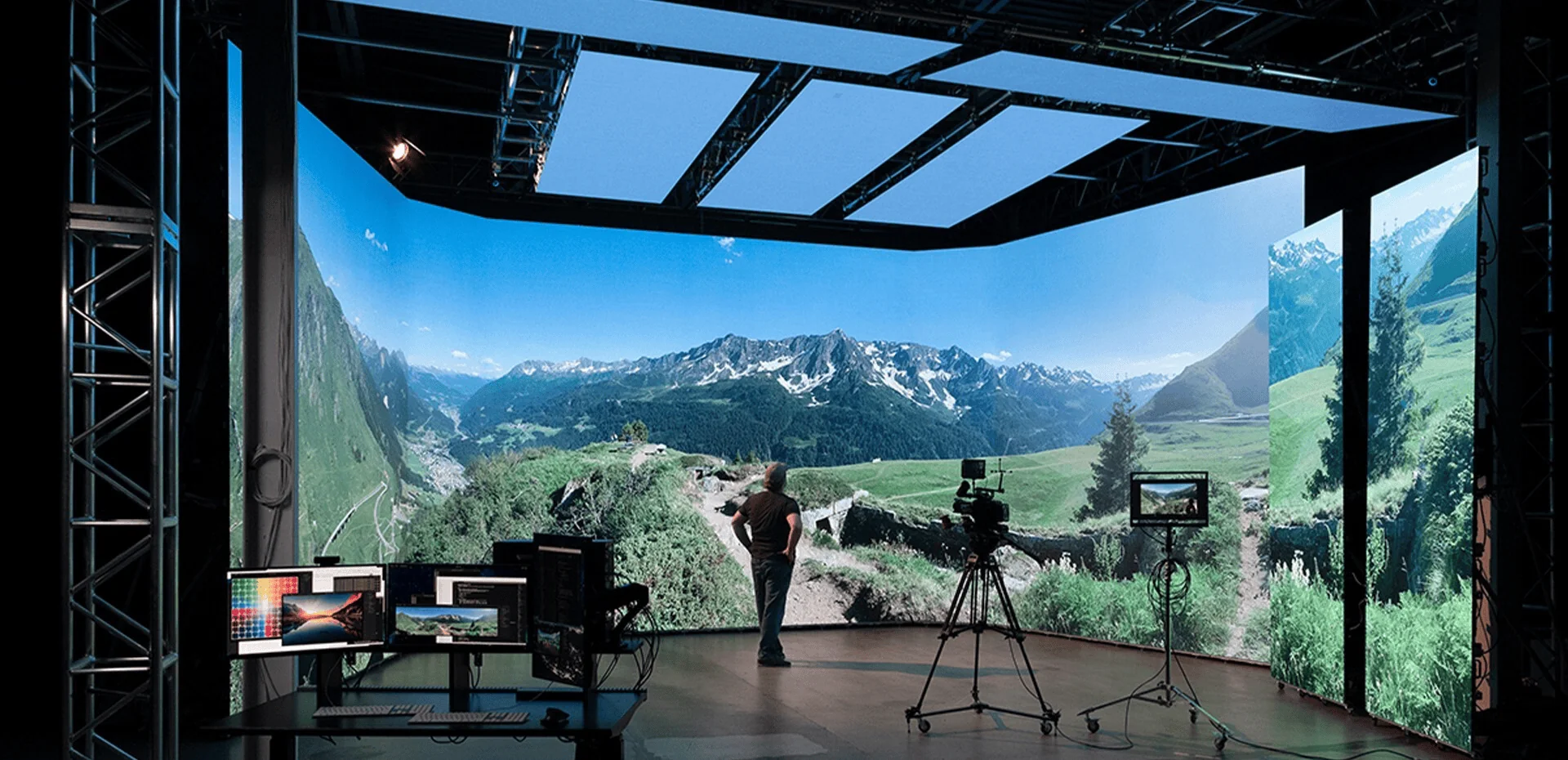
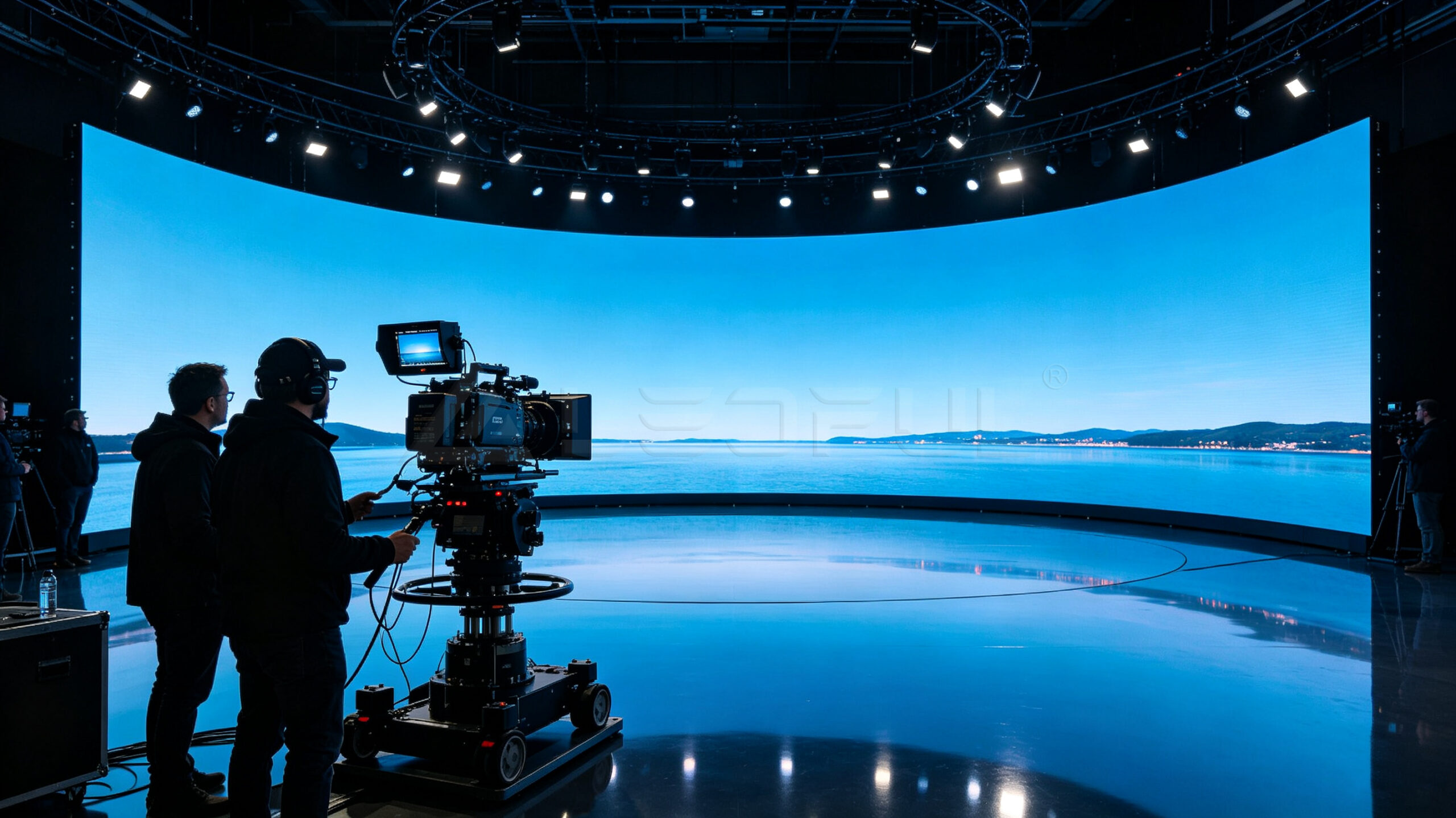
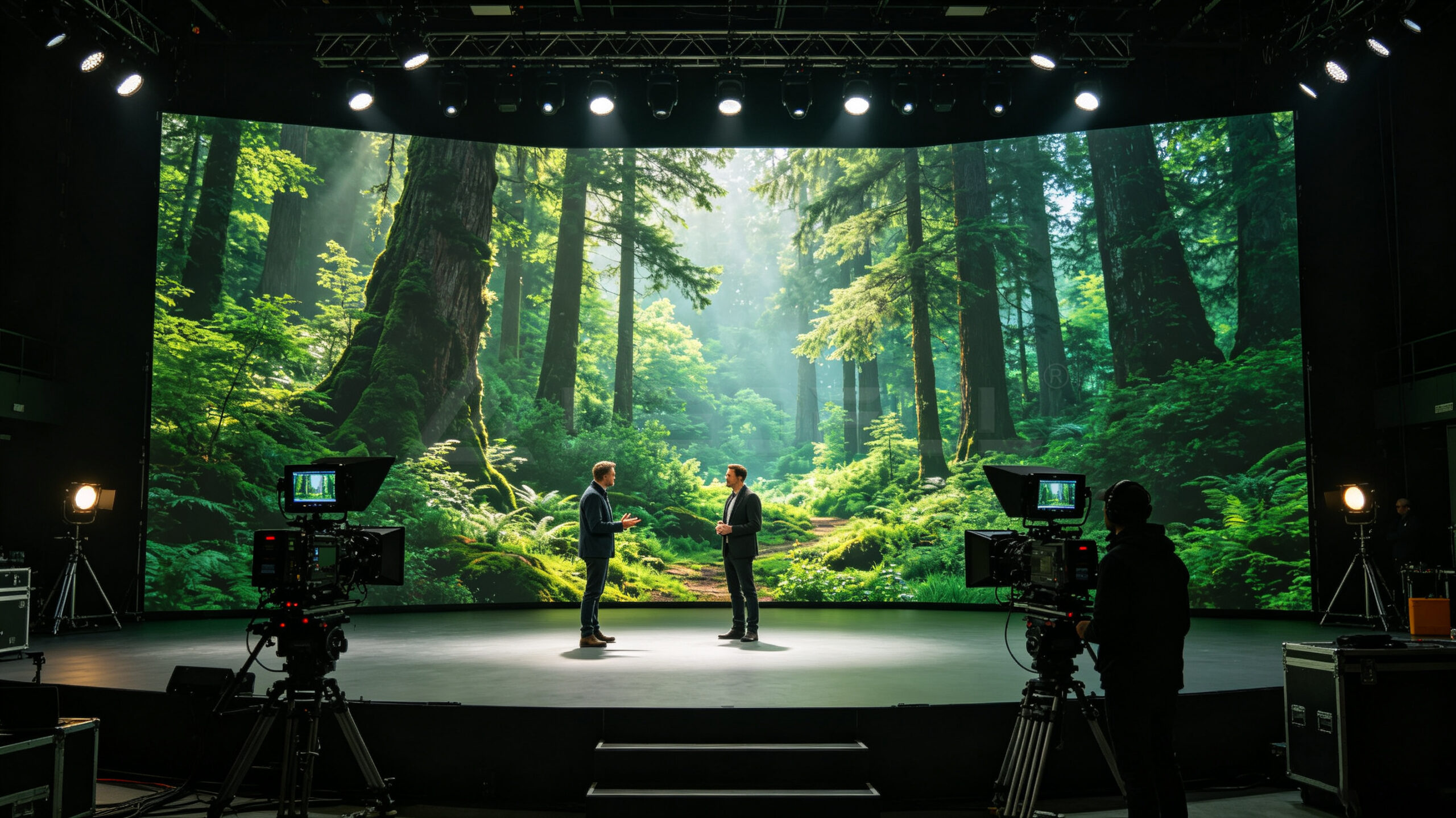
Virtual production and extended reality (XR) studios are changing the way films, television programs, commercials, live events, and branded content are produced. Instead of relying entirely on green screens and post-production, production teams can use high-resolution LED walls to create immersive environments in real time.
However, not every LED display is suitable for virtual production.
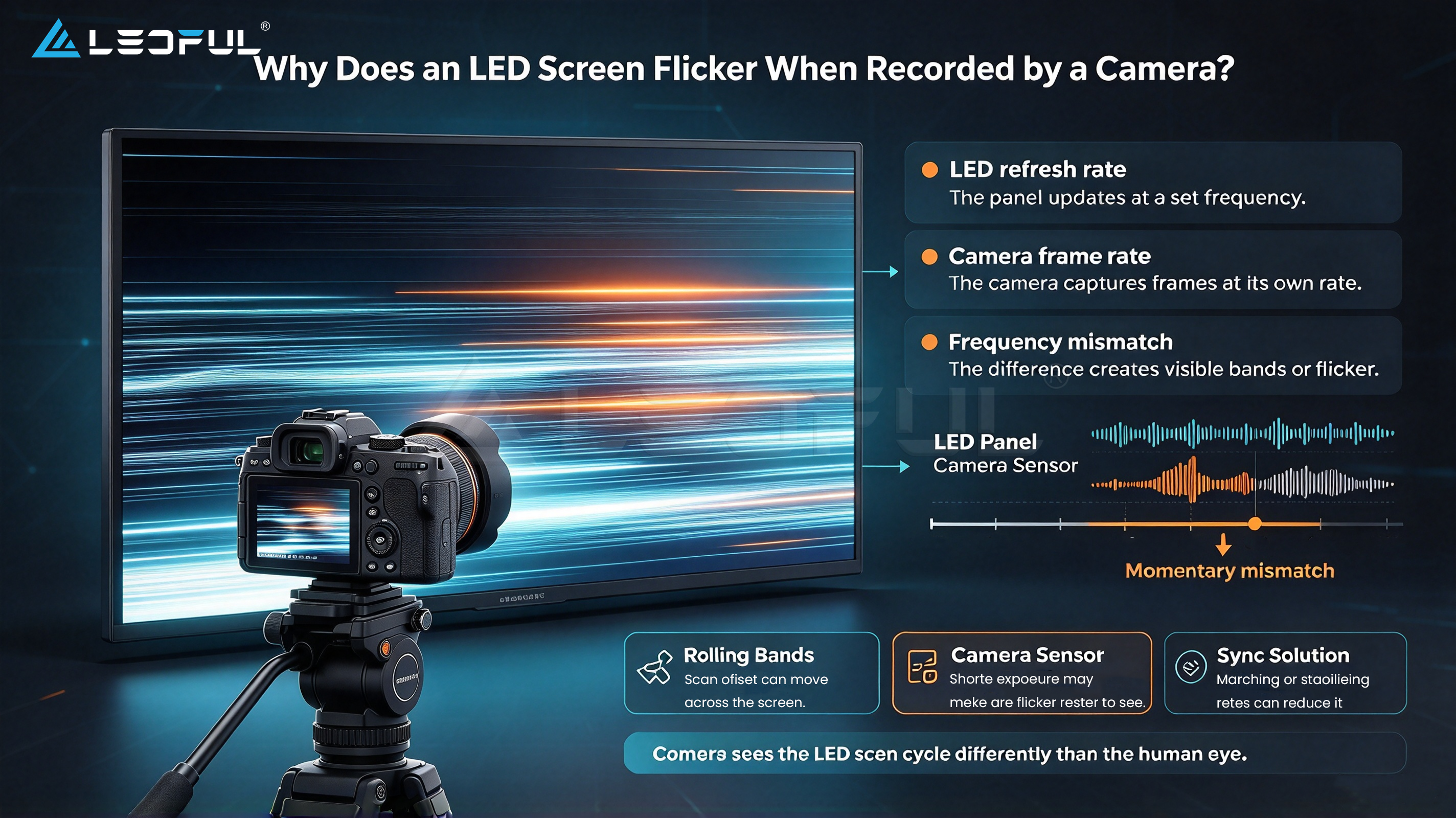
An LED wall that looks excellent to the human eye may still produce moiré, flicker, scan lines, color issues, or camera artifacts when filmed. For this reason, choosing an LED wall for an XR studio requires more than comparing pixel pitch and price.
The right solution needs to match the camera system, shooting distance, content requirements, studio environment, brightness, refresh rate, synchronization, and long-term operating needs.
This guide explains the key specifications to consider when choosing an LED wall for virtual production and XR studios.
Why Is Choosing the Right LED Wall Important for Virtual Production?
In conventional LED applications, the display is mainly designed for people to view directly.
In virtual production, the LED wall becomes part of the camera image.
That creates a completely different set of requirements.
The camera can capture details that are not obvious to the human eye, including:
- Flicker
- Moiré patterns
- Scan lines
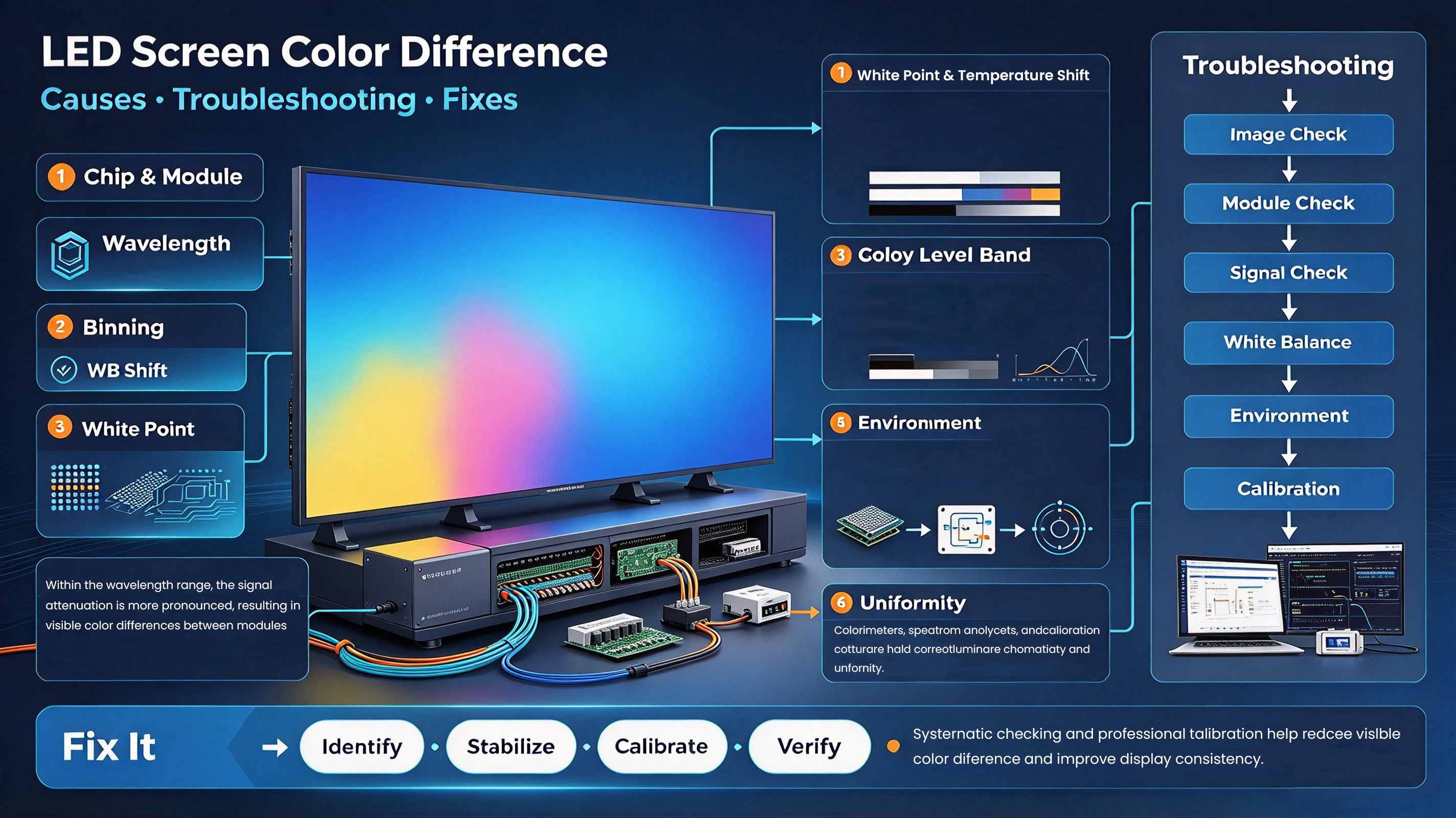
- Color shifts
- Banding
- Pixel structure
- Uneven brightness
- Refresh-related artifacts
A suitable virtual production LED wall must therefore perform well both visually and on camera.
For an XR studio, the key question should not simply be:
“Which LED screen has the highest resolution?”
Instead, ask:
“Which LED wall can deliver the right image quality for my cameras, lenses, shooting distance, and production workflow?”
7 Key Specifications to Check Before Buying an XR LED Wall
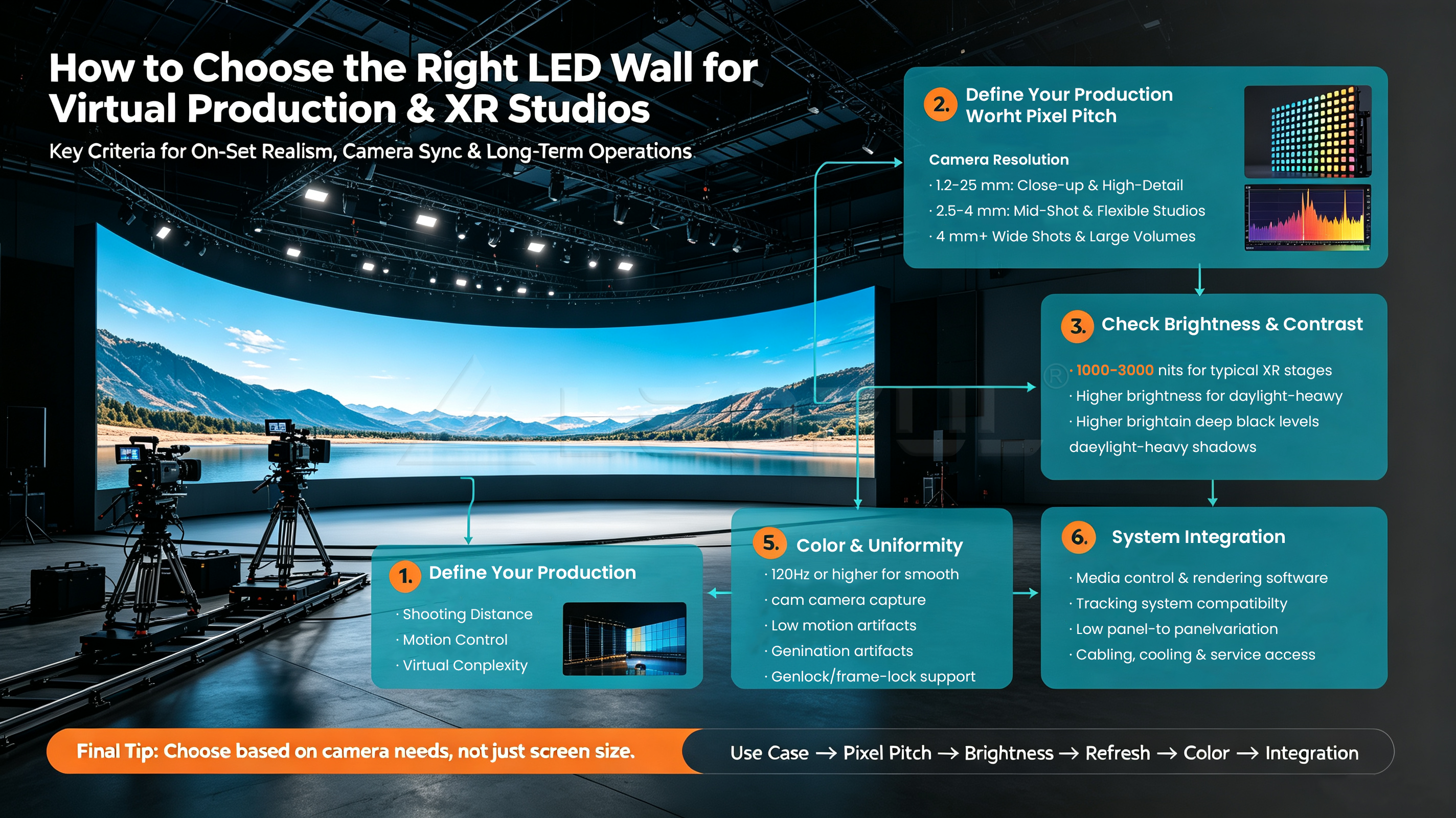
1. Pixel Pitch
Pixel pitch is one of the first specifications production teams consider when selecting an LED wall.
It refers to the distance between the centers of two adjacent pixels. A smaller pixel pitch generally provides a higher pixel density and allows the camera to capture a finer image at close distances.
Common options for virtual production may include:
- 5
- 9
- 6
- 8
- 9
However, smaller pixel pitch does not automatically mean a better solution for every studio.
The correct pixel pitch depends on factors such as:
- Minimum camera-to-LED distance
- Camera resolution
- Lens selection
- Sensor size
- Shooting angle
- LED wall size
- Production budget
For close-up shots where the camera is positioned near the LED wall, a finer pixel pitch can help reduce visible pixel structure.
For larger studios with greater camera distances, a larger pixel pitch may provide a more cost-effective solution.
A Practical Rule
Do not select pixel pitch based only on the lowest number.
Instead, determine the minimum shooting distance first, then evaluate the pixel pitch through an actual camera test.
P1.5 vs. P1.9 vs. P2.6: Which Pixel Pitch Is Better?
There is no universal answer.
| Pixel Pitch | Typical Advantage | Suitable Consideration |
| P1.5 | High pixel density | Close camera distance, detailed shots |
| P1.9 | Balance of resolution and cost | General virtual production |
| P2.6 | Larger viewing distance and lower cost | Larger studios and wider shots |
| P2.8+ | Cost-effective for larger distances | Large LED volumes and applications where camera distance is sufficient |
The final choice should be based on the actual production environment rather than pixel pitch alone.
2. Refresh Rate and Camera Performance
Refresh rate is especially important for virtual production because the LED wall is being filmed by professional cameras.
A display with an insufficient refresh rate can create visible artifacts when combined with certain camera settings.
For XR and virtual production applications, high-refresh-rate LED displays are commonly preferred to provide smoother camera performance.
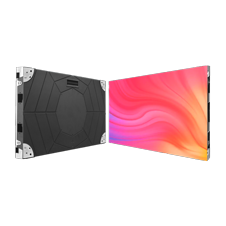
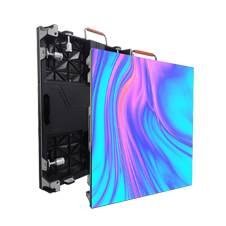
LEDFUL’s XR Virtual Production solution supports a 7680Hz refresh rate, helping meet demanding camera-based production requirements.
However, refresh rate should not be evaluated in isolation.
Camera performance can also be affected by:
- Shutter speed
- Frame rate
- Scan ratio
- PWM technology
- Camera sensor
- LED processor
- Receiving card
- Synchronization system
Therefore, a proper camera test is strongly recommended before finalizing an LED wall.
3. How to Reduce Moiré on an LED Wall
Moiré is one of the most common concerns when filming LED displays.
It occurs when the pixel structure of the LED wall interacts with the camera’s sensor and creates unwanted patterns.
The result may look like:
- Wavy lines
- Ripples
- Interference patterns
- Unwanted texture
- Color distortion
Moiré is affected by more than pixel pitch.
Factors include:
- Pixel pitch
- Camera distance
- Lens
- Camera angle
- Sensor resolution
- Focus
- Shooting position
- LED panel structure
How Can You Reduce Moiré?
A production team can evaluate:
- A finer pixel pitch
- Greater camera-to-wall distance
- Appropriate lens selection
- Camera angle adjustment
- LED wall calibration
- Camera and LED synchronization
- Actual on-camera testing
The best approach is to test the LED wall with the same or equivalent camera and lens configuration that will be used in production.
4. Brightness: Is Higher Always Better?
Not necessarily.
Brightness requirements for an XR studio depend on the environment, camera settings, virtual scene, and whether the LED wall needs to compete with studio lighting.
An outdoor LED billboard may require extremely high brightness.
An indoor virtual production studio usually requires a different brightness strategy.
Excessive brightness can create unnecessary challenges, while insufficient brightness may reduce the visual quality of the virtual environment.
For this reason, the LED wall should provide appropriate brightness control rather than simply maximizing brightness.
When evaluating an XR LED display, consider:
- Maximum brightness
- Minimum brightness
- Brightness adjustment
- Color consistency
- Camera exposure
- Studio lighting
- HDR requirements
The goal is to achieve a balance between LED brightness, camera exposure, and studio lighting.
5. Color Accuracy and Grayscale Performance
In virtual production, the LED wall is not simply a background.
It becomes part of the lighting environment.
The LED wall can illuminate actors, props, and reflective surfaces. Poor color reproduction can therefore affect both the background and the objects being filmed.
Important factors include:
- Color gamut
- Grayscale performance
- Color consistency
- White balance
- Calibration
- Low-brightness performance
A high-quality LED wall should maintain consistent color reproduction across the entire display.
This is especially important when production teams need to create realistic environments such as:
- Daylight scenes
- Night scenes
- Indoor environments
- Product commercials
- Automotive scenes
- Cinematic backgrounds
6. Synchronization and Genlock
Virtual production workflows often involve multiple systems working together:
- Cameras
- LED processors
- Media servers
- Unreal Engine
- Tracking systems
- Lighting systems
Synchronization becomes increasingly important as the production setup becomes more complex.
A professional XR studio may need to coordinate:
Camera → Tracking → Render Engine → LED Processor → LED Wall
Any mismatch can result in visual inconsistencies or synchronization issues.
When evaluating an LED wall, ask the manufacturer about compatibility with the studio’s:
- Camera system
- Media server
- Processor
- Genlock workflow
- Timecode
- Tracking system
- Virtual production software
Do not evaluate the LED cabinet separately from the entire production workflow.
7. Cabinet Design and Maintenance
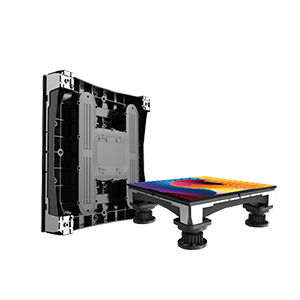
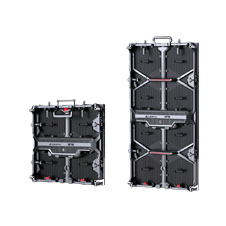
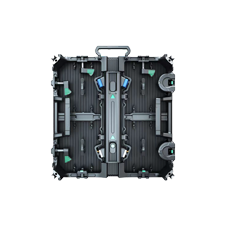
An XR studio may require an LED wall that can be installed, adjusted, maintained, and reconfigured efficiently.
Cabinet design affects:
- Installation time
- Flatness
- Alignment
- Maintenance
- Transportation
- Curved configurations
- Creative LED volume design
For virtual production applications, production teams may also need:
- Front service
- Rear service
- Fast module replacement
- Precise cabinet alignment
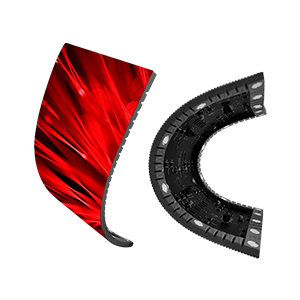
- Curved LED wall configurations
- High structural stability
The LED wall should be considered as part of the studio infrastructure rather than simply a collection of LED cabinets.
What Other Factors Should You Consider?
Technical specifications are important, but they are not the only factors affecting an XR project.
LED Wall Size
The required wall size depends on:
- Camera field of view
- Shooting area
- Number of cameras
- Actor movement
- Set design
- Ceiling height
- Required immersive coverage
A larger LED volume provides greater visual coverage but also increases:
- LED investment
- Power requirements
- Processing requirements
- Installation requirements
- Cooling requirements
Therefore, the LED wall should be designed around the actual production workflow.
Flat, Curved, or Creative LED Wall?
A traditional flat LED wall may be suitable for certain studios.
However, curved configurations can provide a more immersive environment and reduce the visibility of corners within the camera frame.
For larger virtual production stages, an LED volume may combine:
- Main wall
- Curved corners
- Ceiling LED
- LED floor
The configuration should be selected based on the types of scenes the studio plans to produce.
How to Choose the Right Pixel Pitch for Your Studio
Instead of asking:
“What is the best pixel pitch for XR?”
Ask these five questions:
1. What is the minimum camera distance?
The closer the camera is to the LED wall, the more important pixel density becomes.
2. What camera and lens will you use?
Different cameras, sensors, and lenses can produce different results when filming the same LED wall.
3. What types of shots will you produce?
Close-ups require different considerations from wide shots.
4. What is the LED wall size?
A large LED wall can require a different balance between pixel density and overall project cost.
5. What is the project budget?
A smaller pixel pitch generally increases LED cost, so the goal should be to find the appropriate pixel pitch, not simply the smallest one.
How to Test an LED Wall Before Buying
A specification sheet cannot tell you everything.
For an XR or virtual production project, a camera test is one of the most important steps before purchase.
A practical test should evaluate:
Test 1: Different Camera Distances
Test the LED wall at several distances to identify when pixel structure or moiré becomes visible.
Test 2: Different Shutter Speeds
Check whether flicker or scan-related artifacts appear under the planned camera settings.
Test 3: Different Lenses
Wide-angle, standard, and telephoto lenses may produce different results.
Test 4: Different Brightness Levels
Test the LED wall at different brightness settings under actual studio lighting.
Test 5: Different Content
Use:
- Fine textures
- Gradients
- Dark scenes
- Bright scenes
- Skin tones
- High-contrast content
Test 6: Real Production Workflow
If possible, test the LED wall using the actual:
Camera + Lens + Media Server + Processor + Tracking + Content
This gives the production team a much more realistic evaluation than simply looking at a product specification sheet.
What Does a Virtual Production LED Wall Cost?
The total cost of an XR LED wall depends on much more than the price per square meter.
The project budget may include:
- LED panels
- Spare modules
- LED processors
- Receiving cards
- Control systems
- Structural frame
- Installation
- Rigging
- Power distribution
- Calibration
- Media server
- Tracking system
- Maintenance
- Transportation
Pixel pitch is also an important cost factor.
A smaller pixel pitch can increase the initial LED investment, while a larger pixel pitch may reduce the initial cost but may not be suitable for close-camera applications.
Therefore, the right question is not:
“What is the cheapest LED wall?”
It is:
“What LED configuration delivers the required camera performance within the project’s total budget?”
Why Choose LEDFUL for XR Virtual Production?
LEDFUL provides LED display solutions designed for professional applications including XR virtual production, film production, broadcast, and immersive environments.
For XR projects, LEDFUL can support project evaluation around key requirements such as:
- High refresh rate
- Fine pixel pitch options
- Camera-friendly performance
- High-quality color reproduction
- Custom LED wall configurations
- Flexible installation solutions
- Professional project support
LEDFUL’s XR Virtual Production solution supports 7680Hz refresh rate, high brightness, and cable-free design for demanding virtual production environments.
Rather than selecting a screen only from a specification sheet, LEDFUL can help project teams evaluate the LED wall according to the actual studio environment, camera requirements, viewing distance, and installation configuration.
XR LED Wall Buying Checklist
Before purchasing an LED wall for virtual production, make sure you can answer the following questions:
| Requirement | What to Check |
| Pixel Pitch | Is it suitable for the minimum camera distance? |
| Refresh Rate | Does it support the planned camera workflow? |
| Moiré | Has it been tested with the camera and lens? |
| Flicker | Does it remain stable under different shutter speeds? |
| Brightness | Is it suitable for the studio environment? |
| Color | Is color reproduction consistent? |
| Grayscale | Does it perform well in dark scenes? |
| Synchronization | Can it integrate with the production workflow? |
| Cabinet | Is installation and maintenance practical? |
| Configuration | Flat, curved, ceiling, floor, or complete LED volume? |
| Service | Is technical support available during installation and operation? |
| Total Cost | Does the solution fit the complete project budget? |
Frequently Asked Questions
What pixel pitch is best for virtual production?
There is no universal best pixel pitch. The right choice depends on camera distance, lens, sensor, shooting angle, LED wall size, and budget. P1.5 and P1.9 may be considered for closer camera applications, while larger pixel pitches can be suitable when the camera is positioned farther away.
Is 7680Hz refresh rate necessary for virtual production?
A high refresh rate can help improve camera performance and reduce visible refresh-related artifacts. However, refresh rate should be evaluated together with scan ratio, PWM, camera settings, synchronization, and the complete LED system.
How do you prevent moiré on an LED wall?
Moiré can be reduced through appropriate pixel pitch, camera distance, lens selection, camera angle, LED calibration, and camera testing. The most reliable approach is to test the actual LED wall using the intended camera and lens setup.
Can a normal LED display be used for virtual production?
Not every conventional LED display is suitable. Virtual production requires the LED wall to perform well under camera conditions, including appropriate refresh performance, color reproduction, grayscale, pixel structure, and synchronization.
Should I choose the smallest pixel pitch available?
Not necessarily. A smaller pixel pitch can increase pixel density and support closer camera distances, but it also increases project cost. The best choice is the pixel pitch that matches the actual shooting environment.
How large should an XR LED wall be?
The required size depends on the studio space, camera field of view, shooting distance, actor movement, scene design, and production workflow. A professional LED manufacturer can help determine the appropriate wall configuration based on the studio layout.
What information should I provide to an LED manufacturer?
For an accurate XR LED recommendation, provide the expected LED wall size, minimum camera distance, camera and lens information, shooting requirements, studio dimensions, desired pixel pitch, brightness requirements, and budget range.
Final Thoughts
Choosing an LED wall for XR and virtual production is not simply a matter of selecting the smallest pixel pitch or highest refresh rate.
The right solution must work as part of the entire production system.
Camera + Lens + LED Wall + Processor + Content + Tracking + Synchronization
When these elements are properly matched, the LED wall can deliver a more reliable and immersive virtual production environment while helping studios control long-term project costs. https://www.ledful.com/product/xr-series
If you are planning an XR studio, virtual production stage, film studio, broadcast studio, or LED volume, LEDFUL can help evaluate the appropriate LED wall configuration based on your project requirements.
Contact LEDFUL for XR LED display solutions, technical recommendations, and project references.
LEDFUL — Make the World Colorful