

































Buying an LED display is rarely as simple as choosing a screen size and pixel pitch.
At Integrate Expo 2026, one thing became especially clear: buyers are becoming more focused on the real-world performance, installation requirements, maintenance costs, and long-term value of LED display solutions.
Instead of simply asking, “What LED screen do you have?”, many visitors were asking more practical questions:
- Which pixel pitch is right for my viewing distance?
- Do I really need a high-brightness LED display?
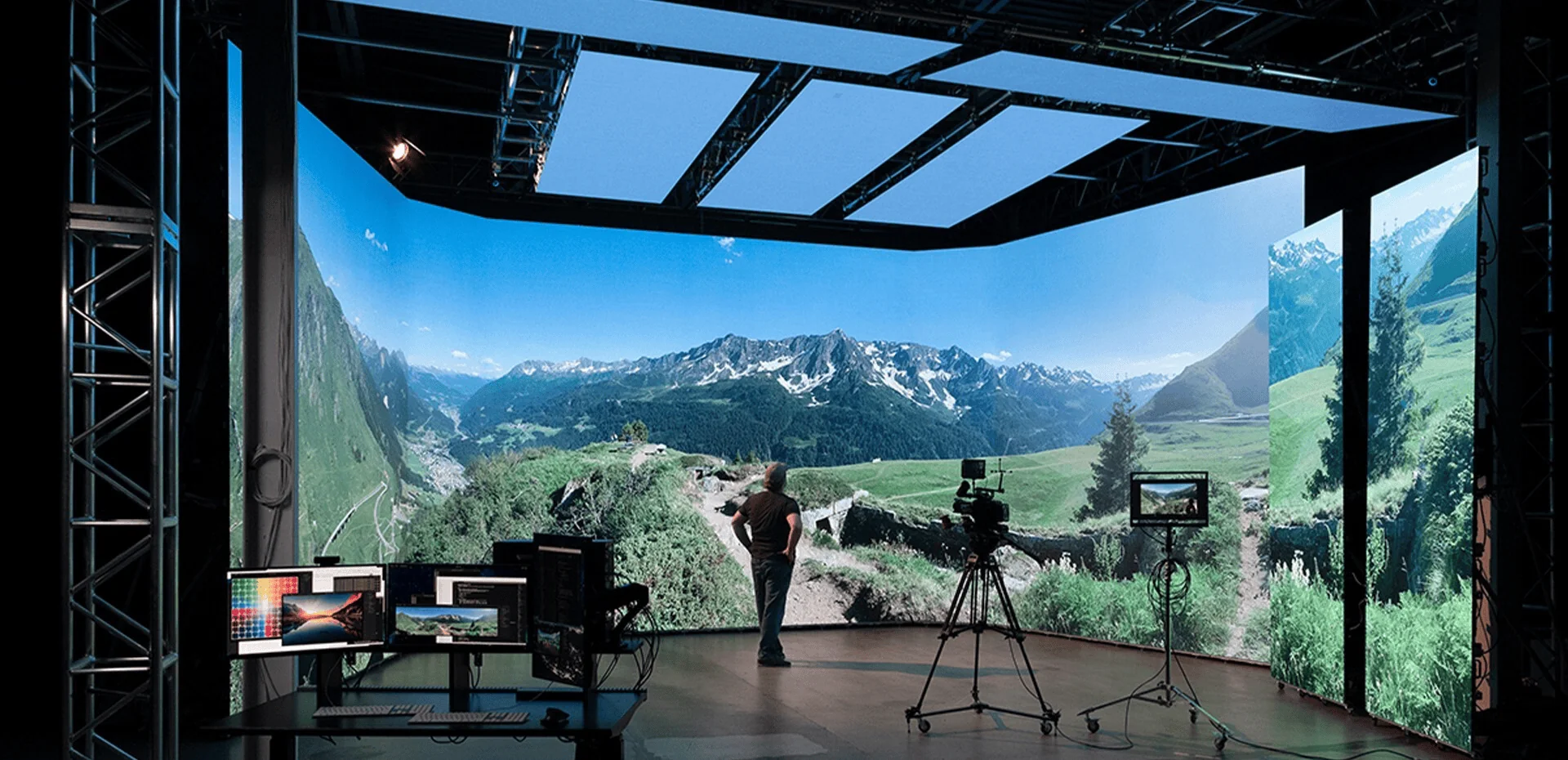
- Will the screen look good on professional cameras?
- How much will installation and maintenance cost over its lifetime?
- Am I buying a display, or a complete solution for my project?
These questions reflect a broader shift in the LED display market. Buyers are no longer evaluating an LED screen based only on technical specifications. They are looking at the total project outcome.
Based on the conversations at Integrate Expo 2026, here are five common LED display buying challenges—and what buyers should consider before making a decision.
Challenge 1: How Do You Choose the Right Pixel Pitch?
Pixel pitch is one of the first specifications buyers look at when purchasing an LED display. But smaller pixel pitch does not automatically mean a better solution.
Pixel pitch refers to the distance between the centers of two adjacent LED pixels, usually measured in millimeters.
For example:
- 9
- 25
- 5
- 86
- 5
- P3
- P4
- P5
A smaller pixel pitch provides higher pixel density and can deliver finer image detail, especially when viewers are standing close to the screen.
However, choosing an LED display based only on the smallest available pixel pitch can unnecessarily increase project costs.
What actually determines the right pixel pitch?
The most important factor is viewing distance.
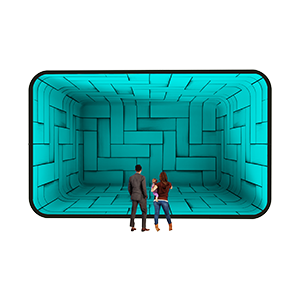
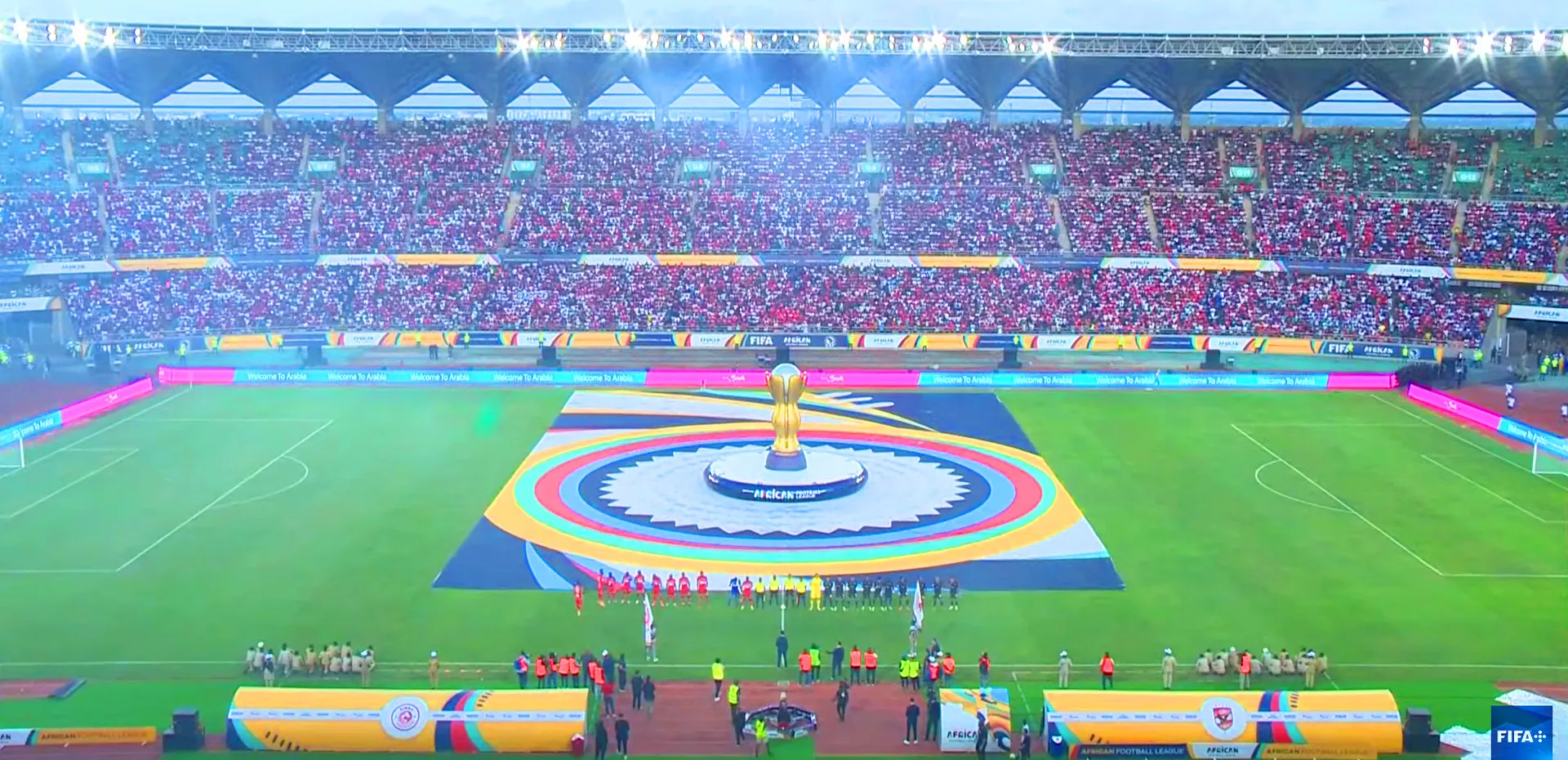
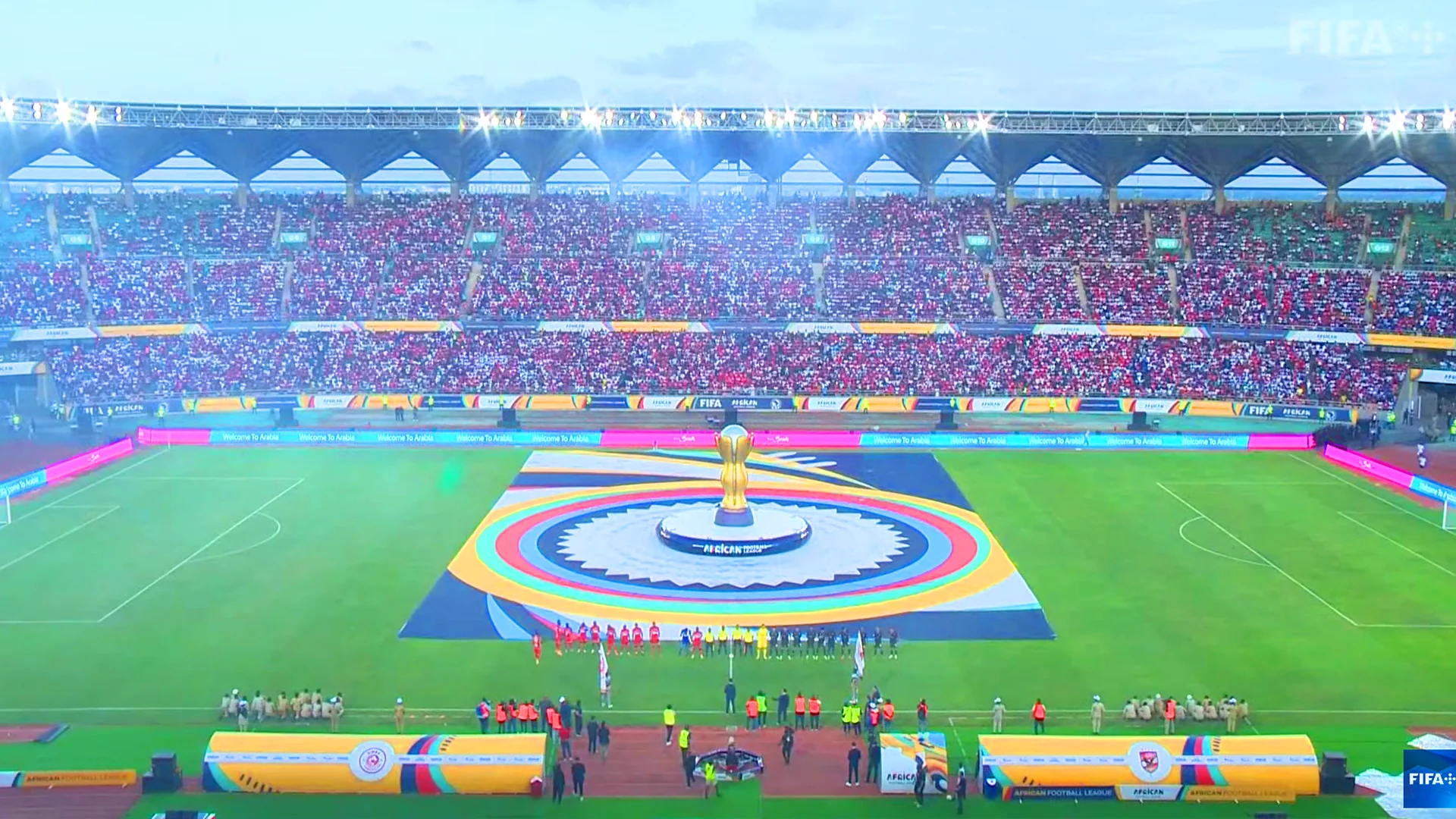
A conference room LED display may require a very different pixel pitch from an outdoor advertising screen. Likewise, an immersive LED display used for close-up viewing requires a different solution from a large-format screen installed several meters away.
A simple way to think about it is:
Closer viewing distance → smaller pixel pitch
Longer viewing distance → larger pixel pitch can be sufficient
Other factors should also be considered:
- Screen size
- Viewing distance
- Content type
- Camera requirements
- Indoor or outdoor environment
- Budget
- Required image detail
For example, a fine-pitch LED display may be appropriate for a corporate boardroom, control room, broadcast environment, or premium commercial installation.
For larger spaces where the audience is farther away, a larger pixel pitch may provide the right balance between image quality and investment.
The better question to ask
Instead of asking:
“What is your smallest pixel pitch?”
Ask:
“What pixel pitch is appropriate for my viewing distance and application?”
That shift can help buyers avoid over-specifying an LED screen and paying for performance they may never use.
Related search intent:
LED display pixel pitch, how to choose LED screen pixel pitch, best pixel pitch for LED display, LED screen viewing distance, fine pitch LED display.

Challenge 2: Is Higher Brightness Always Better?
Not necessarily.
Brightness is another specification that can easily be misunderstood when comparing LED displays.
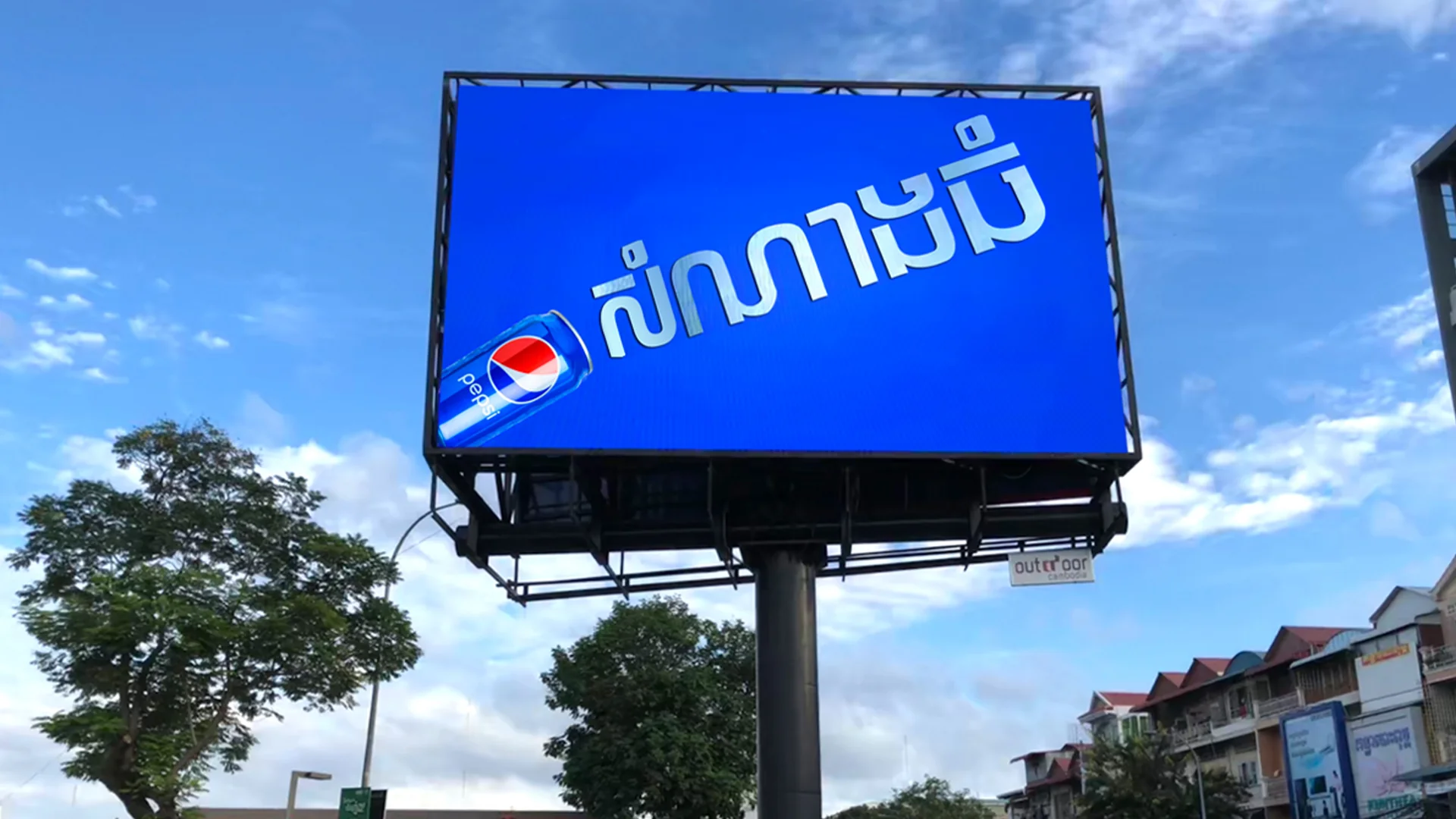
A higher brightness level can be important for outdoor LED screens exposed to direct sunlight. But for an indoor environment, excessive brightness can actually make the viewing experience uncomfortable.
The right brightness depends on the environment where the LED display will be installed.
Indoor vs. outdoor LED display brightness
An outdoor LED screen needs to compete with ambient sunlight, which means it generally requires significantly higher brightness than an indoor display.
Indoor applications such as:
- Meeting rooms
- Conference centers
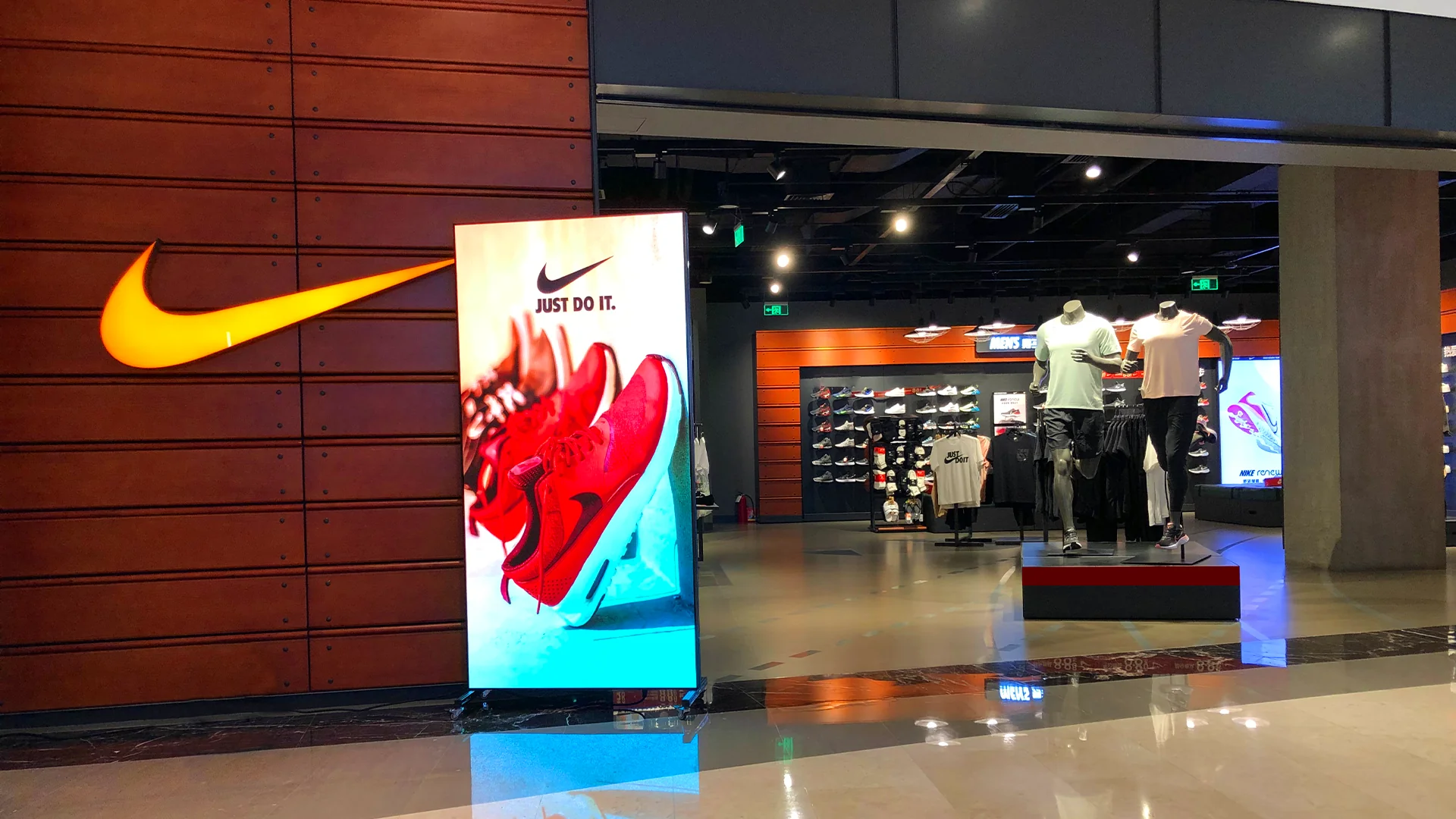
- Retail stores
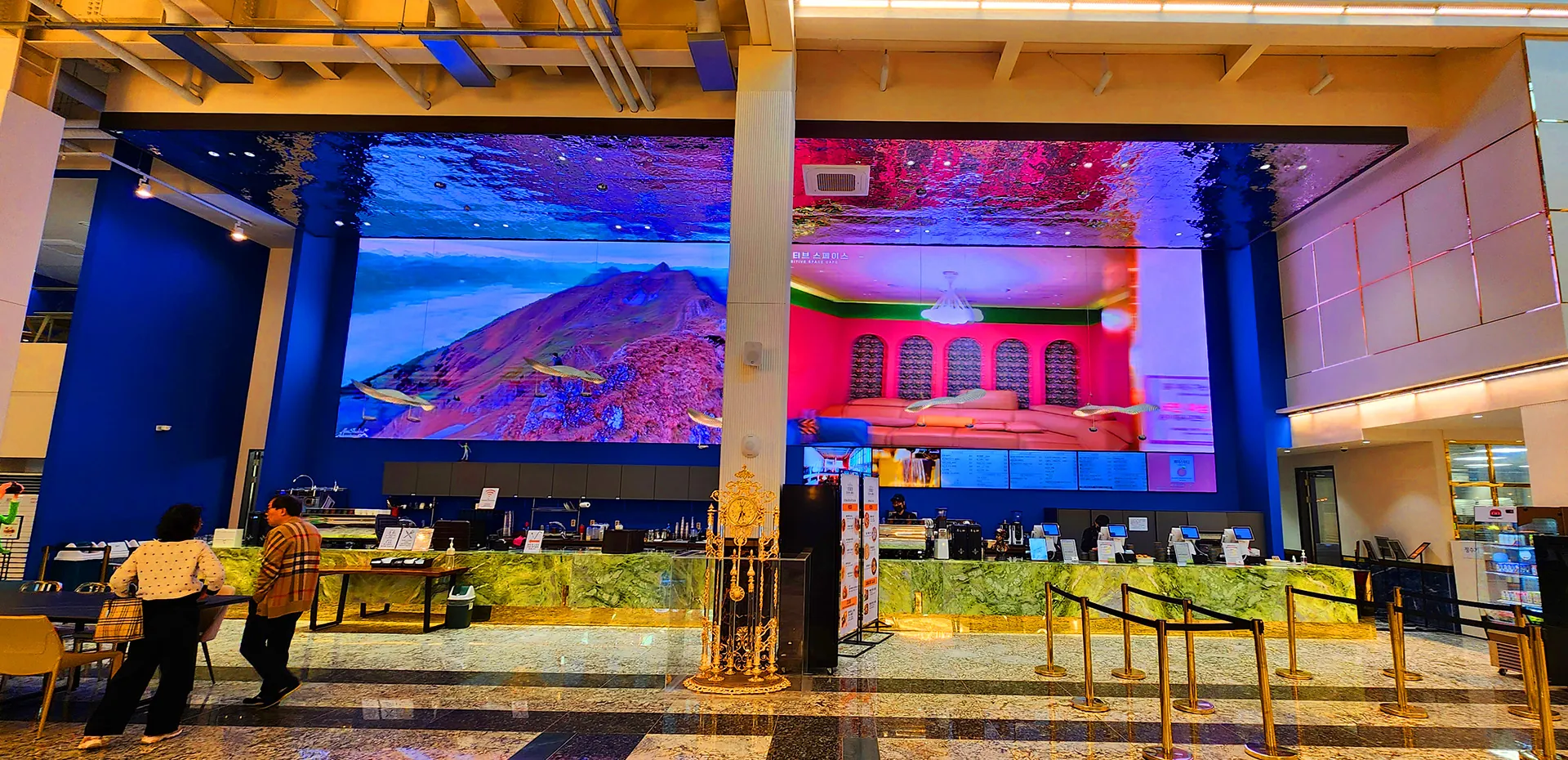
- Corporate lobbies
- Studios
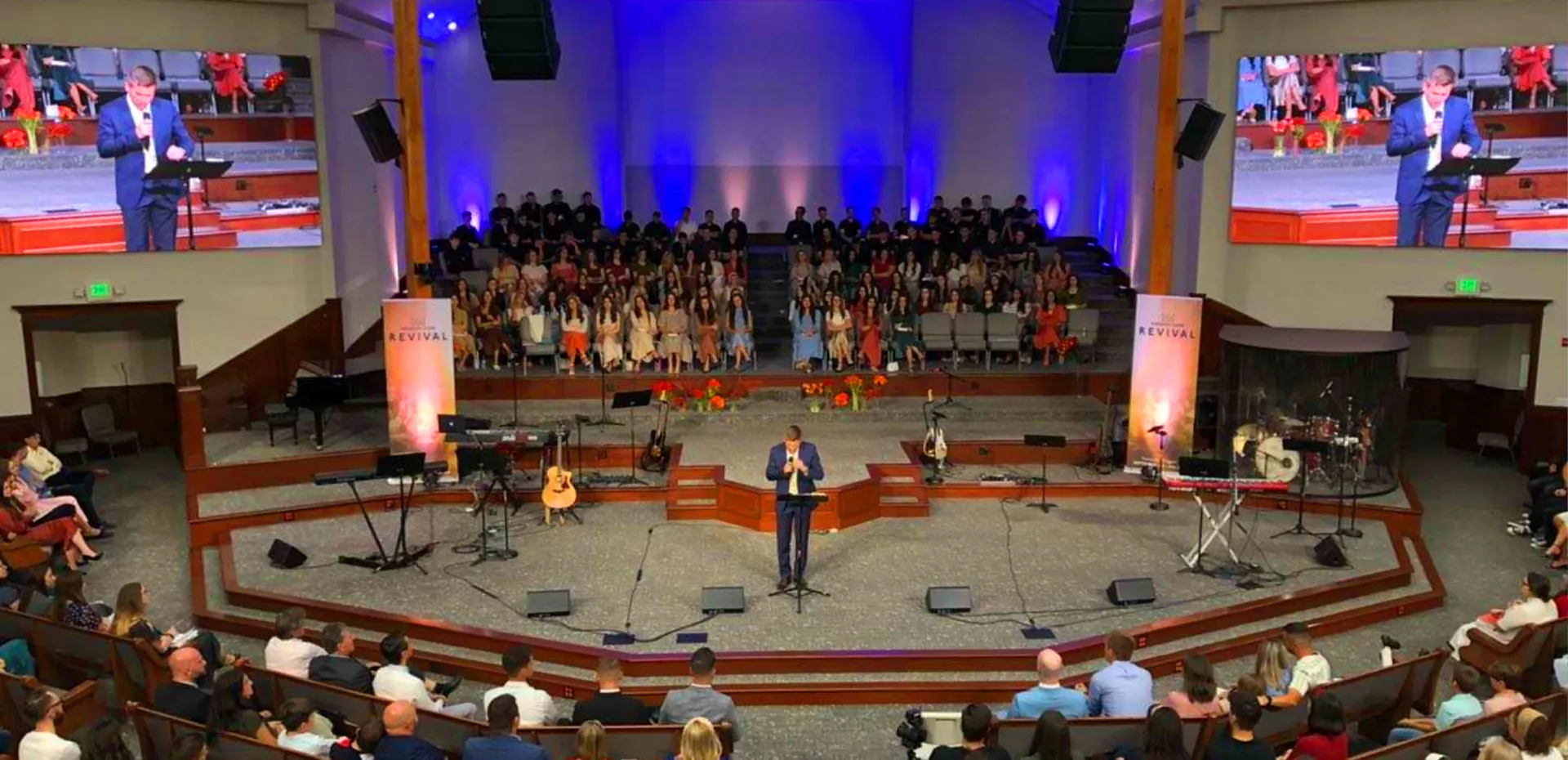
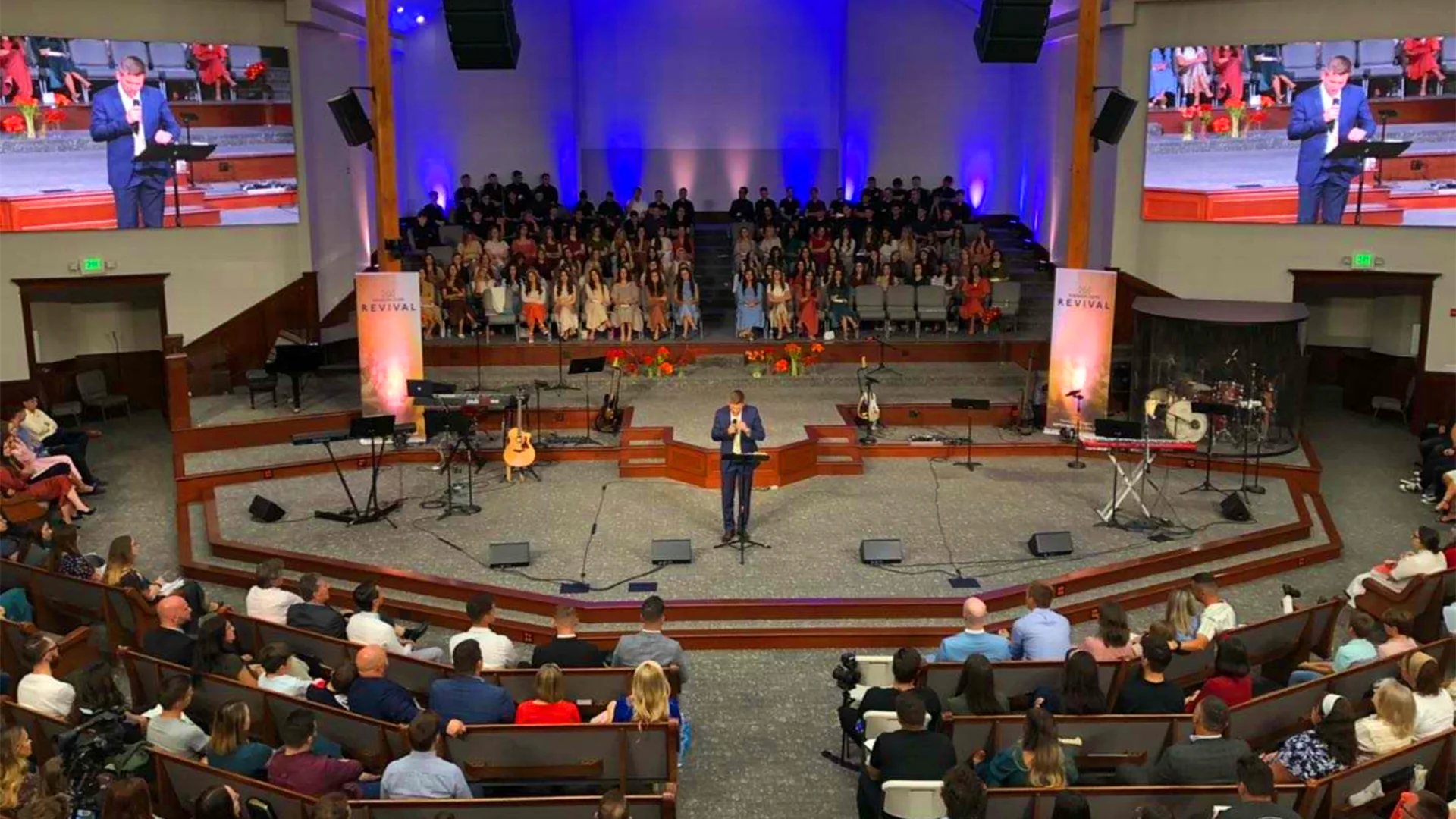
- Churches
- Control rooms
usually have different lighting conditions.
In these environments, brightness needs to be balanced with:
- Viewing comfort
- Color accuracy
- Contrast
- Content quality
- Camera performance
- Ambient lighting
Simply selecting the highest brightness available does not necessarily produce the best image.
Why brightness matters for cameras
This becomes even more important when an LED display is being filmed.
A screen that looks impressive to the human eye may produce problems when captured by a professional camera.
Potential issues include:
- Overexposure
- Flickering
- Scan-line effects
- Moiré patterns
- Uneven brightness
- Color inconsistency
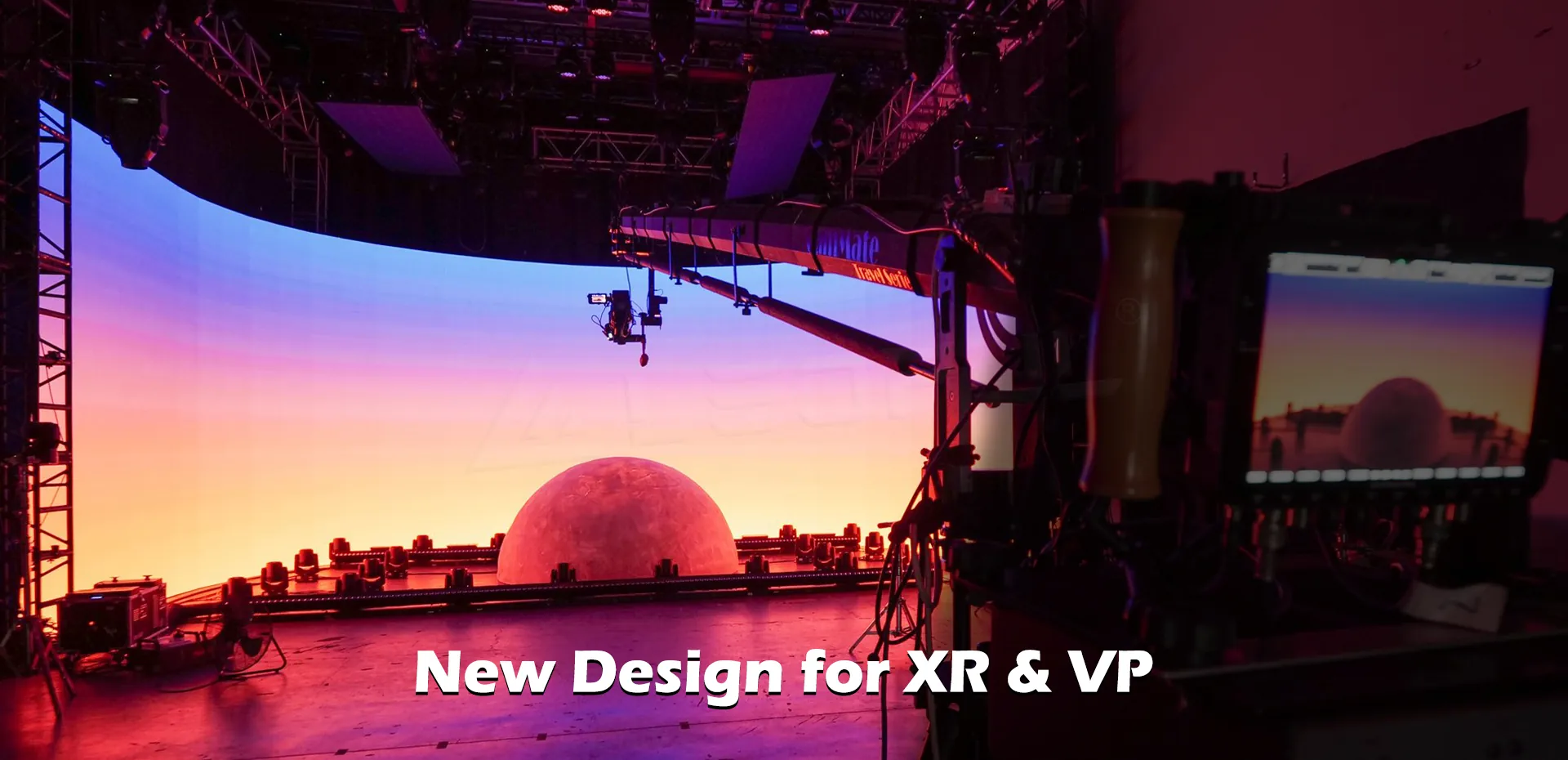
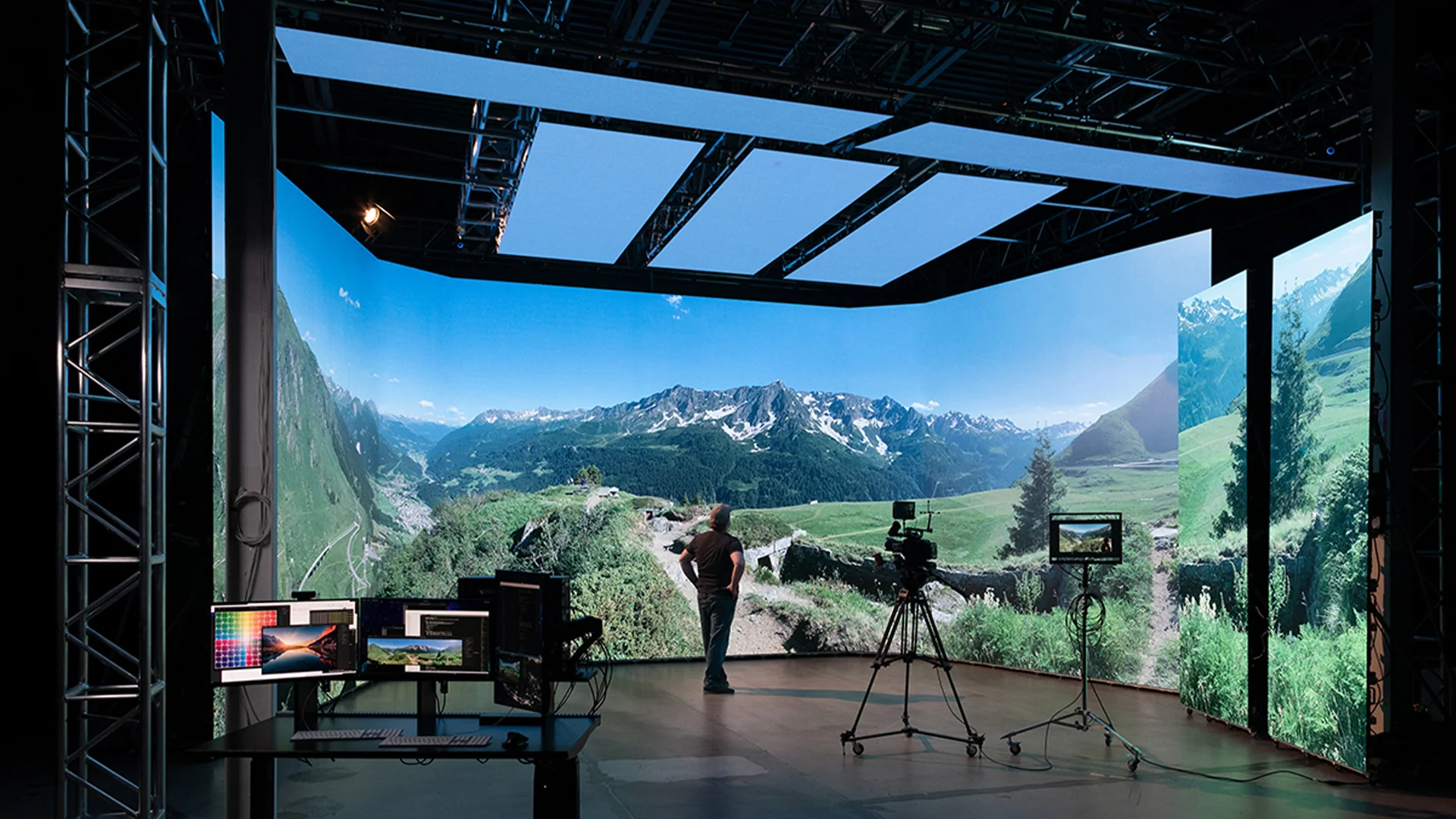
Therefore, buyers working on broadcast, virtual production, studio, event, or live-streaming projects should evaluate more than the brightness specification.
The better question to ask
Instead of:
“How bright is the LED screen?”
Ask:
“What brightness range is appropriate for my environment and camera requirements?”
The goal is not maximum brightness.
The goal is appropriate brightness with stable image quality.
Related search intent:
LED display brightness, LED screen brightness for indoor use, outdoor LED display brightness, best brightness for LED screen, LED display for camera.

Challenge 3: Can Your LED Screen Handle Professional Cameras?
This was another important concern for professional AV and display projects.
When an LED screen is used behind presenters, performers, products, or virtual production environments, the audience is not the only viewer.
The camera becomes another viewer.
And professional cameras can reveal problems that may not be obvious to the naked eye.
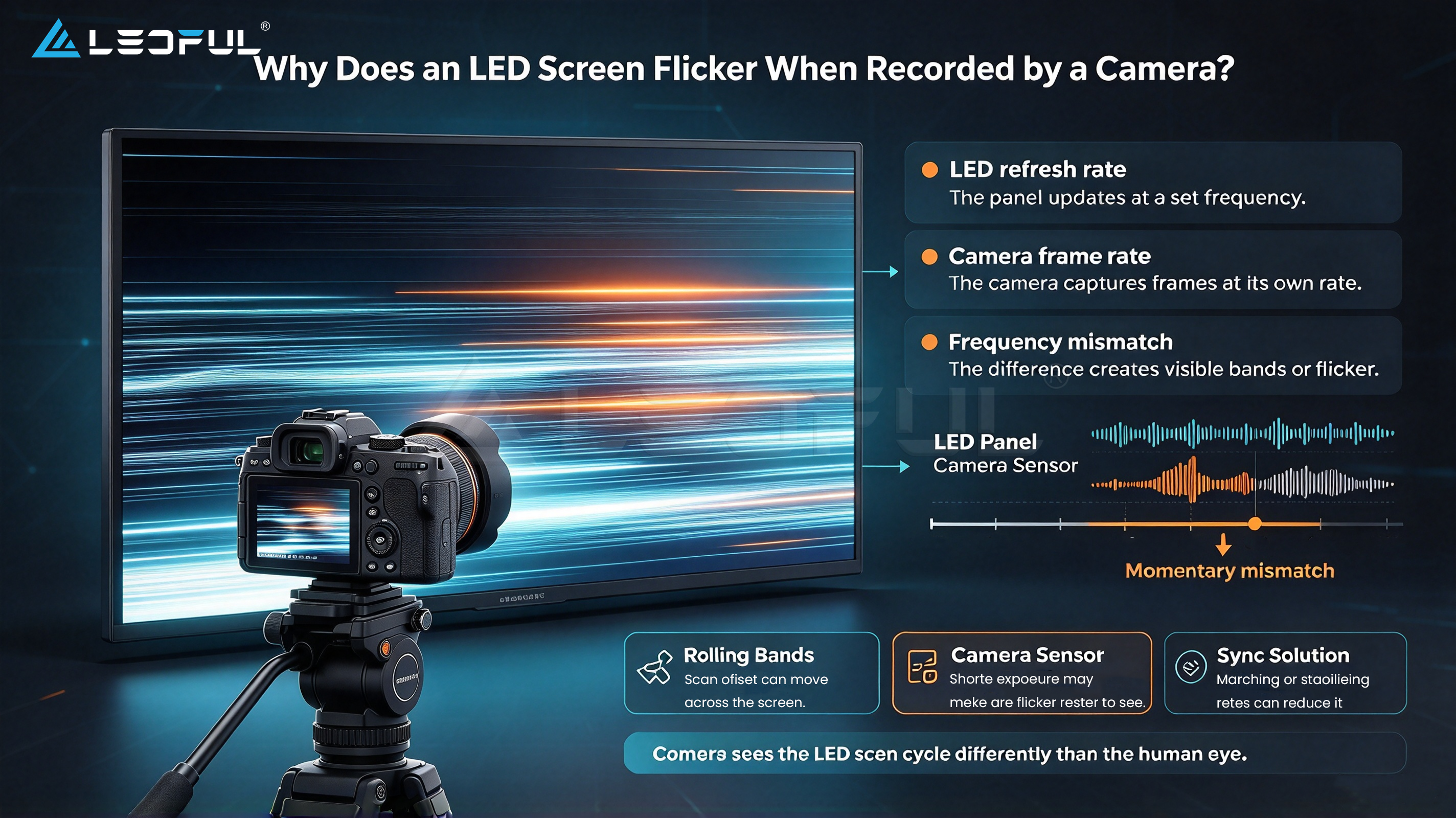
Why LED screens can look different on camera
Several technical factors can influence camera performance, including:
- Refresh rate
- Scan mode
- Shutter speed
- Camera frame rate
- Brightness
- Grayscale performance
- Color consistency
- Module calibration
- LED driver technology
If these parameters are not properly matched, the camera may capture:
- Flickering
- Rolling lines
- Scan bars
- Color shifts
- Brightness fluctuations
- Moiré
This is particularly important for:
- Broadcast studios
- Virtual production
- Live events
- TV studios
- Corporate video production
- Live streaming
- Stage backgrounds
High refresh rate is important—but it is not the whole story
Buyers often focus on refresh rate when choosing a camera-friendly LED display.
A high refresh rate can help reduce visible flicker and improve camera performance, but it should be considered together with the LED control system, driving technology, calibration, grayscale performance, and camera settings.
In other words:
Camera-friendly LED display ≠ high refresh rate alone.
A complete solution should be evaluated under actual camera conditions.
Test the LED display before purchasing
If your project involves professional cameras, ask the LED display manufacturer or supplier for a camera test.
Ideally, test the actual:
- Camera
- Lens
- Shutter speed
- Frame rate
- LED display
- Brightness level
This gives you a much more realistic evaluation than simply comparing product specifications.
Related search intent:
camera-friendly LED display, LED screen for broadcast, LED display for virtual production, high refresh rate LED display, LED screen flicker camera, LED wall for studio.

Challenge 4: How Much Does Installation and Maintenance Really Affect Project Cost?
When comparing LED displays, buyers often focus heavily on the initial product price.
But the screen itself is only one part of the total project cost.
A more complete evaluation should consider the Total Cost of Ownership (TCO).
This can include:
- LED display hardware
- Mounting structure
- Installation
- Power distribution
- Control system
- Transportation
- Commissioning
- Spare modules
- Maintenance
- Replacement components
- Labor
- Future upgrades
A cheaper LED screen may not necessarily be the cheaper solution if it requires more complicated installation or creates higher maintenance costs later.
Installation should be considered at the design stage
Different LED display applications can require completely different installation methods.
For example:
- Fixed wall-mounted installation
- Hanging installation
- Front-service installation
- Rear-service installation
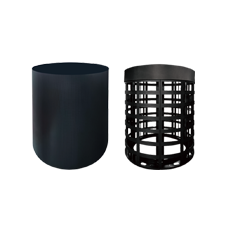
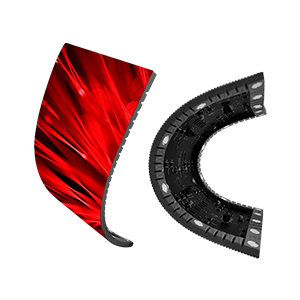
- Curved installation
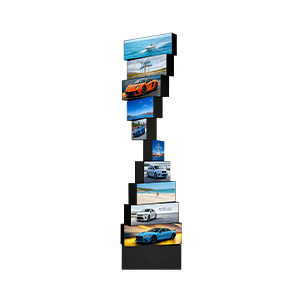
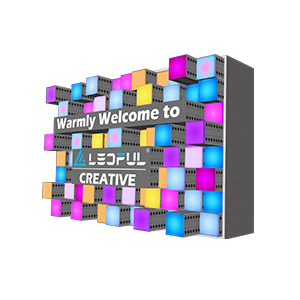
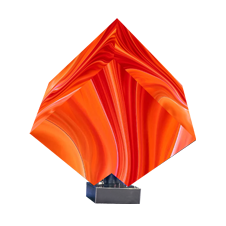
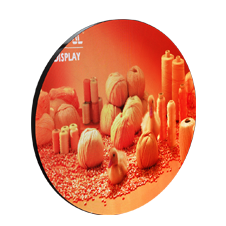
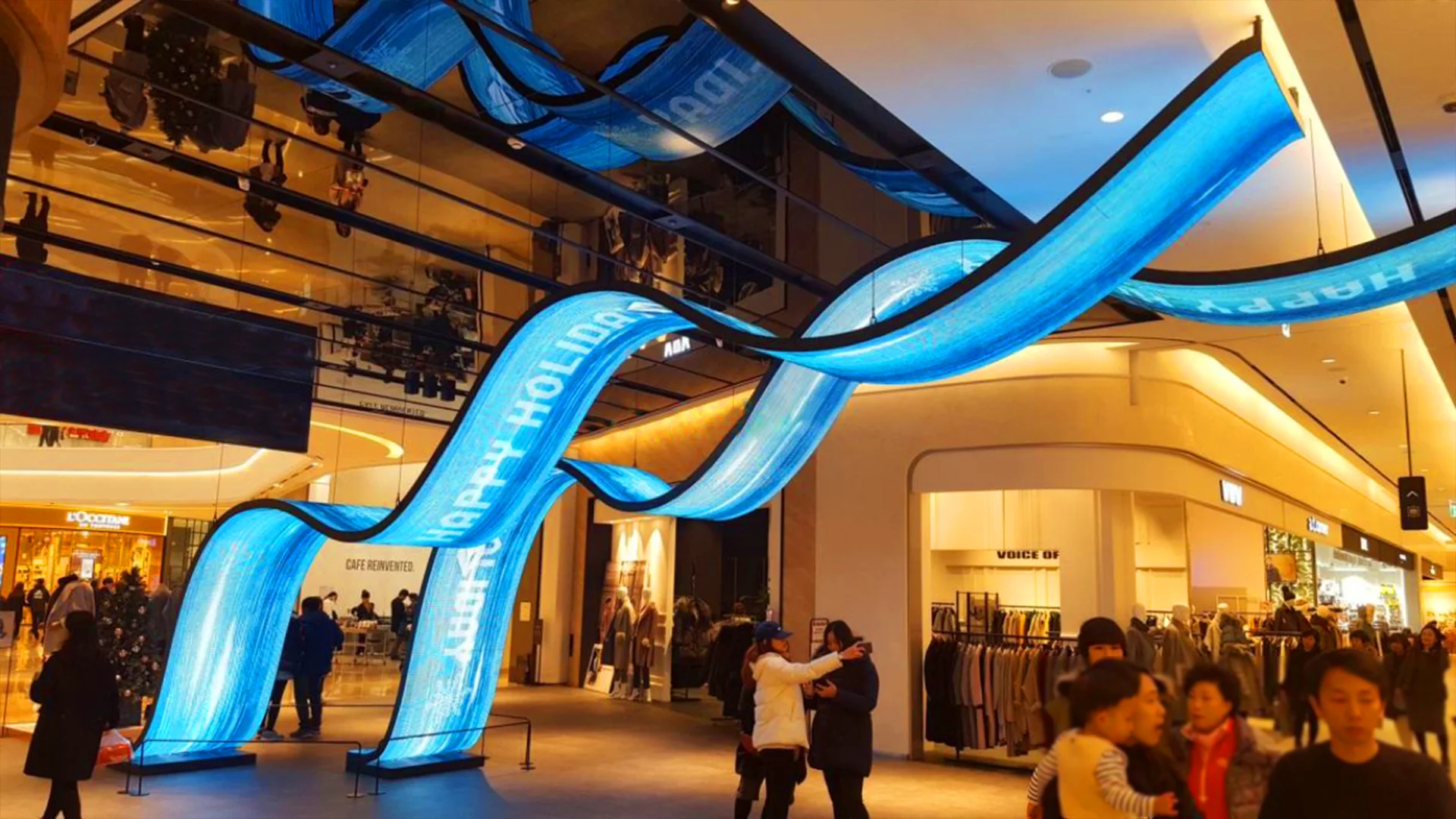
- Creative LED structures
- Outdoor structures
- Large-format installations
The installation environment can affect the cabinet design, access method, structural requirements, power distribution, and maintenance strategy.
Maintenance is part of the investment
LED displays are long-term assets.
When a module or component needs to be replaced, how quickly can the technician access it?
Can the LED module be serviced from the front?
Are spare parts readily available?
How easy is it to identify a faulty module?
Does the manufacturer provide technical support?
These questions can become much more important after the installation is completed.
Ask for the complete project solution
Instead of comparing only:
“How much does the LED screen cost per square meter?”
Consider asking:
“What will the complete project cost from installation to long-term operation?”
This approach gives buyers a much clearer picture of the actual investment.
Related search intent:
LED display installation cost, LED screen maintenance cost, LED display total cost of ownership, LED wall installation, LED display maintenance, LED screen installation requirements.
Challenge 5: Are You Buying a Display—or a Long-Term Solution?
This may be the most important question of all.
An LED display is not simply a collection of LED modules, cabinets, receiving cards, power supplies, and control systems.
For many professional projects, the real product is the solution behind the display.
What does a complete LED display solution include?
Depending on the application, it may involve:
- Application analysis
- Screen size planning
- Pixel pitch selection
- Brightness selection
- Cabinet configuration
- Installation design
- Control system
- Content requirements
- Power planning
- Structural design
- Maintenance strategy
- Spare parts
- Technical support
- After-sales service
This becomes particularly important for customized or complex LED display projects.
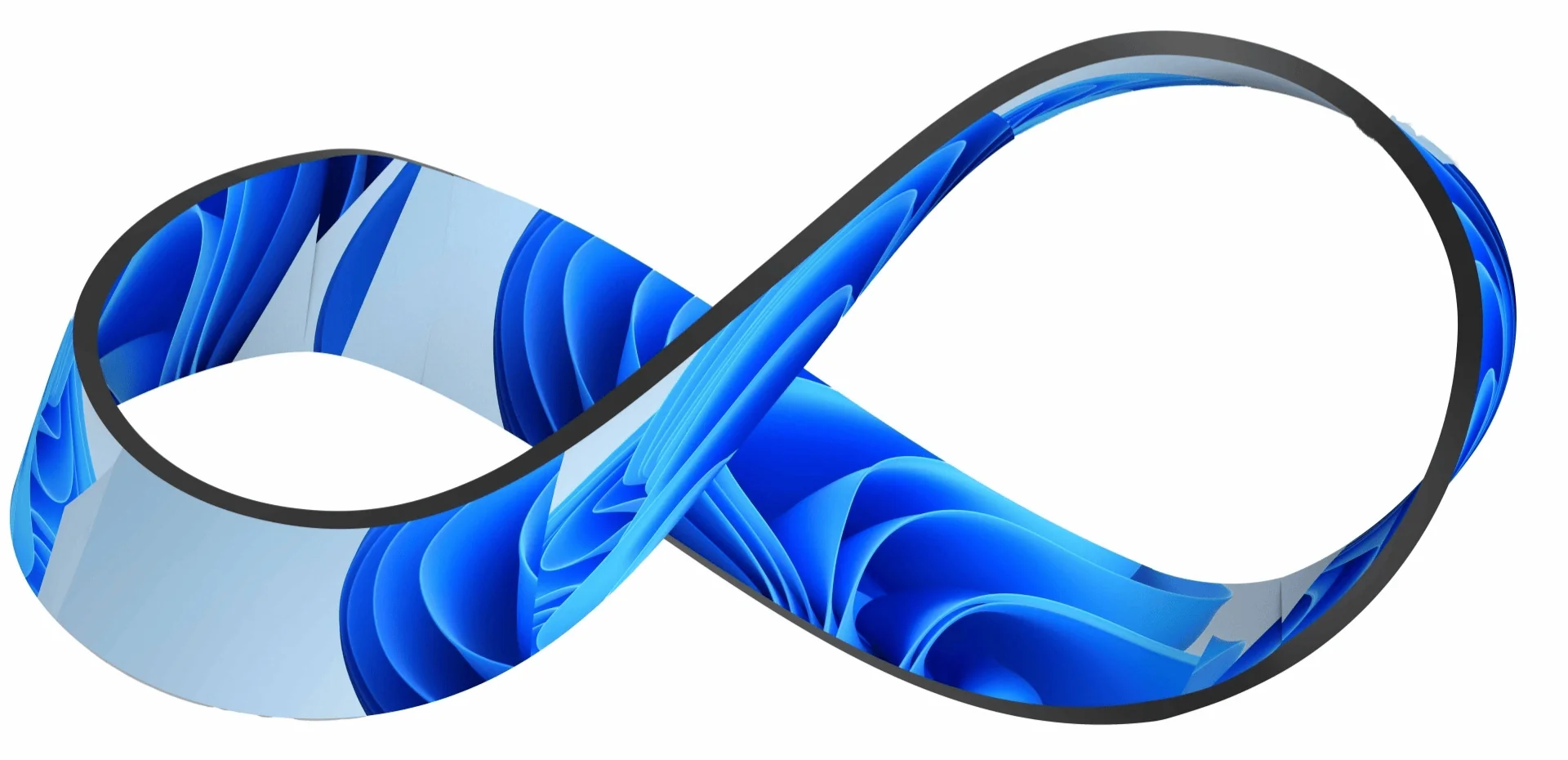
A large creative LED display, immersive installation, curved LED wall, fine-pitch display, or camera-facing LED screen may require much more than simply selecting a standard product.
The cheapest quote may not be the lowest-cost solution
Two LED displays can have similar specifications but produce very different project outcomes.
For example, one solution may offer:
- Easier installation
- Better serviceability
- More stable performance
- Better calibration
- Longer product lifecycle
- Easier spare-part replacement
- Better technical support
The initial purchase price may be higher, but the overall project risk and long-term operating cost could be lower.
That is why professional LED display buyers should evaluate the complete solution, not just the product price.
Five questions to ask your LED display supplier
Before placing an order, consider asking:
- Is the recommended pixel pitch based on my actual viewing distance?
- Is the brightness suitable for my installation environment?
- Has the LED display been tested under my camera conditions if cameras are involved?
- How will installation and maintenance be handled?
- What technical and after-sales support is included after installation?
These questions can help turn a product purchase into a more reliable long-term investment.
What We Learned at Integrate Expo 2026
The conversations at Integrate Expo 2026 showed an important trend in the professional LED display market.
Buyers are becoming more sophisticated.
They are not only asking:
“How much does this LED screen cost?”
They are asking:
“Will this LED display work for my application?”
That difference matters.
The right LED display is not necessarily the one with the smallest pixel pitch, highest brightness, or lowest price.
It is the one that matches the project’s:
- Viewing distance
- Environment
- Content
- Camera requirements
- Installation conditions
- Maintenance expectations
- Long-term budget
For LED display buyers, the best purchasing decision starts with the project requirements—not the product specification sheet.
LEDFUL works with customers to evaluate application requirements and develop LED display solutions based on screen size, viewing distance, environment, installation conditions, and project objectives.
If you are planning an LED display project and are unsure about pixel pitch, brightness, camera compatibility, installation, or long-term maintenance, discussing the requirements before selecting the product can help you avoid unnecessary costs and technical risks.
FAQ: LED Display Buying Questions
1. How do I choose the right pixel pitch for an LED display?
The right pixel pitch depends primarily on viewing distance, screen size, application, content requirements, and budget. A smaller pixel pitch is generally better for closer viewing distances, while larger pixel pitches can be suitable for larger screens viewed from farther away.
2. Is a higher brightness LED display always better?
No. Brightness should match the installation environment. Outdoor LED screens exposed to sunlight require higher brightness, while excessive brightness in indoor environments can reduce viewing comfort and affect image quality.
3. What makes an LED display camera-friendly?
Camera-friendly LED displays typically require appropriate refresh rate, scan technology, grayscale performance, calibration, brightness control, and stable image output. The LED screen should ideally be tested with the actual camera and shooting parameters used in the project.
4. What causes LED screens to flicker on camera?
Flickering or scan-line effects can be related to the LED display’s refresh rate, driving technology, scan mode, camera shutter speed, frame rate, and synchronization conditions. Testing the actual camera and LED display combination is recommended.
5. How much does LED display installation cost?
Installation costs vary significantly depending on screen size, cabinet design, mounting method, structural requirements, location, accessibility, power distribution, and project complexity. Installation should therefore be evaluated as part of the complete project cost rather than as a separate afterthought.
6. How can LED display maintenance costs be reduced?
Front-service design, easy module replacement, reliable components, effective calibration, spare parts planning, and professional technical support can all help reduce maintenance time and long-term operating costs.
7. What should I consider besides the LED screen price?
Buyers should consider the total cost of ownership, including installation, control systems, structural requirements, power consumption, maintenance, spare parts, technical support, and potential future upgrades.
8. Is a fine-pitch LED display always the best choice?
Not necessarily. Fine-pitch LED displays provide higher pixel density, but the additional cost may not provide meaningful benefits if the viewing distance is long. Pixel pitch should always be selected according to the actual application.
9. What should I ask an LED display manufacturer before purchasing?
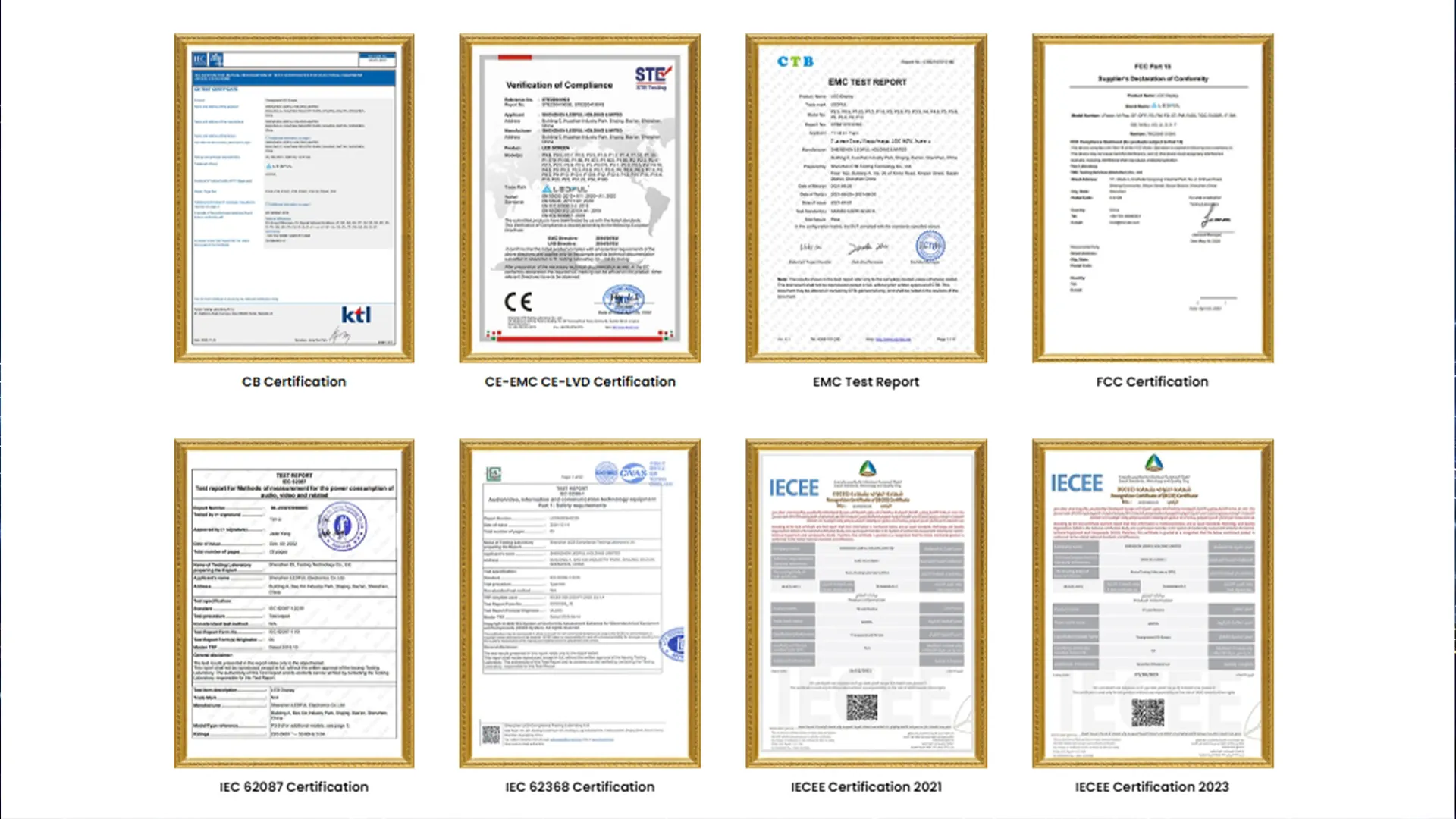
At minimum, ask about recommended pixel pitch, brightness, refresh rate, service method, installation requirements, maintenance process, warranty, spare parts, certifications, technical support, and after-sales service.
10. Should I buy an LED display based on specifications or application requirements?
Application requirements should come first. Product specifications are important, but the best LED display is the one whose specifications are appropriate for the actual viewing distance, environment, content, installation conditions, camera requirements, and long-term operating needs.
Conclusion
Choosing an LED display is ultimately about solving a project—not simply buying a screen.
From pixel pitch and brightness to camera performance, installation, maintenance, and long-term support, every specification should be connected to the actual application.
The five challenges discussed at Integrate Expo 2026 highlight a simple principle:
Don’t start with the product. Start with the project.
Once the project requirements are clear, it becomes much easier to identify the right LED display technology, configuration, and long-term solution.
LEDFUL | LED Display Manufacturer & Solution Provider