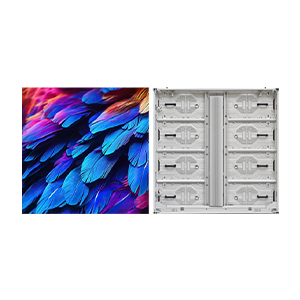
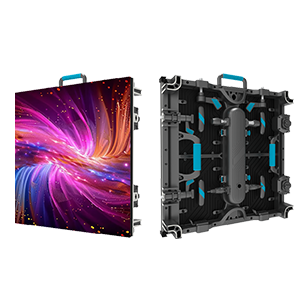
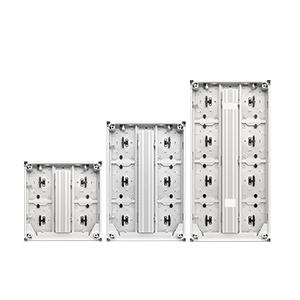


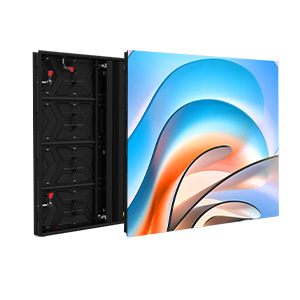


















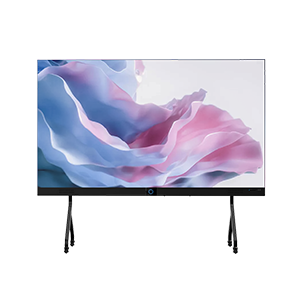



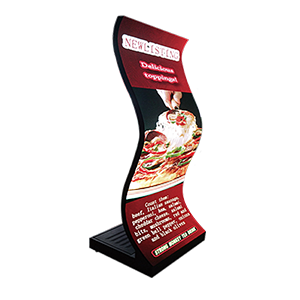


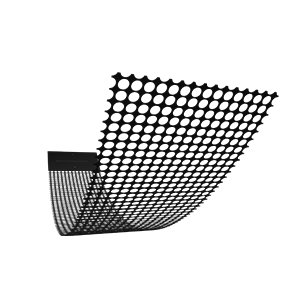
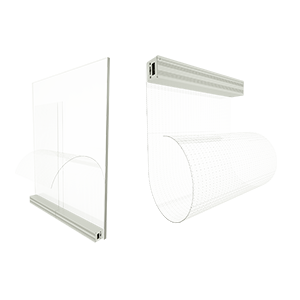
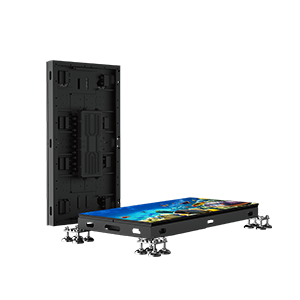

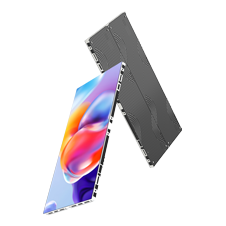

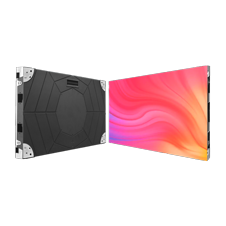




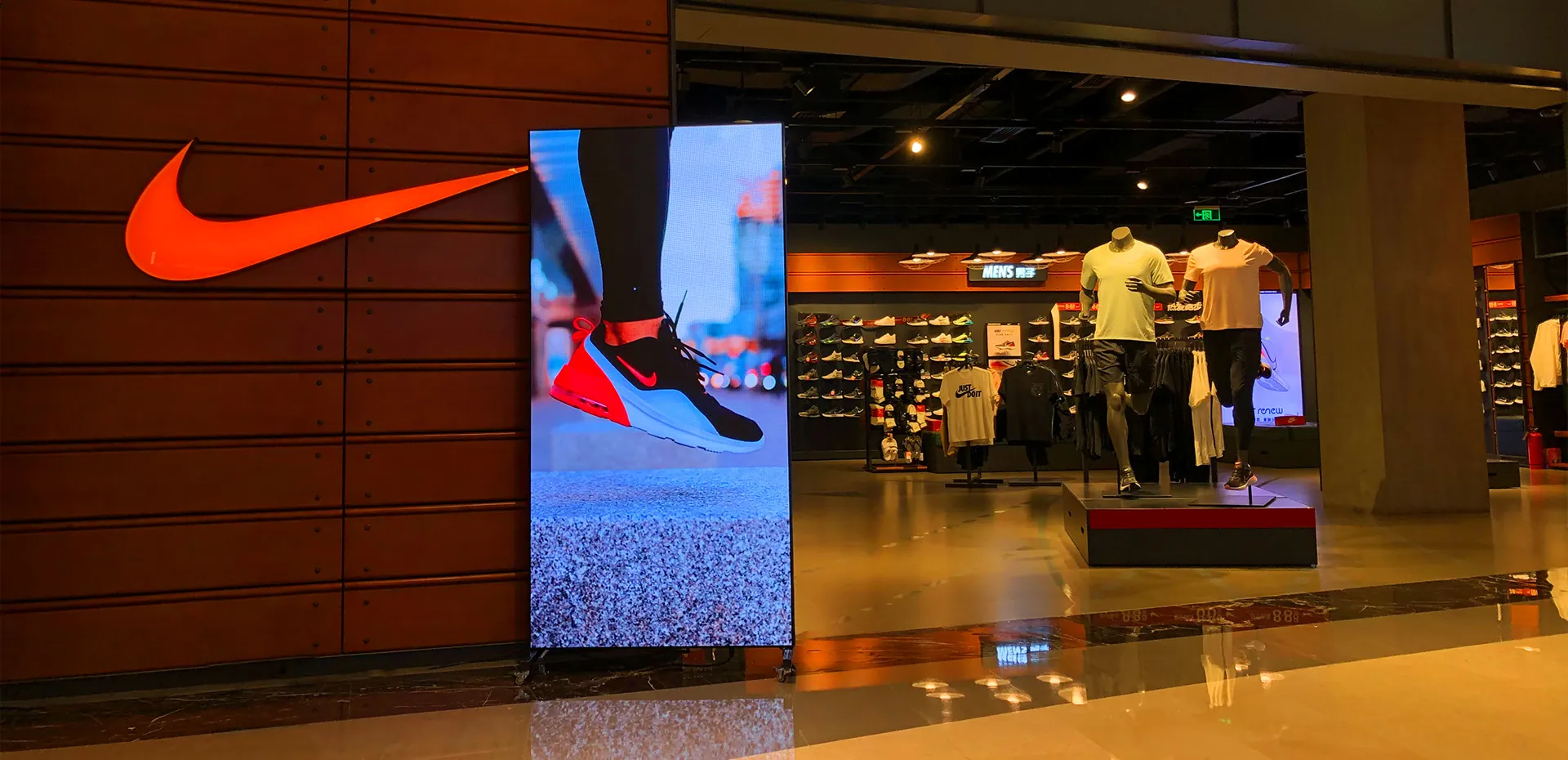
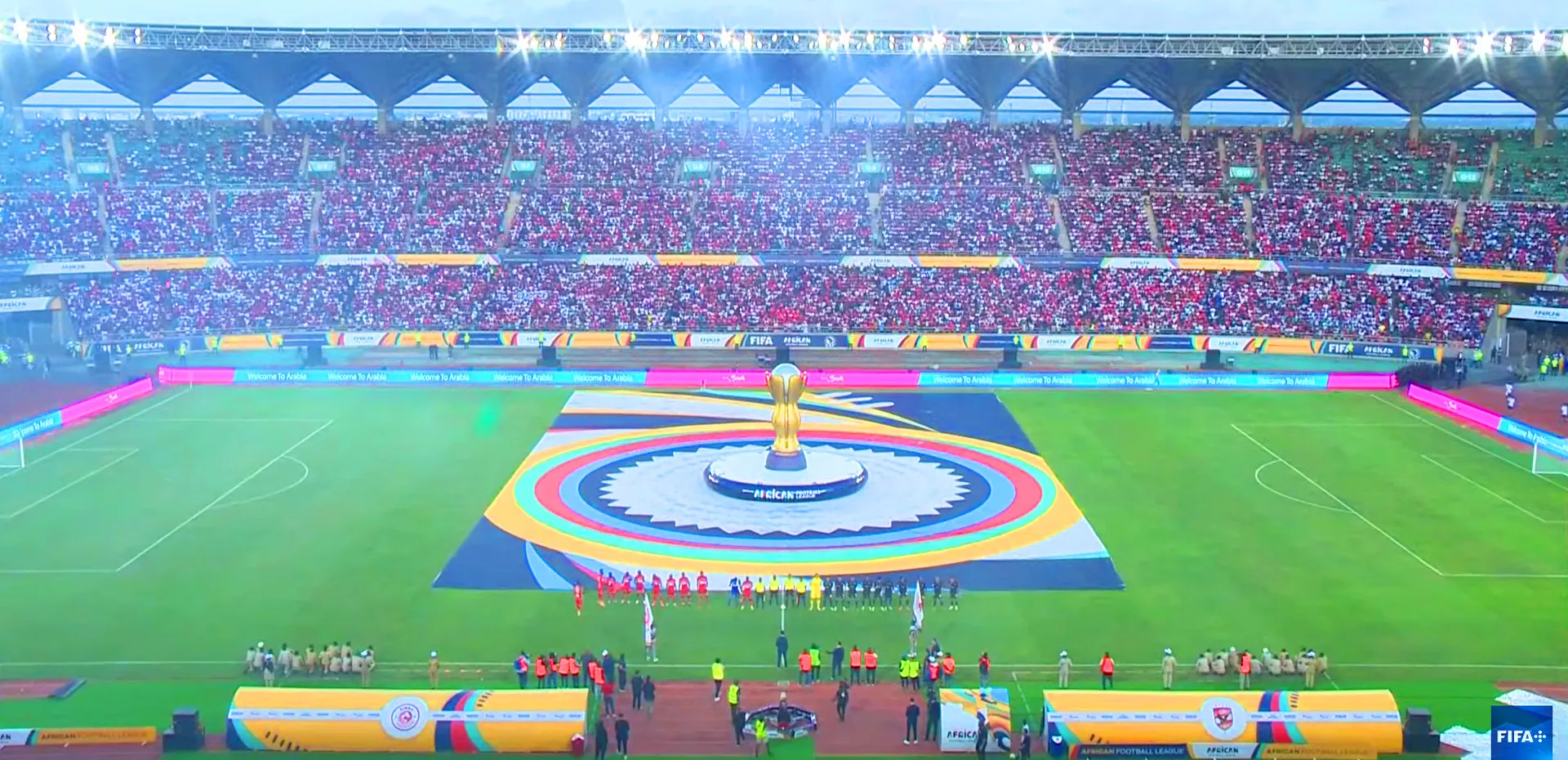

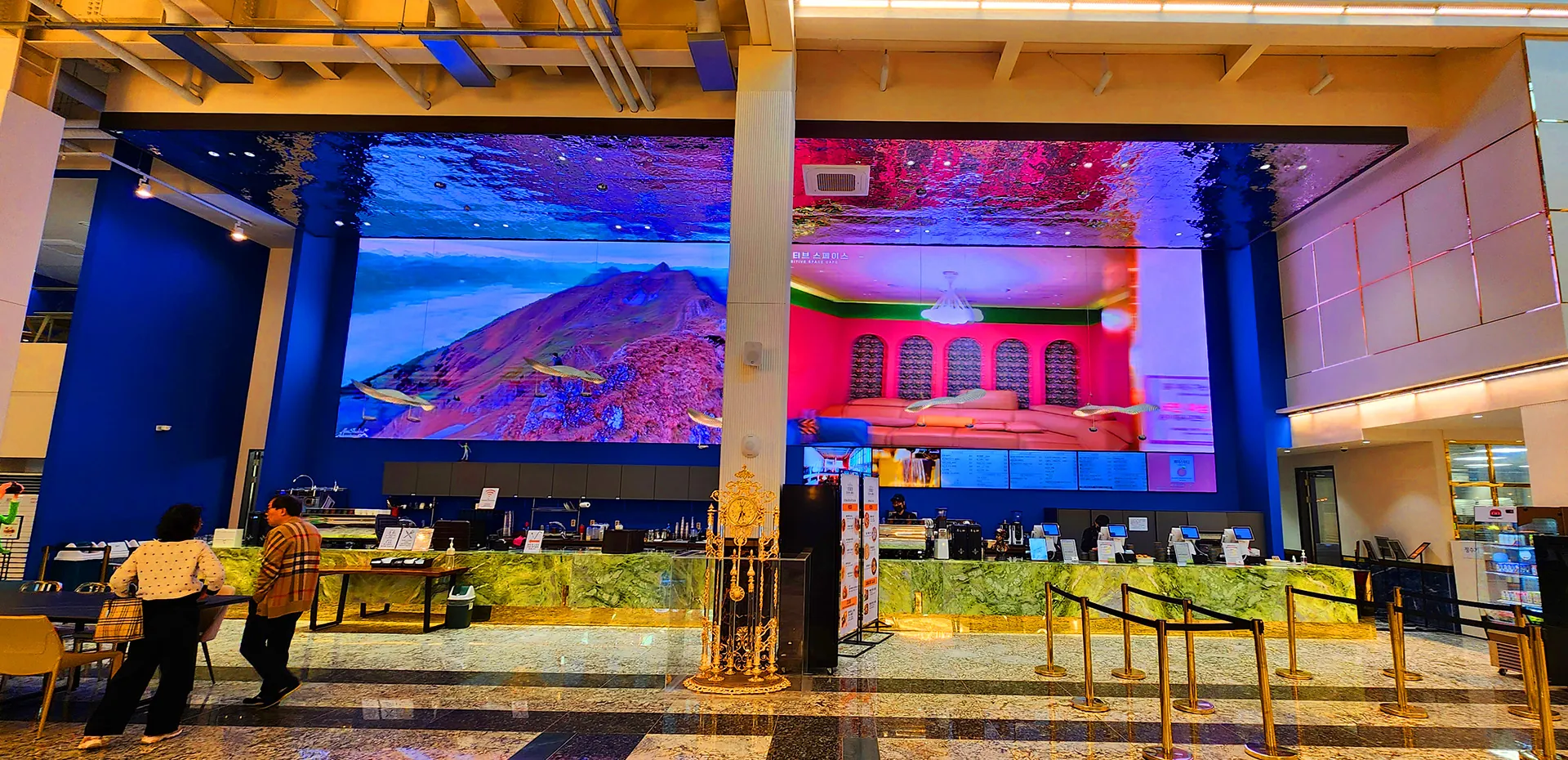
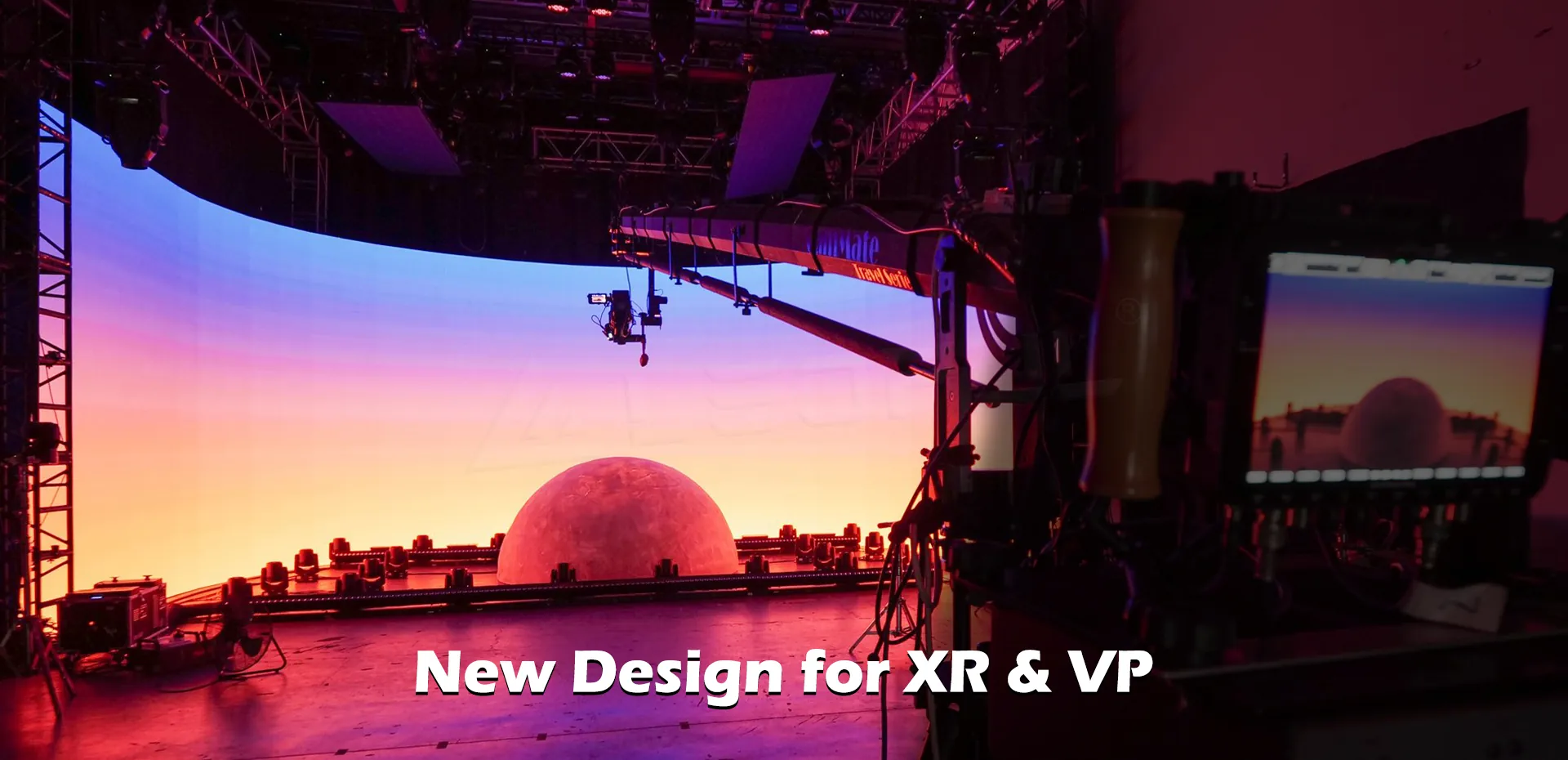



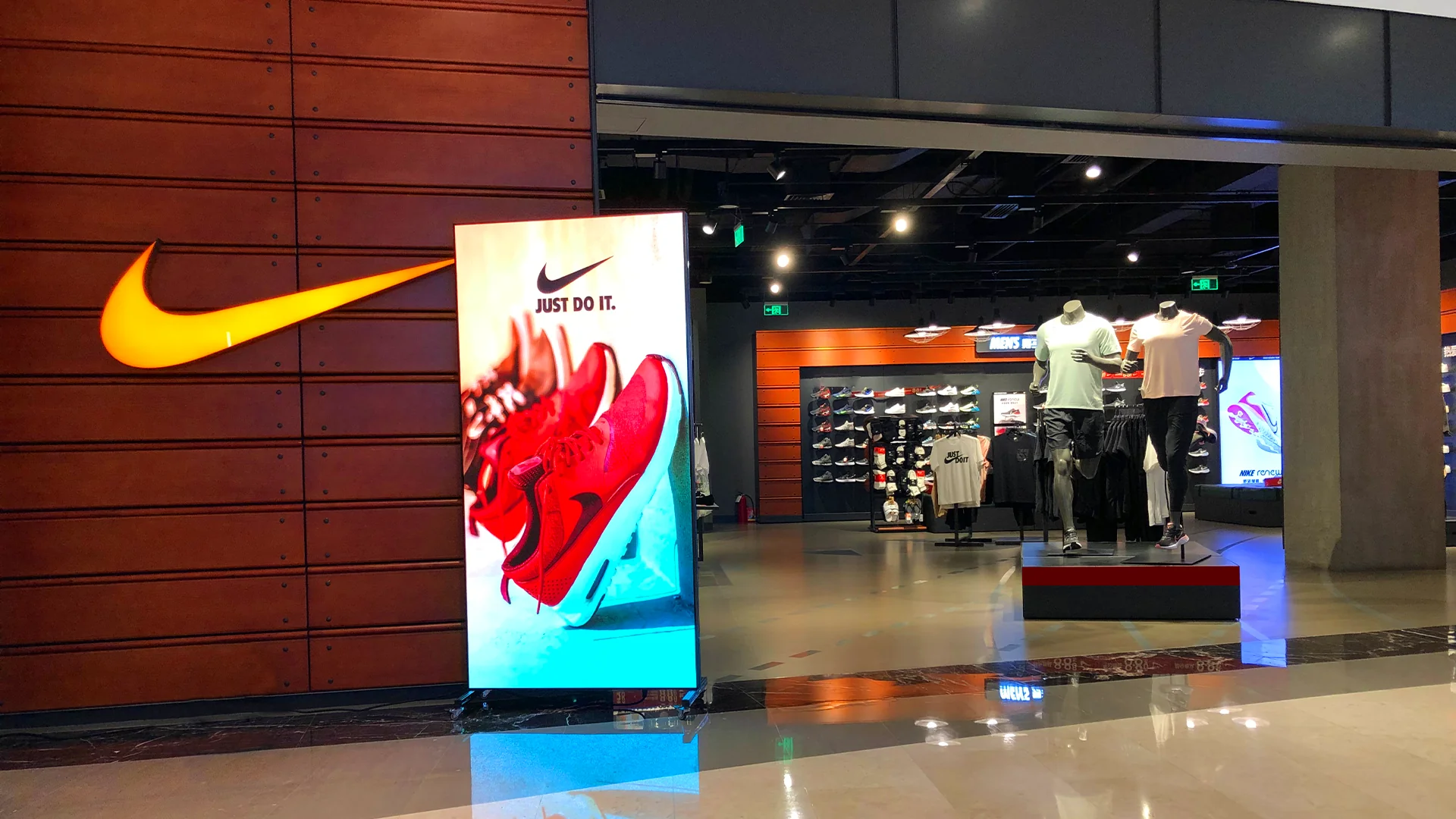
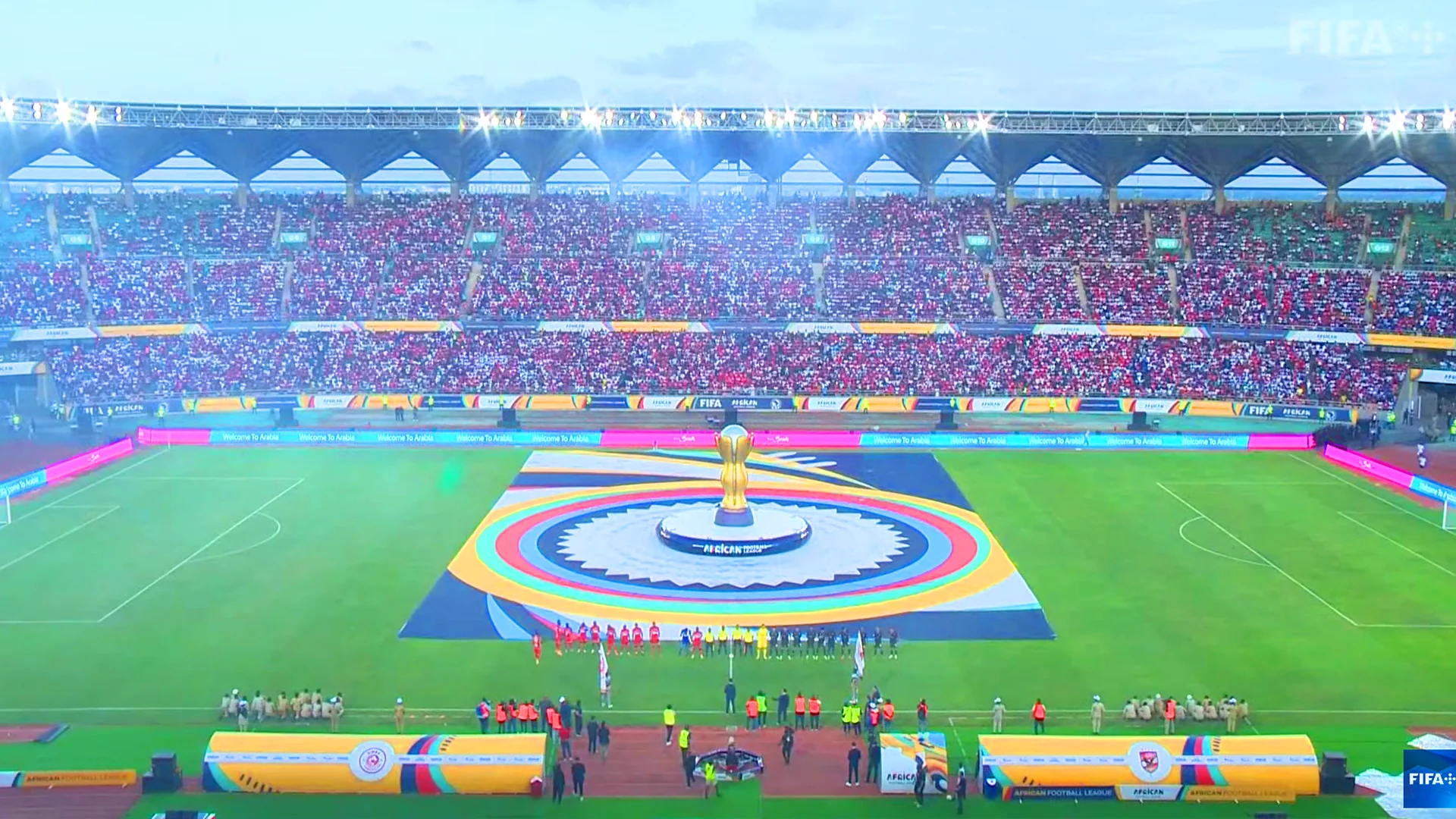
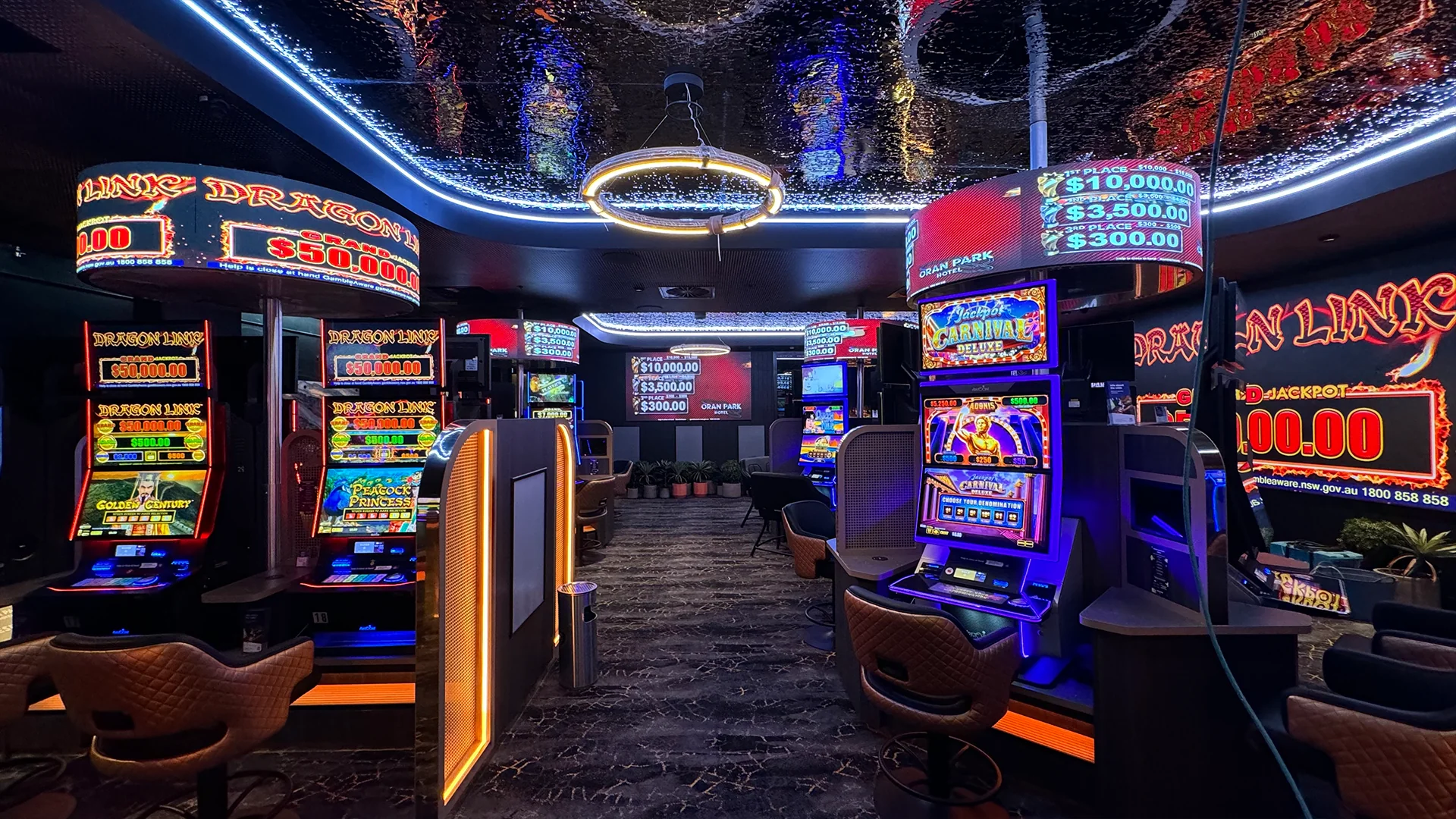

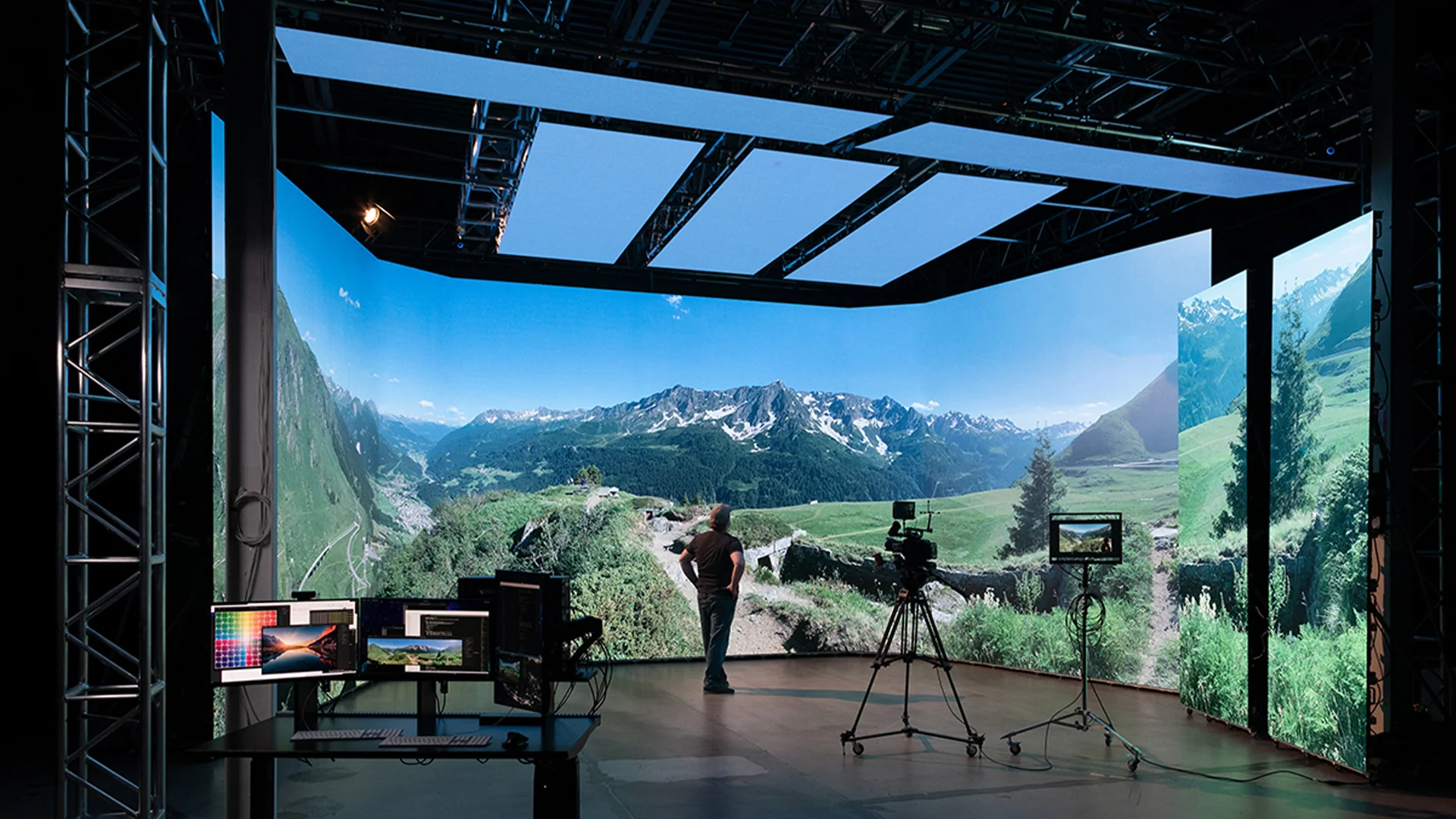







LED displays are widely used in advertising, retail stores, conference rooms, stadiums, and outdoor media. However, many businesses ignore one critical factor after installation: proper LED display maintenance.
Without regular cleaning and preventive maintenance, dust, humidity, and heat can gradually reduce screen brightness, image quality, and overall lifespan.
This guide explains how to properly clean LED displays and maintain long-term screen performance while reducing repair costs.
Why LED Display Maintenance Is Important
Commercial LED displays are long-term investments. Proper maintenance helps ensure stable operation and protects display performance.
Benefits of Regular LED Screen Cleaning
- Maintain high brightness levels
- Improve image quality consistency
- Reduce overheating risks
- Prevent dead pixels
- Extend display lifespan
- Lower maintenance costs
- Improve waterproof reliability
A well-maintained commercial LED display can operate for over 100,000 hours.

Common Causes of LED Display Damage
| Cause | Impact on LED Display |
| Dust accumulation | Reduced brightness & heat buildup |
| Humidity | Short circuits & corrosion |
| Poor ventilation | Overheating problems |
| Improper cleaning chemicals | Surface damage |
| Static electricity | LED chip damage |
| Physical impact | Module failure |
Outdoor LED displays are especially vulnerable to environmental factors.
Recommended Tools for Cleaning LED Displays
Safe Cleaning Tools
Professional LED display cleaning should use:
- Microfiber cloth
- Anti-static soft brush
- Compressed air blower
- Neutral screen cleaning solution
- Anti-static gloves
These tools help protect LED lamp beads and module surfaces.
Cleaning Tools to Avoid
| Avoid | Why It Is Dangerous |
| Alcohol-based cleaners | Can damage protective coating |
| Hard brushes | May scratch LED surface |
| Excessive water | Risk of short circuit |
| Strong chemicals | Corrosion risk |
| High-pressure washing | Module damage |
Using incorrect cleaning methods can permanently damage LED modules.
Step-by-Step LED Display Cleaning Process
Step 1: Turn Off the Power Supply
Always disconnect the LED display from power before cleaning.
This helps prevent:
- Electrical accidents
- Short circuits
- Static damage
Safety should always be the first priority.
Step 2: Remove Dust Carefully
Use compressed air or an anti-static soft brush to remove loose dust particles.
Pay attention to:
- Cabinet ventilation areas
- Power connection zones
- Module gaps
- Cooling fans
Dust accumulation reduces heat dissipation efficiency.
Step 3: Clean the LED Screen Surface
Use a microfiber cloth with a small amount of neutral cleaning solution.
Important cleaning rules:
- Never spray liquid directly onto the screen
- Avoid excessive pressure
- Wipe in one direction
- Do not use rough materials
Proper cleaning helps maintain screen brightness and image clarity.
Step 4: Inspect LED Modules and Connections
After cleaning, inspect:
- Loose cables
- Water ingress
- Dead pixels
- Abnormal brightness
- Signal instability
Early inspection can prevent expensive future repairs.
Indoor vs Outdoor LED Screen Maintenance
| Feature | Indoor LED Display | Outdoor LED Display |
| Dust Exposure | Lower | Higher |
| Waterproof Inspection | Moderate | Essential |
| Cleaning Frequency | Monthly | Every 2–4 Weeks |
| UV Exposure | Minimal | High |
| Environmental Risk | Lower | Higher |
Outdoor LED displays require more frequent inspections and cleaning.
How Often Should You Clean an LED Display?
Recommended Cleaning Schedule
| Environment | Cleaning Frequency |
| Shopping malls | Every 1–2 months |
| Outdoor billboards | Every 2–4 weeks |
| Rental LED screens | After each event |
| Dusty industrial areas | Weekly inspection |
| Conference room LED walls | Monthly |
Environmental conditions determine cleaning frequency.
Professional Tips to Extend LED Display Lifespan
1. Maintain Proper Ventilation
Heat is one of the biggest causes of LED aging.
Ensure:
- Cooling systems work properly
- Ventilation holes remain clean
- Air circulation is stable
2. Use Stable Power Supply
Voltage fluctuations may damage:
- Driver ICs
- Power supplies
- LED modules
Professional voltage protection systems are highly recommended.
3. Avoid Long-Term Static Images
Static content may cause uneven aging or image retention.
Using dynamic content helps improve screen lifespan.
4. Control Environmental Humidity
Humidity can lead to:
- Corrosion
- Short circuits
- Internal condensation
Especially important for outdoor LED screens.
5. Schedule Preventive Maintenance
Professional inspections help identify:
- Module aging
- Waterproof failure
- Power instability
- Cooling issues
Preventive maintenance reduces long-term repair costs.
Signs Your LED Display Needs Maintenance
You should inspect the LED display immediately if you notice:
- Flickering modules
- Brightness inconsistency
- Dead pixels
- Color distortion
- Water condensation
- Overheating
- Signal interruptions
Ignoring these issues may lead to major failures.
Why Professional LED Display Maintenance Matters
Large commercial LED displays require professional maintenance to ensure long-term stability.
Professional services include:
- Waterproof testing
- Calibration optimization
- Signal diagnosis
- Module replacement
- Power system inspection
Professional maintenance improves reliability and reduces downtime.
Why Choose LEDFUL LED Display Solutions
LEDFUL specializes in high-quality commercial LED display solutions for indoor and outdoor applications.
LEDFUL Advantages
- High-stability LED modules
- Energy-efficient design
- Easy front and rear maintenance
- Professional waterproof protection
- High refresh rate technology
- Global project experience in 116+ countries
LEDFUL provides reliable LED display solutions for retail, advertising, events, and commercial applications worldwide.
FAQ About LED Display Cleaning and Maintenance
How do you clean an LED display safely?
Use a microfiber cloth, anti-static brush, and neutral cleaning solution. Always disconnect the power supply before cleaning.
Can water damage an LED screen?
Yes. Excessive moisture or direct water exposure may cause short circuits and permanent module damage.
How often should LED displays be cleaned?
Indoor LED displays should usually be cleaned every 1–2 months, while outdoor LED billboards may require cleaning every 2–4 weeks.
What chemicals should not be used on LED screens?
Avoid alcohol-based cleaners, strong solvents, and corrosive chemicals because they may damage LED surfaces and protective coatings.
How can I extend the lifespan of an LED display?
Regular cleaning, stable power supply, proper ventilation, and preventive maintenance can significantly extend LED display lifespan.
Why is my LED display losing brightness?
Brightness reduction may be caused by dust accumulation, LED aging, overheating, or unstable power supply.
What is the average lifespan of a commercial LED display?
Most commercial LED displays can last between 80,000 and 100,000 hours under proper operating conditions.
Conclusion
Proper LED display cleaning and maintenance are essential for maximizing screen lifespan and maintaining excellent visual performance.
Regular preventive maintenance not only reduces repair costs but also protects long-term investment value.
Whether for retail stores, outdoor advertising, or conference rooms, professional maintenance ensures stable LED display performance for years.
Contact LEDFUL
Email: Sales@ledful.com
Website: www.ledful.com
Tel/WhatsApp/WeChat: +86 13530172435