


















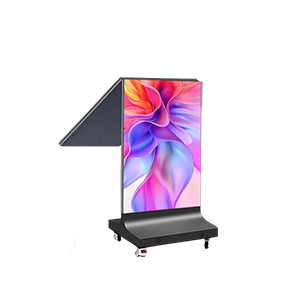
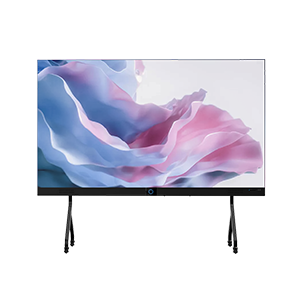


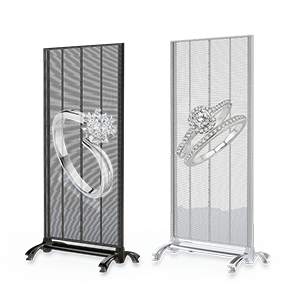
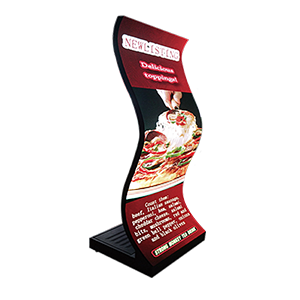



















Brightness is one of the most important factors when selecting an LED display, yet it is also one of the most misunderstood.
Many buyers assume that higher brightness always means better performance. Others simply compare numbers such as 1000 nits, 3000 nits, or 5000 nits without understanding how brightness affects visibility, energy consumption, and viewing comfort.
In reality, the ideal brightness depends on where and how the LED screen will be used.
A conference room display does not require the same brightness as an outdoor digital billboard. Likewise, choosing a screen that is brighter than necessary can increase power consumption and reduce visual comfort without providing any practical benefit.
This guide explains what LED screen brightness means, compares the most common brightness levels, and helps you select the right LED display for your application.
Quick Answer: How Many Nits Do You Need?
If you’re looking for a quick recommendation:
| Application | Recommended Brightness |
| Conference Room | 600–1000 nits |
| Meeting Room | 800–1200 nits |
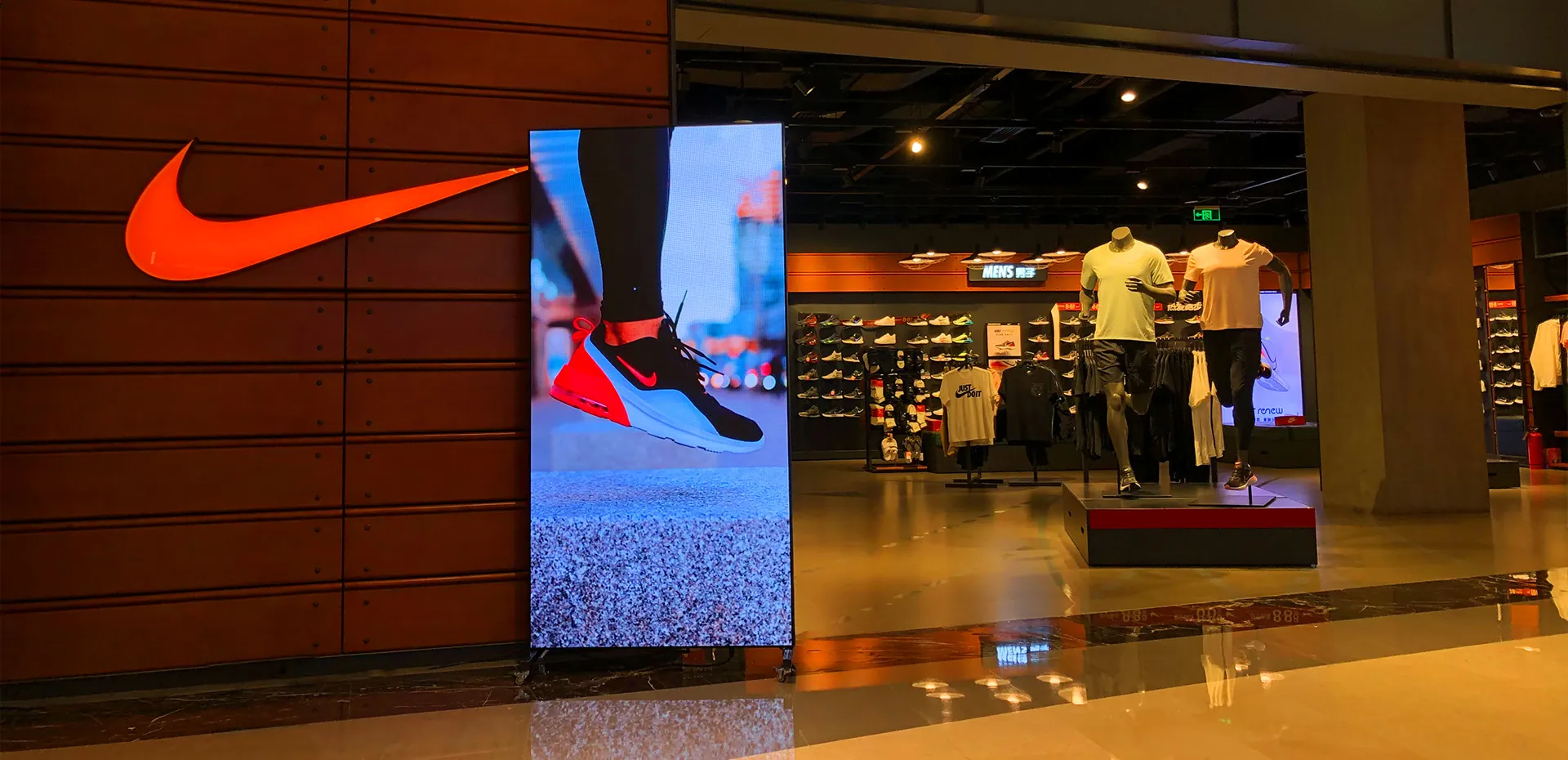
| Retail Store | 1000–2000 nits |
| Shopping Mall | 2000–3000 nits |
| Airport & Transportation Hub | 2500–3500 nits |
| Semi-Outdoor | 3000–4500 nits |
| Outdoor Advertising | 5000–7000 nits |
| Direct Sunlight Installation | 7000–10000 nits |
In most indoor commercial applications, 1000 nits is sufficient. For outdoor LED displays exposed to direct sunlight, 5000 nits or higher is generally recommended.
What Is LED Screen Brightness?
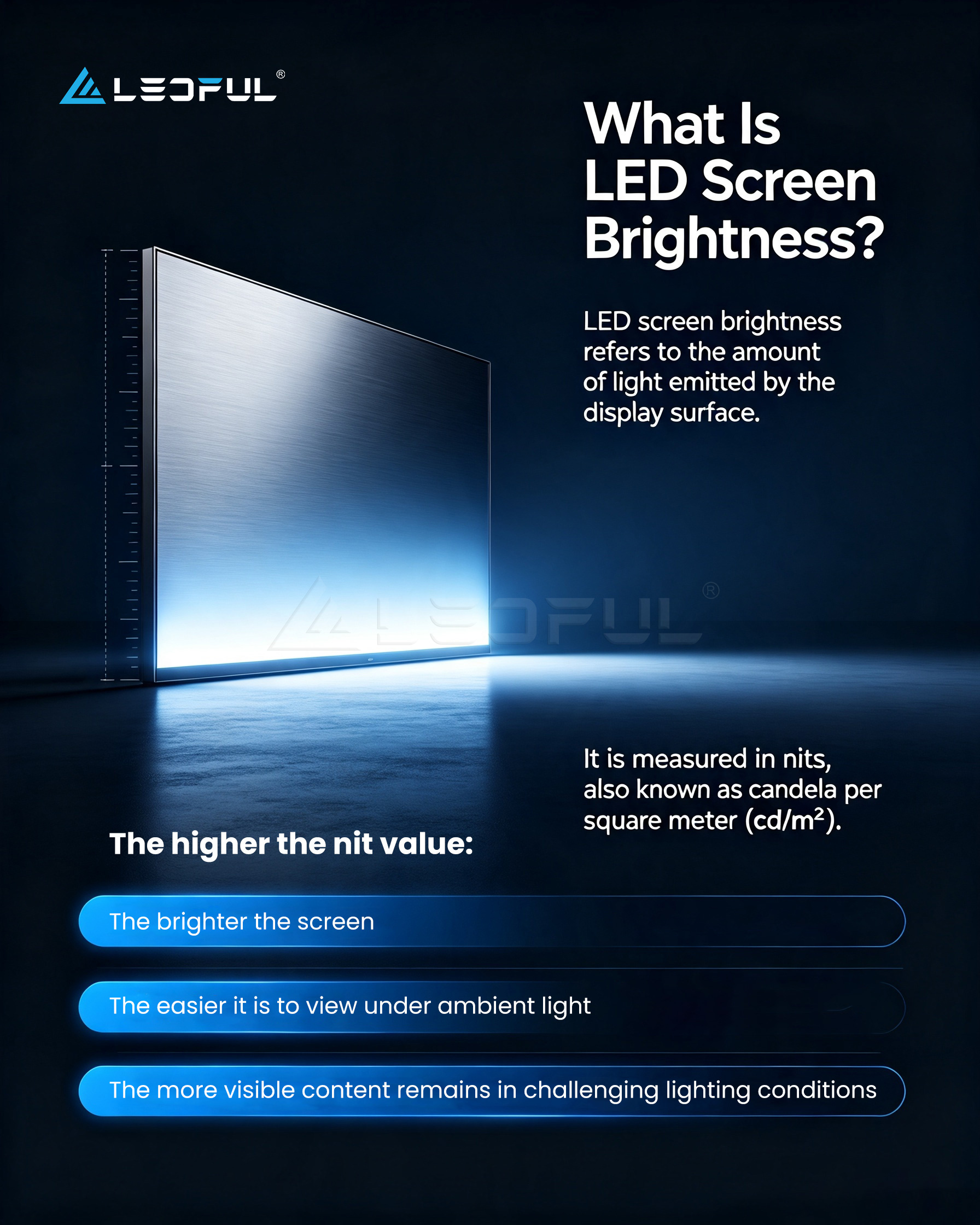
LED screen brightness refers to the amount of light emitted by the display surface.
It is measured in nits, also known as candela per square meter (cd/m²).
The higher the nit value:
- The brighter the screen
- The easier it is to view under ambient light
- The more visible content remains in challenging lighting conditions
However, brightness should always be matched to the installation environment.
Too little brightness can make content difficult to read, while excessive brightness may create glare, increase energy consumption, and reduce viewing comfort.
Why Brightness Matters
Brightness directly affects:
- Visibility
- Image clarity
- Color performance
- Readability
- User experience
For commercial applications, sufficient brightness helps ensure that advertising messages, presentations, and digital signage remain clear throughout the day.
Understanding Common Brightness Levels
1000 Nits
1000 nits is the standard brightness level for many indoor LED displays.
Typical applications include:
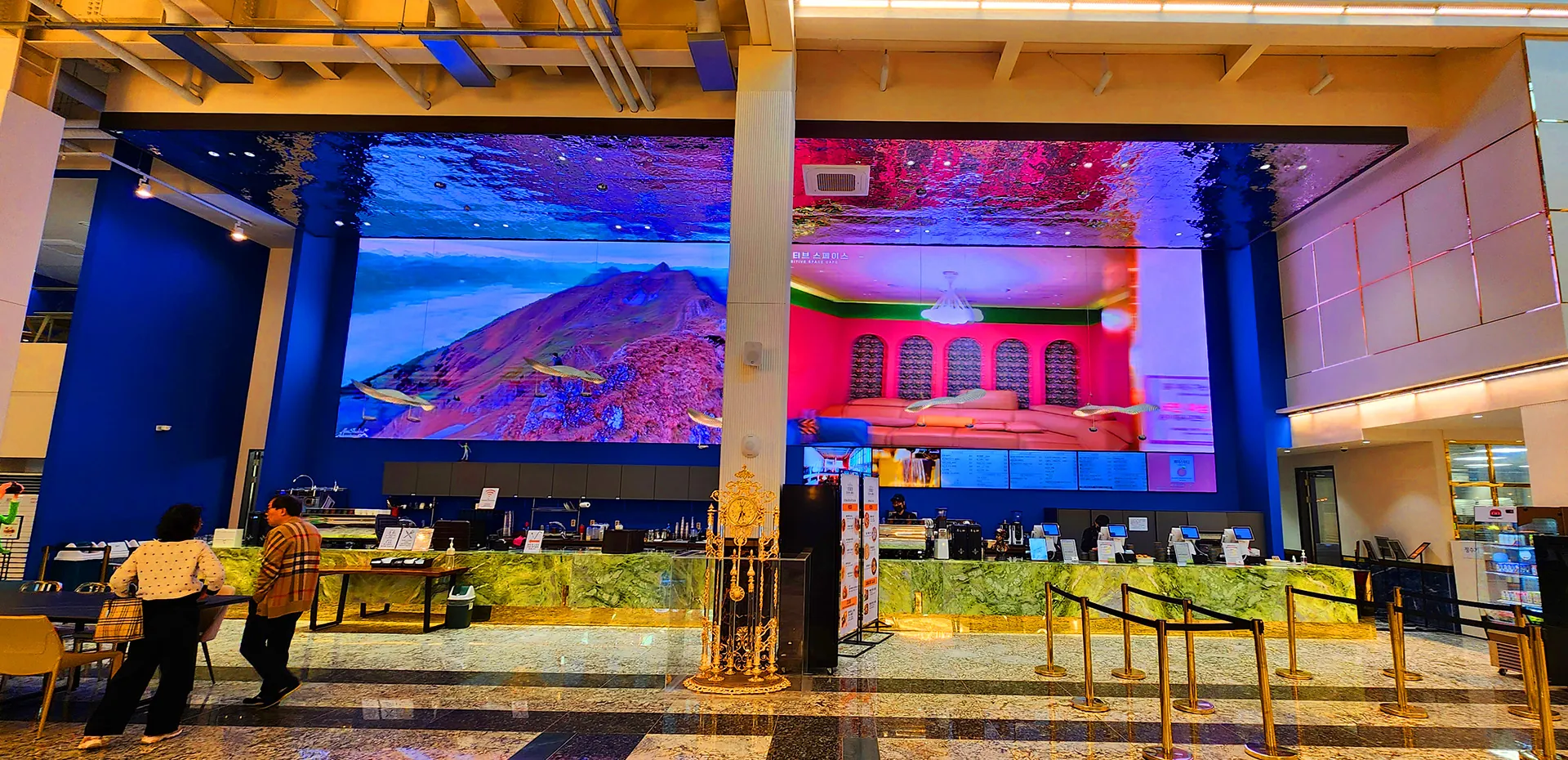
- Conference rooms
- Corporate meeting spaces
- Boardrooms
- Educational facilities
- Museums
Advantages
- Comfortable viewing
- Excellent indoor image quality
- Lower power consumption
- Long operating life
Limitations
- Not suitable for direct sunlight
- May appear washed out near large glass windows with strong daylight
3000 Nits
3000 nits provides significantly higher brightness and is suitable for environments with strong ambient lighting.
Typical applications include:
- Retail storefronts
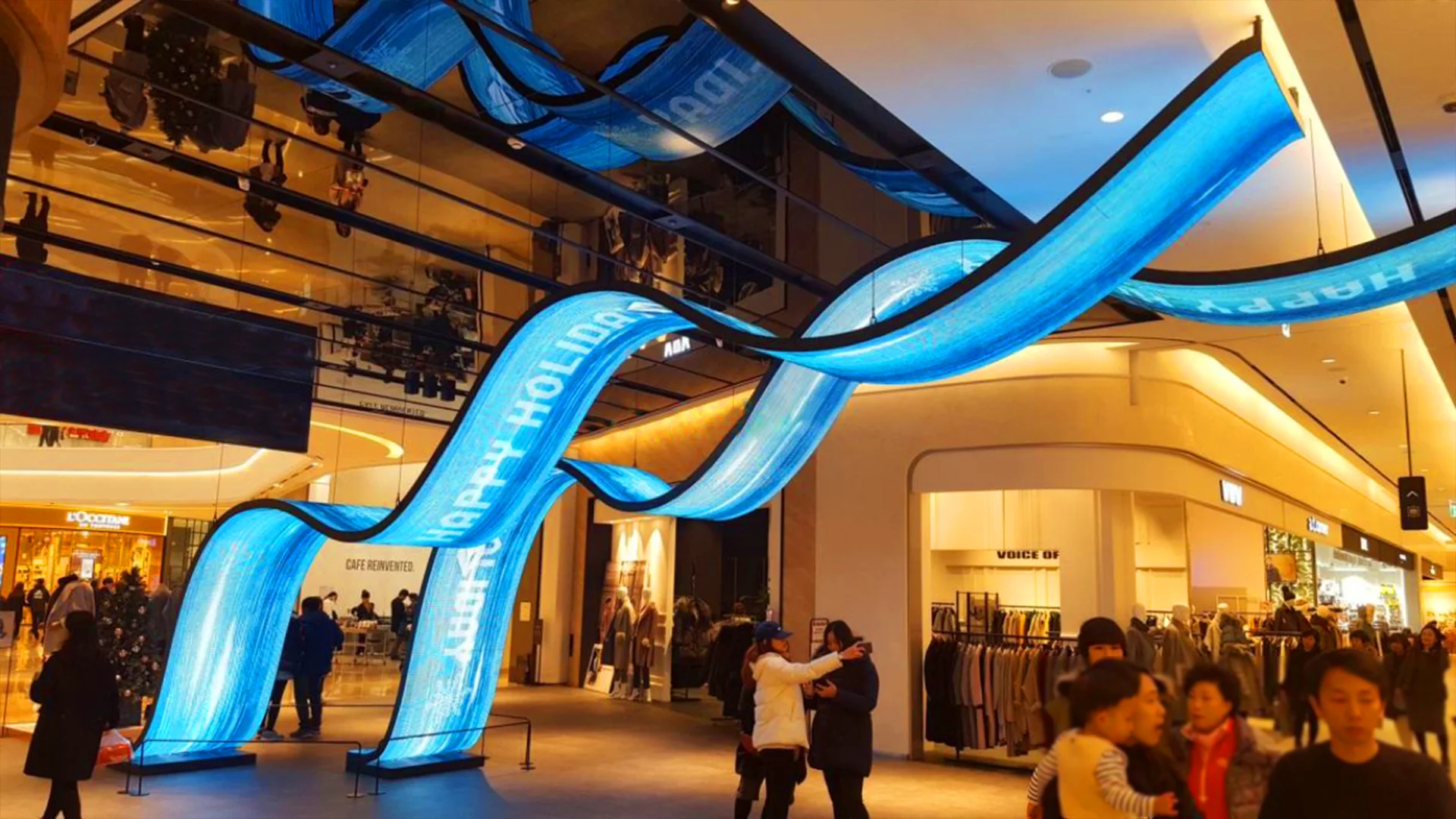
- Shopping malls
- Airports
- Hotel lobbies
- Large commercial spaces
Advantages
- Excellent visibility under indoor daylight
- Better color performance in bright spaces
- Suitable for semi-outdoor environments
Limitations
- Higher energy consumption than standard indoor displays
- May be unnecessarily bright for small meeting rooms
5000 Nits
5000 nits is commonly used for outdoor LED displays.
Typical applications include:
- Outdoor advertising
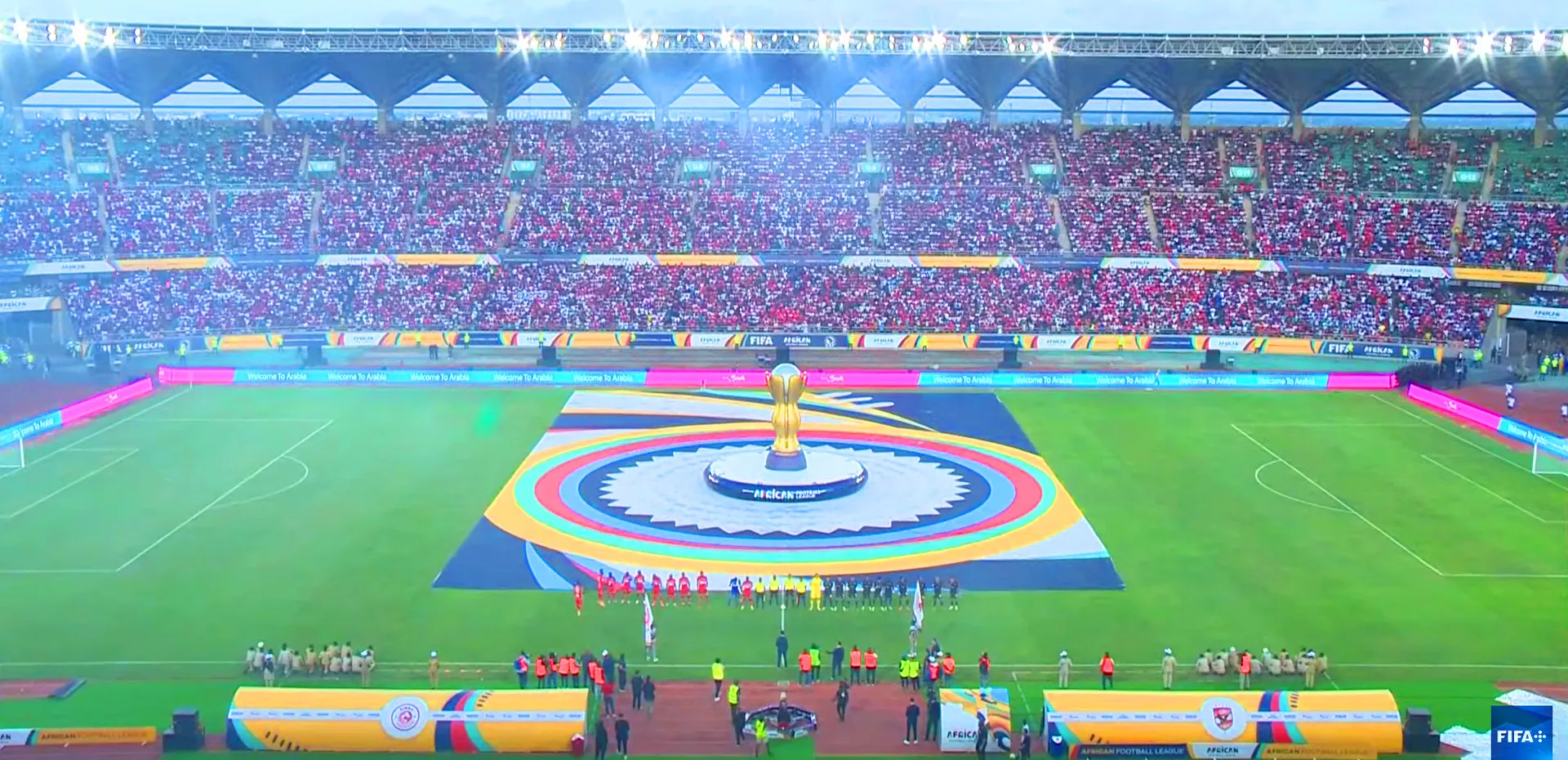
- Stadiums
- Transportation hubs
- Building facades
- Digital billboards
Advantages
- Excellent visibility under direct sunlight
- High contrast during daytime
- Suitable for all-weather operation
Limitations
- Higher initial investment
- Increased power requirements
- Not recommended for close-range indoor viewing
Brightness Comparison Table
| Brightness | Typical Environment | Visibility | Energy Consumption |
| 1000 Nits | Indoor | Excellent | Low |
| 3000 Nits | Bright Indoor / Semi-Outdoor | Excellent | Medium |
| 5000 Nits | Outdoor | Excellent | Higher |
| 7000–10000 Nits | Direct Sunlight | Outstanding | Highest |
How to Choose the Right Brightness
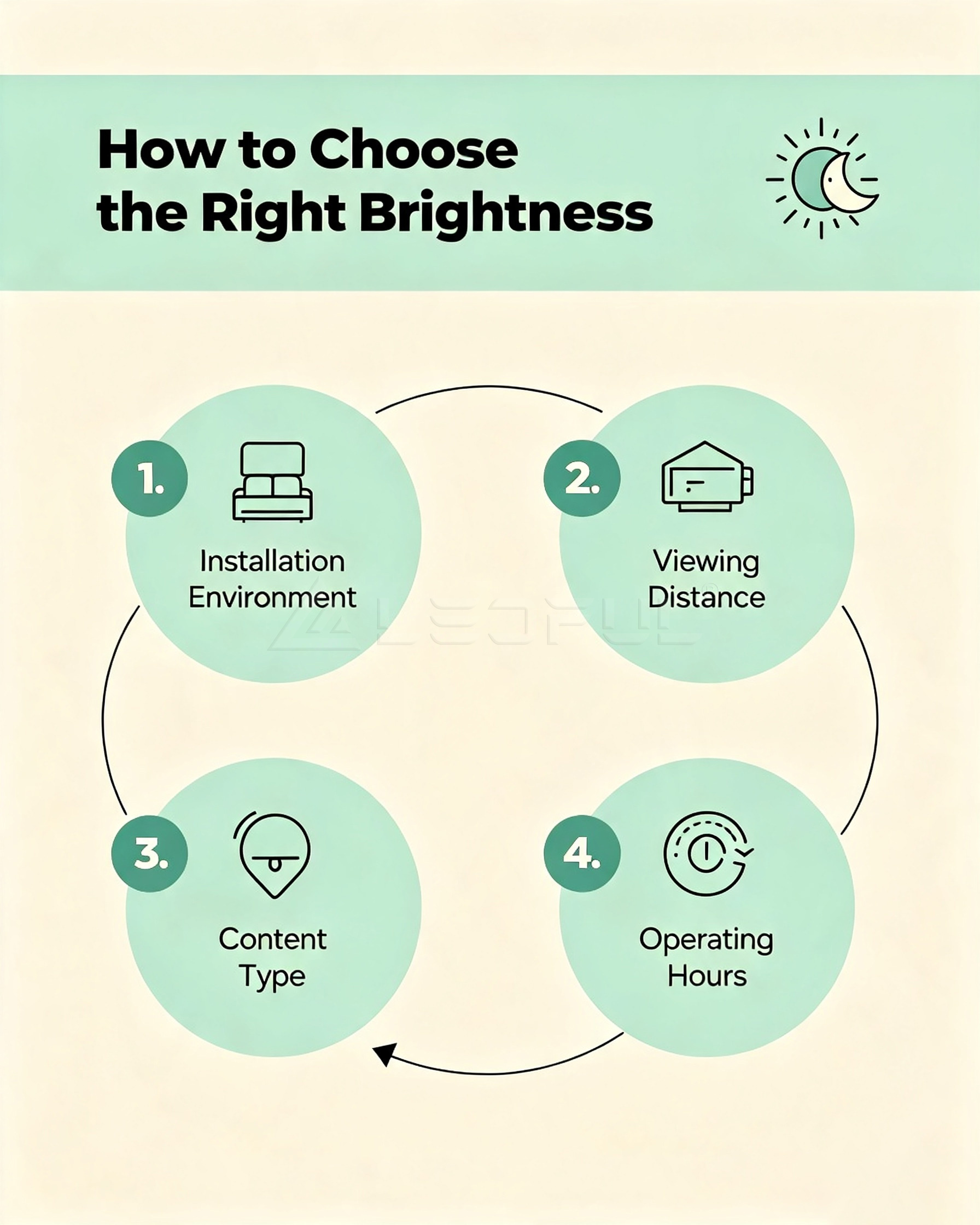
Choosing the right brightness depends on several factors.
1. Installation Environment
Ask yourself:
- Is the display installed indoors or outdoors?
- Will it receive direct sunlight?
- Is there strong ambient lighting?
The brighter the surrounding environment, the higher the brightness requirement.
2. Viewing Distance
Brightness and viewing distance work together.
For close viewing:
- Extremely high brightness is usually unnecessary.
- Moderate brightness provides a more comfortable experience.
For long-distance viewing:
Higher brightness helps improve visibility and maintain image quality.
3. Content Type
The type of content displayed also influences brightness selection.
Presentation Slides
Lower brightness is often sufficient.
Advertising Videos
Higher brightness enhances color impact and attracts attention.
Digital Signage
Balanced brightness helps maintain readability throughout the day.
4. Operating Hours
If the display operates:
- 8 hours/day
- 12 hours/day
- 24/7
energy efficiency becomes increasingly important.
Modern LED displays often include automatic brightness adjustment, allowing the screen to reduce brightness at night and increase it during the day. This not only improves viewing comfort but also helps reduce energy consumption and extend the lifespan of LED components.
Indoor vs Outdoor LED Screen Brightness
One of the most common mistakes buyers make is applying indoor brightness standards to outdoor projects.
Indoor and outdoor LED displays operate in completely different lighting environments, so their brightness requirements are significantly different.
| Installation Environment | Recommended Brightness | Notes |
| Small Meeting Room | 600–800 nits | Comfortable for close viewing |
| Conference Room | 800–1200 nits | Ideal for presentations and video conferences |
| Corporate Lobby | 1000–1500 nits | Handles indoor ambient lighting well |
| Retail Store | 1200–2000 nits | Maintains visibility near storefront windows |
| Shopping Mall | 2000–3000 nits | Suitable for large commercial spaces |
| Airport / Railway Station | 2500–3500 nits | High visibility throughout the day |
| Semi-Outdoor Area | 3000–4500 nits | Covered entrances or transportation hubs |
| Outdoor Billboard | 5000–7000 nits | Performs well under direct sunlight |
| Stadium & Highway Display | 7000–10000 nits | Maximum daytime visibility |
Tip: Choosing a brightness level that matches the environment improves visibility while avoiding unnecessary energy consumption.
Brightness vs Power Consumption
Higher brightness generally requires more power because the LEDs emit more light.
However, modern LED displays use advanced driving technologies to improve energy efficiency.
| Brightness Level | Relative Power Consumption | Typical Application |
| 1000 Nits | Low | Indoor commercial displays |
| 3000 Nits | Medium | Retail and semi-outdoor |
| 5000 Nits | Medium–High | Outdoor advertising |
| 7000+ Nits | High | High-exposure outdoor installations |
When comparing products, ask not only about maximum brightness, but also:
- Average operating power consumption
- Energy-saving mode
- Automatic brightness adjustment
- Heat dissipation efficiency
These factors have a direct impact on operating costs.
Does Higher Brightness Always Mean Better?
No.
This is one of the biggest misconceptions in LED display selection.
A screen that is too bright for its environment can actually reduce viewing comfort.
For example:
Conference Room
A 5000-nit display installed in a small meeting room may create glare and visual fatigue.
A 1000-nit fine-pitch LED display typically delivers a more comfortable viewing experience.
Outdoor Advertising
Conversely, installing a 1000-nit display outdoors may result in poor visibility under sunlight.
In this scenario, 5000–7000 nits is a much more appropriate choice.
The goal is appropriate brightness, not simply the highest specification.
Smart Brightness Adjustment
Modern commercial LED displays increasingly include automatic brightness control.
Using built-in ambient light sensors, the display can adjust brightness throughout the day.
Daytime
- Higher brightness
- Better sunlight visibility
Evening
- Reduced brightness
- Improved viewing comfort
- Lower power consumption
Benefits
- Energy savings
- Longer LED lifespan
- Reduced operating costs
- Better user experience
For 24/7 digital signage, this feature can significantly improve overall efficiency.
Recommended Brightness by Industry
Different industries have different viewing environments and user expectations.
| Industry | Recommended Brightness |
| Corporate Conference Rooms | 800–1200 nits |
| Education | 800–1200 nits |
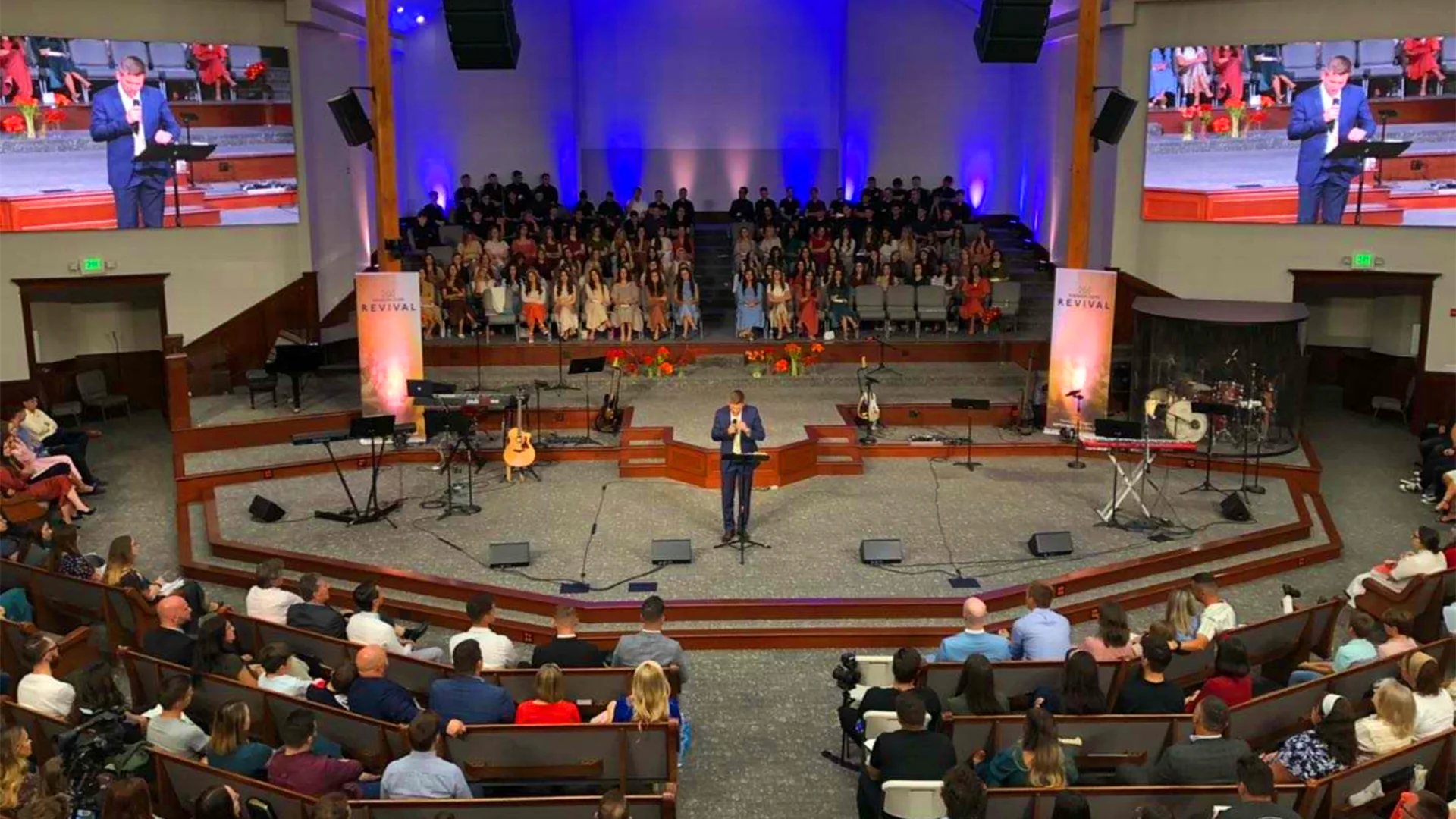
| Churches | 1200–2000 nits |
| Museums | 800–1200 nits |
| Retail Stores | 1500–2500 nits |
| Shopping Malls | 2000–3000 nits |
| Hotels | 1200–2000 nits |
| Airports | 2500–3500 nits |
| Exhibition Booths | 1500–3000 nits |
| Outdoor Advertising | 5000–7000 nits |
| Stadiums | 6000–10000 nits |
Common Mistakes When Choosing LED Screen Brightness
Avoid these common purchasing mistakes:
Choosing Based Only on Maximum Brightness
The highest brightness is not always the best solution. Select brightness according to the installation environment.
Ignoring Ambient Light
Natural sunlight, glass walls, and indoor lighting all affect perceived brightness.
A site survey should be completed before selecting an LED display.
Overlooking Energy Consumption
Higher brightness generally means higher operating costs.
Energy-efficient LED technology can help reduce long-term expenses.
Forgetting Automatic Brightness Control
Displays with intelligent brightness adjustment provide:
- Better user experience
- Lower electricity costs
- Longer component lifespan
Prioritizing Brightness Over Image Quality
Brightness is only one part of display performance.
Other factors such as:
- Pixel pitch
- Contrast ratio
- Refresh rate
- Color calibration
- Gray scale performance
are equally important for delivering excellent image quality.
How LEDFUL Optimizes LED Screen Brightness
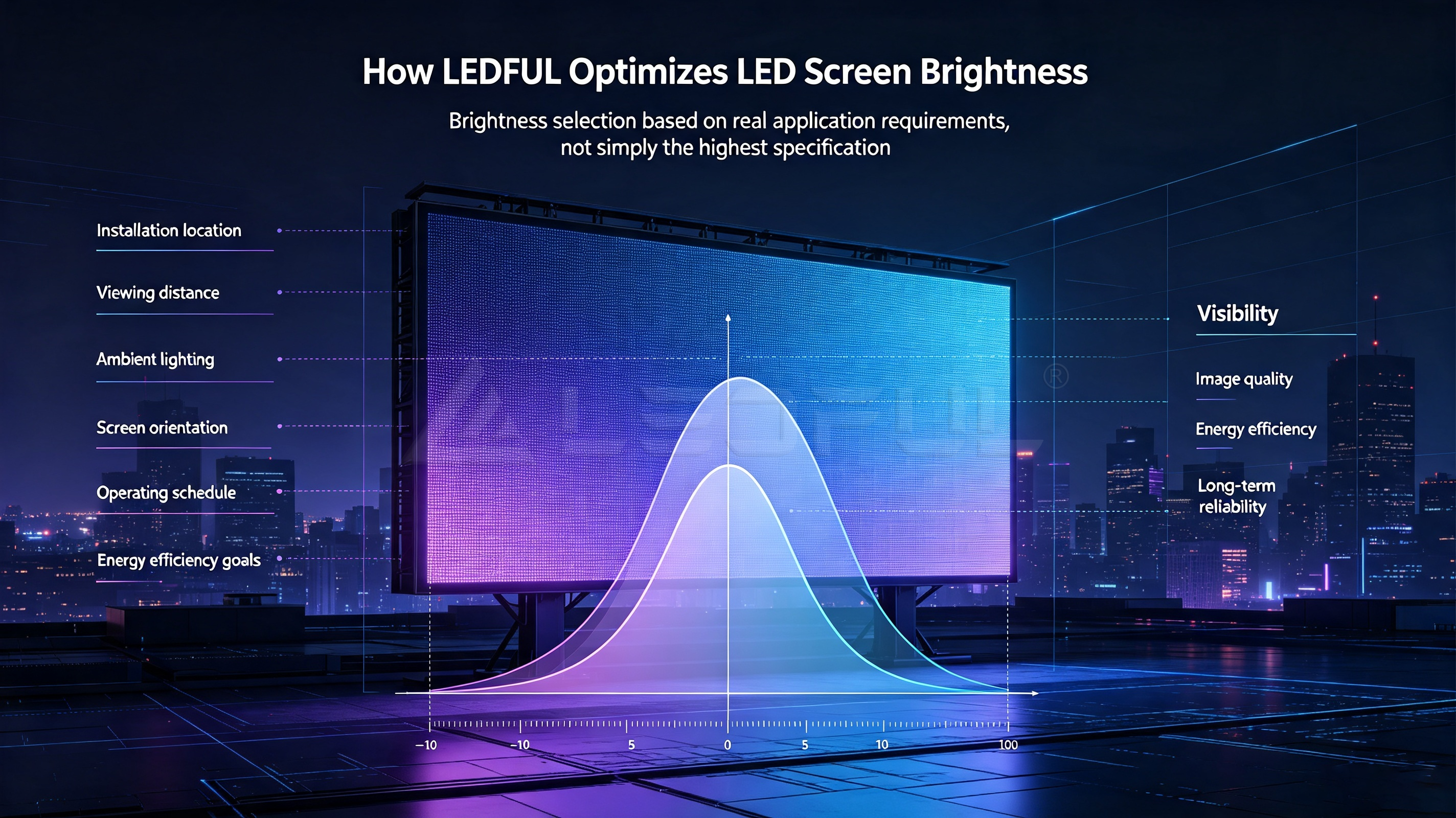
At LEDFUL, brightness selection is based on real application requirements, not simply the highest specification.
Our engineering team evaluates:
- Installation location
- Viewing distance
- Ambient lighting
- Screen orientation
- Operating schedule
- Energy efficiency goals
This ensures every LED display delivers the optimal balance of:
- Visibility
- Image quality
- Energy efficiency
- Long-term reliability
Whether it’s a conference room display, a retail LED wall, or a large outdoor digital billboard, LEDFUL provides customized brightness recommendations for every project.
Frequently Asked Questions (FAQ)
1. What is a nit in an LED display?
A nit (cd/m²) is the unit used to measure screen brightness. The higher the nit value, the brighter the display.
2. Is 1000 nits bright enough?
Yes. For most conference rooms, meeting spaces, and indoor commercial environments, 1000 nits provides excellent visibility.
3. Is 3000 nits suitable for indoor use?
Yes. It is ideal for bright indoor environments such as shopping malls, retail storefronts, and transportation hubs where ambient light is stronger.
4. Is 5000 nits enough for outdoor LED displays?
In most outdoor advertising applications, 5000 nits provides excellent daytime visibility. In areas with intense sunlight, higher brightness levels may be recommended.
5. Does higher brightness consume more electricity?
Generally, yes. However, modern LED displays use energy-saving technologies and automatic brightness adjustment to reduce overall power consumption.
6. Can brightness affect LED screen lifespan?
Running a display at maximum brightness continuously may increase heat generation. Intelligent brightness management helps extend the lifespan of LED components.
7. How do I choose the right brightness for my project?
Consider:
- Installation environment
- Ambient lighting
- Viewing distance
- Operating hours
- Content type
A professional LED supplier can recommend the most appropriate brightness level.
8. Is brightness more important than pixel pitch?
Both are important.
Brightness determines visibility, while pixel pitch determines image detail and viewing distance. The best LED display balances both factors.
Conclusion
Selecting the right LED screen brightness is about matching the display to its environment—not choosing the highest number available.
Indoor applications such as conference rooms and corporate spaces generally perform best with 800–1200 nits, while retail environments benefit from 1500–3000 nits. Outdoor digital signage, where sunlight is a constant challenge, typically requires 5000 nits or higher to maintain excellent visibility.
By understanding how brightness interacts with ambient light, viewing distance, and operating conditions, businesses can make smarter purchasing decisions, reduce long-term operating costs, and maximize the performance of their LED display investment.